Running your own AI model at home sounds technical. It isn't — you can be chatting with a private, offline AI in about five minutes with one free app. Here's exactly how.
Running your own AI model — a private, offline ChatGPT-style assistant on your own computer — sounds like something for engineers. It genuinely isn't anymore. With one free app, you can be chatting with a capable AI model that runs entirely on your PC, with no account, no subscription, and no data leaving your machine, in about five minutes. This is a real thing anyone can do in 2026, and it's the private, free alternative to cloud AI that more and more people are switching to. Here's exactly how, in plain steps, plus what hardware you actually need.
Step 1: pick your free app
You have two easy options, both free. **Ollama** is the simplest if you're comfortable typing one command — install it, and running a model is a single line. **LM Studio** is a friendly graphical app with a chat window and a model browser, ideal if you'd rather click than type. Both handle the complicated parts (downloading models, managing memory) for you, and both run on Windows, Mac, and Linux. For an absolute beginner who wants a familiar chat interface, start with LM Studio; if you like the command line, Ollama is even quicker. Under the hood they use the same proven engine, so you're not sacrificing capability either way.
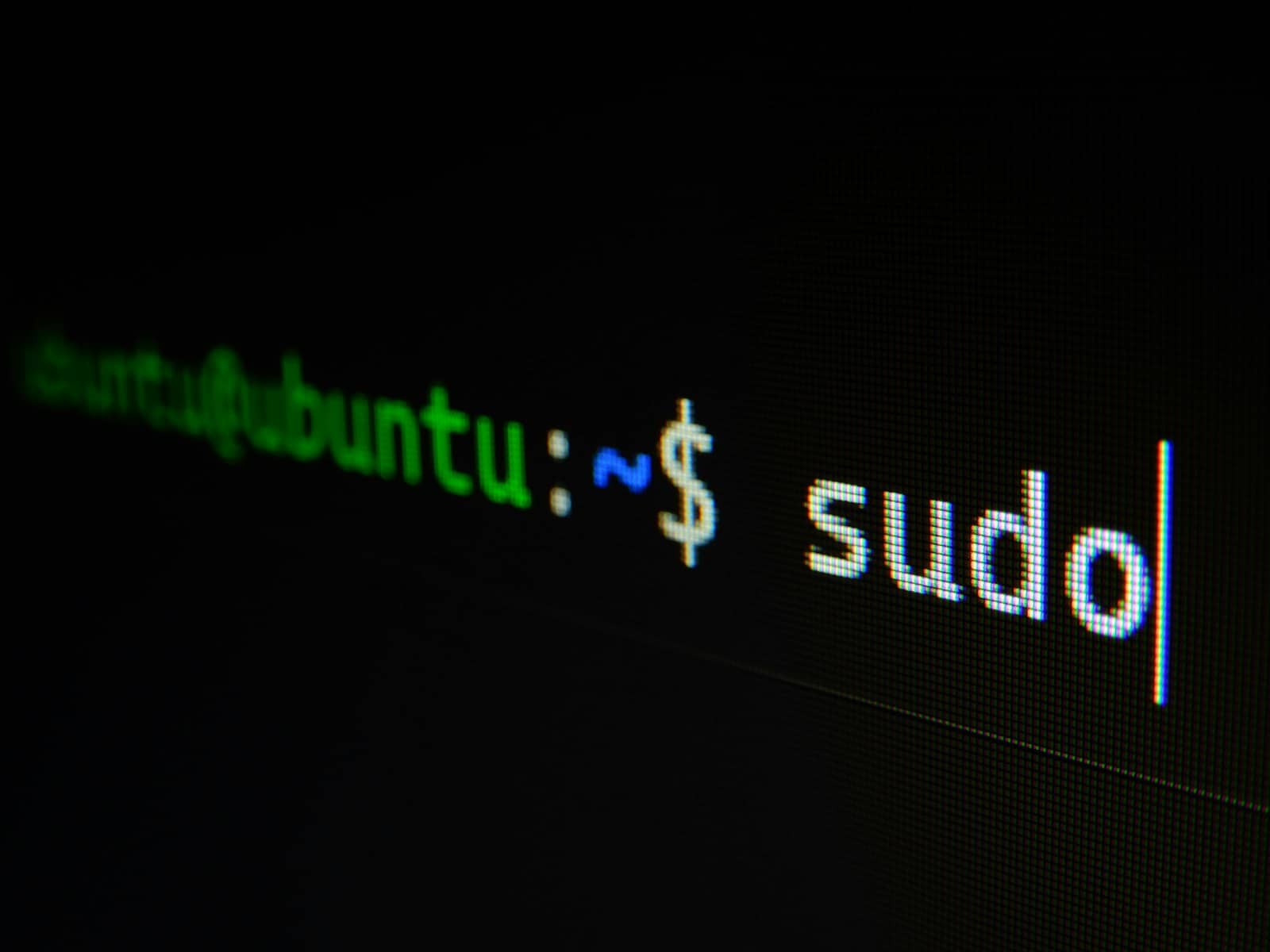
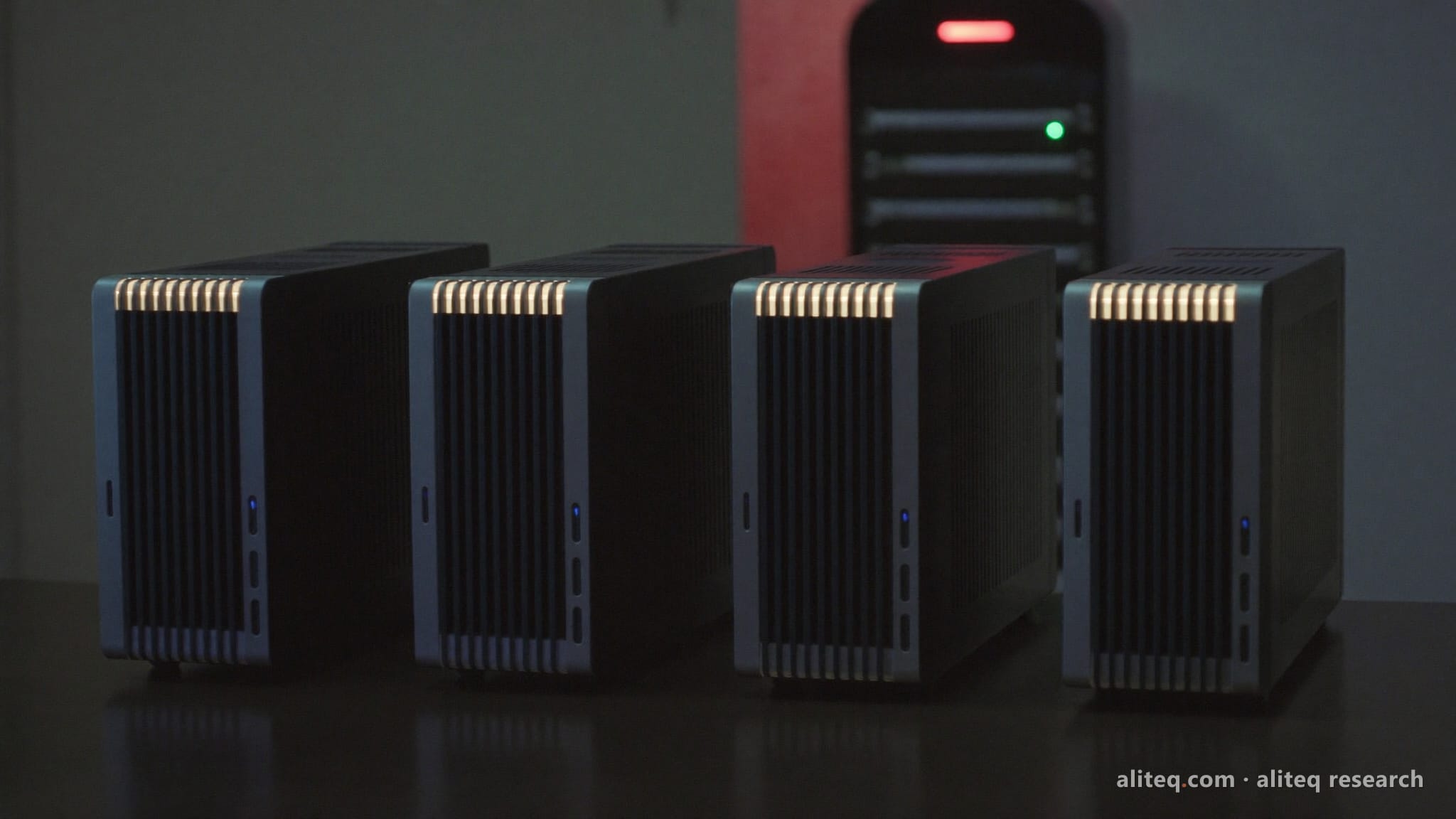
One free app, one command — a private AI running on your own machine in about five minutes. · Unsplash
Step 2: download and run a model
With the app installed, you download a model — the actual AI 'brain.' Good beginner choices are small, capable models like Llama 8B, Qwen3-8B, or Gemma 3, which run well on modest hardware. In Ollama it's literally one command; in LM Studio you browse and click. Here's the Ollama version:
# install Ollama from ollama.com, then run:
ollama run qwen3:8b

# that's it — it downloads the model the first time,
# then you're chatting. Type your question and press enter.
Step 3: know what your hardware can handle
The one thing that decides your experience is hardware, and the rule is simple: more memory means bigger, smarter models. A small 7–8B model runs on 8GB of RAM (slowly on CPU) or, much faster, on a GPU with 8GB of VRAM. A 16GB card runs the capable 14B tier; a 24GB card runs 32B models. If you're on a laptop, Apple Silicon Macs are great for this thanks to their unified memory. Start with a small model to confirm everything works, then try larger ones — the app will tell you if a model is too big for your machine. Don't overthink it: begin small, and scale up as you learn.
Quick answers
How do I run an AI model on my own computer?
Install a free app — Ollama (command line) or LM Studio (graphical) — then download a model and start chatting. In Ollama, running 'ollama run qwen3:8b' downloads and launches a capable model in one command. In LM Studio, you browse models and click to run. Both handle the technical parts for you, run on Windows/Mac/Linux, and keep everything private and offline. A beginner can be chatting with a local AI in about five minutes.
What computer do I need to run a local AI model?
Less than you'd think. A small 7–8B model runs on a PC with 8GB of RAM, though it's slow on CPU alone. For a good experience, a graphics card with 8GB+ of VRAM makes it fast, and 16GB runs bigger, smarter models. Apple Silicon Macs work well thanks to unified memory. You don't need a $2,000 rig to start — begin with a small model on whatever you have, and upgrade only if you want to run larger models faster.
Is running a local AI model free?
Yes — the software (Ollama, LM Studio) is free and open-source, and the models (Llama, Qwen, Gemma, and others) are free to download and run. Your only costs are the hardware you already own and a little electricity. That's the appeal versus cloud AI: no subscription, no per-message fees, no account, and complete privacy since nothing leaves your computer. Once you have a capable machine, running local AI costs nothing per use.