A quality Q4 Scout wants ~62GB — which no single consumer GPU has, but a 96–128GB Strix Halo or Mac Studio holds whole. Why unified memory is Scout's natural home, and the one honest trade-off.
If you've read the rest of this cluster, you already know where it's been quietly pointing: Llama 4 Scout is the model that finally makes the case for unified-memory machines. A quality Q4 Scout wants about 62GB, which no single consumer GPU has — but a Strix Halo mini-PC or a Mac Studio with 96–128GB of unified memory swallows it whole, context and all, often for less than you'd spend chasing that capacity with graphics cards. This is the setup I'd actually recommend for anyone serious about running Scout at home. Let me explain why it fits so well, and the one honest trade-off you're accepting.
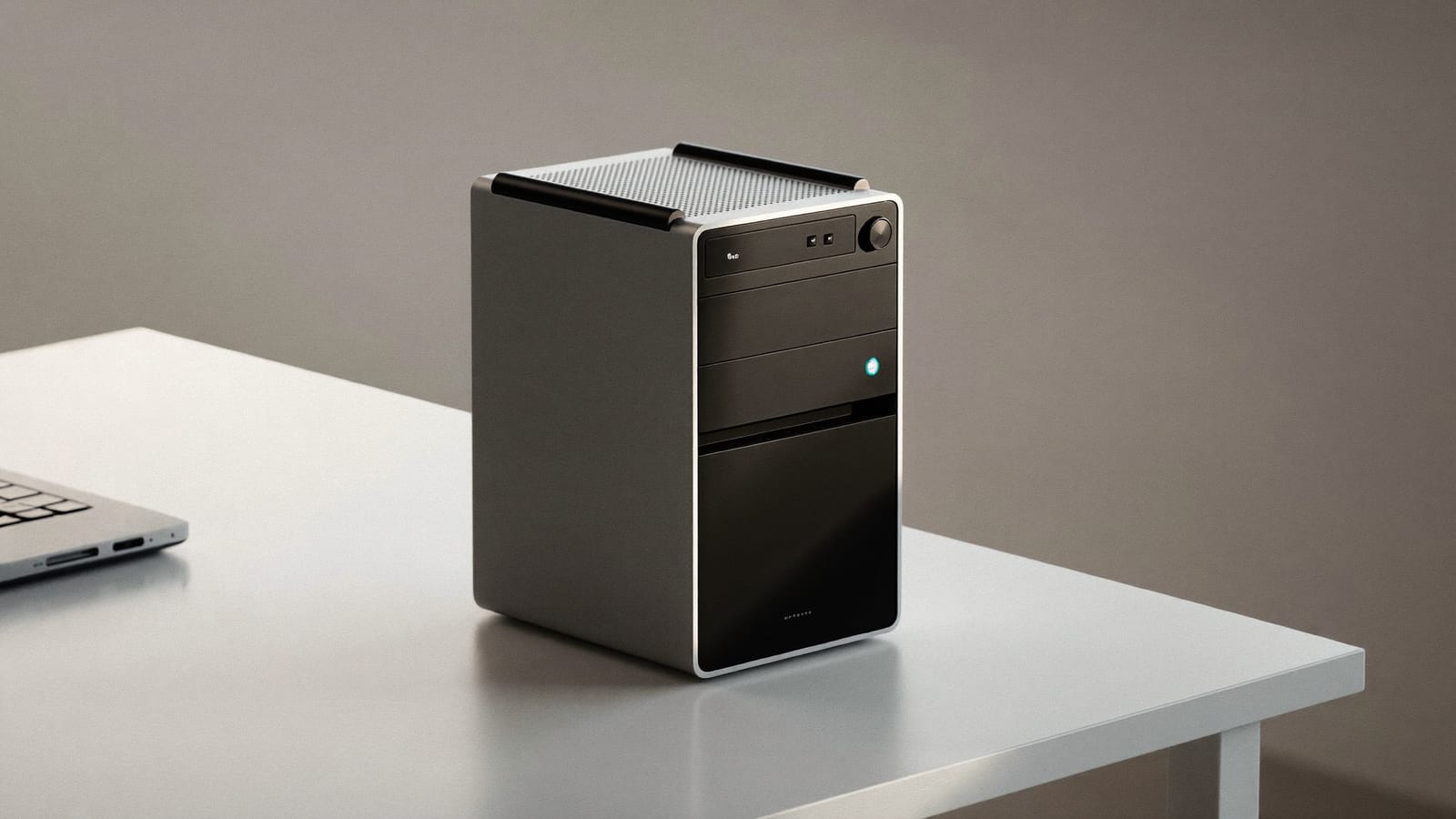
A 96–128GB unified-memory mini-PC holds a full Q4 Scout that no single consumer GPU can. · Illustration by Aliteq / generated with Higgsfield
Why unified memory and Scout are a natural match
Unified memory is a single large pool of RAM shared by the CPU and GPU, instead of a small, fast, separate block of VRAM. For gaming that shared setup is a compromise; for holding a huge model it's the whole point. Scout's problem is capacity — 62GB at Q4 — and unified memory solves capacity cheaply. And here's the elegant part: because Scout is mixture-of-experts, only 17B parameters fire per token, so even though unified memory is slower than GPU VRAM, the amount of work per token is small. The model's architecture happens to hide much of the hardware's main weakness.
Yes — a 96–128GB Strix Halo (Ryzen AI Max+) holds a full Q4 Scout (~62GB) plus context, which no single consumer GPU can. It won't match a big GPU on token speed, but it runs the model at good quality, sips power, and the MoE design keeps it usably quick.
Is unified memory or a GPU better for Llama 4 Scout?
For fitting a quality Scout, unified memory wins — it has the capacity a consumer GPU lacks, usually for less money. A GPU wins on raw tokens/second, but only if the model fits, which a good Scout quant doesn't on a single consumer card.
How much unified memory do I need?
Aim for 96–128GB. A quality Q4 Scout is ~62GB of weights, and you want headroom for the KV cache (up to ~24GB at long context) and the operating system. 64GB is tight; 96GB+ is comfortable.
Why is Scout usable on slow unified memory?
Because it's mixture-of-experts: only 17B of its 109B parameters compute per token, so there's far less work per token than a dense 109B model. That keeps generation speeds reasonable even though unified memory is slower than GPU VRAM.