Up to 96GB, set in AMD Software and applied on restart, with the GPU able to reach 112GB in total. How to set it, what fits, how fast owners say it runs, and who should buy one over a Mac Studio or DGX Spark.
On a 128GB Ryzen AI Max+ 395 system, you can dedicate up to 96GB to the GPU, and AMD says the GPU can reach 112GB of graphics memory in total when it needs more. That is four times the VRAM of an RTX 4090, in a mini PC. You set it with AMD Variable Graphics Memory (VGM), and it takes a restart. The catch is speed: the memory runs at about 256 GB/s, so very large models load fine and generate slowly.
We read AMD's spec page and its VGM documentation on November 1, 2026. We have not tested a Strix Halo machine ourselves; the speed figures below are owners' own measurements, labelled as such.
Which machine for which buyer
Big models on the smallest budget
Best fit
Strix Halo mini PC, 128GB
Why
Up to 96GB for the GPU at mini-PC prices
Also wants a Windows gaming PC
Best fit
Strix Halo
Why
x86, Radeon 8060S with 40 compute units, Windows 11 supported
AMD's VGM FAQ describes the 128GB Ryzen AI Max+ 395 "with up to 96GB of dedicated graphics memory". It adds that "the highest performance can be unlocked by limiting workloads to 96GB", but that the GPU, set to 96GB VGM, "can technically access a total graphics memory size of 112GB". AMD's own sizing claim for this setup is 4-bit models up to 128B parameters, or FP16 models up to 32B.
The reason it is not the full 128GB: the CPU and operating system still need working memory. Memory you hand to VGM becomes dedicated graphics memory and is no longer available as system RAM. If you set 96GB and Windows then reports about 32GB of RAM, that is working as intended.
The mechanism is a unified memory architecture: the 16 Zen 5 cores, the Radeon 8060S GPU and the NPU share one physical pool of up to 128GB. It is the same idea that lets a Mac Studio run huge models, and like the Mac the memory is soldered, so buy the size you need. A newer chip, the Ryzen AI Max+ PRO 495, is starting to appear with 192GB; Framework lists a 192GB configuration on its Desktop page (read 1 Nov).
What 96GB unlocks: a model a 24GB card can't hold
gpt-oss-120b on 96GB Strix Halo needs ≈66 GB
RTX 4090 (24GB)24 GBover 42 GB
RTX 5090 (32GB)32 GBover 34 GB
Strix Halo (96GB)96 GBfits
Sized against gpt-oss-120b (MXFP4), whose weights are 59 GiB (about 63GB) in llama.cpp's benchmark files, plus room for context. A 24GB or 32GB card can't hold it; 96GB clears it.
How to set it
AMD's documented route on Windows: right-click the desktop, open AMD Software: Adrenalin Edition, go to Performance, then Tuning, and pick a Variable Graphics Memory size from the drop-down. AMD says "doing so will require a restart." AMD describes VGM as "a BIOS-level feature", and many mini-PC makers also expose the same split in their firmware, often under a name like UMA frame buffer size. AMD's FAQ covers Windows; on Linux the setup differs by distribution and kernel, so follow your vendor's or your distribution's guide.
AMD's own presets: Default for casual users, Medium for gamers, High for power users, and Custom (75%) for AI enthusiasts. On a 128GB machine, 75% is the 96GB figure.
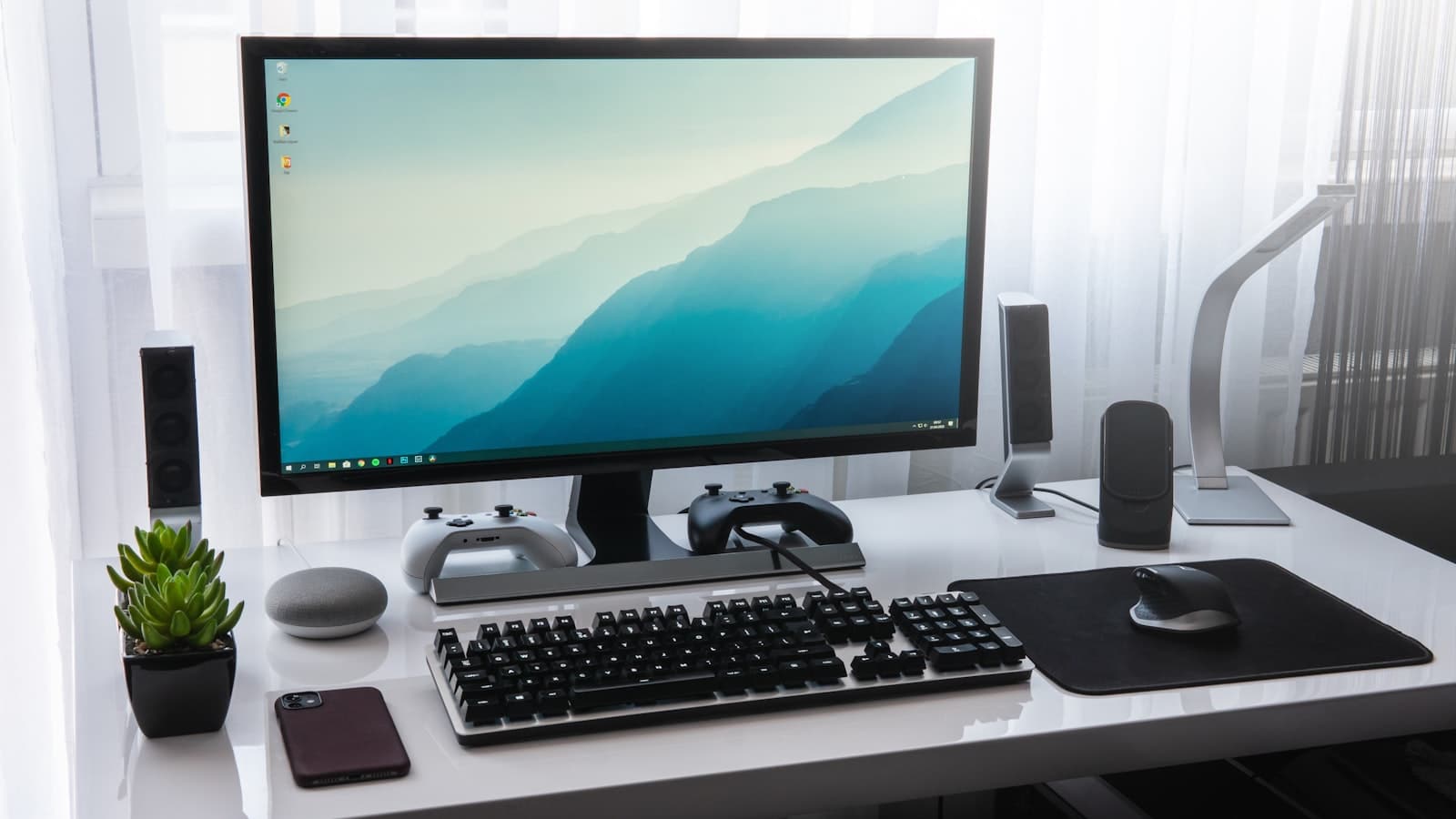
A Strix Halo mini PC puts up to 96GB of GPU memory in a box that fits on a shelf. · Unsplash
The catch: bandwidth, not capacity
AMD lists the memory as 256-bit LPDDR5x-8000. That works out to 256 GB/s (8,000 MT/s times 32 bytes). Token generation is bound by memory bandwidth, so a dense model that fills most of the 96GB generates slowly. For comparison, NVIDIA lists the DGX Spark at 273 GB/s, Apple lists the M5 Ultra at 1.2 TB/s, and an RTX 5090 has 1,792 GB/s.
Mixture-of-experts (MoE) models are where Strix Halo does well, because only a fraction of the weights is read per token. That is why owners in October reported usable speeds on large MoE models:
In r/StrixHalo, an owner of a GPD Win 5 with 128GB reported about 1,700 tokens/sec prompt processing and 60.4 tokens/sec generation for one user on a Qwen "Flash Next" MoE model at Q4_K_XL, and 163 tokens/sec total across 8 users, using the open-source Gufo engine (thread). On a dense Qwen 27B at Q4_K_XL they reported 656 prompt and 70.6 generation tokens/sec with speculative decoding. These are the poster's own measurements; repliers said Gufo was about twice as fast as stock llama.cpp, which we have not checked.
In r/LocalLLaMA's "Buying Strix Halo right now?" thread (thread), owners described 50 to 70 tokens/sec generation on the same class of model with chip-tuned engines.
Engines tuned for one chip move fast and are less proven than llama.cpp. Treat these numbers as what owners saw, not a guarantee.
What does a Strix Halo machine cost?
Prices move weekly with memory supply. On Nov 1, 2026, GMKtec's own store showed its EVO-X2 at a $2,199.99 sale price (regular $2,599.99), but did not say which memory option that price applies to, and every individual configuration was marked sold out. In the 18 Oct r/LocalLLaMA thread, a poster cited a used 128GB EVO-X2 at about $2,300, and one reply said they would buy any 128GB Strix Halo at that price "yesterday". Framework's Desktop page lists 128GB Ryzen AI Max+ 395 configurations but shows prices only in its configurator.
Verdict
Capacity per dollar, not speed
Strix Halo's up-to-96GB allocation is the cheapest way to fit 70B-class and 120B MoE models in one quiet box, and the same machine runs Windows games. The catch is 256 GB/s of bandwidth: dense models that fill the memory generate slowly, and prompt processing trails a DGX Spark. Buy it for capacity per dollar and MoE models. Don't buy it expecting discrete-GPU speed.
Best for: Yes: big MoE models at home, a tight budget, low power, a PC that also games. No: maximum speed on models that fit a 24GB card, CUDA-only tools, heavy long-prompt workloads.
The image that ran with an earlier version of this guide.
The questions people actually ask
How much VRAM can the Ryzen AI Max+ 395 use?
Up to 96GB of dedicated graphics memory on a 128GB system, set with AMD Variable Graphics Memory. AMD says the GPU can technically access 112GB of graphics memory in total, but recommends keeping workloads within 96GB for the best performance.
How do I change the VRAM on Strix Halo?
On Windows, AMD's documented route is AMD Software: Adrenalin Edition, then Performance, then Tuning, then the Variable Graphics Memory drop-down. The change needs a restart. Many mini PCs also expose the split in their firmware settings.
Is Strix Halo's VRAM real VRAM?
AMD says memory converted with VGM is "virtually identical to VRAM from the perspective of the operating system" and is no longer available as system RAM. The difference from a discrete GPU is bandwidth: about 256 GB/s here, against 936 GB/s on an RTX 3090.
Can it run Llama 70B or gpt-oss-120b?
Both fit in 96GB at 4-bit. gpt-oss-120b's weights are about 63GB in llama.cpp's files. MoE models such as gpt-oss-120b run at usable speeds; dense 70B models fit but generate slowly because every weight is read for every token.
How fast is Strix Halo for local LLMs?
Owners on Reddit in October 2026 reported about 60 to 70 tokens/sec generation and around 1,700 tokens/sec prompt processing on current Qwen MoE models, using engines tuned for the chip. These are posters' own measurements, not our tests.
Strix Halo, DGX Spark or Mac Studio?
Strix Halo is the cheapest route to big-model capacity and doubles as an x86 gaming PC. The DGX Spark has similar bandwidth, faster prompt processing and CUDA. A Mac Studio M5 Ultra has about four times the bandwidth and up to 512GB, at a much higher price.
Size the models you want against that 96GB in our VRAM calculator, and if you are weighing it against a discrete build, our is-the-5090-worth-it piece covers the speed side of the trade.