Qwen3.6's default is a mixture-of-experts model: 35B on disk, 3B active per token. That makes it fast — but the VRAM math has a twist worth understanding before you buy a card.
This post contains affiliate links. If you buy through them, Aliteq may earn a commission — at no extra cost to you. Prices verified at publish time.
Share
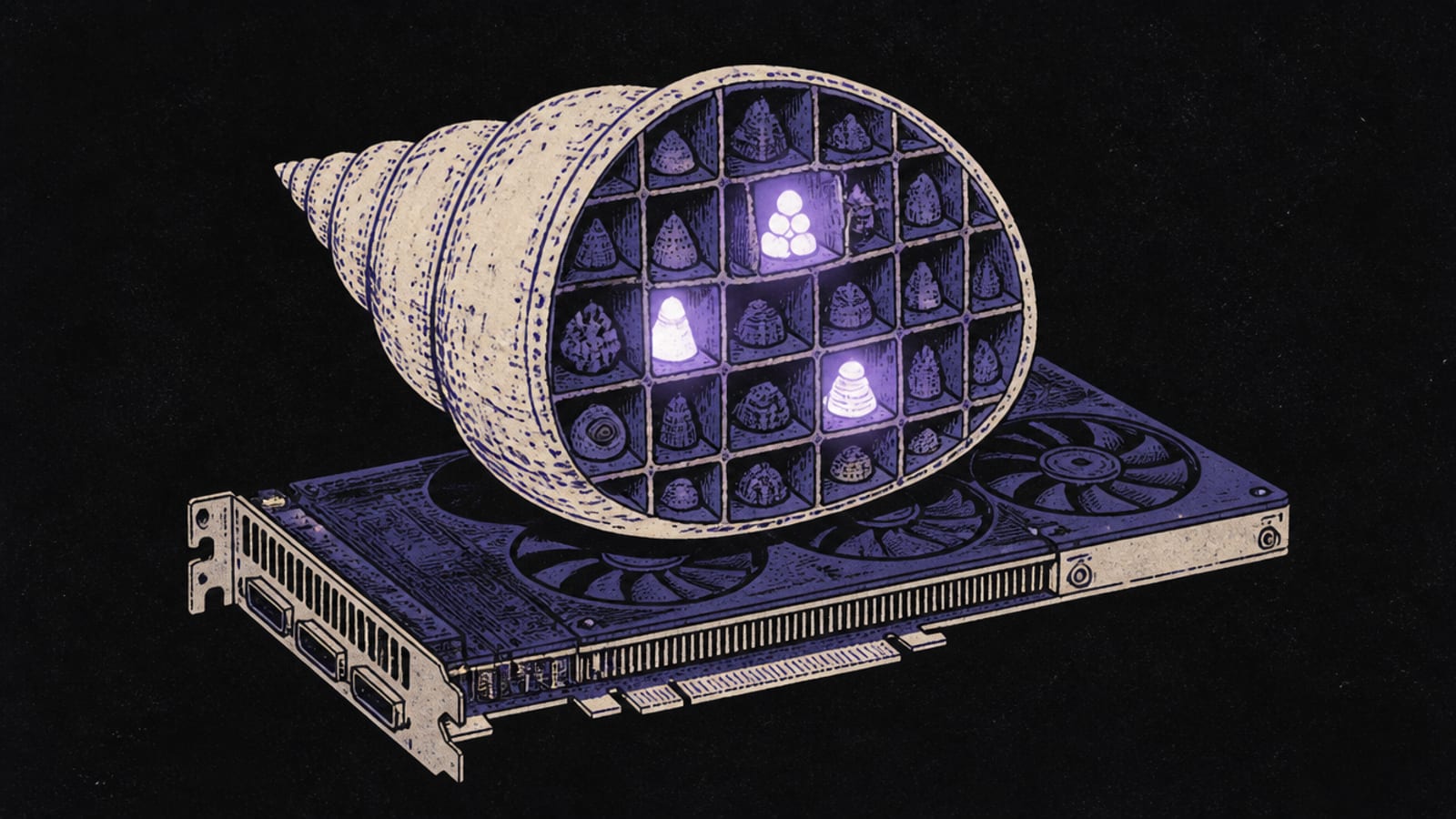
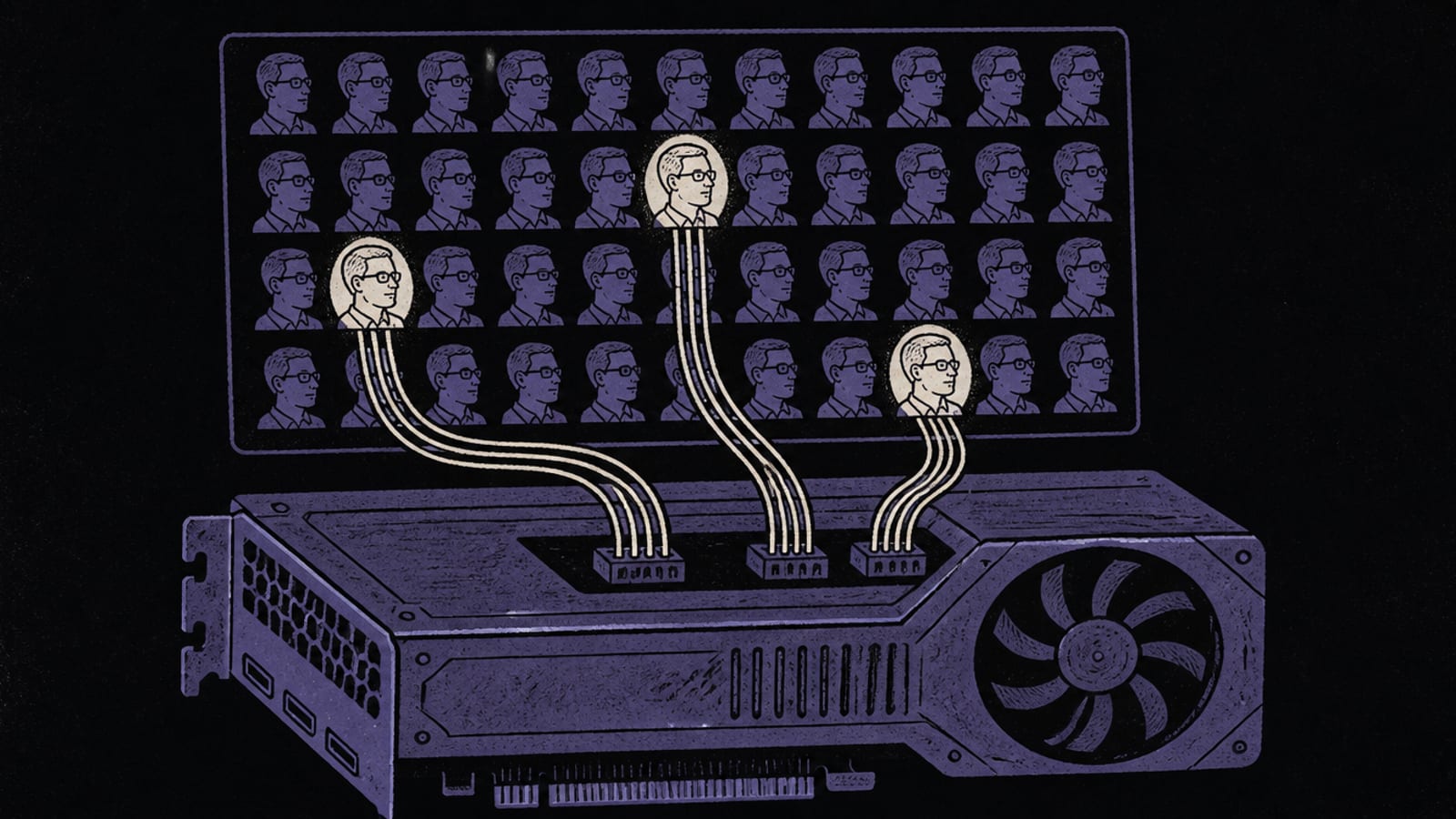
Qwen3.6's headline model is a mixture-of-experts (MoE): it holds 35B parameters but only activates about 3B for any given token. That's the appeal — you get the knowledge of a large model with the speed of a small one. It's also what ollama run qwen3.6 gives you by default, so it's worth understanding how its memory works before you pick a card.
What Qwen3.6 35B-A3B actually is
From the Qwen3.6 35B-A3B model card (read 26 Sep 2026): "35B in total and 3B activated," a 256K-token context natively (extensible to roughly 1M), Apache-2.0. Its config.json shows a sparse MoE (256 experts, 8 used per token) plus the same linear-attention efficiency as Qwen3.5 (30 of 40 layers linear, 10 full).
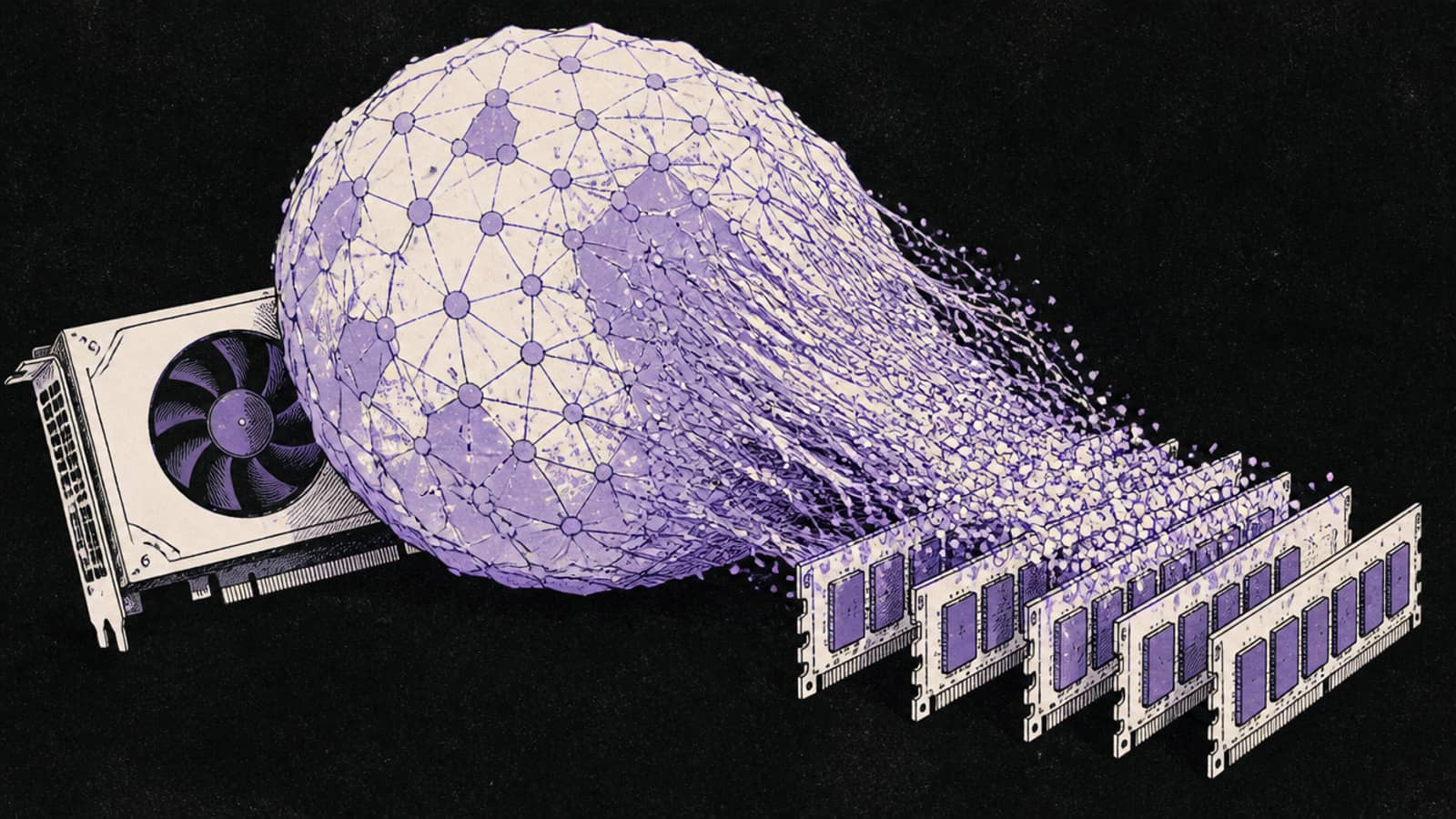
The catch every MoE guide has to make clear: "3B active" describes compute, not memory. All 35B parameters still have to be loaded into VRAM (or offloaded to system RAM). So it's fast to run, but it isn't small to store.
That distinction is the whole story with this model, and it's where a lot of first-time MoE buyers get caught out. The speed is real: because only ~3B parameters fire per token, generation feels closer to a small model than to a 35B, and the linear-attention layers keep long-context memory in check on top of that. But the storage is a 35B's storage. So the buying decision isn't "how fast is it" — it's "can my card hold the weights, or am I willing to offload the idle experts to system RAM and trade some speed back." Get that framing right and the rest of this guide is just picking a number.
Qwen3.6 35B-A3B VRAM by quant (computed, 16K context)
Q4_K_M
Total VRAM (full weights)
~21.4 GB
Q6_K
Total VRAM (full weights)
~28.5 GB
Q8_0
Total VRAM (full weights)
~36.7 GB
BF16 (full)
Total VRAM (full weights)
~68 GB
Total VRAM (full weights)
Q4_K_M
~21.4 GB
Q6_K
~28.5 GB
Q8_0
~36.7 GB
BF16 (full)
~68 GB
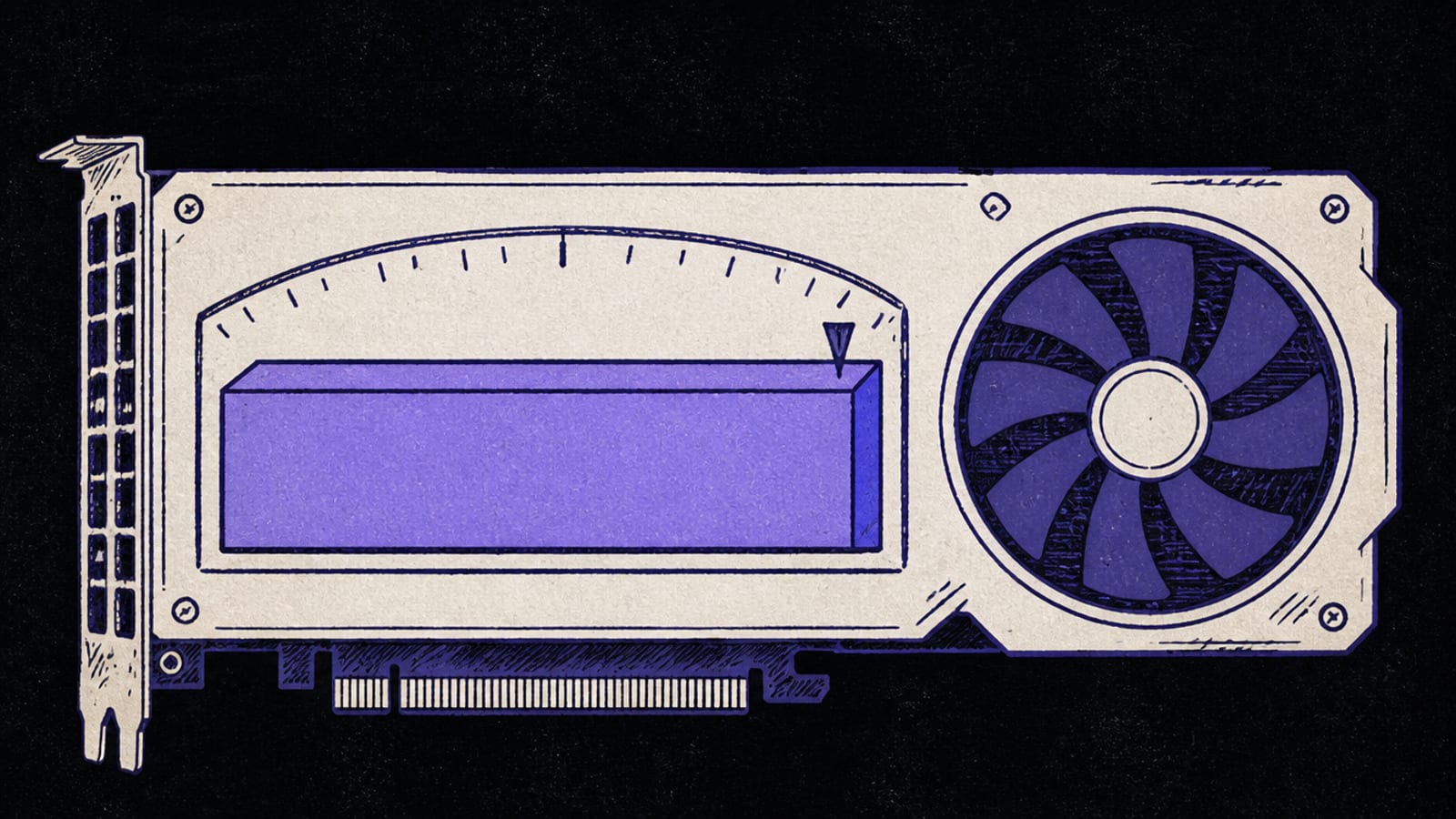
At ~21.4 GB, Q4_K_M fits a 24GB card. If your GPU is smaller, this is exactly the model MoE offload was built for: keep the active path on the GPU and push the idle experts to system RAM, and a 35B-A3B will run on a 12–16GB card — slower, but usable. Our MoE offload guide walks through the one llama.cpp flag (--n-cpu-moe) that does it.
Offloading works unusually well on this model because the experts dominate the weight count — you can move the bulk of the model to system RAM and keep only the small active path and the attention layers on the GPU, which is what lets a 35B run on a 16GB card at all. The price is memory bandwidth: system RAM is far slower than VRAM, so the more you offload, the more generation speed you trade away. The rule of thumb is to fit as much on the GPU as it will hold and offload only the remainder.
Which GPU runs it
At Q4_K_M the natural home is a 24GB card — an RTX 3090 or 4090. With MoE offload, a 16GB card runs it too, trading speed for the smaller VRAM. See best GPU for Qwen3.6 35B-A3B for the ranked options.
Referral link
Rent a 24GB card for Qwen3.6
A 24GB RTX 3090 was listing from about $0.139/hr on Vast.ai's spot market (26 Sep 2026) — enough for Qwen3.6 35B-A3B at Q4_K_M. Prices move; check the live figure before you rent.
Referral link — we may earn a commission at no cost to you. Prices on our compare page are the provider's live figures, cheapest first; this never changes the ranking.
How to run it
ollama run qwen3.6         # pulls the 35B-A3B (MoE)
# smaller GPU? offload experts with llama.cpp:
llama-server -hf <qwen3.6-35b-a3b-GGUF> --n-cpu-moe 24
The bare qwen3.6 tag pulls this 35B-A3B; qwen3.6:27b is the dense 27B sibling if you'd rather have a smaller-context, all-dense model. The --n-cpu-moe number is how many layers' experts to push to RAM — raise it until the model fits your GPU.
Who should skip it
Skip Qwen3.6 35B-A3B if you have a 12GB card and no patience for offload — a dense 9–14B model will be faster and simpler there. Skip it if you need every last point of quality on a 24GB card and don't mind slower generation; a dense 32B uses the same VRAM and activates all its parameters. And if you only have system RAM and an old GPU, MoE offload works but expect single-digit tokens per second.
Qwen3.6 35B-A3B: common questions
What does 'ollama run qwen3.6' download?
The 35B-A3B mixture-of-experts model. On ollama.com/library it's the default tag; qwen3.6:27b is the dense alternative.
How much VRAM does Qwen3.6 35B-A3B need?
About 21.4 GB at Q4_K_M for the full weights (computed by our VRAM engine, 16K context), which fits a 24GB card. MoE offload lets a smaller GPU run it more slowly.
Does '3B active' mean it needs less VRAM?
No. 3B active describes compute (why it's fast); all 35B parameters still load into VRAM or are offloaded to RAM.
Can I run it on a 16GB GPU?
Yes, with llama.cpp's --n-cpu-moe flag, which offloads idle experts to system RAM. It's slower but works. See our MoE offload guide.