Qwen3-Next 80B-A3B activates only 3B parameters per token — so it's fast. But 80B of weights still have to live somewhere. The honest VRAM math, the offload trick, and what it really takes.
This post contains affiliate links. If you buy through them, Aliteq may earn a commission — at no extra cost to you. Prices verified at publish time.
Share
"Run an 80-billion-parameter model at home" sounds like a headline, and Qwen3-Next 80B-A3B makes it almost true. It's a mixture-of-experts (MoE) model that holds 80B parameters but only fires about 3B of them for any given token, so it runs far faster than its size suggests. The honest part of the story is where those 80B parameters live.
What Qwen3-Next 80B-A3B actually is
From the Qwen3-Next model card (read 26 Sep 2026): "80B in total and 3B activated," a 256K-token context, Apache-2.0. Its config.json shows a sparse MoE (512 experts, 10 used per token) and the card describes a hybrid attention design (Gated DeltaNet plus Gated Attention) built for very long context, which keeps the KV cache small even at 256K.
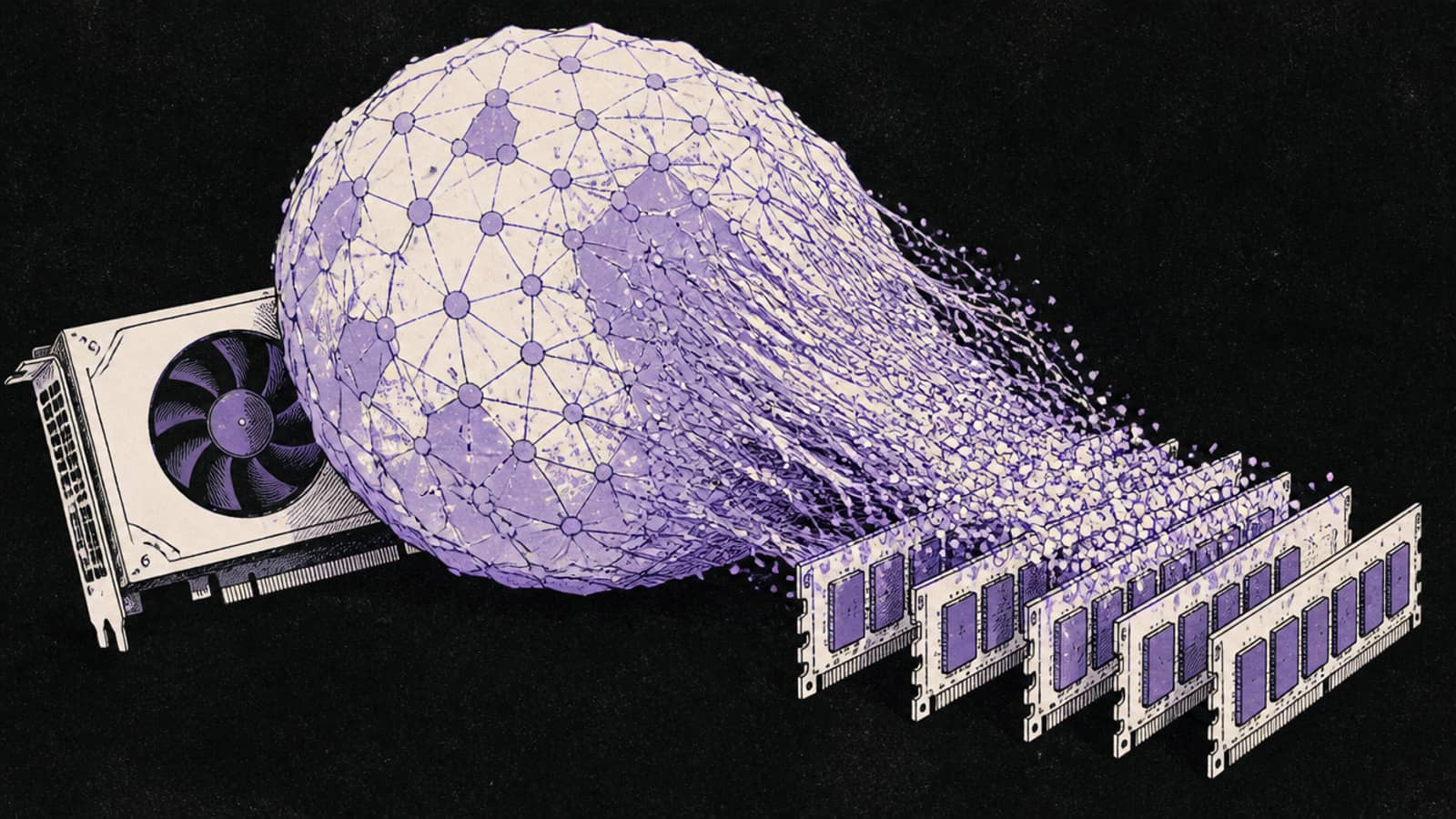
The line that decides your hardware: 3B active describes compute, not memory. Every one of the 80B parameters still has to be loaded — into VRAM, or offloaded to system RAM. It's fast to run and large to store, and the whole trick is managing that gap.
Qwen3-Next 80B-A3B VRAM by quant (computed, 16K context)
Q4_K_M
Total VRAM (full weights)
~47.5 GB
Q6_K
Total VRAM (full weights)
~63.4 GB
Q8_0
Total VRAM (full weights)
~81.4 GB
BF16 (full)
Total VRAM (full weights)
~151 GB
Total VRAM (full weights)
Q4_K_M
~47.5 GB
Q6_K
~63.4 GB
Q8_0
~81.4 GB
BF16 (full)
~151 GB
So even at Q4_K_M, this is not a single-consumer-card model outright: ~47.5 GB means a 48GB workstation card (an RTX A6000-class), an 80GB data-centre card, or two 24GB cards. The alternative — and the reason "at home" is real — is MoE offload.
The offload maths (running it on a 24GB card)
Because the experts dominate the weight count, you can push most of them to system RAM and keep only the small active path and the attention layers on the GPU. In practice that means a 24GB card holds a fraction of the ~45 GB of Q4 weights and 32–64 GB of system RAM holds the rest. The one llama.cpp flag that does it is --n-cpu-moe, covered step by step in our MoE offload guide.
The price is bandwidth. System RAM is far slower than VRAM, so the more experts you offload, the slower generation gets — an offloaded 80B runs, but noticeably slower than a model that fits fully in VRAM, because generation is bound by system-RAM bandwidth rather than the GPU. Fit as much on the GPU as it will hold and offload only the remainder. You also need the RAM: plan for 64 GB of system memory to run the Q4 weights this way with room to spare.
Which GPU (or how to rent one)
If you want it fully on a GPU at Q4, a 48GB card is the entry point; 80GB gives comfortable headroom for context. See best GPU for Qwen3-Next 80B-A3B for the ranked options. For most people, renting is the sane way to touch an 80B: a 48GB RTX A6000 was listing from about $0.47/hr and an 80GB A100 from about $0.67/hr on Vast.ai's spot market (26 Sep 2026, prices move).
Referral link
Rent a big card for the 80B
A 48GB RTX A6000 was listing from about $0.47/hr and an 80GB A100 from about $0.67/hr on Vast.ai's spot market (26 Sep 2026) — enough to run Qwen3-Next 80B-A3B fully on-GPU at Q4. Prices move; check the live figure before you rent.
Referral link — we may earn a commission at no cost to you. Prices on our compare page are the provider's live figures, cheapest first; this never changes the ranking.
How to run it
ollama run qwen3-next:80b       # the only size; bare `qwen3-next` resolves here too
# 24GB card? offload experts to system RAM with llama.cpp:
llama-server -hf <qwen3-next-80b-a3b-GGUF> --n-cpu-moe 40
On Ollama, qwen3-next has one size (80b), so the bare tag and :80b both pull this model — but be ready for the download and the memory. The --n-cpu-moe number is how many layers' experts to push to RAM; raise it until the model fits your GPU.
Who should skip it
Skip Qwen3-Next 80B-A3B if you have a single 24GB card and want speed — a dense 27–32B model like Qwen3.6 27B or Gemma 4 31B runs fully on-GPU and feels far snappier. Skip it if you don't have at least 64 GB of system RAM for the offload route. And skip it as a casual first local model; it's a serious model for people who specifically want 80B-class breadth and will either rent a big card or accept offloaded speeds.
Qwen3-Next 80B-A3B: common questions
How much VRAM does Qwen3-Next 80B-A3B need?
About 47.5 GB at Q4_K_M for the full weights (computed by our VRAM engine, 16K context) — a 48GB card, an 80GB card, or MoE offload onto a smaller GPU plus system RAM.
Can I run an 80B model on a 24GB GPU?
Yes, with llama.cpp's --n-cpu-moe, which offloads most experts to system RAM (plan for 64 GB). It works because only ~3B parameters are active per token, but generation is slower than a model that fits fully in VRAM.
Does '3B active' mean it needs less memory?
No. 3B active is why it's fast; all 80B parameters still have to be loaded into VRAM or system RAM. Active count affects speed, not storage.
Is it worth running locally?
If you have a 48GB+ card or are happy to rent one (about $0.47–0.67/hr on the spot market), yes. On a single 24GB card, a dense 27–32B model is faster and simpler for most work.