Short version: the anon (publishable) key is meant to be public — as long as Row Level Security is on. The key that must never leak is the other one. Here's how to tell which you're looking at.
If you opened your app's page source, or a scanner flagged a key in your GitHub repo, and found something labelled anon or publishable, the honest answer is: probably fine — that key is meant to be seen. But "probably" is doing real work, because there are two Supabase keys and only one of them is safe in public. Here's how to tell them apart and what actually protects you, read from Supabase's own API-keys docs on 26 Sep 2026.
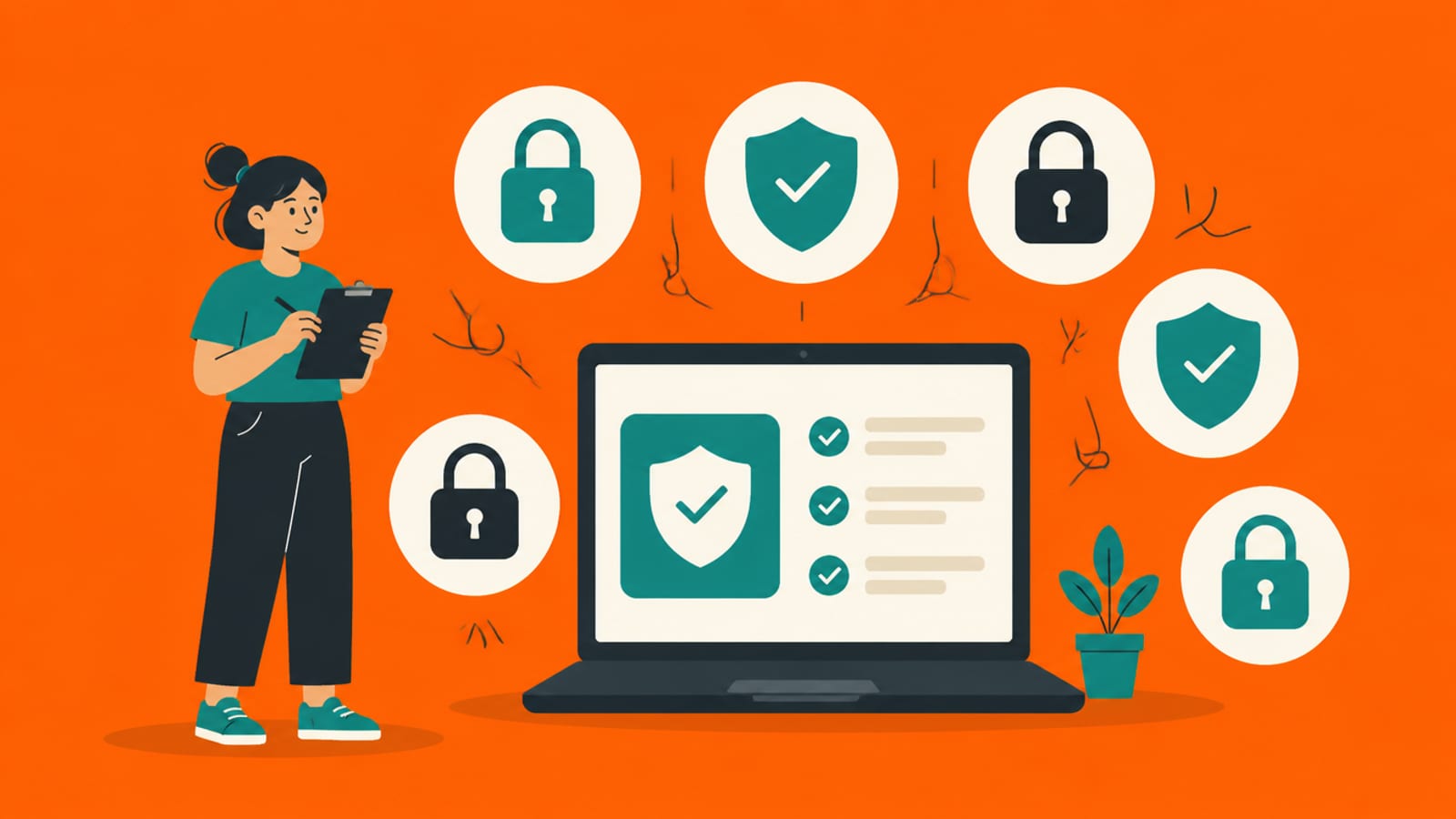
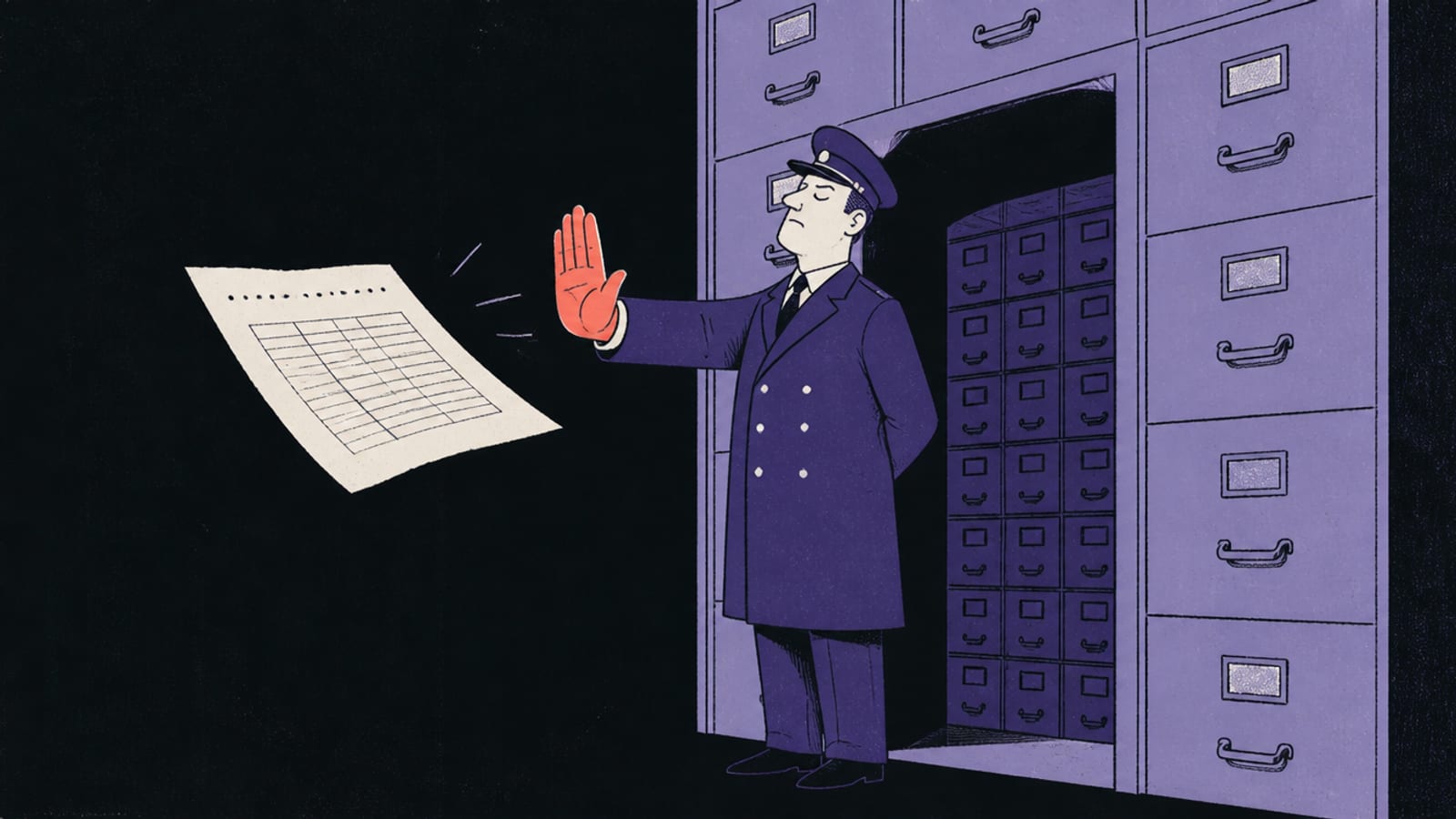
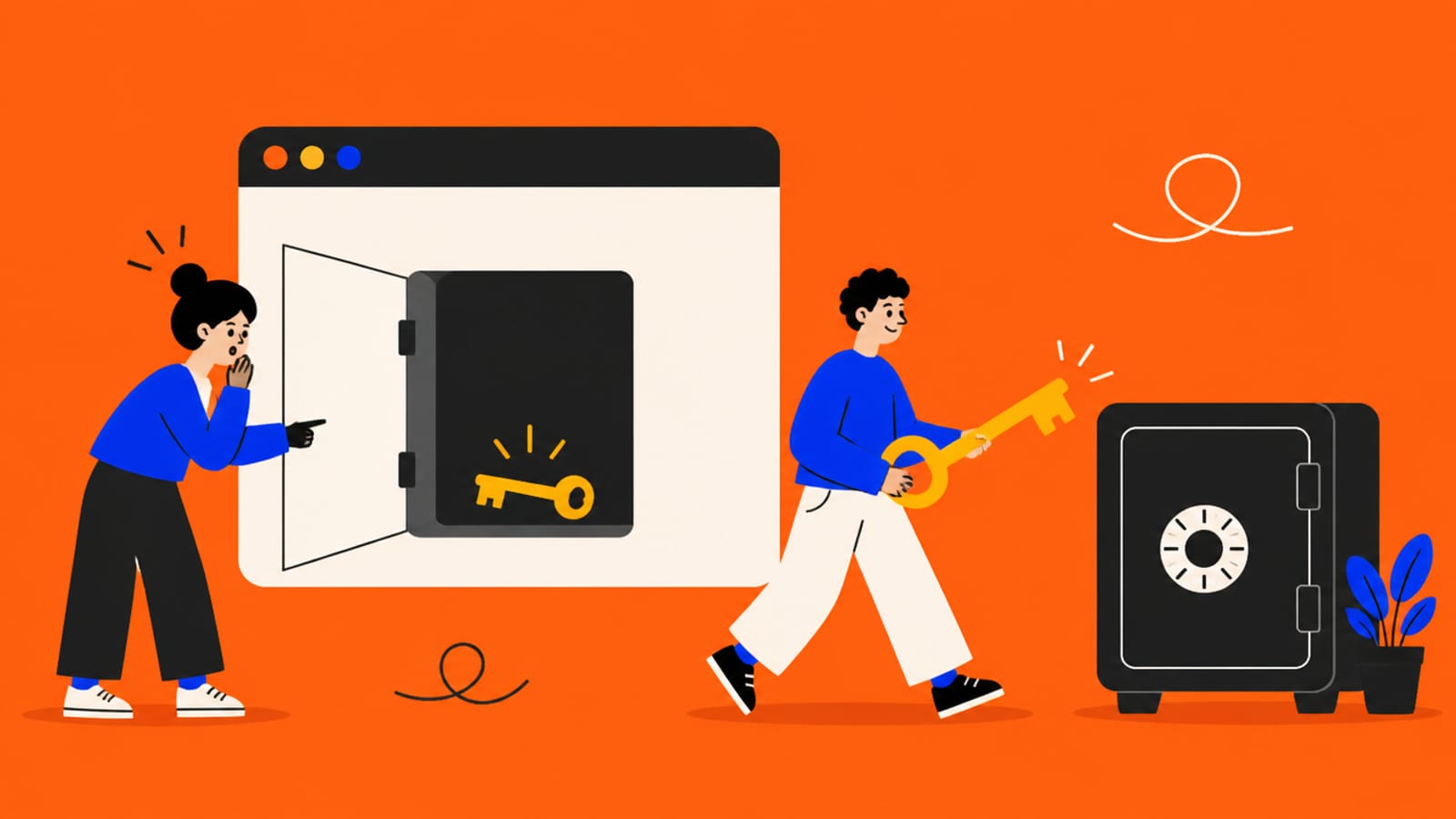
Two keys, two very different rules. Only one is safe in public. · Illustration made in Higgsfield with the GPT Image model
Which key are you looking at?
Supabase explains its two keys with a building. In its words: "Think of your project's data as a building. The publishable key is taped to the front door, and it only opens the lobby. The secret key is the master key, and it stays in your pocket." The anon / publishable key is the front-door key — it's the one your app puts in the browser on purpose, so the page can talk to your database. The service_role / secret key is the master key. If the key you found is the publishable one, keep reading — it's fine, with a condition. If it's the secret one, skip to the section below, because that's the one that matters.
The anon key in the browser is fine — if RLS is on
The publishable key is designed to be public. Supabase puts it plainly: "Anyone can read it, so it only reaches what Row Level Security allows." That last clause is the whole game. Row Level Security (RLS) is the rule on each table that decides which rows each user may touch, and it's what keeps a public key from being an open door. Supabase's docs spell out the default: "Once RLS is enabled, no data is accessible through the API when using a publishable key, until you create policies." So an exposed anon key is only as safe as your RLS. If RLS is off, that public key can read and write whole tables — which is exactly how the Moltbook exposure happened, told in full in the Moltbook exposure. The concept itself is in Row Level Security explained.
The key that must never leak
The service_role / secret key is a different animal. Supabase's warning is unambiguous: "A secret key bypasses every Row Level Security policy you have. Never put one in a browser, a shipped application, or source control." If that key is the one you found in your page source, your repo, or anywhere a stranger could reach, treat it as compromised — it grants full access to your data regardless of any policy. Which keys are designed to be public and which must stay on a server is in your API keys are in the browser.
If the secret key leaked, rotate it — carefully
If a secret key is exposed, you replace it (rotate it) so the old one stops working. Supabase's guidance is to not panic-rotate: "Don't rush. Fix the root cause of the leak before you rotate anything." In other words, first work out how it got out (a committed file, a key pasted into client code) and fix that, or the new key leaks the same way — then rotate, and update wherever your server reads it. And if you're on a tool that wired Supabase up for you, its own checklist covers where keys should live: Lovable, Bolt and v0.
The one real check
Strip it down and the exposed-key question becomes one thing: is Row Level Security on for every table, and is the key in public the publishable one — not the secret one? If yes to both, an anon key in your page source is working as designed. If RLS is off, the fix isn't to hide the key (you can't — it's in the browser); it's to turn RLS on. The full pre-launch list is in the 6 checks before you share a vibe-coded app.
Quick answers
Is it bad that my Supabase anon key is visible in the browser?
No, if it's the anon/publishable key — it's designed to be public. Supabase says "anyone can read it, so it only reaches what Row Level Security allows." The catch is that it's only safe if RLS is on for every table it can reach.
Which Supabase key must never be exposed?
The secret (service_role) key. Supabase's docs say it "bypasses every Row Level Security policy you have. Never put one in a browser, a shipped application, or source control." If that one leaked, rotate it.
My anon key is on GitHub — do I need to rotate it?
The publishable key being public isn't itself the problem; confirm RLS is on for every table instead. A secret key on GitHub is the one to rotate — after you fix how it got committed.
How do I rotate a leaked secret key?
Supabase's advice is not to rush: fix the root cause of the leak first, then replace the key and update wherever your server reads it. Rotating before fixing the cause just leaks the new key the same way.
This page has no affiliate links or sponsored placements. Security advice is only useful if nobody's paying for it. It isn't a substitute for a security review: if your app holds other people's personal data, payments or health information, have a developer or a security professional look at it before launch.