It's not a bug — it's your database refusing to let the wrong person write a row. Why the error shows up the moment security is on, and the right way to fix it (never "disable RLS").
If you pasted new row violates row-level security policy for table "…" into Google, you're almost certainly on Supabase — either directly, or through a tool like Lovable or Bolt that wires Supabase up for you. The good news: this error means your security is working, not broken. The bad news: the fix a lot of forum answers reach for ("just disable RLS") is the one that turns a working guard into an open door. Here's what's really happening, read from Supabase's own docs on 26 Sep 2026.
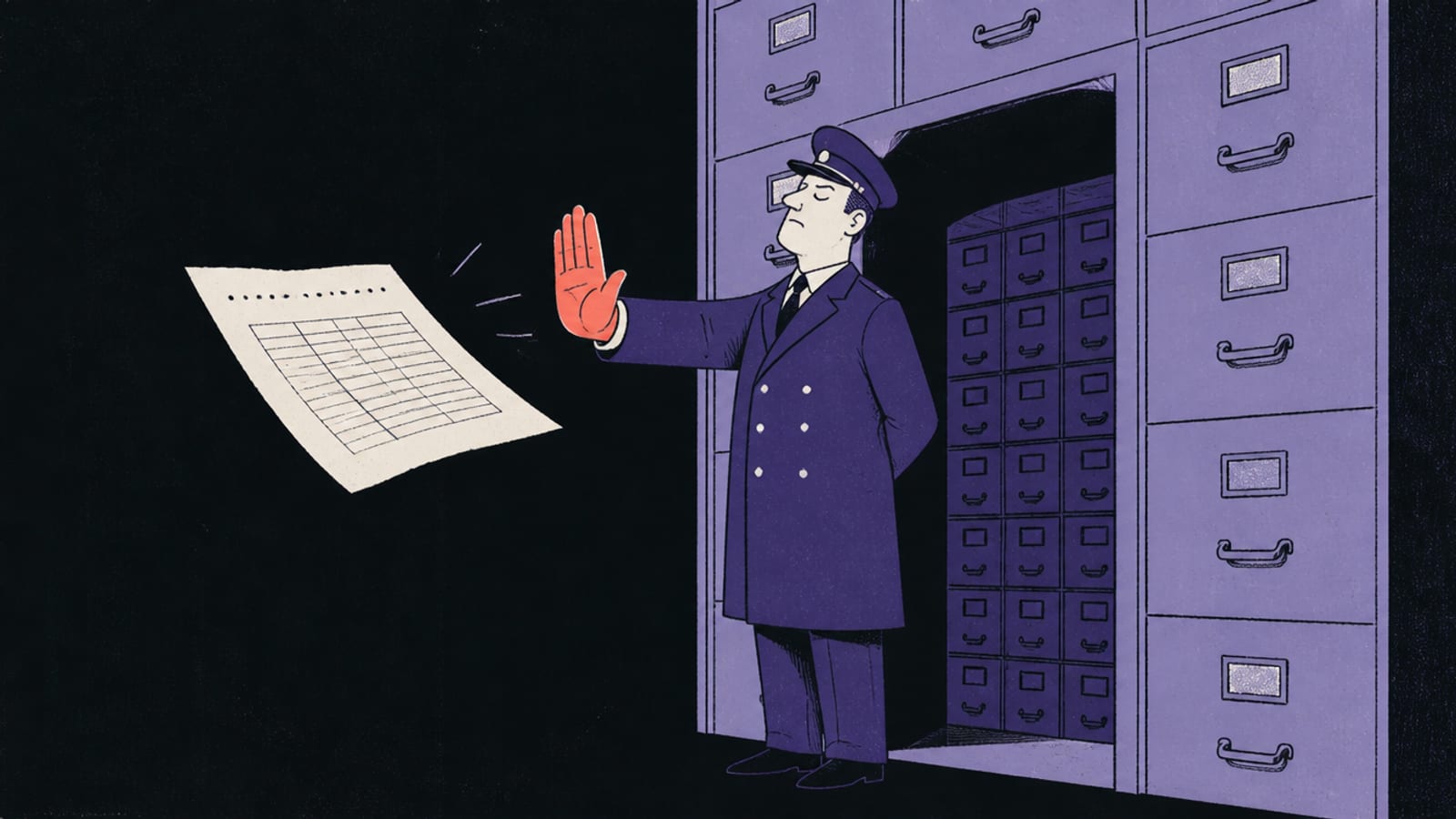
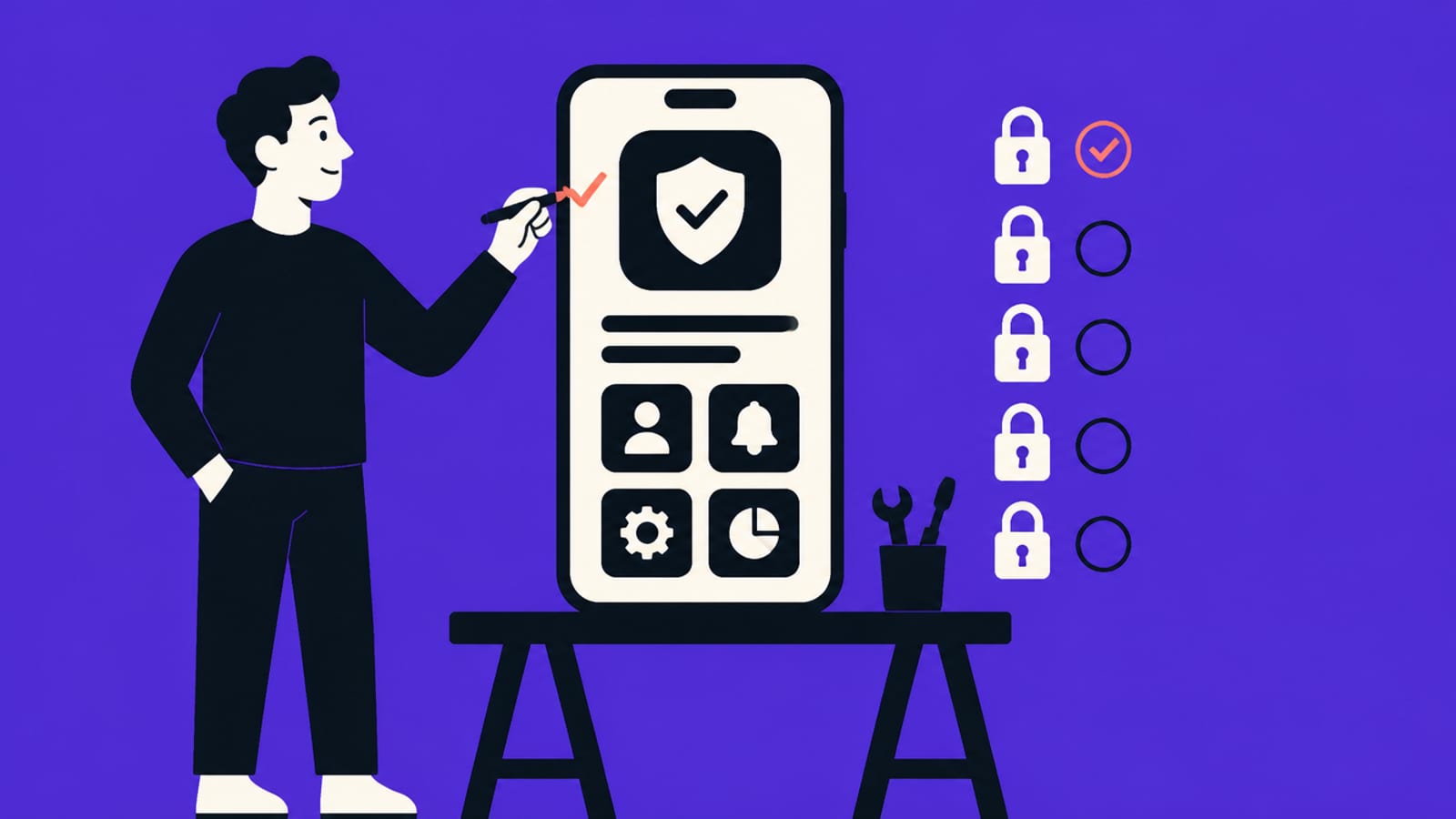
The error is the guard doing its job — you just haven't written its rule yet. · Illustration made in Higgsfield with the GPT Image model
What the error actually means
Row Level Security is a rule on each table that decides which rows each user may see or change. Supabase's docs are blunt about what turning it on does: "Once RLS is enabled, no data is accessible through the API when using a publishable key, until you create policies." So the moment RLS is on, the table is closed by default — every read and write is refused until you write a rule that allows it. new row violates row-level security policy is what you get when you try to write a row and no policy says that write is allowed. The database isn't confused; it's protecting the table exactly as designed. The whole idea, drawn out, is in Row Level Security explained.
Why it appeared the moment you turned on security
Most people meet this error right after enabling RLS (or after a tool enabled it for them) without also adding an INSERT policy. Enabling RLS and writing policies are two separate steps: the first closes the door, the second hands out keys. Miss the second and every insert bounces. That's why the error feels like it "appeared out of nowhere" — nothing about your form changed; the table's default just flipped from open to closed.
The two honest fixes
Fix 1 — add a policy that allows the write. For a normal table, you add an INSERT policy with a WITH CHECK expression that describes who may create a row — typically that the new row belongs to the logged-in user. Supabase's docs show the shape: an insert policy to authenticated with check ( (select auth.uid()) = user_id ). That says: an authenticated user may insert a row, as long as its user_id is their own. Adapt the check to your table; keep RLS on.
Fix 2 — for file uploads, add a SELECT policy too. Supabase's troubleshooting note explains that on a Storage upload the error "typically indicates that the database cannot return the metadata for the newly created object" — and, tellingly, that "this can happen even if your INSERT policies are correctly defined." The reason: "The Supabase Storage API executes an INSERT operation followed by a RETURNING * clause to provide object details back to the client. If a SELECT RLS policy is missing or does not cover the object being uploaded," that return fails. The fix is a matching SELECT policy so the just-created row is readable by the person who made it, alongside the INSERT policy.
The one thing not to do is the popular bad advice: don't disable RLS to make the error go away. Supabase warns what that leaves behind: "A table in an exposed schema without RLS is readable and writable by any role with a grant on it." That's the Moltbook mistake — a public key, no RLS — told in full in the Moltbook exposure.
What to tell your AI tool
Instead of "turn off RLS," ask for the policy. A prompt that works: "Keep Row Level Security enabled on the <table> table. Add an INSERT policy for authenticated users with a WITH CHECK that the new row's user_id equals auth.uid(). If this is for a file upload, also add a matching SELECT policy so the uploader can read the row back." Then confirm the policy exists. The step-by-step version, with the trap of a lazy policy that unlocks everything, is in write the RLS policy for my users table. If you're on Lovable or Bolt, their own security notes and checks are covered in the Lovable checklist and the Bolt checklist.
Quick answers
Does "new row violates row-level security policy" mean my app is broken?
No — it means Row Level Security is on and no policy allows that write. Your database is refusing to save the row until you add a rule that permits it. It's the guard working, not a bug.
Can I just disable RLS to fix it?
Don't. Supabase's docs say a table without RLS "is readable and writable by any role with a grant on it" — so disabling it to stop the error reopens the whole table to anyone with your public key. Add the missing policy instead.
Why did it start happening suddenly?
Enabling RLS closes a table by default — "no data is accessible… until you create policies." If RLS got switched on (by you or your tool) without an INSERT policy, every insert fails until you add one.
I added an INSERT policy and it still fails on upload — why?
On a file upload the app writes the row and then reads it back, so you usually need a matching SELECT policy too, per Supabase's troubleshooting note. Add both.
This page has no affiliate links or sponsored placements. Security advice is only useful if nobody's paying for it. It isn't a substitute for a security review: if your app holds other people's personal data, payments or health information, have a developer or a security professional look at it before launch.