16GB of VRAM opens up a lot — from snappy 7B models to gpt-oss-20b. Here's exactly which local models the RTX 5060 Ti 16GB can run, and how fast, with real benchmark numbers.
A lot, for the money. With 16GB of [VRAM](/how-much-vram-do-you-need-to-run-ai-models-2026), the RTX 5060 Ti runs the whole entry-to-mid range of local models: 7B models fly (Mistral 7B at ~90 [tokens/second](/how-to-speed-up-local-llm-inference-2026), DeepSeek-Coder 6.7B at ~101 tok/s), 13-14B models are very usable (Llama2 13B ~53 tok/s, a 14B model ~33 tok/s at 16K context), and it stretches all the way up to [gpt-oss-20b](/can-the-rtx-5060-ti-16gb-run-gpt-oss-20b-2026) with a full 128K context. What it can't do is 30B+ models on a single card — those need 24GB. Here's the full list, by size, with real numbers so you know exactly what you're getting.
The full list, by model size
Here's what fits and how it performs. 7B and under — the sweet spot for speed. These fly on the card: Mistral 7B ~90 tok/s, DeepSeek-Coder 6.7B ~101 tok/s — genuinely snappy, great for chat and coding autocomplete. 8-9B — comfortable. Models like a Qwen 9B at Q8 run around 29 tok/s with plenty of quality. 13-14B — very usable.Llama2 13B hits ~53 tok/s, and a modern 14B model averages ~33 tok/s even at a generous 16K context — this is where a lot of the best all-round local models live (coding, reasoning, general chat), and the 5060 Ti handles them well. Up to ~20B — the ceiling. The card can run [gpt-oss-20b](/can-the-rtx-5060-ti-16gb-run-gpt-oss-20b-2026) at OpenAI's MXFP4 quantization with the full 128K context, which is a standout for a budget card. Beyond that, 30B+ won't fit — that's the hard line at 16GB. For the best experience, stick to 7-14B models at [Q4](/which-quantization-should-you-use-q4-q5-q8-2026), which leaves headroom for context.
RTX 5060 Ti 16GB model support
6-7B
Model size
Mistral 7B ~90 tok/s
Example + speed
Flies
8-9B
Model size
Qwen 9B Q8 ~29 tok/s
Example + speed
Comfortable
13-14B
Model size
Llama2 13B ~53 tok/s
Example + speed
Very usable
~20B
Model size
gpt-oss-20b (128K ctx)
Example + speed
At the ceiling
30B+
Model size
Qwen3-Coder 32B
Example + speed
No (needs 24GB)
Model size
Example + speed
Runs?
6-7B
Mistral 7B ~90 tok/s
Flies
8-9B
Qwen 9B Q8 ~29 tok/s
Comfortable
13-14B
Llama2 13B ~53 tok/s
Very usable
~20B
gpt-oss-20b (128K ctx)
At the ceiling
30B+
Qwen3-Coder 32B
No (needs 24GB)
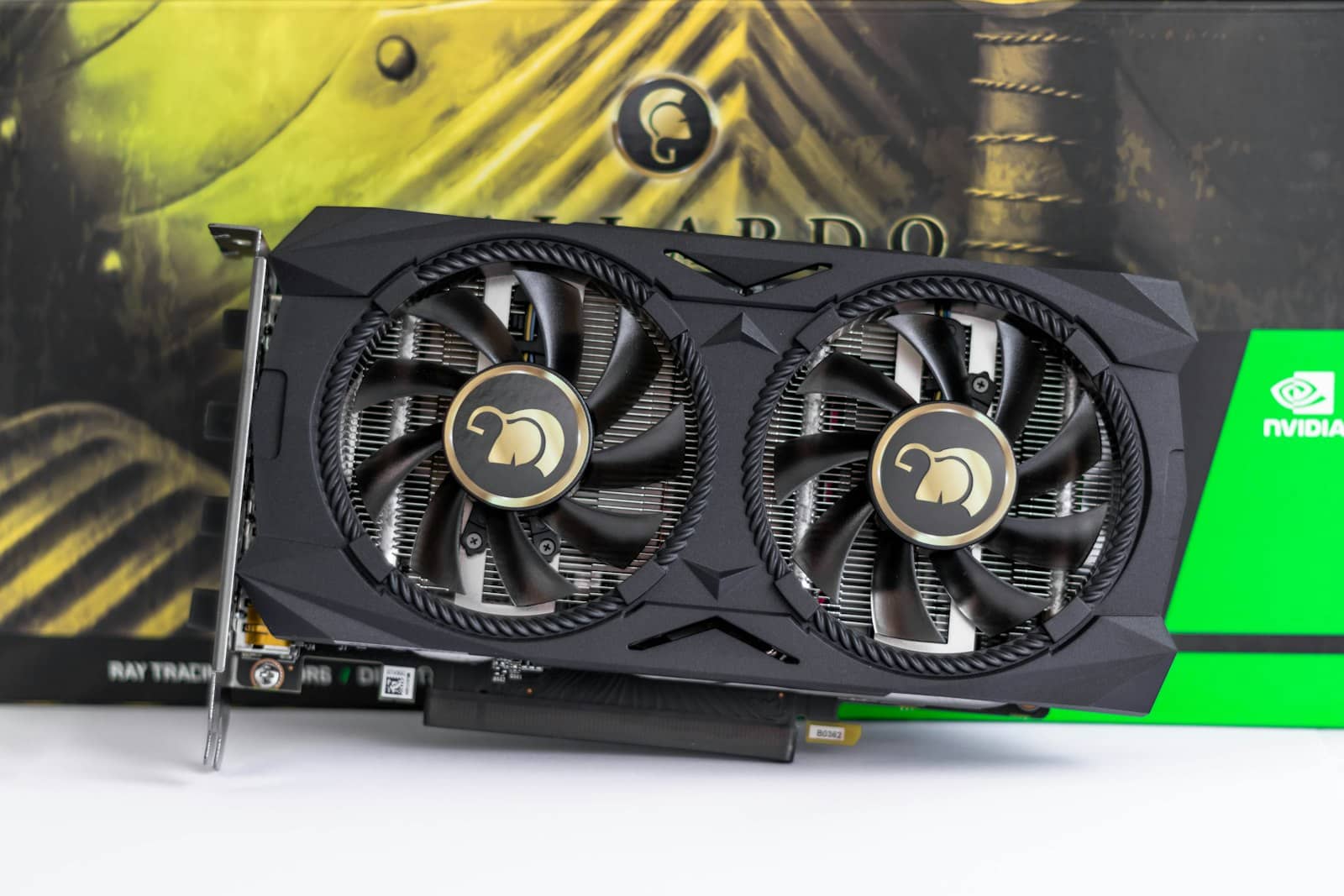
7B models fly (~90 tok/s), 13-14B are very usable, and it stretches to gpt-oss-20b — 30B+ is the hard line. · Unsplash
How to get the most out of it
To make the RTX 5060 Ti 16GB shine, a few habits help. Stick to the [right quantization](/which-quantization-should-you-use-q4-q5-q8-2026): Q4_K_M is the sweet spot — it fits bigger models with minimal quality loss and leaves room for context. Mind your context length: long context grows the KV cache and eats into your 16GB, so if you're running a 14B model or gpt-oss-20b at long context, keep an eye on VRAM. Use [Ollama or LM Studio](/ollama-vs-lm-studio-which-should-you-use-2026) — they handle model loading and quantization for you. And [size any model in the VRAM calculator](/tools/vram-calculator) before pulling it, so you know it'll fit at your context length. Do that, and the card runs the entire 7-20B range beautifully — which covers the vast majority of what people actually use local AI for: chat, coding help, summarization, and RAG. If you later find yourself wanting 30B+ models, that's the signal to move to 24GB or add a second 5060 Ti for a cheap 32GB. But for most people, what this $549 card runs is more than enough.
Quick answers
What size LLM can a 16GB GPU run?
A 16GB GPU like the RTX 5060 Ti comfortably runs models up to about 14B parameters at Q4 quantization, and can stretch to around 20B in efficient formats — it even runs gpt-oss-20b (MXFP4) with a full 128K context. 7B models are very fast on it (Mistral 7B around 90 tokens/second), 13-14B models are very usable (Llama2 13B around 53 tok/s), and it handles the popular mid-size models most people want. What it can't do is run 30B+ parameter models on a single card, because they don't fit in 16GB — those need a 24GB card. For the best experience, stick to 7-14B models at Q4, which leaves headroom for context.
Can the RTX 5060 Ti 16GB run 13B and 14B models?
Yes, and well. Benchmarks show Llama2 13B running at around 53 tokens per second and a modern 14B model averaging about 33 tokens per second even at a generous 16K context window — both very usable speeds for chat, coding, and general use. The 13-14B class is where many of the best all-round local models live, so this is a real strength of the card. Use Q4_K_M quantization for the best balance of quality and VRAM, and keep an eye on context length, since a long context grows memory use. For 13-14B models, the RTX 5060 Ti 16GB is a genuinely good, affordable choice.
Can the RTX 5060 Ti run Qwen3-Coder or 30B models?
It can run the smaller Qwen3-Coder variants (like the 8B) but not the 30B-A3B or 32B versions, which need about 24GB of VRAM — the RTX 5060 Ti's 16GB isn't enough for 30B-class models on a single card. For coding on this card, stick to 7-14B coding models, which run well. If you specifically want Qwen3-Coder 32B or other 30B+ models, you'll need a 24GB card (a used RTX 3090 is the value pick) or two RTX 5060 Ti 16GBs for a combined 32GB. For everything up to about 20B, though, the 5060 Ti is capable and affordable.