Two cheap 16GB cards give you 32GB of VRAM — enough for 30B+ models — for around the price of a single high-end GPU. Here's whether that dual-5060-Ti path actually makes sense.
For the right person, it's a clever value play. Two RTX 5060 Ti 16GBs give you 32GB of combined [VRAM](/how-much-vram-do-you-need-to-run-ai-models-2026) — enough to run the 30B+ models a single 16GB card can't — for roughly the price of one high-end GPU, and each card sips relatively little power. That's why the 5060 Ti is often called the ideal dual-GPU building block. The catches are real: you need a motherboard with two PCIe slots (and the case/PSU for it), models get split across the two cards (which most local-AI tools handle, but it adds complexity), and it's slower than a single big GPU with the same total VRAM. So is it worth it? If you want 32GB cheaply and don't mind the setup, yes. Here's the honest breakdown.
What 32GB unlocks (and the catches)
The appeal is capability. A single 16GB card tops out around 20B; two of them pool to 32GB, which is enough to run 30B-class models — a Qwen3-Coder 32B, bigger reasoning models, or the same models at much longer context. For roughly the cost of one RTX 4090-ish card, getting into 30B territory is a genuine win, and two low-power 5060 Tis can be easier on your PSU than one thirsty flagship. The catches are the flip side of running two cards. First, hardware: you need a motherboard with two suitable PCIe slots, plus a case and power supply that accommodate both — not every build can. Second, software: the model is split across the two GPUs, which tools like Ollama and llama.cpp support, but it adds a little setup and some cross-card overhead. Third, speed: a dual-card setup is slower than a single GPU with the same 32GB would be, because data moves between the cards. None of these are dealbreakers for a tinkerer, but they're why this is an enthusiast path, not a plug-and-play one.
Dual 5060 Ti vs the alternatives
1× RTX 5060 Ti 16GB
Option
16GB
VRAM
Cheapest; ~20B ceiling
2× RTX 5060 Ti 16GB
Option
32GB
VRAM
30B+; needs 2 slots, splits model
Used RTX 3090
Option
24GB
VRAM
30B-class, single-card simplicity
RTX 4090
Option
24GB
VRAM
Fastest single card, pricier
Option
VRAM
Trade-off
1× RTX 5060 Ti 16GB
16GB
Cheapest; ~20B ceiling
2× RTX 5060 Ti 16GB
32GB
30B+; needs 2 slots, splits model
Used RTX 3090
24GB
30B-class, single-card simplicity
RTX 4090
24GB
Fastest single card, pricier
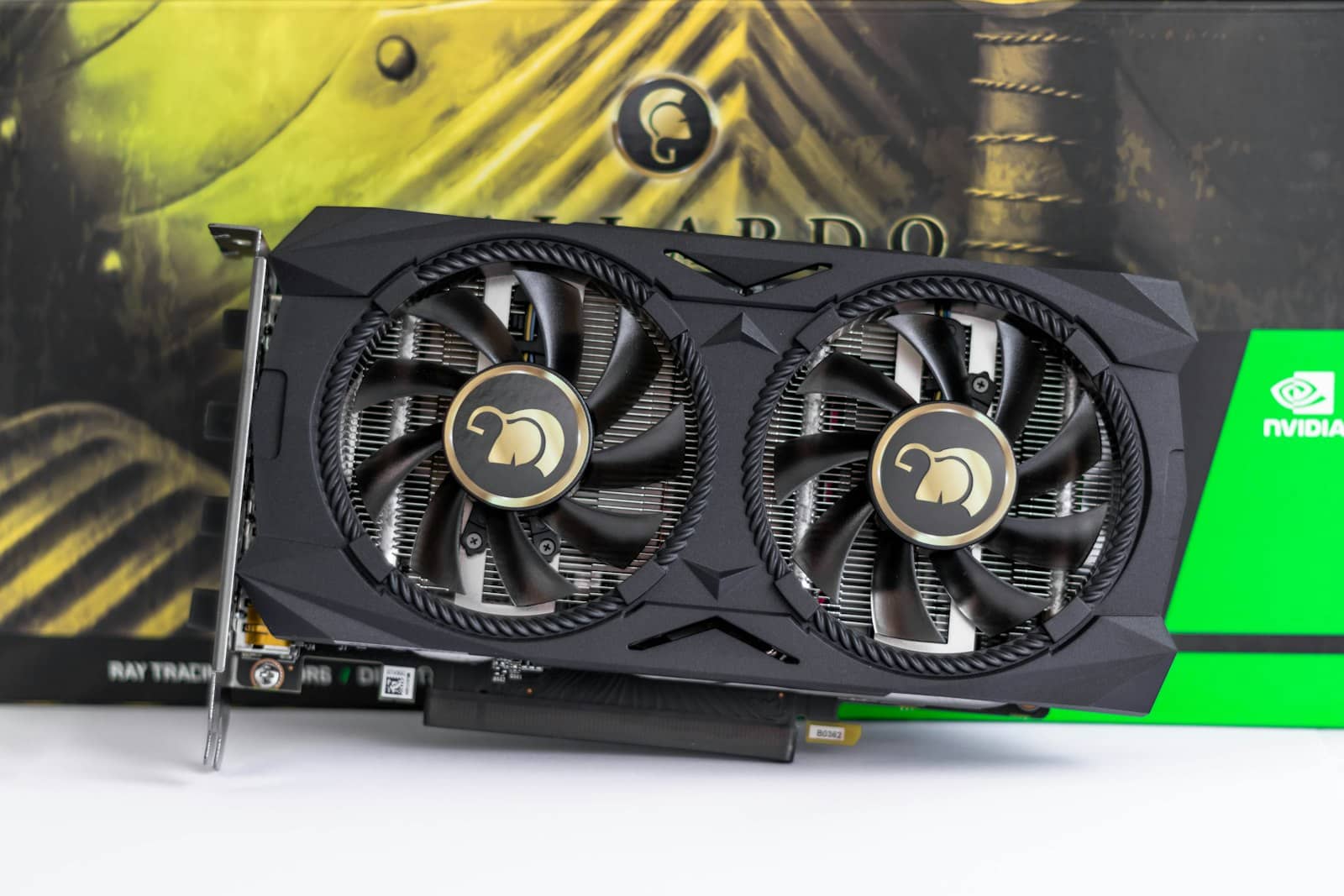
Two 16GB cards pool to 32GB for 30B+ models — cheap, but you need two slots and accept split-model overhead. · Unsplash
Dual 5060 Ti or a single 24GB card?
This is the real decision, and it's about hassle vs headroom.Go dual RTX 5060 Ti if you specifically want 32GB (more than any single card at this price tier), you're comfortable with a two-slot build and a little multi-GPU setup, and you like the low power per card — it's the cheapest path to running 30B+ models and long context. It's a great enthusiast value. Go with a single [used RTX 3090 24GB](/rtx-5060-ti-16gb-vs-used-rtx-3090-local-ai-2026) instead if you want simplicity — one card, one slot, no model-splitting, and 24GB is enough for most 30B-class work; for a lot of people that's the smarter, lower-friction buy. And if you already own one 5060 Ti, adding a second is a natural, cheap upgrade path to 32GB when you outgrow 16GB — which is part of what makes the card such a flexible starting point. The bottom line: dual 5060 Ti is worth it if you want maximum VRAM-per-dollar and don't mind the multi-GPU setup; a single 24GB card is worth it if you value simplicity. Both beat trying to force 30B+ models onto a single 16GB card, which simply won't fit.
Quick answers
Is two RTX 5060 Ti 16GBs worth it for local AI?
It's worth it if you want 32GB of VRAM cheaply and don't mind a multi-GPU build. Two RTX 5060 Ti 16GBs pool to 32GB of combined VRAM — enough to run 30B+ models that a single 16GB card can't — for roughly the price of one high-end GPU, with relatively low power per card. The catches are that you need a motherboard with two PCIe slots (plus a suitable case and PSU), the model is split across the two cards (supported by tools like Ollama and llama.cpp, with some overhead), and it's slower than a single GPU with the same total VRAM. For enthusiasts wanting maximum VRAM per dollar, it's a strong value; for simplicity, a single 24GB card is easier.
Dual RTX 5060 Ti or a used RTX 3090 for local AI?
For simplicity, a used RTX 3090; for maximum VRAM, dual 5060 Tis. A single used RTX 3090 gives you 24GB in one card — no second slot, no model-splitting, and enough for most 30B-class models — which makes it the lower-friction choice. Two RTX 5060 Ti 16GBs give you more total VRAM (32GB), unlocking bigger models and longer context, and low power per card, but require a two-slot motherboard, some multi-GPU setup, and run slower than a single card of the same total memory. If you want the least hassle, get the 3090; if you want the most VRAM per dollar and enjoy building, go dual 5060 Ti.
Can you combine two GPUs' VRAM for local AI?
Yes — for inference, local-AI tools like Ollama and llama.cpp can split a model across two GPUs, effectively pooling their VRAM. So two RTX 5060 Ti 16GBs give you about 32GB of usable memory, enough to load 30B+ models that wouldn't fit on a single 16GB card. It's not as seamless or as fast as having one card with 32GB — data has to move between the cards, adding overhead — and you need a motherboard with two suitable PCIe slots. But it works well and is a popular, affordable way to reach higher VRAM. Note this applies to running (inference); training across GPUs is more involved.