At $549 it's the cheapest new way to get 16GB of VRAM — and for local AI, VRAM is what matters. Here's honestly how good the RTX 5060 Ti 16GB is, and where its limits are.
For the money, yes — it's the value king of entry-level local AI. At around $549 it's the *cheapest new way to get 16GB of [VRAM](/how-much-vram-do-you-need-to-run-ai-models-2026), and for local AI, VRAM capacity matters more than raw speed. It runs 14B models at about 33 [tokens/second](/how-to-speed-up-local-llm-inference-2026), handles popular models like Mistral 7B (~90 tok/s) and even [gpt-oss-20b](/can-the-rtx-5060-ti-16gb-run-gpt-oss-20b-2026) — and critically, it offers the same model compatibility as the pricier [RTX 5070 Ti](/rtx-5060-ti-16gb-vs-5070-ti-for-local-ai-2026) for nearly half the price*, with lower power draw and a smaller footprint. Its ceiling is real (it tops out around 20B; 30B+ is out of reach on one card), but for anyone starting local AI on a budget, it's the most logical building block. Here's the honest review.
What it's genuinely good at
The RTX 5060 Ti 16GB nails the entry-level local-AI job. With 16GB of VRAM it comfortably runs the 7-14B models that do most real work — benchmarks show Llama2 13B at ~53 tok/s, Mistral 7B at ~90 tok/s, DeepSeek-Coder 6.7B at ~101 tok/s, and a 14B model averaging ~33 tok/s at 16K context — all very usable speeds. It even runs [gpt-oss-20b](/can-the-rtx-5060-ti-16gb-run-gpt-oss-20b-2026) (OpenAI's open model) with its full 128K context, which is impressive for a card this cheap. And because it prioritises VRAM capacity over raw compute, it punches above its price for AI specifically — a smaller, faster-but-less-VRAM card would actually be worse here. Add its low power draw and small physical size, and it's the sensible choice for a first local-AI GPU or a compact build. For 8-16GB-class models, it's genuinely great.
RTX 5060 Ti 16GB — real local-AI numbers
Mistral 7B
Model
~90 tok/s
Speed
Excellent
DeepSeek-Coder 6.7B
Model
~101 tok/s
Speed
Excellent
Llama2 13B
Model
~53 tok/s
Speed
Great
14B @ 16K context
Model
~33 tok/s
Speed
Very usable
gpt-oss-20b
Model
Runs (full 128K)
Speed
At the ceiling
Model
Speed
Verdict
Mistral 7B
~90 tok/s
Excellent
DeepSeek-Coder 6.7B
~101 tok/s
Excellent
Llama2 13B
~53 tok/s
Great
14B @ 16K context
~33 tok/s
Very usable
gpt-oss-20b
Runs (full 128K)
At the ceiling
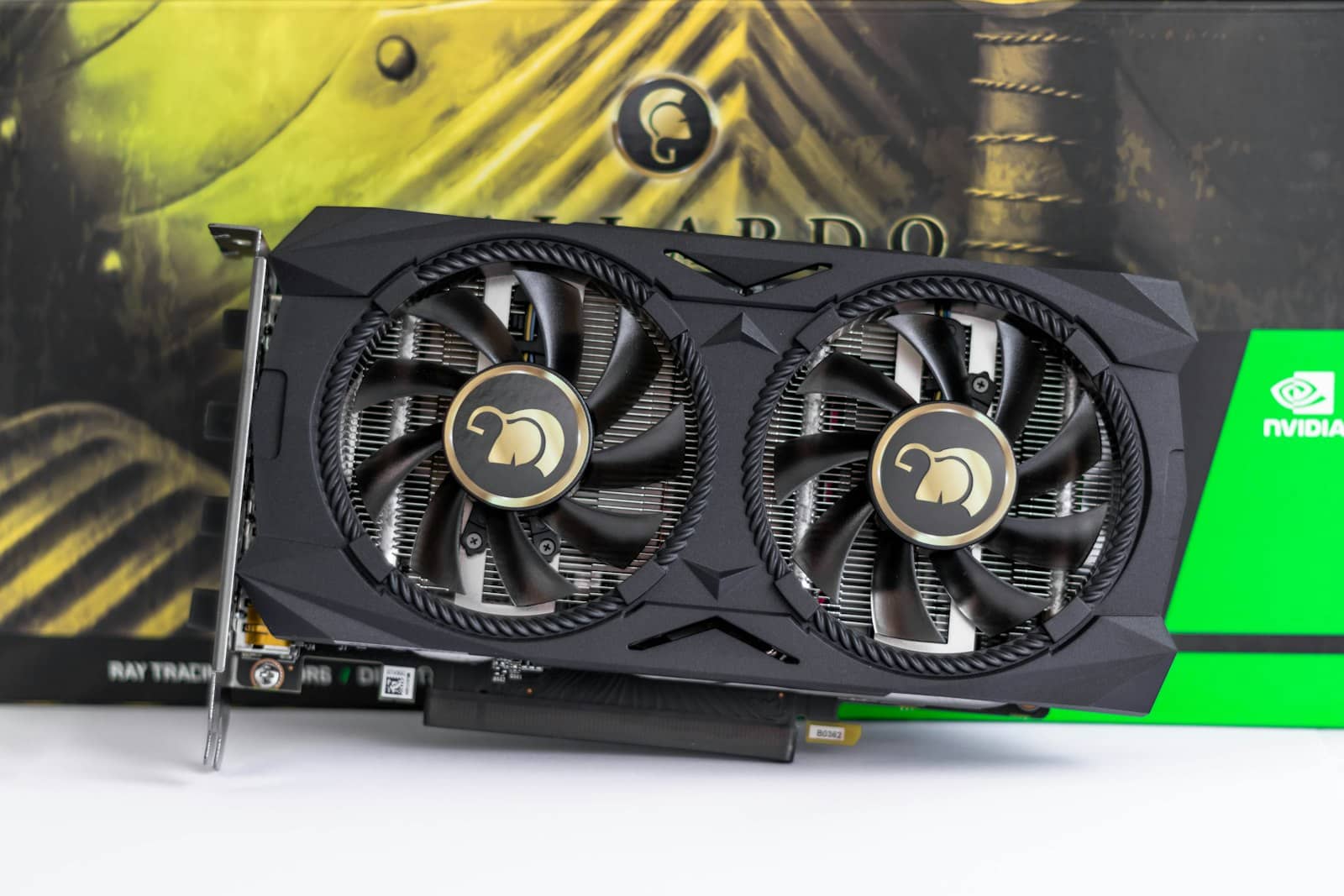
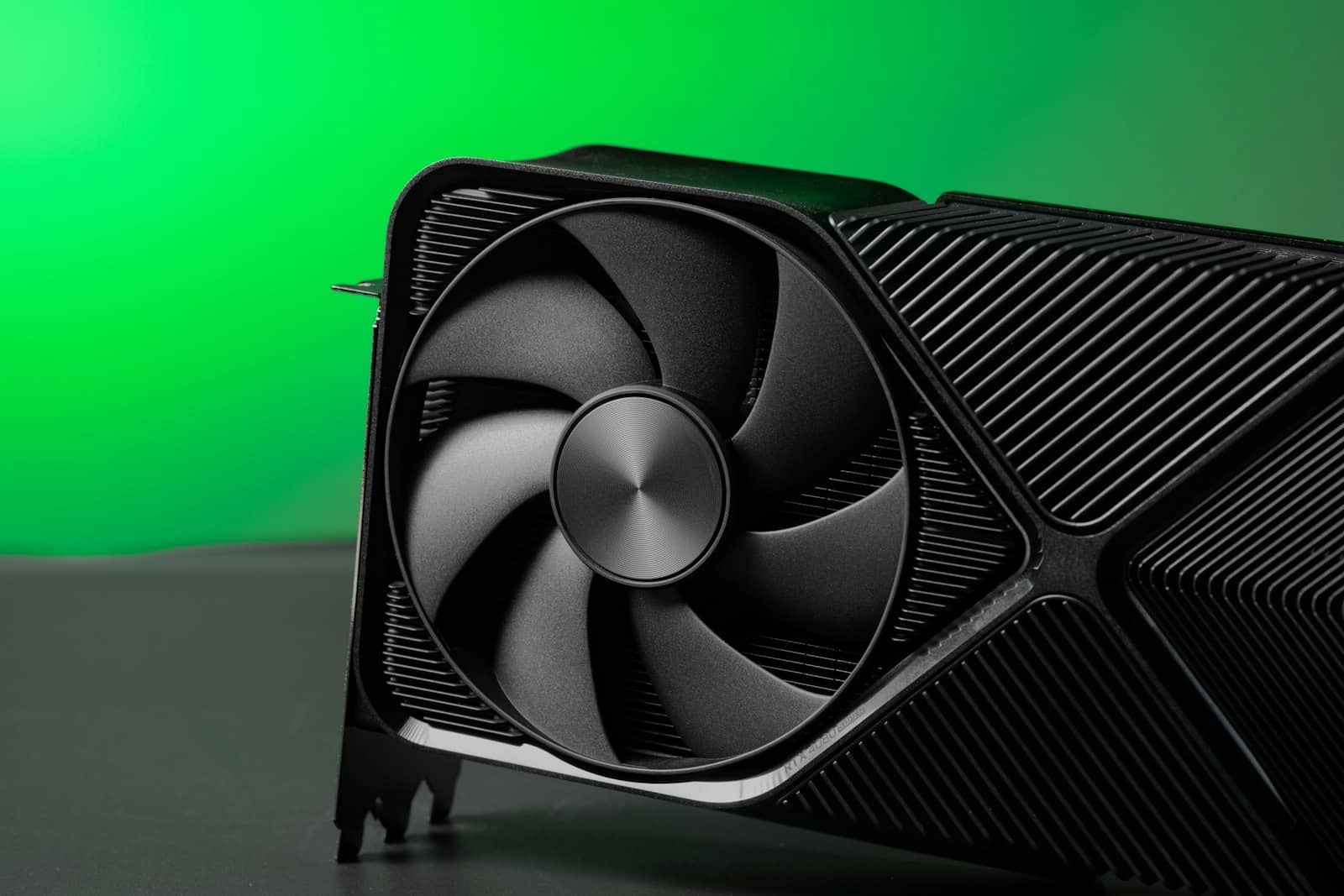
At $549 the RTX 5060 Ti 16GB is the cheapest new 16GB card — the most logical entry to local AI. · Unsplash
Where its limits are — and who should buy it
Be clear-eyed about the ceiling. The RTX 5060 Ti 16GB tops out around 20B parameters; 30B+ models don't fit on a single card, so you can't run a Qwen3-Coder 32B or the bigger reasoning models here. Its raw speed is also lower than pricier cards — fine for the models it can run, but it won't match a 4090 on throughput. So who should buy it?Anyone starting local AI on a budget who wants to run 7-20B models — chatbots, coding help with mid-size models, RAG, gpt-oss-20b — without overspending. It's also a smart [dual-GPU building block](/dual-rtx-5060-ti-16gb-worth-it-local-ai-2026): two of them get you 32GB cheaply for bigger models. Who should look elsewhere? If you specifically need 24GB for 30B-class models, a [used RTX 3090](/rtx-5060-ti-16gb-vs-used-rtx-3090-local-ai-2026) is the better call (more VRAM, more speed, similar-ish money used). But for the *cheapest capable new entry into local AI*, the RTX 5060 Ti 16GB is exactly the right card — it does the entry-level job better than anything else at the price. See what it can run next.
8/ 10
Verdict
RTX 5060 Ti 16GB for local AI 2026
The value king for entry-level local AI: at ~$549 it's the cheapest new 16GB card, runs 7-20B models at usable speeds (including gpt-oss-20b), and matches the pricier 5070 Ti's model compatibility for nearly half the price, with low power. Buy it to start local AI on a budget or as a dual-GPU building block. Look to a used RTX 3090 if you need 24GB for 30B-class models.
Best for: Budget local-AI beginners running 7-20B models, and compact/dual-GPU builders.
Quick answers
Is the RTX 5060 Ti 16GB good for AI?
Yes, for entry-level local AI it's the value king. At around $549 it's the cheapest new 16GB card, and since VRAM capacity matters most for local AI, that makes it the most logical budget building block. It runs 7-14B models at very usable speeds (Mistral 7B ~90 tok/s, Llama2 13B ~53 tok/s, a 14B model ~33 tok/s at 16K context) and even handles gpt-oss-20b with full context. It offers the same model compatibility as the pricier RTX 5070 Ti for nearly half the price, with lower power. Its limit is that 30B+ models don't fit on a single card, so for those you'd want 24GB (a used RTX 3090).
What is the RTX 5060 Ti 16GB's ceiling for local AI?
It comfortably runs models up to about 14B at Q4 and tops out around the 20B range — it can even run gpt-oss-20b (MXFP4) with a full 128K context window. What it can't do is run 30B+ parameter models on a single card, since they won't fit in 16GB. So models like Qwen3-Coder 32B or larger reasoning models are out of reach unless you add a second card. For most entry-level use — 7-20B chat, coding, and RAG models — the ceiling isn't a problem; it only matters if you specifically need the larger 30B+ models, in which case a 24GB card is the better choice.
RTX 5060 Ti 16GB or used RTX 3090 for AI?
It depends on your budget and needs. The RTX 5060 Ti 16GB is the cheapest new card, uses less power, is physically smaller, and runs 7-20B models well — ideal if you want a warranty, low power, and entry-level models. A used RTX 3090 gives you 24GB of VRAM (versus 16GB) and more speed for similar or somewhat more money on the used market, unlocking 30B-class models and more context headroom. If you need 24GB or want maximum capability per dollar and don't mind buying used, the 3090 wins. If you want a new, low-power, compact card for 7-20B models, the 5060 Ti 16GB is the pick.