From product-URL-to-ad drafts to a reusable UGC avatar — the seven ways Shopify sellers are producing ad creative with AI in 2026, what each one actually replaces, and the honest limits.
This post contains affiliate links. If you buy through them, Aliteq may earn a commission — at no extra cost to you. Prices verified at publish time.
Share
I run ad creative for a living now, and the question I get most from Shopify sellers is some version of 'how do I afford to test more without hiring more people.' The honest answer is that you don't hire more people — you change what a single ad costs to make. Below are the seven ways I actually see stores doing this in 2026, in the order I'd learn them.
1. Generate ads straight from your product URL
The lowest-effort starting point: paste your Shopify product page URL into a marketing-studio flow and it pulls your existing photos, title, and description to draft a ready-to-run ad — hook, product beats, on-screen captions, in the vertical ratios TikTok, Reels, and Shopify's own ad placements want. You're not starting from a blank brief; you're starting from a draft that already knows what you sell. Treat the output as a first cut: swap in your strongest product angle, tighten the hook line, and check that nothing in the auto-generated copy overstates what the product actually does.
2. Adapt a winning ad's format to your product
Every niche has a handful of ad formats that keep winning — the split-screen before/after, the 'POV: you just got this in the mail' unboxing, the three-second problem-then-solution hook. You can describe that structure to an AI ad generator and have it rebuild the format around your product instead of the original one. This is different from copying an ad outright, which is both a legal problem and a Google/Meta originality problem — you're borrowing the shape (pacing, shot order, caption rhythm) the way any marketer studies competitors, then filling it with your own product, your own footage, your own claims.
3. UGC-style ads with an AI avatar — no creator to hire
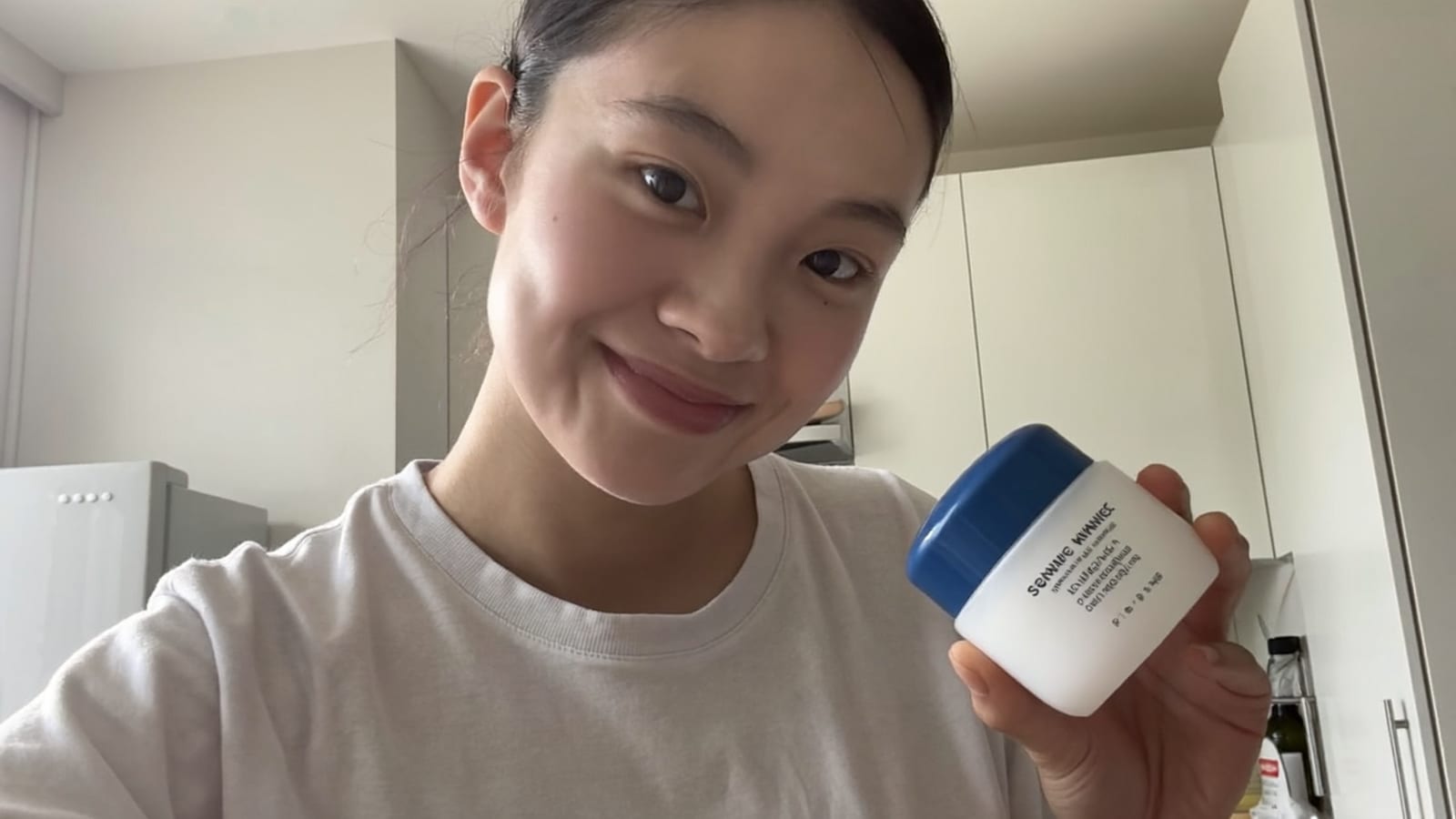
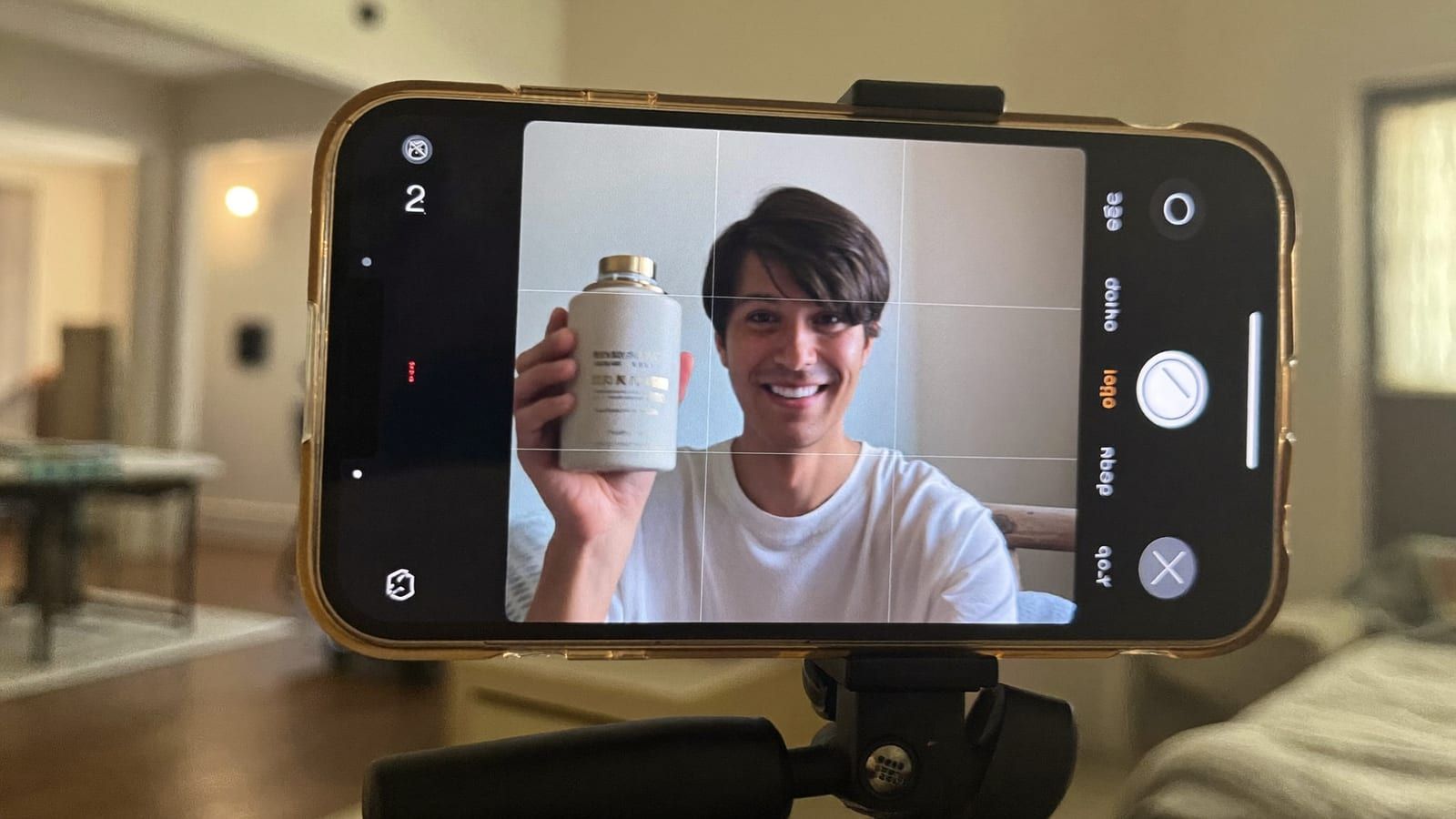
UGC — a real-feeling person talking to camera about your product — is consistently the highest-converting format on TikTok and Reels, and it's historically been the most annoying to source: book a creator, wait a week, pay $150-300 a clip, do it again next month for a new angle. The AI version is a persistent avatar you build once and reuse indefinitely — same face, same voice, in your setting, saying whatever hook you're testing this week. You own it outright, so there's no usage-rights renewal and no rescheduling around someone's calendar.
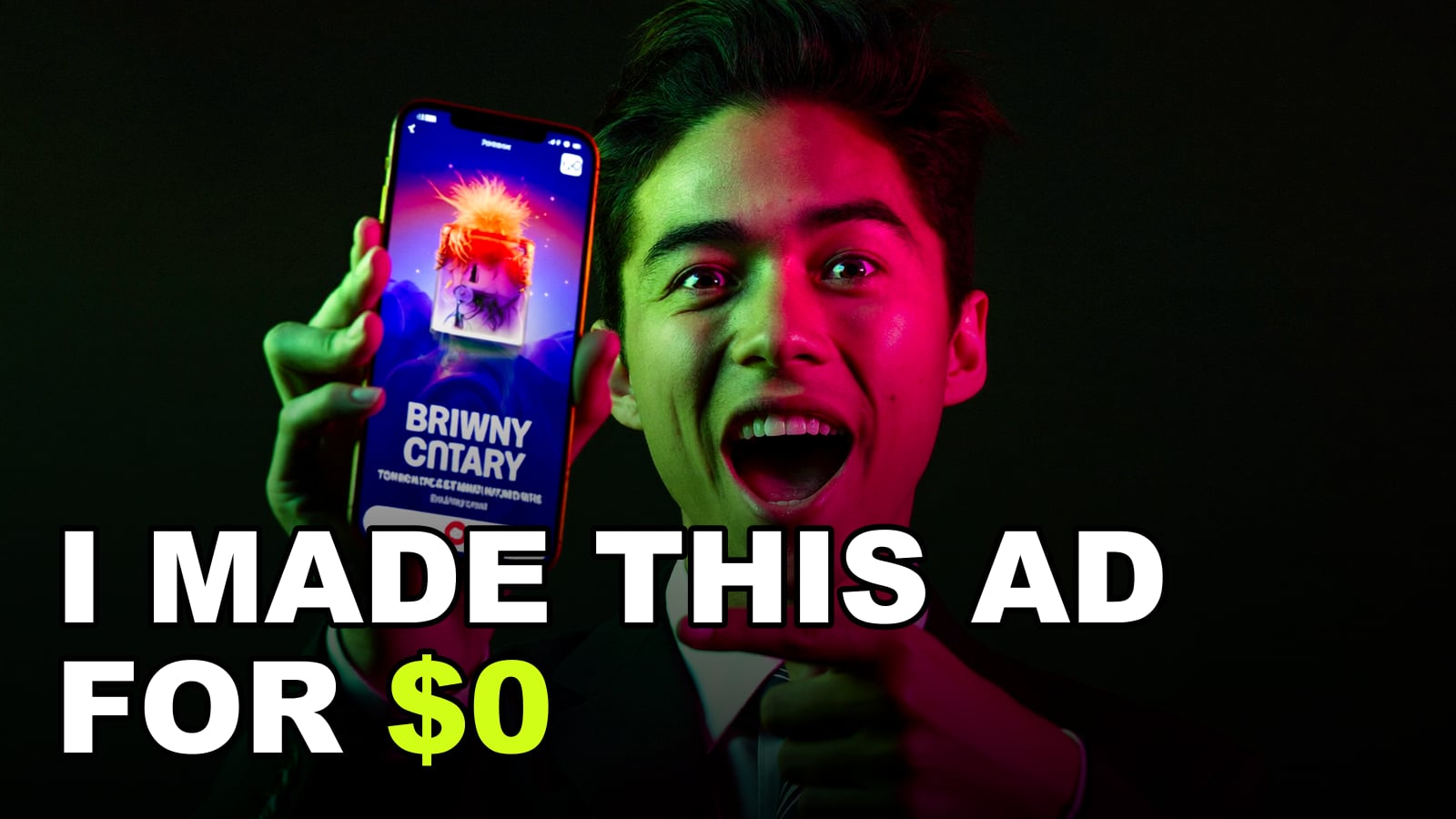
A UGC-style ad frame — generated with Higgsfield, no creator booking required. · Generated with Higgsfield
Build the avatar once. Every ad after that is a script change, not a shoot.
4. Turn the static product photos you already have into video
You almost certainly already have decent product photography sitting in your Shopify media library — it just isn't moving, and video is what outperforms static images on paid social. Image-to-video tools take that existing photo and add camera motion, a subtle rotation, a zoom into the detail that sells the product, or a full scene around it. This is the cheapest strategy on this list in terms of new input required: no new shoot, no new avatar, just motion added to an asset you've already paid for once.
5. Bulk-generate creative variations for real testing
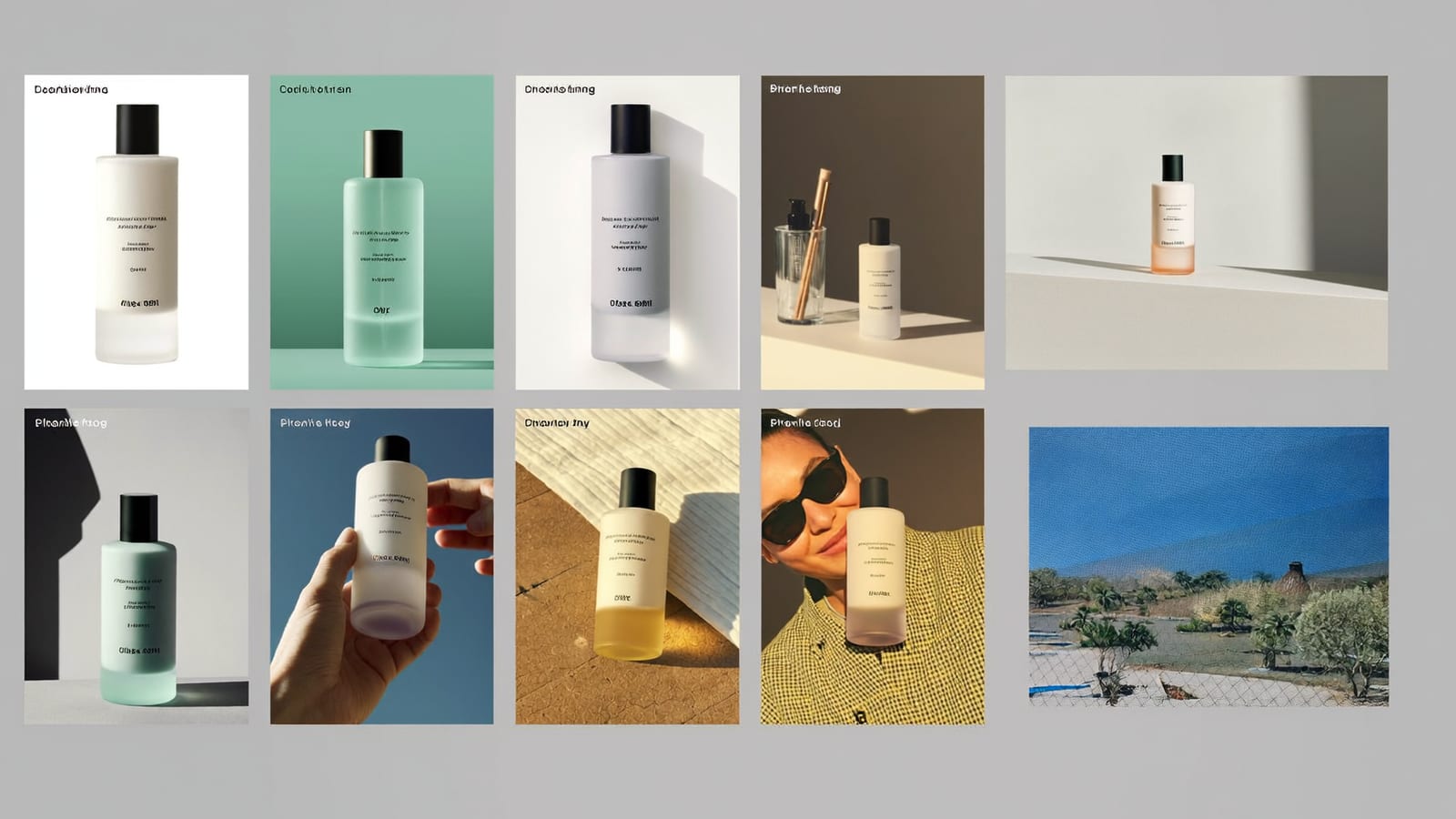
One ad is an opinion. Twenty ads is a test. The strategy that actually moves the needle for stores isn't finding the one 'perfect' AI ad — it's generating a batch of variations that each change one thing (hook line, background, color, avatar tone, first-frame text) and running them against each other. Batch generation is what makes this affordable: instead of paying per-video production cost twenty times over, you generate a grid of variations in one pass and let your ad account's own delivery decide which ones get spend.
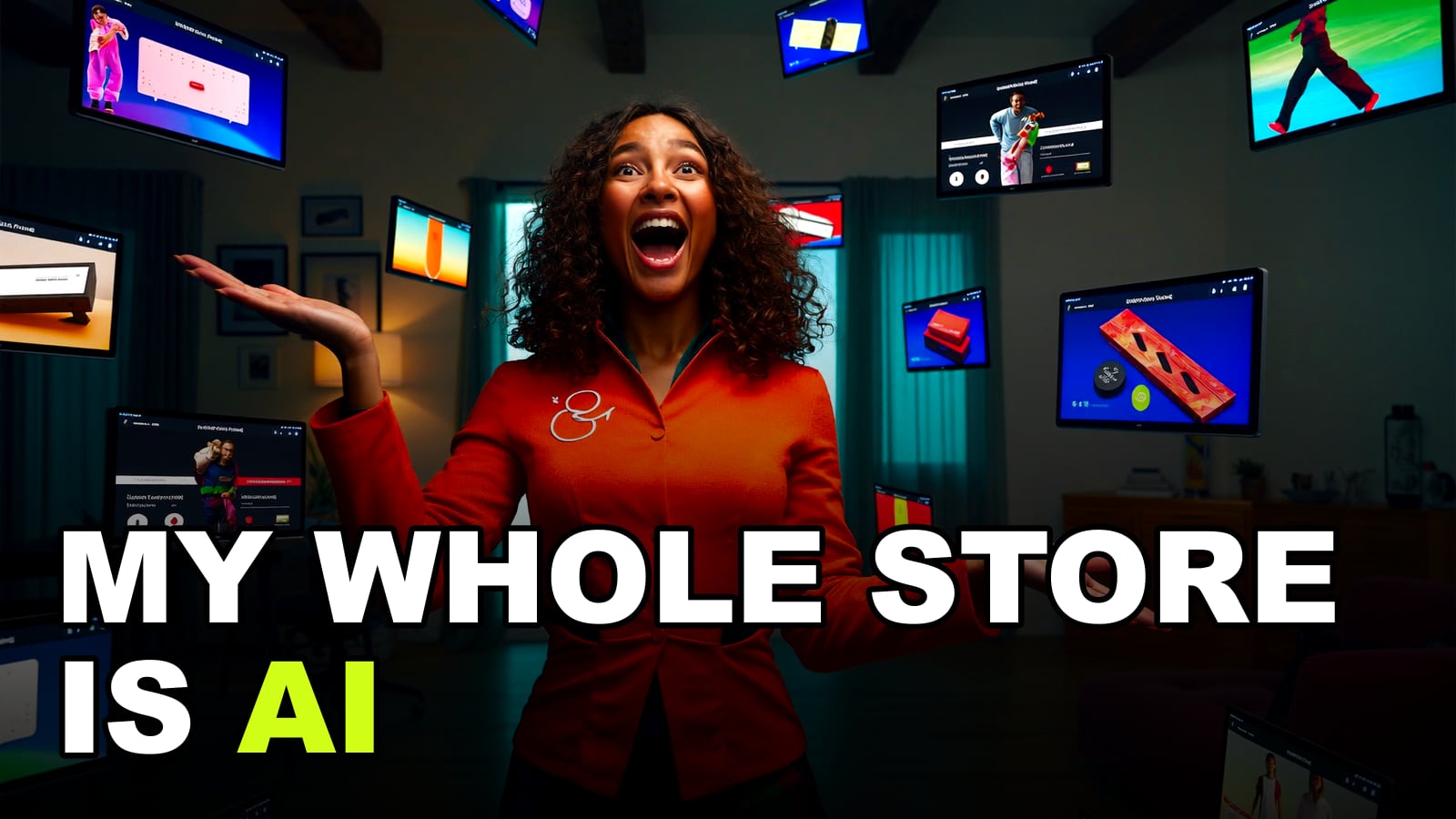
A batch of ad creative variations — generated together for testing, not just one hero cut. · Generated with Higgsfield
Higgsfield · Ad creative generation
Sponsored
Higgsfield drafts ads from a product URL, builds a reusable UGC avatar, and animates static product shots into video — all in one place. Free tier to test before you commit.
6. Use your own ad analytics to find what's actually winning
Meta and TikTok's ad managers already tell you which element of an ad is doing the work — hook retention in the first 3 seconds, thumb-stop rate, which creative in a dynamic set is getting delivery. The mistake I see stores make is generating a batch of AI variations once and never closing the loop: pull the metrics after a few days, identify which specific element (not just which whole ad) is outperforming — a hook phrase, a color palette, a setting — and generate the next batch as deliberate variations on that winning element instead of a fresh set of random guesses. Meta's Advantage+ creative tools are built around exactly this loop of automated variation plus performance feedback, which is worth understanding even if you're generating creative yourself.
7. Iterate by chat instead of booking a re-shoot
The most underrated part of this whole shift: fixing an ad that's almost right used to mean scheduling a new shoot or a new edit round with whoever made it. With AI creative you fix it by asking — 'make the hook punchier,' 'swap the background to something brighter,' 'have her hold the product higher in frame' — and get a revised version in the same conversation, often in under a minute. That tight iteration loop is what turns a decent first draft into an actual top-performer without adding days to your testing cycle. Shopify's own guidance on AI in marketing makes the same point: the value isn't the first output, it's how fast you can refine it.
Pros
+ Cuts real production cost and time on every ad — the savings compound with every test you run
+ Makes statistically meaningful testing (10-20 variations) affordable for a small store, not just a funded brand
+ One AI avatar replaces an ongoing per-clip creator expense
+ Fast iteration loop means winners get refined instead of abandoned
Cons
− Creative fatigue is real — audiences do get tired of an obviously AI-polished look, so keep some texture and imperfection in the mix
− Meta, TikTok, and increasingly Shopify itself expect honest disclosure when content is AI-generated or AI-altered — check current platform policy before you scale a format
− Never let generated creative claim a feature, spec, or result your product doesn't actually have — that's a false-advertising risk regardless of who or what made the ad
− The last 20% (exact brand colors, fine print on labels, natural hand movement) still needs a human review pass before anything goes live
Quick answers
Do I need video editing experience to do any of this?
No. The workflows here are describe-and-generate, not timeline editing. The skill that actually matters is knowing a strong hook and a clean shot from a weak one — the same judgment you'd need briefing a human editor.
Which of these seven should a small Shopify store start with?
Start with strategy 1 (product-URL-to-ad) and strategy 4 (animate your existing photos) — both use assets you already have, so there's no new content to produce before you get a testable ad. Add the AI avatar (strategy 3) once you want a UGC format in rotation.
Do I have to disclose that an ad was made with AI?
Check the current policy on whichever platform you're running the ad — Meta and TikTok have both added AI-disclosure requirements for certain kinds of altered or synthetic content, and the rules keep moving. When in doubt, disclose; it costs you nothing and protects the account.
Can one tool cover all seven strategies, or do I need several subscriptions?
An all-in-one suite is the practical choice — product-URL ad drafts, a reusable avatar, image-to-video, and bulk variation generation living in one place instead of stitched across five tools. That's the workflow Higgsfield is built for, which is why it's the tool referenced throughout this guide.
Draft an ad from your product URL, build a reusable UGC avatar, and animate your existing product shots into video — then generate the variations to actually test. Free tier to try it before you pay.