Everyone asks about VRAM — but your system RAM matters too, especially without a big GPU. Here's how much RAM you actually need for local AI, from 16GB to 128GB, and what each tier runs.
Everyone obsesses over VRAM — but your system RAM matters too, and it's the number people forget. Here's the simple version: 16GB of RAM comfortably runs 8B models, 32GB is the sweet spot (13-14B and serious workflows), and 64GB or more handles 70B models with CPU offload. RAM matters most when you don't have a big graphics card — for CPU-only inference, for offloading part of a model when it doesn't fit in VRAM, and for the RAG pipelines, Docker stacks and tools around your model. If you have a big GPU, VRAM does the heavy lifting; if you don't, RAM is what decides what you can run. Here's the breakdown.
RAM vs VRAM — why both matter
This trips a lot of people up, so let's be clear. VRAM is the memory on your graphics card — it's fast and it's where a model runs when you have a GPU; that's why VRAM is king for GPU inference. System RAM is your computer's main memory, feeding the CPU. They're different pools. Where RAM becomes the deciding factor: (1) no GPU — the whole model runs in RAM on the CPU; (2) model bigger than your VRAM — tools like Ollamaoffload the overflow to system RAM, so more RAM lets you run larger models than your card alone could (slower, but it runs); and (3) everything around the model — a RAG vector database, a browser, your IDE, Docker all want RAM too. A neat data point: community benchmarks show that going from 16GB to 64GB can improve effective tokens/second by 30-60% for models that rely on CPU offload — because the system isn't thrashing. So if you have a strong GPU, prioritise VRAM; if you're on CPU or a modest card, RAM is what unlocks bigger models.
System RAM tiers for local AI
16GB
RAM
Up to ~8B models
Runs comfortably
Starter / casual local AI
32GB
RAM
13-14B + full workflows
Runs comfortably
The sweet spot for most
64GB
RAM
70B with CPU offload
Runs comfortably
Power users, RAG, Docker
128GB
RAM
Large models / big offload
Runs comfortably
Enthusiast headroom
RAM
Runs comfortably
Best for
16GB
Up to ~8B models
Starter / casual local AI
32GB
13-14B + full workflows
The sweet spot for most
64GB
70B with CPU offload
Power users, RAG, Docker
128GB
Large models / big offload
Enthusiast headroom
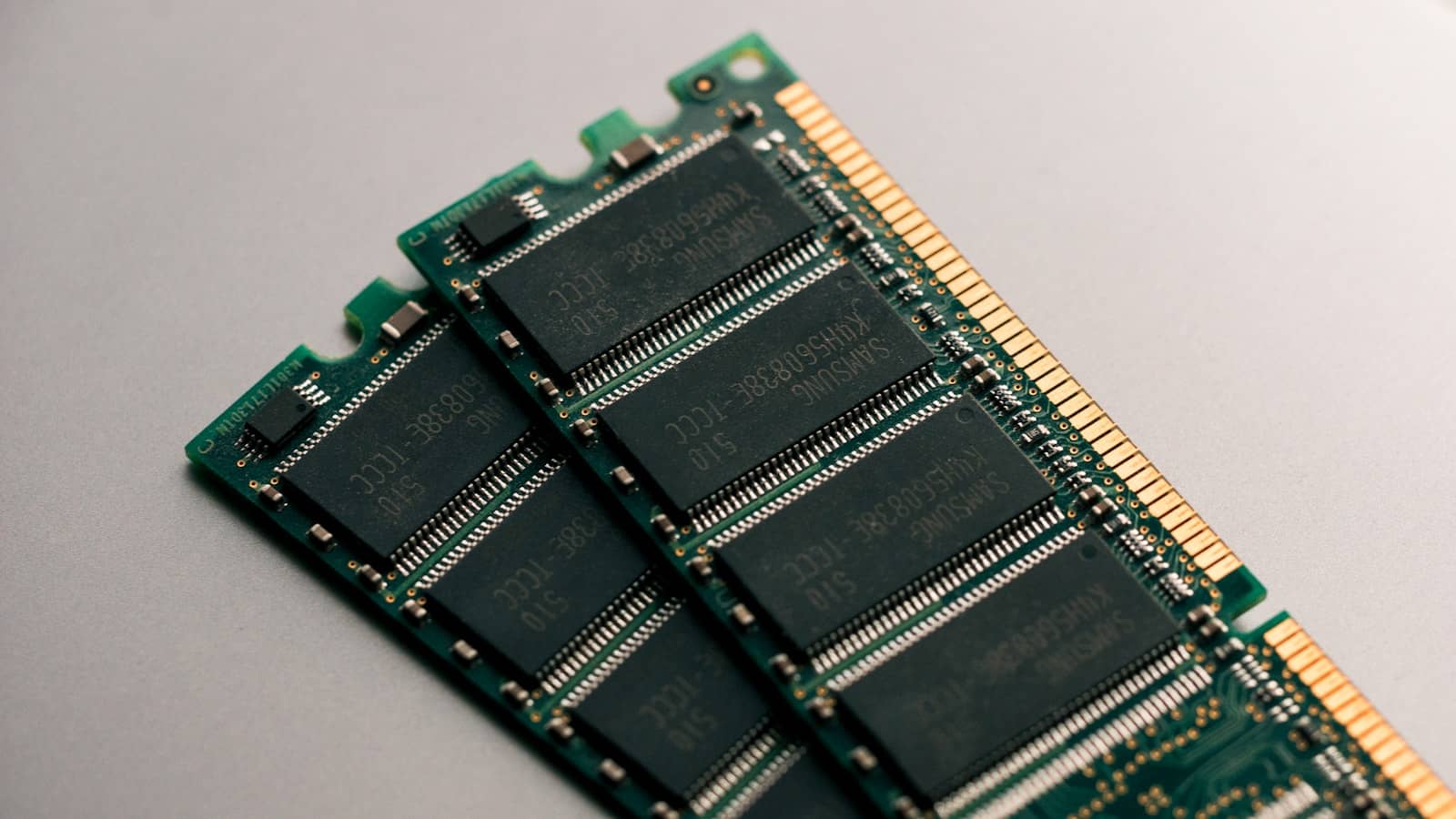
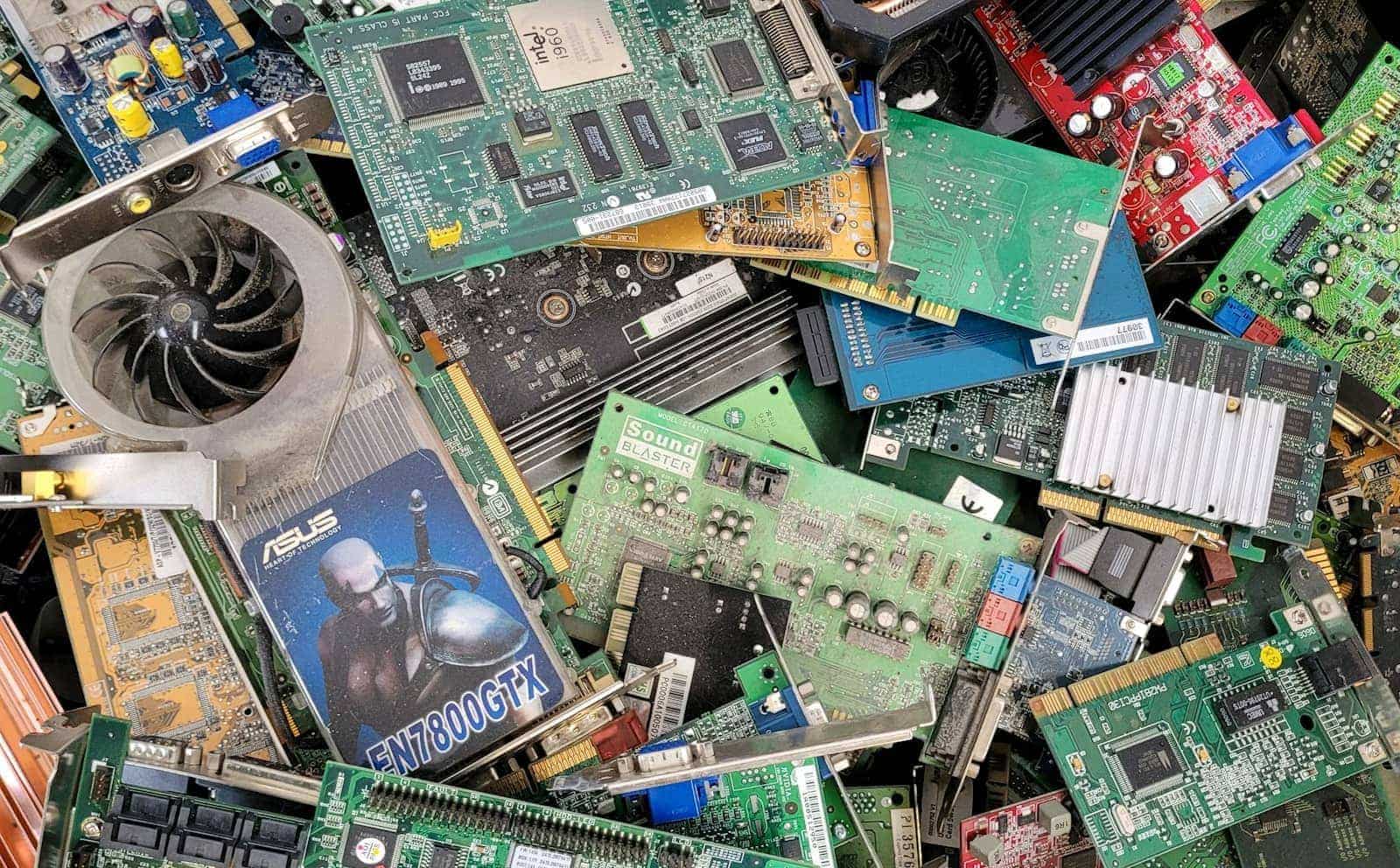
32GB is the practical sweet spot — enough for a 13-14B model plus the tools and pipelines around it. · Unsplash
So how much should you buy?
Here's my straight advice. For most people getting into local AI, 32GB is the target — it comfortably runs the 8-14B models that do 90% of real work, and leaves room for your OS, browser, and a RAG or Docker setup alongside. 16GB is a perfectly good starting point if you're running 8B models and not much else, and you can always add more later on a desktop. Go to 64GB if you specifically want to run 70B models with offload, juggle heavy multitasking, or want to future-proof — it's the enthusiast pick, and RAM is cheap enough that the jump is often worth it. 128GB only makes sense for serious large-model work or a unified-memory box where RAM is your GPU memory. And remember the golden rule: never size a model to your total RAM — a 14GB model on a 16GB machine will choke the OS and everything slows down. Leave a few GB of headroom, match the model to the tier, and check the exact fit in the calculator. Get RAM right and the rest of your local-AI setup just works.
Quick answers
How much RAM do I need to run local AI?
For most people, 32GB of system RAM is the sweet spot — it comfortably runs 8-14B models plus the OS, browser, and tools like RAG or Docker alongside. 16GB is a fine starting point for 8B models and light use. 64GB or more is worth it if you want to run 70B-class models with CPU offload, do heavy multitasking, or future-proof. 8GB is tight, handling roughly 9B models with little headroom. The key rule: never size a model to your total RAM — leave a few gigabytes for the operating system or everything will slow down.
Is RAM or VRAM more important for local AI?
It depends on your setup. If you have a strong GPU, VRAM matters most — it's the fast memory on your graphics card where the model actually runs. If you don't have a big GPU, system RAM is the deciding factor: it runs the model on the CPU, and it holds the overflow when a model is larger than your VRAM (offloading). RAM also feeds everything around the model — vector databases, Docker, your IDE. So prioritise VRAM if you're buying a GPU, and prioritise RAM if you're running on CPU or a modest card. Both matter; which one leads depends on whether you have a capable GPU.
Does more RAM make local AI faster?
Sometimes, yes — specifically when a model relies on CPU offload because it doesn't fully fit in your VRAM. Community benchmarks show going from 16GB to 64GB can improve effective tokens per second by 30-60% in those cases, because the system stops thrashing between memory and disk. But if your model fits entirely in VRAM on a GPU, adding more system RAM won't speed up inference — the GPU is doing the work. More RAM mainly lets you run larger models and more tools at once rather than speeding up a model that already fits. Match RAM to the model size you want to run.