Fine-tuning sounds expensive until you realize you can rent the perfect GPU for it by the hour. For small models a 4090 does it for pennies; for bigger jobs an A100 is the workhorse. Here's the cheapest path.
This post contains affiliate links. If you buy through them, Aliteq may earn a commission — at no extra cost to you. Prices verified at publish time.
Share
Fine-tuning an LLM is far cheaper than people think, and renting the right cloud GPU is what makes it a sub-dollar task. You don't buy a card — you rent exactly the GPU your job needs, for exactly as long as it runs. For a small model, a rented RTX 4090 at ~$0.34/hour fine-tunes an 8B model with QLoRA in a couple of hours for well under a dollar. For bigger jobs, a data-center A100 at ~$1.19/hour is the workhorse. Here's the best cloud GPU to rent for fine-tuning by model size, and what each actually costs — grounded in prices from our tracker, captured 22 September 2026, and part of the cloud-GPU pricing pillar.
Match the GPU to the job
The cheapest fine-tuning setup is the smallest GPU that fits your job. Thanks to QLoRA, fine-tuning an 8B model needs only ~14GB of VRAM, so a rented RTX 4090 (24GB) is plenty — and at ~$0.34/hour, a two-hour run costs under a dollar. Bump up to a 13–14B model and the 4090 still handles it. For larger models, full fine-tuning, or when you want more headroom and speed, an A100 80GB at ~$1.19/hour is the go-to. For 70B fine-tuning you're into A100, H100, or multi-GPU territory. The pattern: rent the smallest capable card, run the job, shut it down.
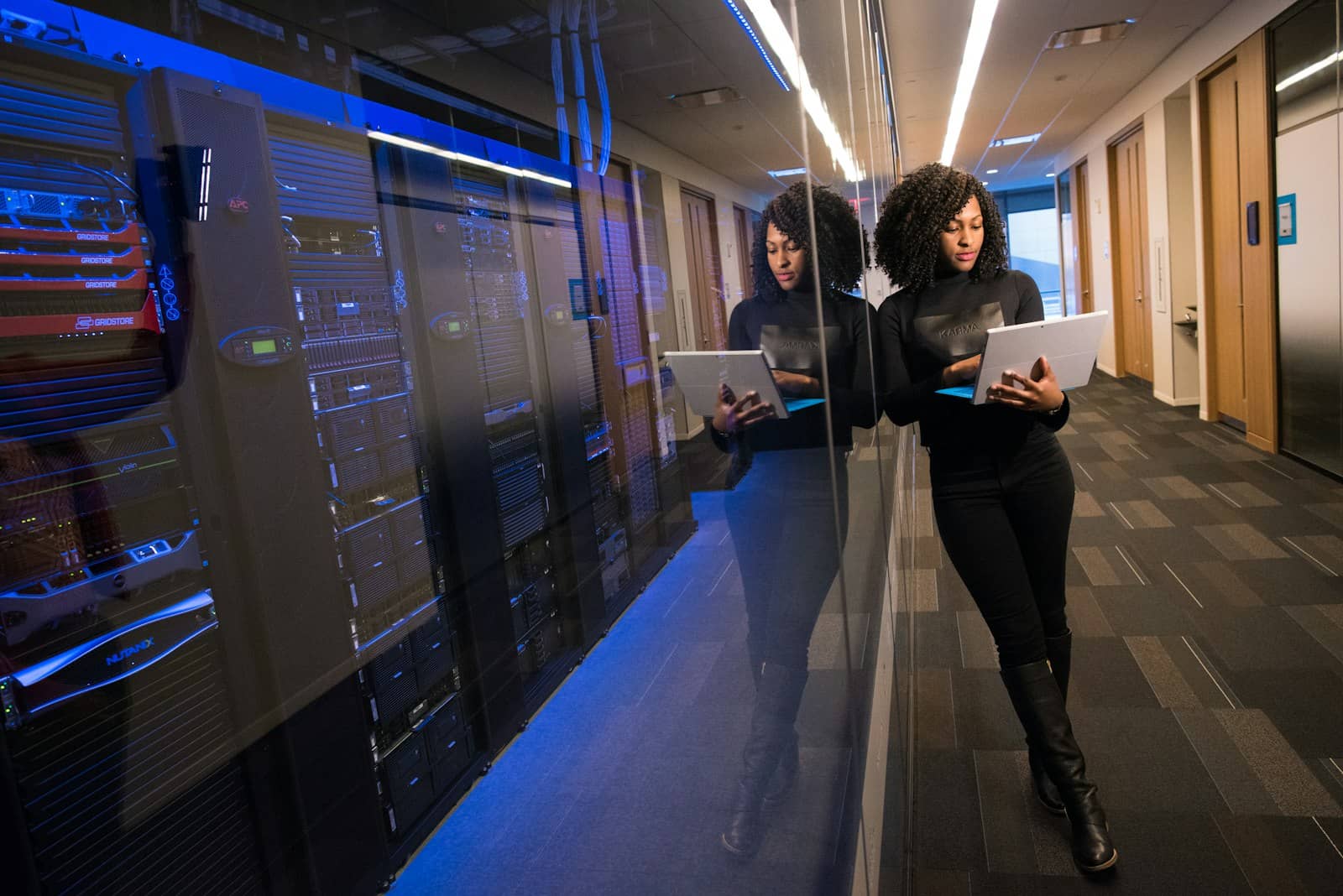
Rent a 4090 for a couple hours, run QLoRA, shut it down — fine-tuning an 8B model for under a dollar. · Unsplash
Keeping the cost down
Two habits make cloud fine-tuning cheap. First, use QLoRA rather than full fine-tuning wherever it suffices — it cuts VRAM enough to fit a smaller, cheaper GPU and runs fast, which is exactly what tools like Unsloth make easy. Second, use spot pricing for the training run if your setup checkpoints (so an interruption doesn't lose progress), which can halve the cost. Shut the instance down the moment training finishes so you're not billed for idle time. Follow those and a fine-tuning experiment costs less than lunch — compare current GPU prices on our cloud-GPU compare page before you start.
Referral link
Run a stable fine-tuning job on Runpod
For a training run you don't want reclaimed mid-epoch, Runpod on-demand is the safe pick — RTX 4090 ~$0.34/hr, A100 80GB ~$1.19/hr (22 Sep 2026).
Referral link — we may earn a commission at no cost to you. Prices on our compare page are the provider's live figures, cheapest first; this never changes the ranking.
Quick answers
What's the best cloud GPU for fine-tuning an LLM?
It depends on model size. For an 8B model with QLoRA, a rented RTX 4090 (24GB, ~$0.34/hour on-demand) is ideal and costs under a dollar per run. For larger models or full fine-tuning, an A100 80GB (~$1.19/hour) is the workhorse. For 70B fine-tuning, you need an A100, an H100 (from ~$1.73/hr on spot), or multiple GPUs. Rent the smallest GPU that fits your job's VRAM needs — QLoRA keeps those needs low, so you rarely need the biggest card. Prices captured 22 September 2026.
How much does it cost to fine-tune an LLM in the cloud?
For an 8B model with QLoRA on a rented RTX 4090 (~$0.34/hour), a training run of a couple hours costs under a dollar; a full iterative project might be $10–20. Larger models on an A100 (~$1.19/hour) cost more but are still cheap for occasional use. Using spot pricing and shutting down promptly keeps costs minimal. Fine-tuning is one of the cheapest serious things you can do with a rented GPU.
Should I rent or buy a GPU for fine-tuning?
Rent, unless you fine-tune constantly. A single QLoRA run costs well under a dollar to rent, so you'd need to fine-tune an enormous amount before buying a card pays off. Renting also lets you grab a bigger GPU for a big job without owning it. Buy only if fine-tuning is a daily, ongoing part of your work — and even then, a 24GB card you already own for inference doubles as a fine-tuning machine. See our rent-vs-buy math.
Referral link
The cheapest spot marketplace
Job checkpoints? Vast.ai spot is cheaper for the training run — a 4090 from about $0.14/hr (22 Sep 2026).