The scary numbers you've seen are for training models from scratch. Fine-tuning an existing Llama 8B on your own data with QLoRA fits a 24GB card, uses ~14GB, and costs under a dollar per run if you rent. Here's the real math.
The number that scares people off fine-tuning — 'it costs millions of dollars and a data center' — is real, but it's the cost of training a model from scratch. That's not what almost anyone means by fine-tuning. Fine-tuning takes a model that already exists, like Llama 3 8B, and nudges it toward your data — and thanks to a technique called QLoRA, you can do that on a single 24GB graphics card, using about 14GB of VRAM, for a cost that rounds to the price of a coffee if you rent the GPU, or nothing but electricity if you own one. The gap between the scary number and the real one is enormous, and it's entirely down to understanding which thing you're actually doing.
Fine-tuning vs training from scratch: the whole confusion
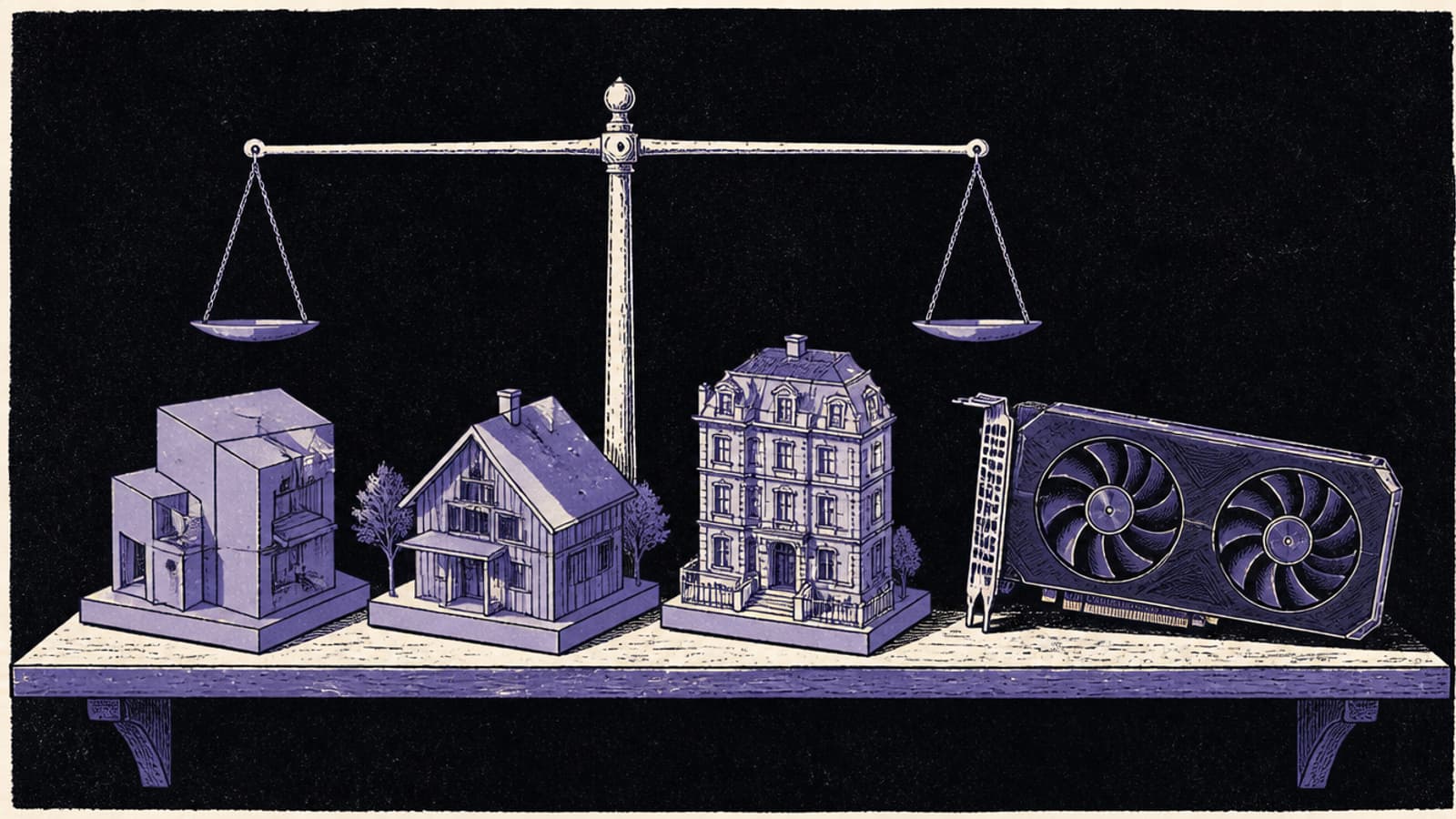
Training a model from scratch means starting with random numbers and teaching the model language, facts and reasoning from trillions of tokens — that's the process that costs millions and burns through thousands of GPUs. Fine-tuning starts from a finished model that already knows all that, and gently adjusts it toward your specific data or style. It's the difference between building a car and adding a custom paint job. And QLoRA makes the paint job cheaper still: instead of adjusting all 8 billion parameters, it freezes the model, quantizes it to 4-bit to shrink its memory footprint, and trains a tiny set of new 'adapter' weights on top. You end up changing a fraction of a percent of the model — which is why it fits a consumer card.
Does it fit? — fine-tuning Llama 8B by method
QLoRA fine-tune (8B) needs ≈14 GB
RTX 3060 (12GB)12 GBover 2 GB
RTX 5060 Ti (16GB)16 GBfits
RTX 3090 / 4090 (24GB)24 GBfits
QLoRA needs ~14GB — a 16GB card just makes it, a 24GB card is comfortable. Full fine-tuning of the same 8B model needs ~60GB+ (datacenter territory) — that's the expensive path people confuse it with.
What it actually costs
Here are the real numbers. If you rent, an RTX 4090 goes for roughly $0.40–0.80 an hour on the major GPU-cloud providers, and a single QLoRA fine-tuning run on Llama 8B — a few epochs over ten to fifteen thousand examples — takes a few hours. That lands a single run around $0.50, and a whole iterative project, where you tweak and re-run a dozen times, typically at $10–20 total. If you own a GPU, the marginal cost is just the electricity to run it for those hours — a used 3090 fine-tunes 8B models all day for pennies. The eye-watering figures you've seen belong to a completely different activity.
Fine-tuning Llama 8B with QLoRA — the real numbers
14 GB
VRAM needed
fits a single 24GB card
$0.50
per training run
rented RTX 4090
8B
model size
a finished model, not from scratch
Tools like Unsloth wrap the whole QLoRA process into a script you run on one GPU — the barrier to entry is a weekend, not a budget. · Unsplash
What hardware you actually need
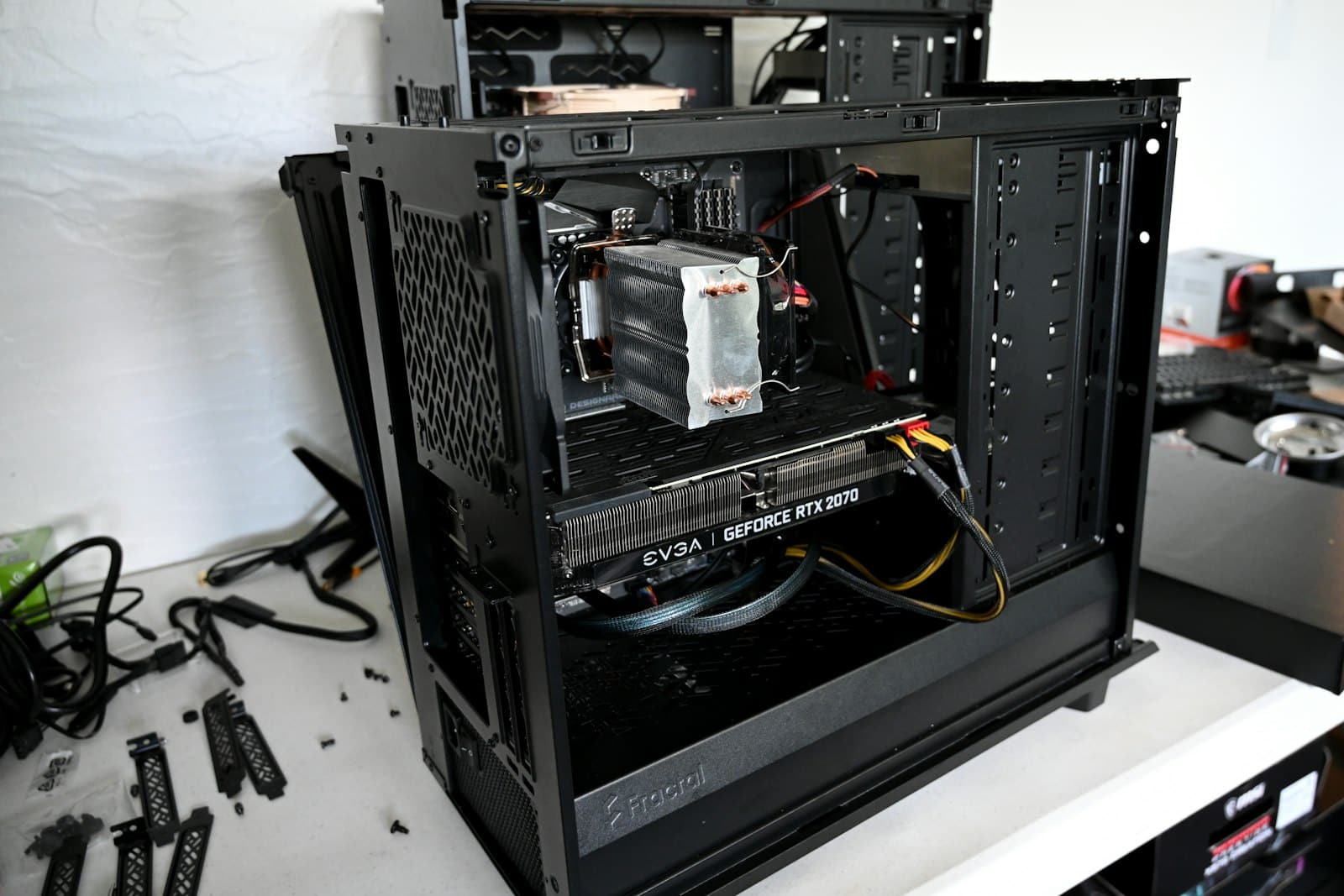
For QLoRA fine-tuning of an 8B model, a 24GB card is the comfortable target — a used RTX 3090 at around $1,000 is the value pick and does the job all day, and a 4090 does it faster. A 16GB card can just about manage QLoRA on 8B with careful settings, but you'll fight for context and headroom. Below that, you're limited to smaller models. Tools like Unsloth have made the software side almost trivial — they wrap QLoRA into a script that runs on one GPU and even speed it up substantially. The honest barrier to fine-tuning in 2026 isn't money or hardware; it's having a clean dataset and knowing what you want the model to learn.
Verdict
Cheaper than you think — by orders of magnitude
Fine-tuning Llama 3 8B is a single-GPU, single-dollar activity, not a datacenter project. QLoRA fits it in ~14GB, a run costs about $0.50 rented or just electricity owned, and a 24GB card (a used 3090 is the value pick) handles it comfortably. The million-dollar figures are for training from scratch — a completely different thing. If you have a clean dataset and a 24GB GPU, the cost was never the obstacle.
Best for: 24GB card owners: fine-tune 8B locally for free. Renters: ~$0.50/run to try it. 16GB: possible with care. Full fine-tuning / 70B: datacenter GPUs, a different budget.
The questions people actually ask
How much does it cost to fine-tune Llama 3 8B?
Using QLoRA on a rented RTX 4090 (~$0.44/hr), a single training run costs roughly $0.50, and a full iterative project is typically $10–20. If you own a 24GB GPU, it's just electricity. These figures are for fine-tuning — adapting an existing model to your data — not training from scratch, which costs millions. For the vast majority of use cases, fine-tuning is what you want, and it's remarkably cheap.
What GPU do I need to fine-tune Llama 8B?
A single 24GB card is the comfortable target — a used RTX 3090 (~$1,000) is the value pick, an RTX 4090 is faster. QLoRA on 8B uses about 14GB, so 16GB cards can manage with careful settings but you'll be tight on context. You don't need multiple GPUs or a workstation card for 8B QLoRA; one consumer 24GB GPU is plenty, which is exactly what makes it accessible.
What's the difference between QLoRA, LoRA and full fine-tuning?
Full fine-tuning updates all the model's weights and needs the most VRAM (~60GB+ for 8B — datacenter territory). LoRA freezes the model and trains small adapter layers, cutting VRAM sharply. QLoRA goes further by also quantizing the frozen model to 4-bit, shrinking the footprint to ~14GB for an 8B model — which is what fits it on a consumer card. QLoRA trades a little quality for a huge memory saving that most people never notice.
Is fine-tuning even worth it versus just prompting?
It depends on your goal. For teaching a model a consistent style, format, or domain vocabulary it keeps getting wrong, fine-tuning beats stuffing everything into a prompt. For adding knowledge, retrieval (RAG) is often better and cheaper. The honest answer: try good prompting and RAG first, and reach for fine-tuning when you need the model to reliably behave a certain way. Given it costs about a dollar to try, the experiment is cheap either way.
The takeaway: don't let the from-scratch numbers scare you off. Fine-tuning a Llama 8B on your own data is a weekend project on a single card, not a capital expense. Size it against your GPU in the VRAM calculator, rent a 4090 for a dollar to try it, and if it sticks, a used 3090 turns it into a free, private, in-house capability. For running the tuned model afterward, our best local model on 24GB guide covers the inference side.