ExLlamaV2 is open-source and free (MIT), and on a GPU it's roughly twice as fast as llama.cpp. The catch: your model has to fit entirely in VRAM. Here's exactly when to use each one.
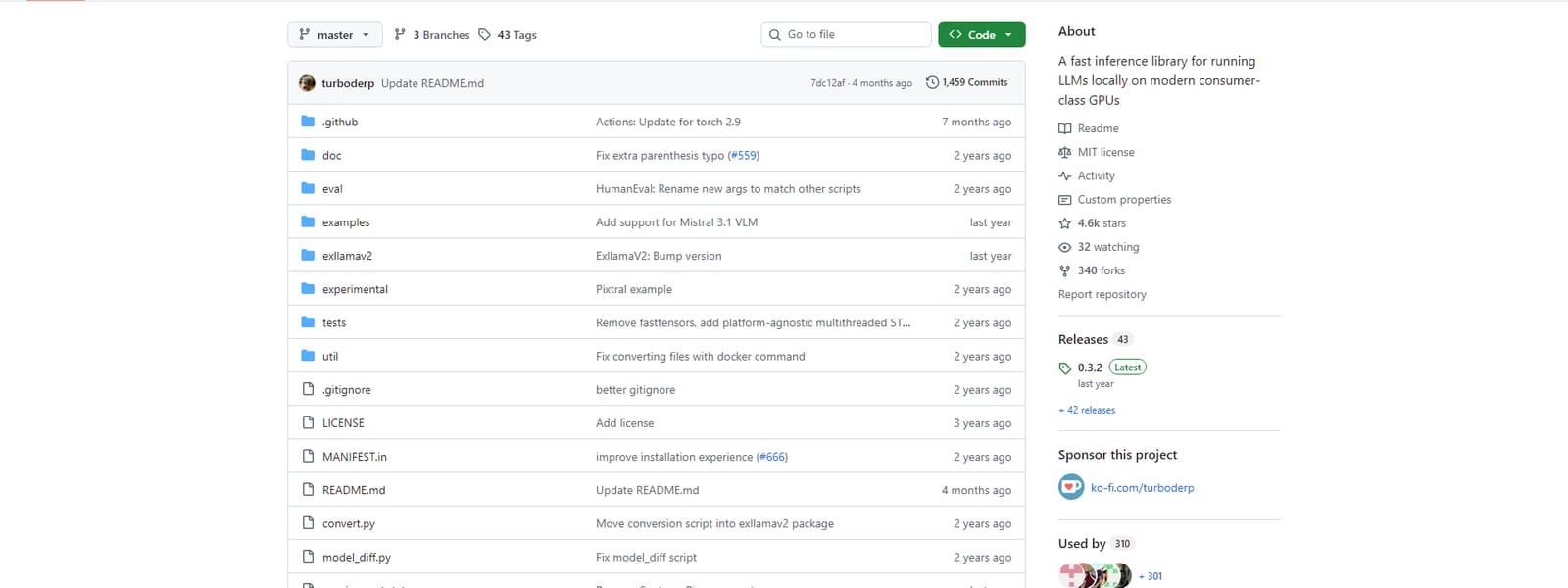
Let's clear up the confusion in the search box first: ExLlama is free. It's open-source under the MIT license — you install it with pip, you pay nothing, ever, and you can modify it however you like. If you searched 'exllama pricing' expecting a subscription page, there isn't one; it's a community-built inference library, not a product. With that settled, the real question is the interesting one: ExLlamaV2 is the fastest way to run a model locally on a GPU — roughly twice the speed of llama.cpp — so why doesn't everyone use it? Because it comes with one hard condition, and whether that condition suits you is the whole decision.
The one condition that decides it
ExLlamaV2 is fast because it does one thing single-mindedly: run models on the GPU, with no compromises for portability. It uses the EXL2 quantization format and assumes the entire model lives in VRAM. That focus is exactly why it's quick — but it means if your model doesn't fit on your card, ExLlamaV2 simply can't run it. There's no 'offload the overflow to system RAM' option. llama.cpp, by contrast, was built CPU-first and treats the GPU as an accelerator, so it can split a model across GPU and system memory — which is how you run a 30B MoE model on a 12GB card. That flexibility costs a little peak speed. So the trade is stark: ExLlamaV2 is faster when the model fits; llama.cpp runs models that don't.
ExLlamaV2 vs llama.cpp
ExLlamaV2
GPU-first · EXL2
vs
llama.cpp
Flexible · GGUF
Free (MIT)
Cost
Free (MIT)
~2x faster
GPU speed
Baseline
No
CPU offload
Yes
No
Runs on Mac/CPU
Yes
Required
Model must fit VRAM
Optional
Moderate
Ease of setup
Easy
ExLlamaV2 wins 1wins 4 llama.cpp
The scoreboard looks lopsided toward llama.cpp, but that's misleading — it wins on flexibility, which is a different axis from speed. If you have a GPU and your model fits in its VRAM, ExLlamaV2's roughly 2x speed advantage is a big, tangible deal for an interactive assistant. The versus table counts flexibility wins; it doesn't capture how much that single speed win matters when it applies to you.
Both engines are free command-line tools. The choice isn't cost — it's whether your model fits your GPU. · Unsplash
Which one should you use?
Here's the honest decision tree. Use ExLlamaV2 if: you have an NVIDIA GPU, your model fits in its VRAM, and you want the fastest possible token generation — for example running a 32B model on a 24GB card where speed is your priority. Use llama.cpp if: you're on a Mac or CPU, you want to run a model bigger than your VRAM via offloading, or you just want the easiest setup with the widest model support (GGUF is everywhere). For a lot of people the real answer is 'both, for different jobs' — ExLlamaV2 for your daily driver that fits the card, llama.cpp for the occasional big model you have to stretch to run.
The questions people actually ask
Is ExLlama free to use?
Yes, completely. ExLlamaV2 is open-source under the permissive MIT license, free to install via pip, and free to use and modify. There's no paid tier, no subscription, and no usage cost — it's a community-built library, not a commercial product. The same is true of llama.cpp. Any cost of running local models is hardware and electricity, not software.
Is ExLlamaV2 really twice as fast as llama.cpp?
On a GPU with EXL2-quantized models, roughly — community benchmarks have shown ExLlamaV2 processing around 14,000 tokens/sec against ~7,500 for llama.cpp in the same test, and it's typically the fastest option for GPU-resident generation. The exact multiple varies by model, quantization and hardware, but 'meaningfully faster on the GPU' is a fair summary. The condition is that the model fits entirely in VRAM.
Can ExLlamaV2 run models bigger than my VRAM?
No — that's its main limitation. ExLlamaV2 is GPU-only with no CPU offloading, so a model that doesn't fit in your VRAM simply won't run. If you need to run a model bigger than your card, that's exactly what llama.cpp's offloading (including the --n-cpu-moe flag for MoE models) is for. Choose the engine around whether your target model fits your GPU.
Do I need ExLlamaV2 if I already use llama.cpp?
Not necessarily — llama.cpp is perfectly good and more flexible. Consider adding ExLlamaV2 only if you have a GPU, your main model fits its VRAM, and you specifically want more speed than llama.cpp gives you. For many people the extra setup isn't worth it over llama.cpp's convenience; for speed-sensitive GPU users it clearly is. There's no harm in having both installed for different models.
So: ExLlama is free, it's the speed king when your model fits the GPU, and llama.cpp is the flexible workhorse that runs anything anywhere. Neither costs a cent — the only question is which fits your hardware and your model. If you're running big models on a modest card, start with llama.cpp and the --n-cpu-moe offload trick; if you want raw GPU speed on a model that fits, ExLlamaV2 is worth the setup. Size your model against your card first in the VRAM calculator — that tells you which engine you even have a choice about.