Quantization is the trick that lets a 16GB card run models it has no business running. Here's how GGUF quant levels work, which one I default to, the memory math, and the honest quality trade — so you get the most model your VRAM can hold.
Every buying guide I write comes back to one number — how much VRAM you have — and quantization is the trick that stretches it. So this is the explainer I wish everyone read before they went shopping. Quantization means storing a model's weights at lower precision: instead of 16 bits per weight, you use 4, 5, 6 or 8. The model gets dramatically smaller and lighter on memory, and — this is the part people don't believe until they try it — for most real use you barely notice the quality drop. It's the single reason a 16GB card punches so far above its spec sheet, and why I run almost everything at a quarter of its 'official' size.
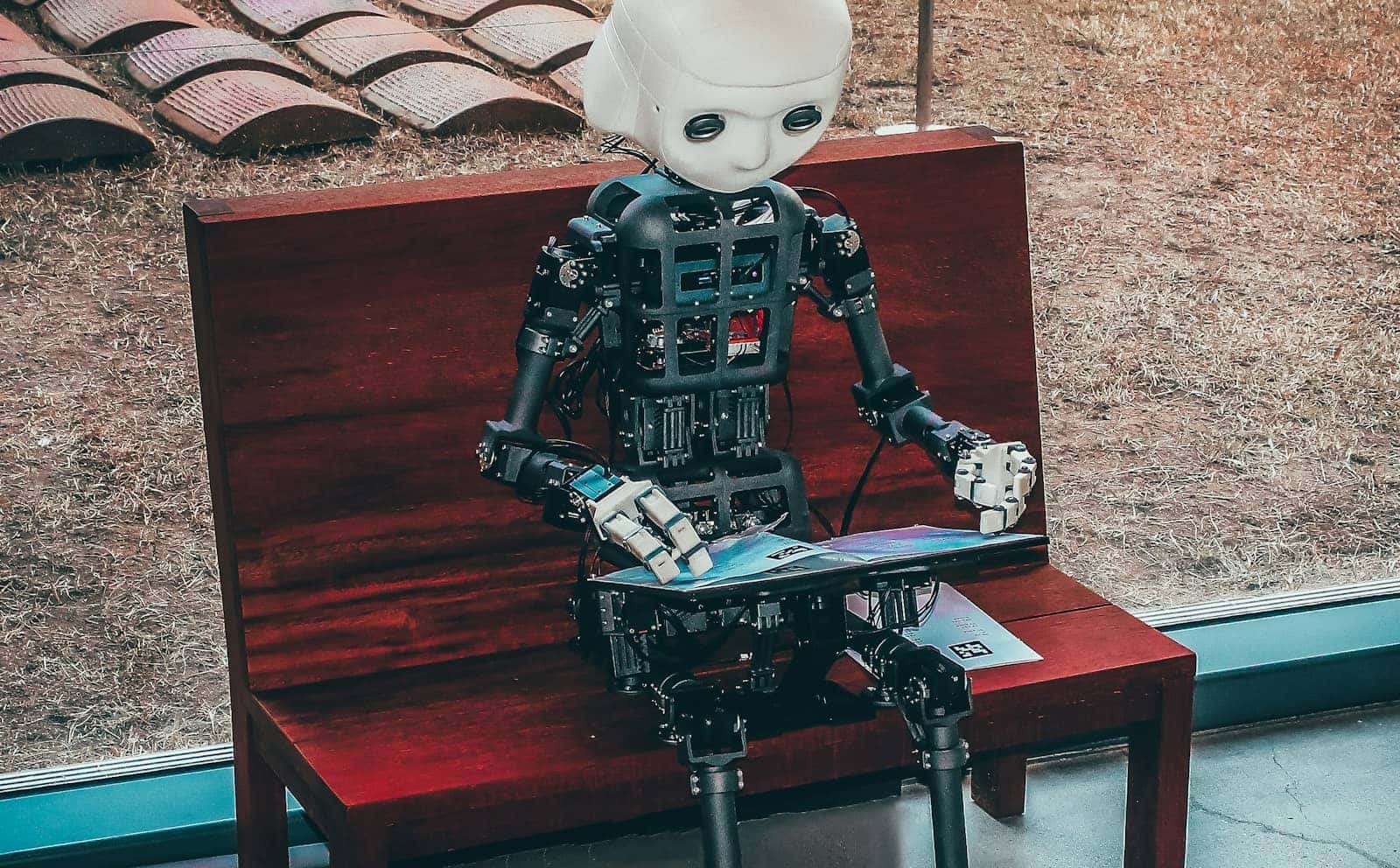
Quantization in one picture: the same model, packed into a fraction of the memory. Illustration generated with AI. · Generated with Higgsfield
What quantization actually does
A model's weights are just numbers. Trained models usually ship in 16-bit floating point (FP16/BF16), which is precise but heavy — every weight eats two bytes. Quantization rounds those numbers to a coarser grid: 8-bit, 5-bit, 4-bit. You lose a little information per weight, but there are billions of them, and the aggregate behaviour holds up remarkably well because the important patterns survive the rounding. In the local-AI world this almost always means the GGUF format (the file type llama.cpp, Ollama and LM Studio all read), and the 'K-quants' (Q4_K_M, Q5_K_M and friends) which quantize different parts of the model at different precisions to protect the parts that matter most. If you want the deep version, the llama.cpp project and Hugging Face's GGUF docs are the primary sources I lean on.
The GGUF levels, and when I reach for each
GGUF quantization levels — the honest cheat sheet
Q8_0
Approx bits/weight
~8-bit
Quality
Near-lossless
When I'd use it
You have VRAM to spare and want max fidelity
Q6_K
Approx bits/weight
~6.5-bit
Quality
Excellent
When I'd use it
Coding/reasoning where the last % matters
Q5_K_M
Approx bits/weight
~5.5-bit
Quality
Very good
When I'd use it
The 'quality' pick when Q4 feels tight
Q4_K_M
Approx bits/weight
~4.5-bit
Quality
Great — my default
When I'd use it
Almost everything; best size/quality balance
Q3_K_M
Approx bits/weight
~3.5-bit
Quality
Noticeably softer
When I'd use it
Only to fit a model that won't fit at Q4
Q2_K
Approx bits/weight
~2.5-bit
Quality
Degraded
When I'd use it
Last resort — expect real quality loss
Approx bits/weight
Quality
When I'd use it
Q8_0
~8-bit
Near-lossless
You have VRAM to spare and want max fidelity
Q6_K
~6.5-bit
Excellent
Coding/reasoning where the last % matters
Q5_K_M
~5.5-bit
Very good
The 'quality' pick when Q4 feels tight
Q4_K_M
~4.5-bit
Great — my default
Almost everything; best size/quality balance
Q3_K_M
~3.5-bit
Noticeably softer
Only to fit a model that won't fit at Q4
Q2_K
~2.5-bit
Degraded
Last resort — expect real quality loss
My rule of thumb, and it's held up across every model I've run: start at Q4_K_M. The community's perplexity tests (the standard way people measure quantization damage) consistently show Q4_K_M sitting very close to the full-precision model for general chat and writing, which matches what I see day to day. If a model has room to spare in your VRAM, bump to Q5_K_M or Q6_K and pocket the small quality gain — I do this for coding models specifically, where a subtle logic slip costs more than a few gigabytes. I only drop to Q3 or Q2 when it's the only way to get a model onto a card at all, and I tell people plainly: at that point you're trading real intelligence for a fit, so consider a smaller model at Q4 instead.
Same 30B model, different quant — memory it needs to load
FP16 (full)~60GB
datacenter territory
Q8_0~32GB
near-lossless, still big
Q5_K_M~22GB
fits a 24GB card
Q4_K_M~19GB
fits a used 3090
How you actually get a quantized model
Here's the good news: you almost never quantize anything yourself. The community does it for you. On Hugging Face you'll find pre-made GGUF files for basically every popular model, usually a whole menu of quant levels in one repository — you just download the Q4_K_M (or whatever you picked) and point llama.cpp or LM Studio at it. Even simpler, Ollama pulls a sensible default quant automatically when you run a model, so a lot of people use quantization every day without realising it. You'd only quantize a model by hand if you fine-tuned your own or wanted a level nobody published — and even then it's a couple of llama.cpp commands, not a research project.
What you're actually giving up
I won't pretend quantization is free — it isn't, it's a trade, and honesty is the whole point of these guides. Down at Q4 the losses are real but subtle: very occasionally a model will pick a slightly worse word, miss a fine detail in a long document, or slip on a hard reasoning or math step it would've nailed at full precision. For chat, drafting, summarising and general assistant work, I genuinely can't tell Q4_K_M from the full model in blind use, and neither can most people. For high-stakes coding, exact instruction-following, or long-context precision work, the difference starts to show, which is exactly why I keep a Q5_K_M or Q6_K copy around for those jobs. The trap to avoid is going too low to chase a bigger model: a 14B at Q5 will almost always serve you better than a 30B crushed to Q2.
Verdict
How I'd set your default
Default to Q4_K_M — it's the best balance of size and quality, and it's what makes affordable local AI work at all. Step up to Q5_K_M or Q6_K when you have spare VRAM or you're doing precision work like coding; step up to Q8_0 only if fidelity matters more than memory. Avoid Q3/Q2 unless it's the only way to fit the model, and even then, first ask whether a smaller model at Q4 would serve you better. Size the model to your card, quantize to taste, and you'll get far more out of the GPU you already own.
Best for: Anyone running local LLMs who wants the most model their VRAM can actually hold
Common questions
Which quantization should I use?
Q4_K_M is the right default for almost everyone — near-full quality at a quarter of FP16's memory. If you have spare VRAM, Q5_K_M or Q6_K give a small quality bump that's worth it for coding and precise reasoning. Only drop below Q4 if it's the only way to fit the model.
Does Q4 make the model 'dumber'?
Barely, in practice. Community perplexity tests put Q4_K_M very close to the full model, and for chat, writing and summarising most people can't tell the difference. The loss becomes noticeable on hard coding, exact instruction-following and long-context tasks — use Q5/Q6 there. Q3 and Q2, on the other hand, degrade visibly.
How much memory does a quantized model need?
Roughly (parameters × bits-per-weight ÷ 8) plus about 1–2GB for the KV cache and runtime. A 30B model is ~60GB at FP16 but ~19GB at Q4_K_M — the difference between needing a datacenter GPU and running on a used RTX 3090. Longer context needs more.
Do I have to quantize models myself?
No. Pre-quantized GGUF files for popular models are all over Hugging Face in every quant level, and Ollama pulls a sensible default automatically. You'd only quantize by hand for a model or level nobody has published, and that's a couple of llama.cpp commands.
Is a bigger model at low quant better than a smaller model at high quant?
Usually the opposite of what people expect: a smaller model at Q4/Q5 tends to beat a much larger model crushed to Q2. Don't sacrifice quantization quality just to run a bigger parameter count — match the model size to your VRAM and keep the quant at Q4 or above.
Once you know your target quant, sizing the hardware is easy: our cost-to-run tool turns a model + quant into a VRAM number, the best-GPU-for-local-AI pillar maps that number to a card, and the 16GB and 8GB guides go deeper by tier. Picking a specific model? See the best GPU for running Qwen3, where all of this comes together.