llama.cpp's own guide runs it on a 16GB Mac with one flag. But on a Mac the CPU and GPU share one pool of memory, so the whole model still has to fit, and 16GB leaves almost nothing for macOS. Here's the maths.
This post contains affiliate links. If you buy through them, Aliteq may earn a commission — at no extra cost to you. Prices verified at publish time.
Share
A Mac mini is one of the most popular ways to run a local model quietly, and gpt-oss-20b is one of the most popular models to run. The question "will it work on the 16GB base model?" has a more interesting answer than yes or no, because Macs handle memory differently from a PC with a graphics card. Here's what llama.cpp's own guide says, what our VRAM engine says, and what I'd buy if this is the job. The Mac mini prices come from our M4 vs M6 Mac mini deal check.
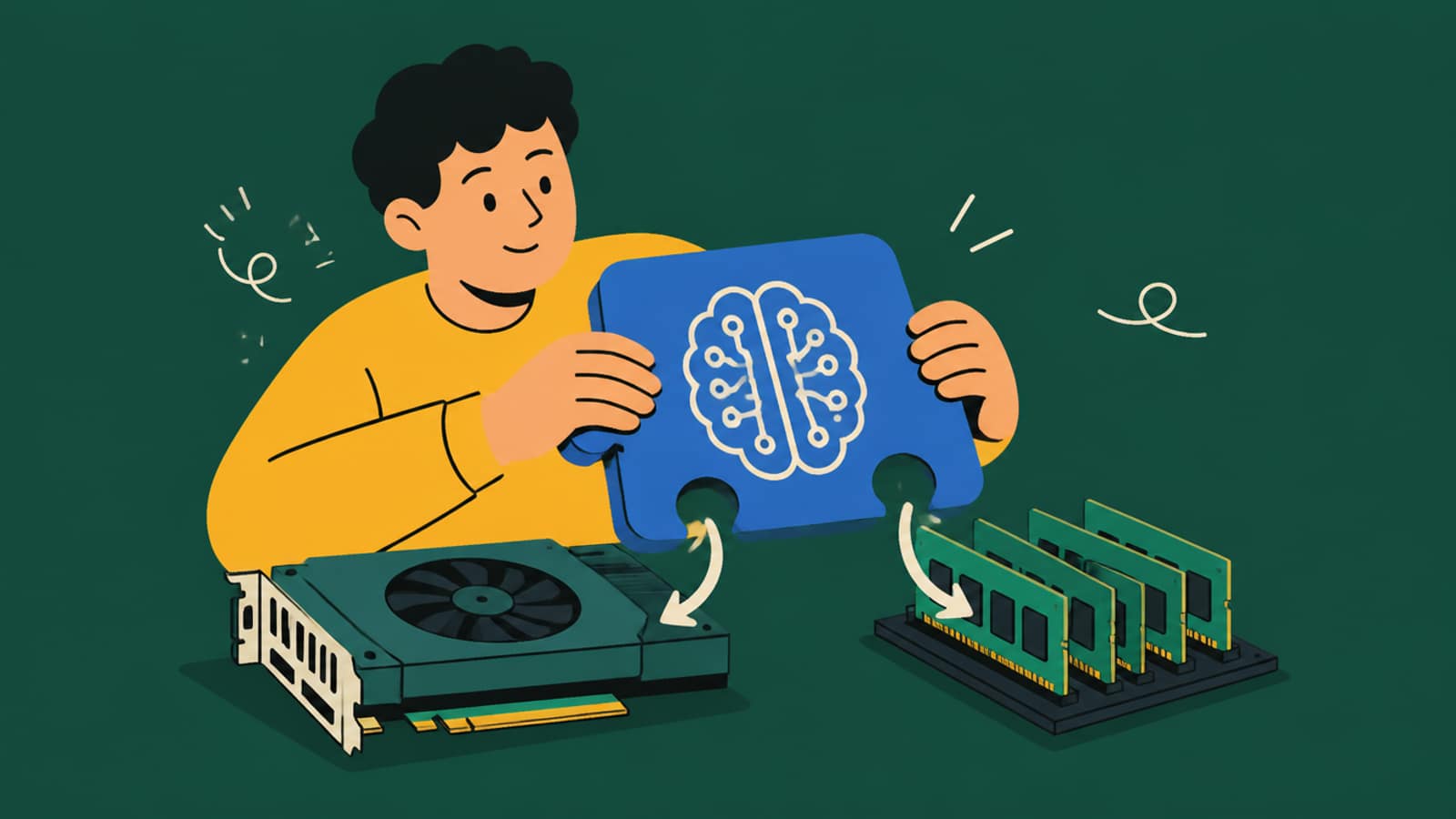
On a Mac, the GPU and CPU share one pool of memory, and that changes the maths. · Illustration generated with Higgsfield
What llama.cpp's guide says about Macs
The headline: gpt-oss-20b "can run efficiently on Macs with at least 16GB RAM." For 8GB Macs it says: "The gpt-oss models are not possible to run on Macs with that small amount of memory."
The 16GB catch: "Macs don't allow to utilize the full 16GB memory by the GPU, so in this case you have to keep part of the layer on the CPU."
The rule of thumb: for best performance, don't exceed about 70% of your Mac's total memory for the model.
The command it gives for 16GB Macs:
# llama.cpp official gpt-oss guide (Discussion #15396), accessed 25 Sep 2026 — Macs with 16GB
llama-server -hf ggml-org/gpt-oss-20b-GGUF --n-cpu-moe 12 -c 32768 --jinja --no-mmap

# --n-cpu-moe 12 : keep the expert weights of the first 12 layers on the CPU side
# -c 32768       : 32K context
# --no-mmap      : load the model into memory rather than memory-mapping the file
Source: llama.cpp's official gpt-oss guide. The same guide has our 8GB and 12GB PC setup too. On a PC, moving experts to the CPU moves them out of VRAM into separate system RAM. On a Mac there's only one pool.
Why 16GB is tighter on a Mac than it looks
Apple Silicon has unified memory: the CPU and GPU share it. So --n-cpu-moe on a Mac doesn't free up memory overall. It just changes which part of the chip does the work on those layers, to stay under the share macOS lets the GPU use. The whole model still has to fit in the Mac's RAM alongside macOS, your browser and everything else.
gpt-oss-20b on a Mac: total footprint vs installed memory (our engine, Q4_K_M)
16GB · 8K context
Model + KV + overhead
≈13.0 GiB
Fits the ~70% GPU budget?
No (≈10.4 GiB budget)
Left for macOS & apps
≈1.9 GiB
16GB · 32K context
Model + KV + overhead
≈14.1 GiB
Fits the ~70% GPU budget?
No
Left for macOS & apps
≈0.8 GiB
24GB · 32K context
Model + KV + overhead
≈14.1 GiB
Fits the ~70% GPU budget?
Yes (≈15.6 GiB budget)
Left for macOS & apps
≈8.2 GiB
32GB · 32K context
Model + KV + overhead
≈14.1 GiB
Fits the ~70% GPU budget?
Yes (≈20.9 GiB budget)
Left for macOS & apps
≈15.7 GiB
Model + KV + overhead
Fits the ~70% GPU budget?
Left for macOS & apps
16GB · 8K context
≈13.0 GiB
No (≈10.4 GiB budget)
≈1.9 GiB
16GB · 32K context
≈14.1 GiB
No
≈0.8 GiB
24GB · 32K context
≈14.1 GiB
Yes (≈15.6 GiB budget)
≈8.2 GiB
32GB · 32K context
≈14.1 GiB
Yes (≈20.9 GiB budget)
≈15.7 GiB
(16GB = about 14.9 GiB. The 70% budget is llama.cpp's guideline, not a hard macOS limit.) So on a 16GB Mac mini, gpt-oss-20b at 32K context leaves well under 1 GiB for everything else. It'll run, but close your browser, and expect macOS to lean on swap if you don't. At 8K context there's a little more breathing room. On 24GB, the model sits entirely inside the GPU's share with room to keep working normally, which is the real difference.
M4 or M6: does the chip matter?
Mac mini for gpt-oss-20b (Apple specs, 25 Sep 2026 prices)
M4 Mac mini
Refurb 16GB/512GB $849 (Apple)
vs
M6 Mac mini
16GB/256GB $899 · 24GB/512GB $1,269.99
120 GB/s
Memory bandwidth
170 GB/s
32GB
Max memory
32GB
Runs with --n-cpu-moe (tight)
gpt-oss-20b on 16GB
Runs with --n-cpu-moe (tight)
No (M4 not sold new by Apple)
A 24GB option you can buy today
Yes, $1,269.99 (Amazon, 3–5 wk)
mini wins 0wins 2 mini
For text generation, memory bandwidth is the spec that matters most, because each new token means reading the active weights from memory. Apple lists up to 170 GB/s for the M6 against about 120 GB/s for the M4, so on paper the M6 generates faster. I'm not going to put a tokens-per-second number on either: llama.cpp's guide publishes Mac results only for much bigger chips, and nobody has published a like-for-like 16GB Mac mini figure I'd trust.
Apple Mac mini (2026): M6, 24GB, 512GB
The configuration I'd buy for gpt-oss-20b. It holds the whole model on the GPU at 32K context with ~8 GiB to spare, and has 170 GB/s of memory bandwidth. It was $1,269.99 sold by Amazon.com on 25 Sep 2026, shipping in 3–5 weeks.
You already own a 16GB Mac mini (M4 or M6): use llama.cpp's command above. Keep context at 32K or below, and close heavy apps while it runs.
You're buying mainly for gpt-oss-20b: the M6 with 24GB. Memory is soldered, so this is the one upgrade you can't add later.
You want bigger models too: even 32GB tops out quickly. For 30B-class models, see our M4 vs M4 Pro for local AI and the higher-memory options there.
You'd rather use a PC: a 16GB graphics card holds the model fully. See best GPU for gpt-oss-20b.
Quick answers
Can a 16GB Mac mini run gpt-oss-20b?
Yes. llama.cpp's official guide says it runs "efficiently on Macs with at least 16GB RAM", using --n-cpu-moe 12 -c 32768 --jinja --no-mmap because "Macs don't allow to utilize the full 16GB memory by the GPU". It's tight: our engine puts the model at ~14 GiB at 32K context, leaving under 1 GiB of a 16GB Mac for macOS.
Is 24GB enough for gpt-oss-20b on a Mac?
Comfortably. At 32K context the model needs about 14.1 GiB on our engine, inside the ~15.6 GiB that llama.cpp's 70% guideline allows on a 24GB Mac, with about 8 GiB left for macOS and apps.
M4 or M6 Mac mini for local AI?
On paper, the M6. Apple lists up to 170 GB/s of memory bandwidth for the M6 against about 120 GB/s for the M4, and generation speed follows bandwidth. Both top out at 32GB. On 25 Sep 2026 the M6 16GB was $899 and the 24GB model $1,269.99 at Amazon.
Does --n-cpu-moe save memory on a Mac?
Not overall. Macs use unified memory shared by the CPU and GPU, so offloading experts to the CPU only keeps the GPU's share under the limit macOS allows. The whole model still has to fit in total RAM.
Can an 8GB Mac run gpt-oss-20b?
No. llama.cpp's guide says: "The gpt-oss models are not possible to run on Macs with that small amount of memory."