gpt-oss-20b fits on a 16GB card, but the model's huge context can quietly overflow it. Here are the best GPUs to run it, from the cheapest 16GB option to the 24GB value king.
It comes down to context.gpt-oss-20b needs only about 12.7GB of [VRAM](/how-much-vram-do-you-need-to-run-ai-models-2026) at 8K context, so a 16GB card gets you in the door and runs it fast. But the model supports up to 128K context, and long context balloons the VRAM — so 24GB is the real sweet spot if you want headroom. The best picks: the [RTX 5060 Ti](/is-the-rtx-5060-ti-16gb-good-for-local-ai-2026) 16GB is the cheapest way in, the RTX 4080 or RTX 5070 Ti (16GB) are the fast 16GB options, and a [used RTX 3090 (24GB)](/used-rtx-3090-buying-guide-local-ai-2026) is the value king — 24GB of context headroom for the least money. Here's how to choose.
16GB gets you in — but mind the context
A 16GB card is genuinely enough to run gpt-oss-20b well: at 8K context the model sits around 12.7GB, leaving a little room, and you get fast generation. The cheapest good entry is the RTX 5060 Ti 16GB — it prioritises VRAM capacity over raw speed, which is exactly right for local AI, where VRAM matters most. If you want more speed at 16GB, the RTX 4080 or RTX 5070 Ti push far higher tokens/second while still fitting the model comfortably at normal context. The thing to watch — and the reason not to celebrate 16GB too hard — is the [128K-context trap](/can-you-run-gpt-oss-20b-locally-2026): the KV cache grows with context length, so if you feed the model long documents or big histories, a 16GB card can run out of room mid-task. For chat, coding snippets, and 8K-ish context, 16GB is fine; for long-context work, you'll feel the ceiling. Which leads to the pick most people should make.
gpt-oss-20b GPU picks
RTX 5060 Ti 16GB
GPU
16GB
VRAM
Cheapest entry (8K context)
RTX 4080 / 5070 Ti
GPU
16GB
VRAM
Fast, normal context
Used RTX 3090
GPU
24GB
VRAM
Value king — long-context headroom
RTX 4090
GPU
24GB
VRAM
Fastest + full context (~225 tok/s)
GPU
VRAM
Best for
RTX 5060 Ti 16GB
16GB
Cheapest entry (8K context)
RTX 4080 / 5070 Ti
16GB
Fast, normal context
Used RTX 3090
24GB
Value king — long-context headroom
RTX 4090
24GB
Fastest + full context (~225 tok/s)
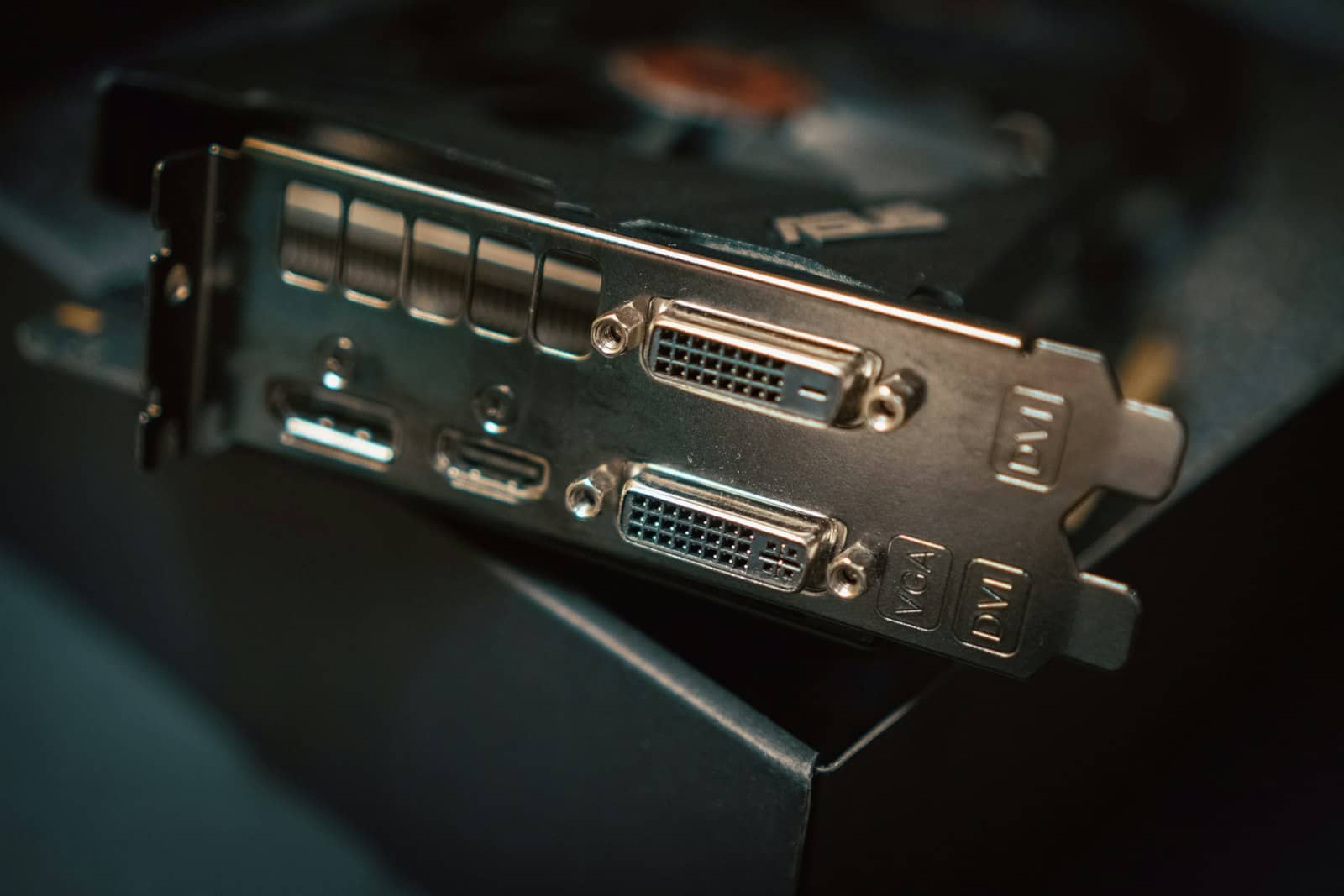
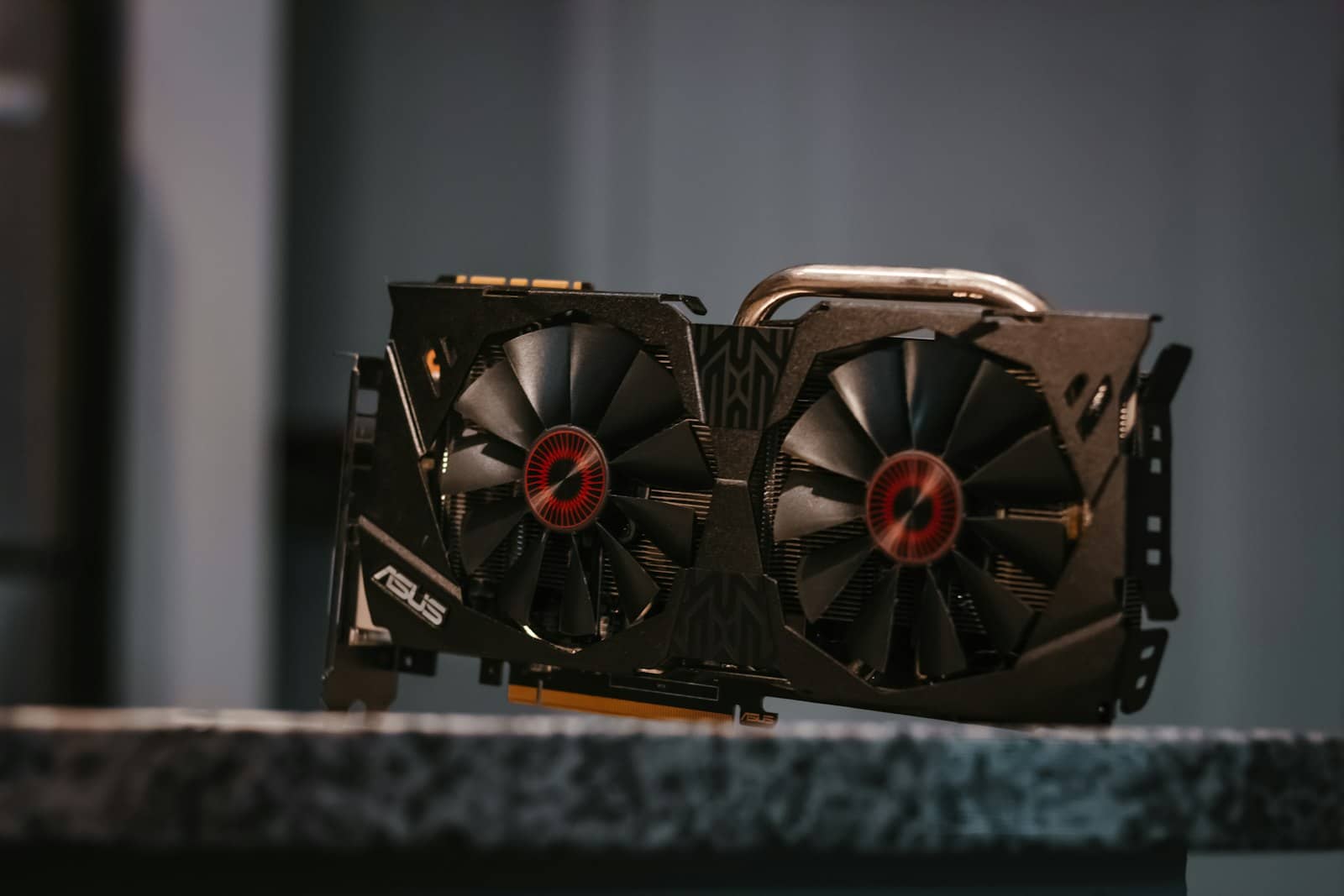
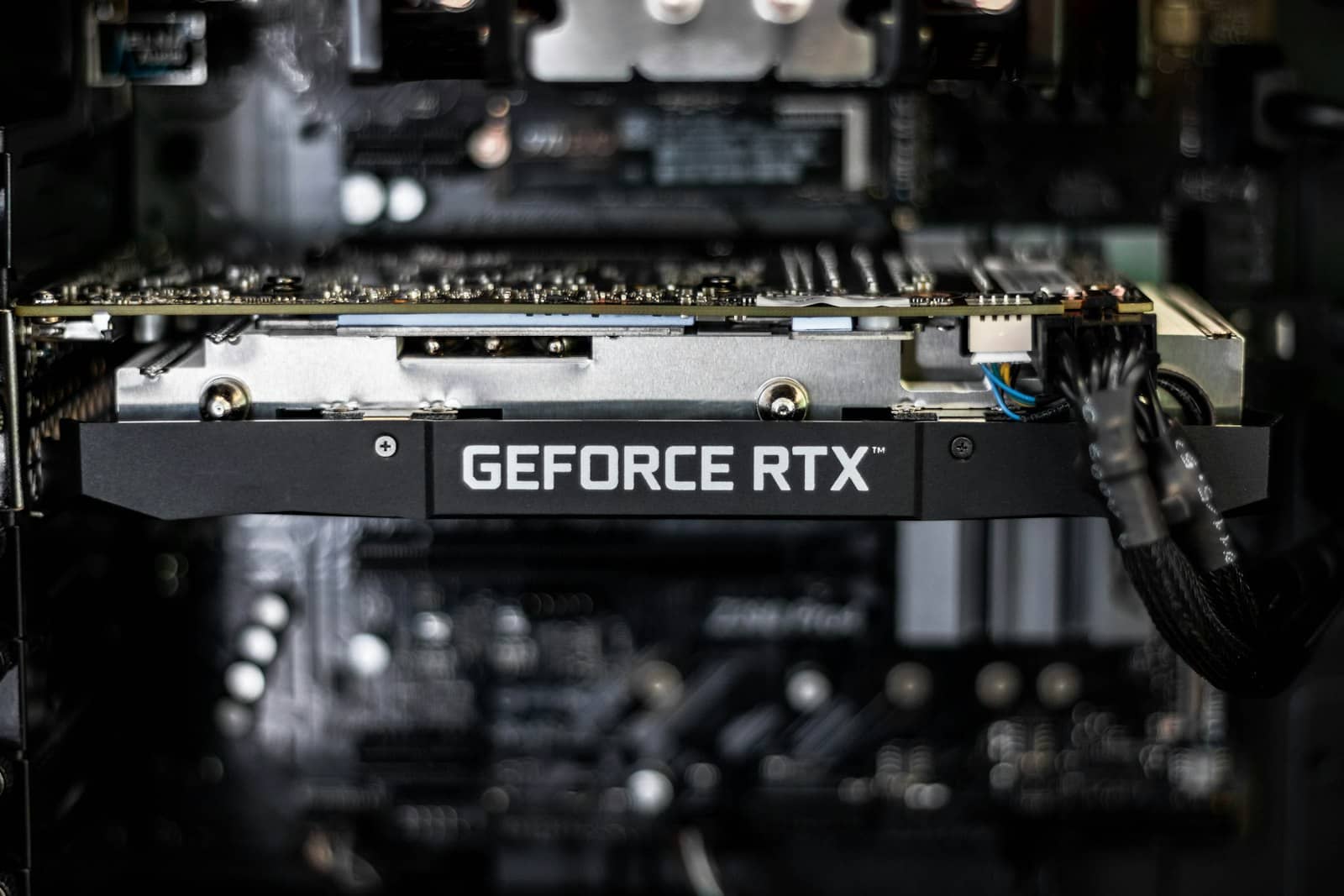
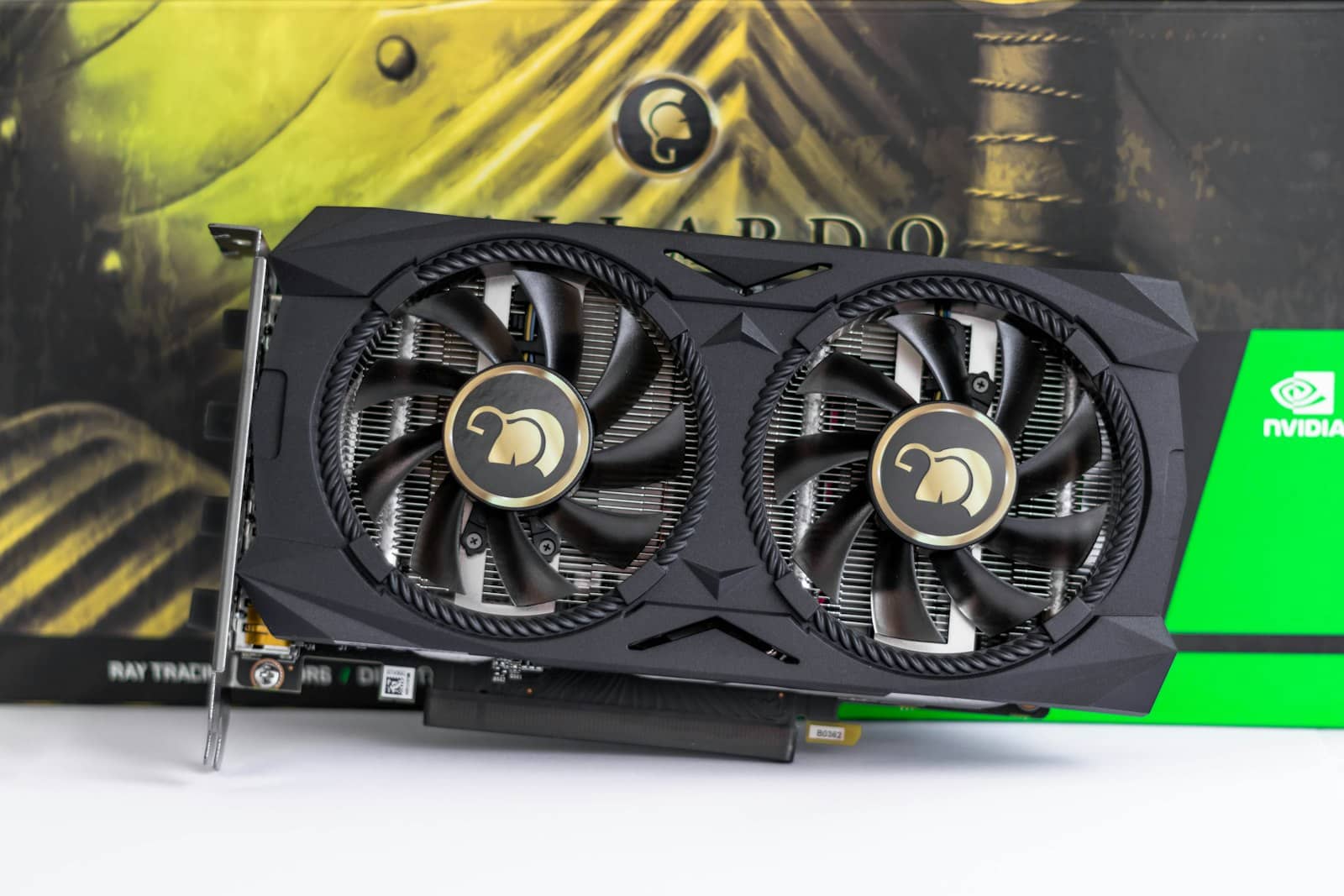
16GB runs gpt-oss-20b at 8K context; a used RTX 3090's 24GB is the value pick for its 128K context. · Unsplash
Why 24GB is the sweet spot
For a model whose headline feature is big context, the smart buy is 24GB — and the value champion is a [used RTX 3090](/used-rtx-3090-buying-guide-local-ai-2026). It gives you the same 24GB as an RTX 4090 for far less money, and that extra memory is exactly what stops the 128K context from overflowing — you can throw long documents at gpt-oss-20b without VRAM anxiety, and you keep headroom for other, larger models down the line. If you want maximum speed too, the RTX 4090 is the fastest option (that ~225 tok/s figure) with the same 24GB headroom, for more money. Either way, 24GB future-proofs you: it runs gpt-oss-20b at full context and opens the door to 24GB-class models like Qwen3-Coder 32B. So the honest recommendation: if budget is tight, an RTX 5060 Ti 16GB gets you running today; if you can stretch, a used RTX 3090 24GB is the sweet spot — the cheapest way to run gpt-oss-20b the way it's meant to be used, with room for its huge context. Size your exact config before buying and you'll pick right.
Quick answers
What is the best GPU for running gpt-oss-20b?
For most people, a used RTX 3090 (24GB) is the sweet spot — it's the cheapest 24GB card and gives you headroom for gpt-oss-20b's large context, which can overflow a 16GB card. If budget is tight, an RTX 5060 Ti 16GB is the cheapest way to run the model at normal (8K) context, and the RTX 4080 or RTX 5070 Ti are faster 16GB options. For maximum speed, the RTX 4090 (24GB) runs gpt-oss-20b at around 225 tokens per second with full context room. The rule of thumb: 16GB works for everyday use, but 24GB is the safe pick if you want to use the model's long context with big documents.
Can a 16GB GPU run gpt-oss-20b?
Yes. At OpenAI's MXFP4 quantization with an 8K context window, gpt-oss-20b needs about 12.7GB of VRAM, so it fits on a 16GB card like an RTX 5060 Ti 16GB, RTX 4080, or RTX 5070 Ti, and runs fast. The caveat is context length: the model supports up to 128K tokens, and the KV cache grows as you use more context, which can push VRAM past 16GB during long-context tasks. So a 16GB card is great for chat, coding snippets, and moderate context, but if you plan to feed the model long documents you'll want 24GB. For everyday use, 16GB is genuinely enough.
Do you need 24GB for gpt-oss-20b?
Not to run it, but 24GB is the recommended sweet spot. The model itself fits in about 12.7GB at 8K context, so 16GB works for normal use. However, gpt-oss-20b's standout feature is its very large context window (up to 128K tokens), and using that long context grows the KV cache enough to overflow a 16GB card. A 24GB card — a used RTX 3090 for value or an RTX 4090 for speed — gives you the headroom to actually use that long context, plus room for larger 24GB-class models later. If long-context work matters to you, 24GB is worth it; if not, 16GB is fine.