Everyone says 16GB minimum. That's only true if the whole model has to live on the GPU. llama.cpp's own guide runs it on an 8GB RTX 2060. Here are the commands, and the starting values for your card.
Most gpt-oss-20b guides, including our own can you run gpt-oss-20b, say 16GB is the minimum. That's true if you want the whole model on the GPU. It isn't true if you're willing to put part of it in system RAM, and for this particular model that's a much better deal than it sounds. Here's why, the exact commands from llama.cpp's own guide, and the numbers to start from on an 8GB or 12GB card.
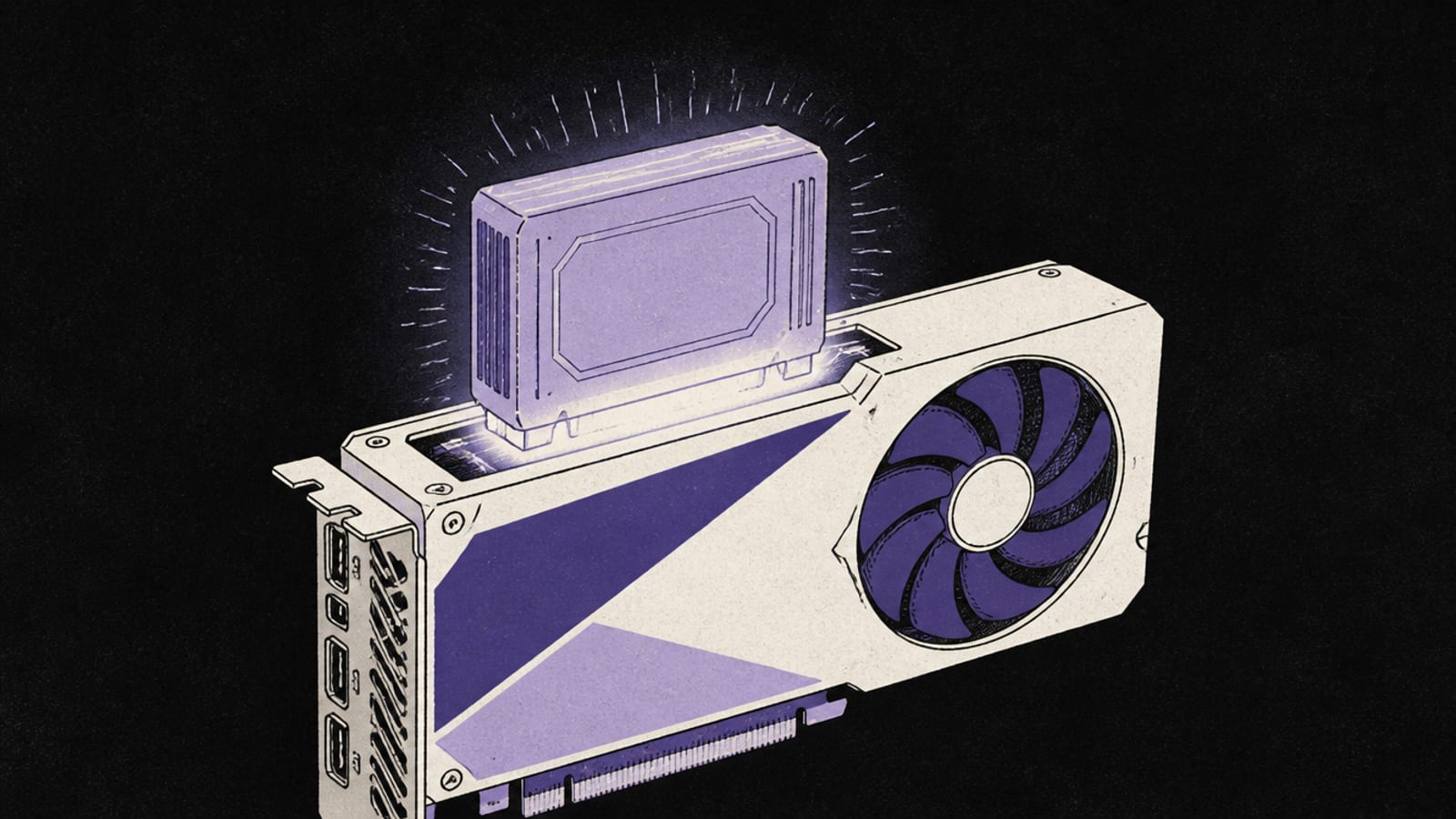
The trick: keep the small, always-used part on the GPU and park the big, rarely-used experts in system RAM. · Illustration generated with Higgsfield
Why gpt-oss-20b splits so well
gpt-oss-20b is a Mixture-of-Experts model: 24 layers, each with 32 expert networks, of which 4 run for any given token. From the model's own configuration, the experts are about 19.1 billion of its 20.9 billion parameters. The part every token touches (attention, embeddings, routing) is only about 1.8 billion. That's an unusually lopsided split, and it's exactly what llama.cpp's --n-cpu-moe flag exploits. The small always-used part stays on the fast GPU, and the big rarely-used part goes to system RAM.
19.1B params
Expert weights
≈10.8 GiB at Q4_K_M (our engine)
1.8B params
Always-on weights
≈1.0 GiB at Q4_K_M
≈0.45 GiB
Experts per layer
what each --n-cpu-moe step frees
11.27 GiB
Official file
gpt-oss-20b-mxfp4.gguf (llama.cpp guide)
One note on the numbers: our engine models a Q4_K_M quantisation, while the official GGUF ships in OpenAI's MXFP4 format at 11.27 GiB (per llama.cpp's guide). Our estimate runs slightly high, which errs toward "won't fit", the safe direction.
Either way, the answer is no for 8GB and 12GB cards, and tight on 16GB. llama.cpp's guide says 16GB is "just at the edge" and caps context at 32K there. (llama.cpp's figure includes 2.7GB of compute buffers at the large batch size its example commands use, which is why it's higher than ours.) That's where offloading comes in.
The commands (from llama.cpp's own guide)
llama.cpp's official gpt-oss guide has a section for devices with less than 16GB of VRAM. Its example machine is an RTX 2060 8GB:
-hf ggml-org/gpt-oss-20b-GGUF downloads the official GGUF from Hugging Face.
--n-cpu-moe N: the llama-server README describes it as "keep the Mixture of Experts (MoE) weights of the first N layers in the CPU". The guide: "finding the optimal value requires some experimentation."
--cpu-moe keeps all expert weights on the CPU. It's the lowest-VRAM option, useful as a first test.
--jinja uses the chat template embedded in the GGUF. The guide includes it on every gpt-oss command.
--ctx-size 0 means "the model's default", 128K for gpt-oss. Lower it to save VRAM.
Starting values for your card
Here's our engine's version of the same calculation: the always-on weights plus KV cache and overhead, then as many layers of experts as fit in 90% of your VRAM. The rest go to system RAM. At 32K on 8GB it lands on --n-cpu-moe 16, the same number llama.cpp's guide uses for its RTX 2060, which is a good sign the maths is sound.
Suggested --n-cpu-moe starting points (our engine, Q4_K_M, 90% of VRAM)
8GB card (RTX 2060 / 3060 Ti / 4060)
16K context
--n-cpu-moe 14
32K context
--n-cpu-moe 16
System RAM for offloaded experts
≈6.3–7.2 GiB
12GB card (RTX 3060 12GB / 4070)
16K context
--n-cpu-moe 6
32K context
--n-cpu-moe 8
System RAM for offloaded experts
≈2.7–3.6 GiB
16GB card
16K context
0 (fits fully)
32K context
0 (fits fully)
System RAM for offloaded experts
—
16K context
32K context
System RAM for offloaded experts
8GB card (RTX 2060 / 3060 Ti / 4060)
--n-cpu-moe 14
--n-cpu-moe 16
≈6.3–7.2 GiB
12GB card (RTX 3060 12GB / 4070)
--n-cpu-moe 6
--n-cpu-moe 8
≈2.7–3.6 GiB
16GB card
0 (fits fully)
0 (fits fully)
—
# A 12GB starting point based on the numbers above (flags per the llama.cpp README)
llama-server -hf ggml-org/gpt-oss-20b-GGUF --ctx-size 16384 --jinja --n-cpu-moe 6

# Won't start / runs out of memory?  Lower --ctx-size first, then raise --n-cpu-moe by 1–2.
# Plenty of VRAM left?  Lower --n-cpu-moe to keep more experts on the GPU (faster).
On system RAM: the offloaded experts need somewhere to live, on top of your OS and apps. On an 8GB card that's roughly 6–7 GiB of experts, so 16GB of system RAM is the practical floor and 32GB is comfortable. That's my inference from the sizes above, not a figure from the guide. How fast it runs depends on your RAM and PCIe speed. llama.cpp's guide doesn't publish a tokens-per-second figure for its 8GB example, and I'm not going to invent one. Expect it to be slower than the 16GB results, but, as the guide puts it, offloading can still "provide decent performance."
Yes, with llama.cpp's --n-cpu-moe flag keeping most expert weights in system RAM. llama.cpp's official guide runs it on an RTX 2060 8GB with --n-cpu-moe 16 at 32K context, or --n-cpu-moe 22 at full context (v0.5.0 docs, accessed 25 Sep 2026).
Can gpt-oss-20b run on an RTX 3060 12GB?
Yes. The full model doesn't fit (about 13 GiB on our engine at 8K), but with experts partly offloaded our engine suggests starting around --n-cpu-moe 6 at 16K context (8 at 32K), keeping roughly 3 GiB of experts in system RAM. Tune from there.
How much system RAM do I need to offload gpt-oss-20b?
On an 8GB card roughly 6–7 GiB of expert weights sit in system RAM, so 16GB of RAM is a practical floor and 32GB is comfortable. On a 12GB card it's about 3–4 GiB. These are our estimates from the model's size, not official figures.
What does --n-cpu-moe do?
Per the llama-server README, it keeps "the Mixture of Experts (MoE) weights of the first N layers in the CPU". The always-used parts of the model stay on the GPU, and the large, rarely-used expert weights go to system RAM. --cpu-moe moves all of them.
How fast is gpt-oss-20b on an 8GB GPU?
llama.cpp's guide doesn't publish a tokens-per-second figure for its 8GB example, and we don't have one we can source. It will be slower than on a 16GB card that holds the whole model, and your RAM and PCIe speed matter more once experts are offloaded.