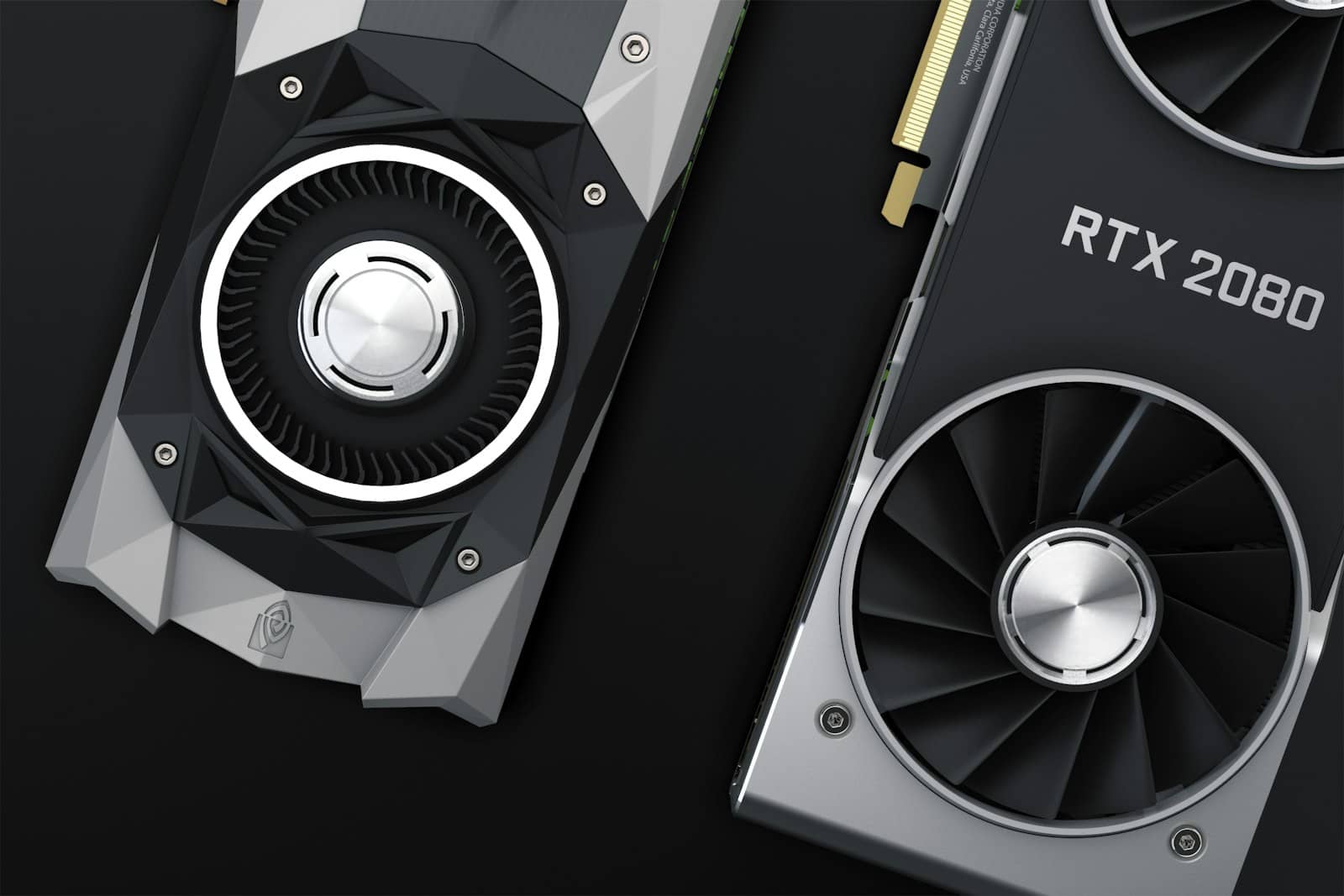
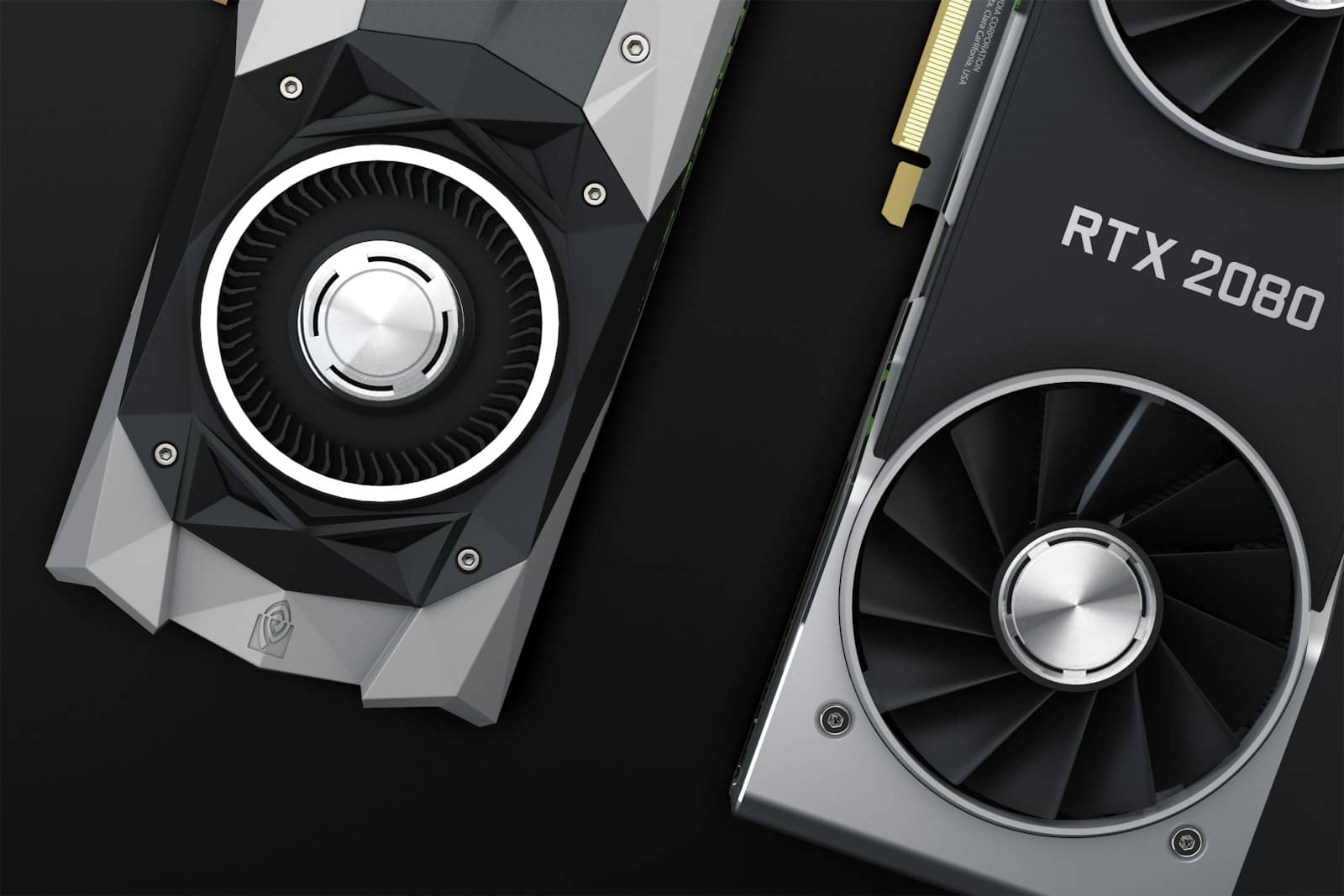
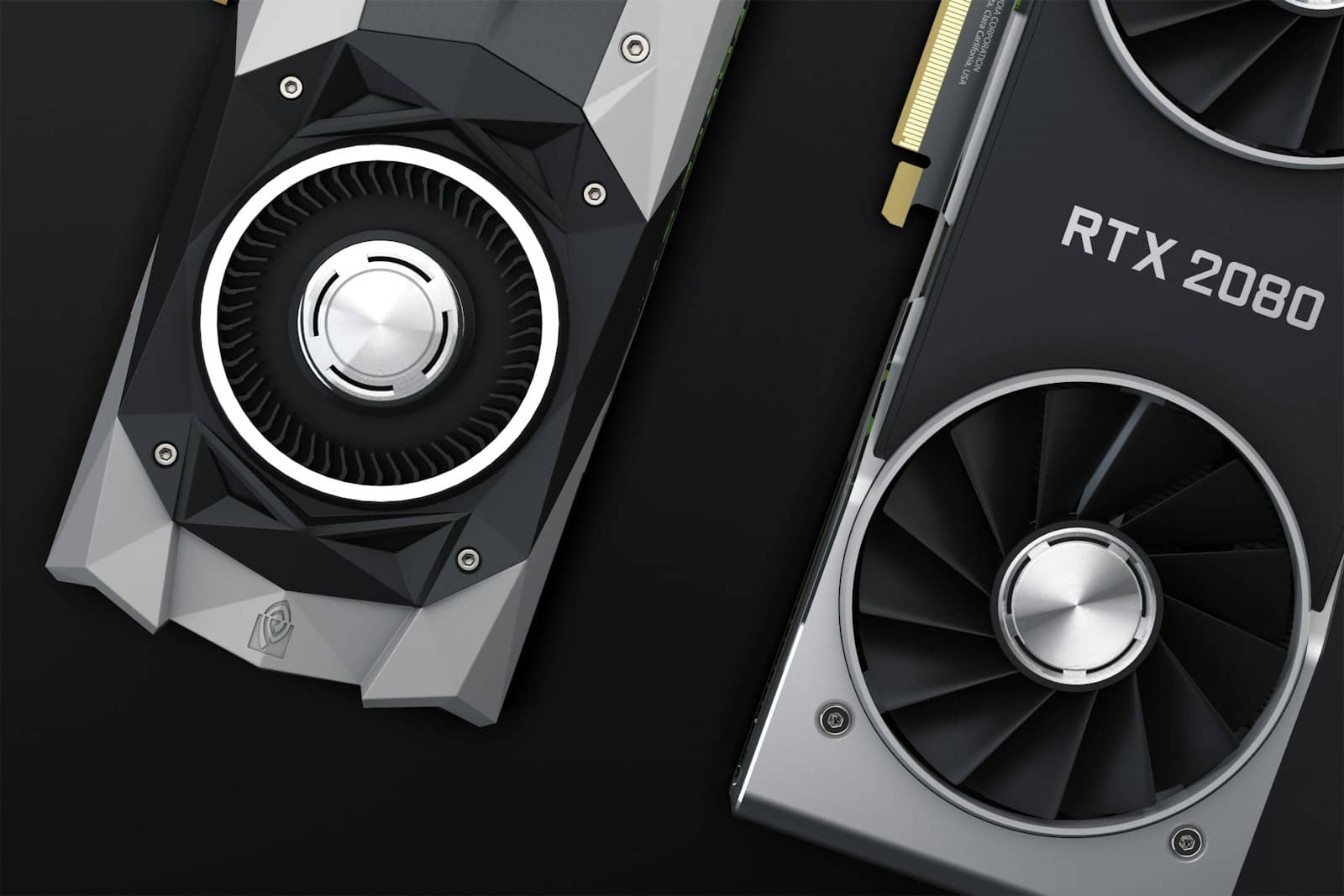
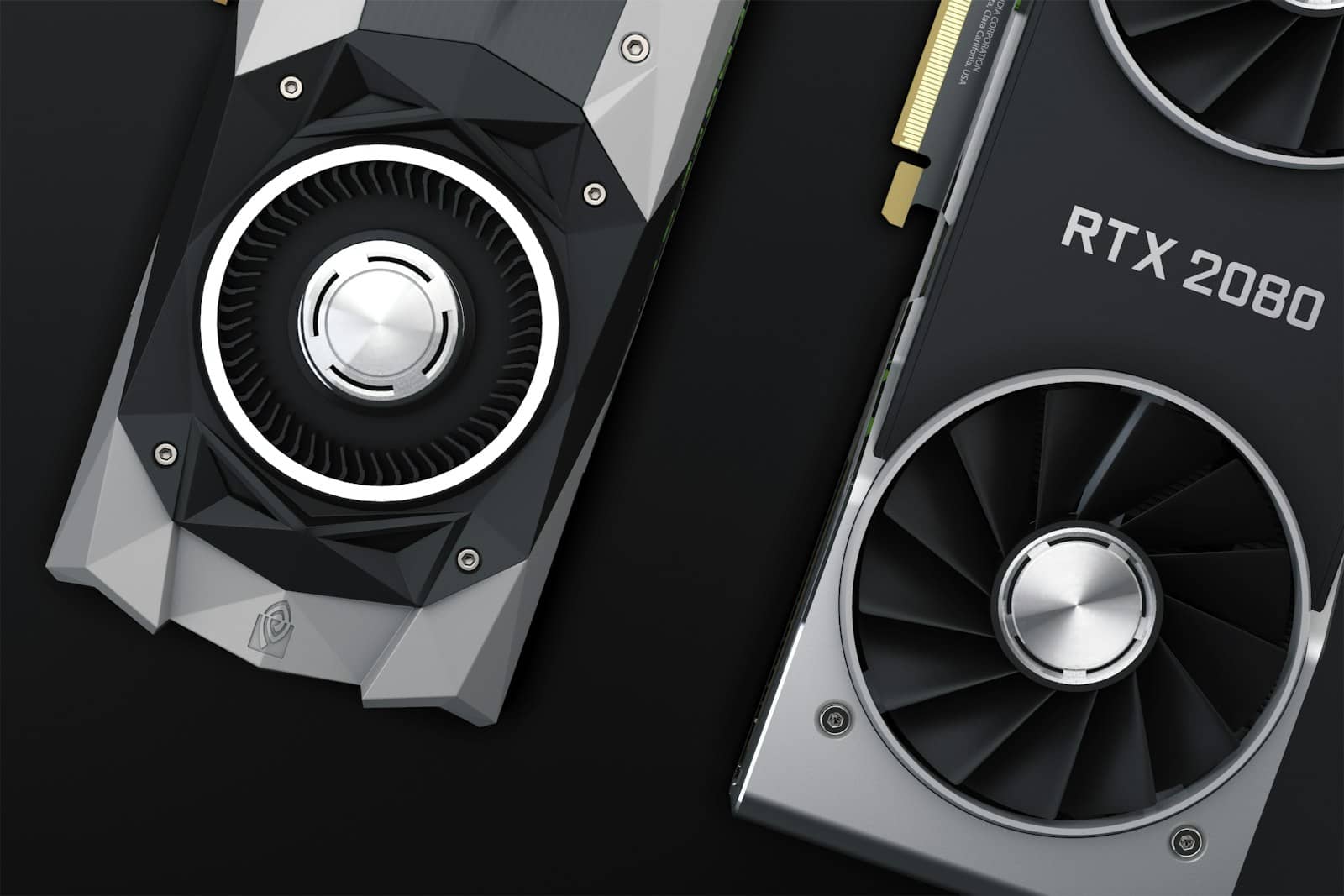
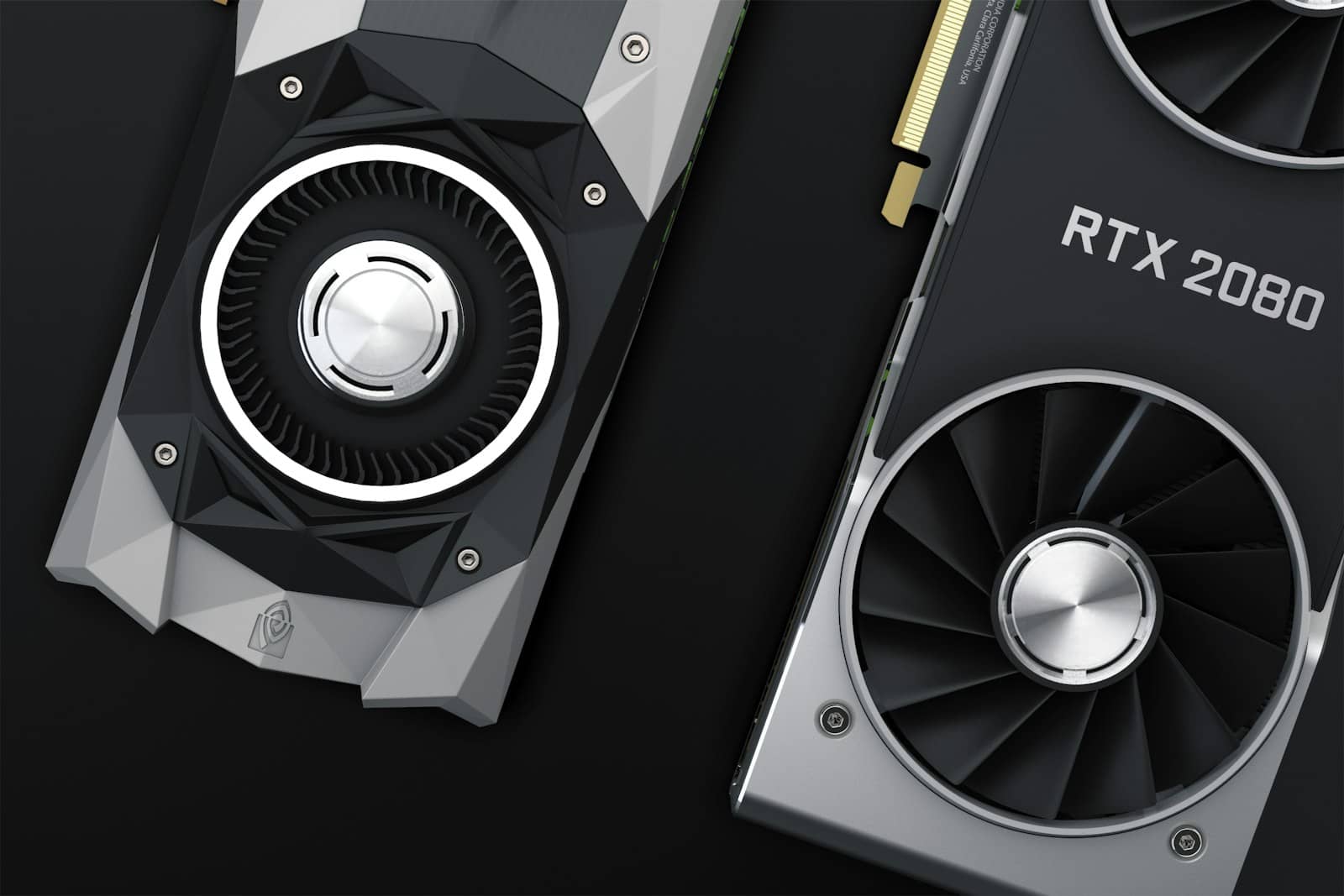
Here's the real number: Nvidia GPU owners consistently report their cards running for around 10 years before hardware failure becomes the reason they stop using them. Not the reason people usually upgrade — that happens closer to year five, when a card gets too slow for whatever game just shipped — but the reason the card itself actually dies. Those are two different clocks, and mixing them up is why so many people replace a graphics card that had years of life left in it.
"Lasting" and "still worth using" are different questions
Owner reports point to a fairly clean split. Most cards will get a bit too slow to smoothly play fresh AAA games around the five-year mark — that's a performance ceiling, not a hardware failure. The GPU itself keeps working; it just stops being the card you'd choose for a brand-new release at high settings. Actual failures, where a card stops functioning, show up much later, and one frequently cited case in owner discussion — a GTX 980 Ti dying after six years — gets described specifically as a minority experience, not a typical one.
~10 years
Realistic hardware lifespan
before failure is the typical reason to stop using a card
~5 years
Performance relevance
when new AAA titles start outrunning it
15 years
Extreme cases
hardware can survive, but driver support usually won't
6 years
GTX 980 Ti failure case
cited as a minority outcome, not the norm
What actually kills a graphics card
It's almost never the GPU die itself. That silicon is generally the most robust part of the card. What fails first is everything mechanical or thermal around it.
Fans — the most common failure point; bearings wear out from years of spinning, and a dying fan is the easiest, cheapest thing to replace on a card
Thermal paste — dries out over years and stops transferring heat efficiently, quietly pushing the card hotter under the same workload
Power delivery (VRMs) — degrade faster without a UPS or decent surge protection absorbing spikes and brownouts
Capacitors — can bulge or fail from sustained heat exposure, usually a late-stage symptom rather than a sudden death
Dust buildup traps heat around the GPU — the single biggest factor owners cite in how long a card actually lasts. · Unsplash
So when should you actually upgrade?
Not on a calendar. The warning signs worth acting on are concrete: screen flickering or display artifacts that weren't there before, games crashing out of nowhere with no driver update to blame, or a card that simply can't hit the settings you want anymore regardless of what you tweak. Short of those, a working GPU is a working GPU — replacing it because it's "old" while it's still delivering the performance you need is spending money to solve a problem you don't have yet.
My honest take: I'd rather run a card two years past when it feels fashionable than upgrade on a schedule. It's part of why a five-year-old RTX 3090 still beats a brand-new RTX 5060 Ti 16GB for local AI workloads in some real comparisons — old silicon that's still healthy doesn't stop being useful just because a newer generation exists. And if you're deciding whether an aging budget card is still good enough for local AI in 2026, the honest answer usually comes down to what you're actually trying to run, not the card's birth year.
This also matters more than usual right now, because buying a new GPU before the next price hike is a genuinely live question this year — knowing your current card has real years left in it takes some of the panic out of that decision.
Quick questions
Is a 10-year-old GPU still usable in 2026?
For light and mid-range workloads, often yes — hardware failure by that age is the exception, not the rule, based on owner reports. Whether it's usable for your specific games or workload is a separate question from whether it still works.
Does GPU thermal paste need replacing?
Eventually, yes. It dries out over years and loses efficiency, which shows up as gradually climbing temperatures under the same load — a repaste can meaningfully extend a card's comfortable operating life.
What's the single biggest thing that kills a GPU early?
Sustained heat. It accelerates fan wear, dries out thermal paste faster, and stresses capacitors and power delivery components over time.
Should I upgrade my GPU every generation?
Not based on lifespan data — most cards have years of functional life left when a new generation launches. Upgrade when performance genuinely stops meeting your needs, not on a fixed schedule.
The upgrade-every-generation instinct is mostly marketing, not physics. If your card still boots clean, holds its clocks, and hits the frame rates or token speeds you need, it's not dying — it's just not new, and those aren't the same problem.