Point your apps, scripts, and coding tools at a model on your own machine instead of a paid cloud API. It's an OpenAI-compatible endpoint, it's free, and it's one command to start.
Most local-AI tools expose an OpenAI-compatible API endpoint with almost no work — so anything built for the OpenAI API can point at your machine instead, for free and privately. With Ollama, running ollama serve (it usually runs automatically) gives you an API at localhost:11434; LM Studio has a one-click local server; and vLLM serves a high-throughput OpenAI-compatible endpoint for heavier use. Then you point your app, script, coding assistant, or automation at that local URL instead of api.openai.com, and it just works. Here's how, and which tool to use for what.
Why run a local API endpoint
This is the feature that turns a local model from 'a chat window' into 'infrastructure you own.' Because the endpoint is OpenAI-compatible, the entire ecosystem of tools built for the OpenAI API — coding assistants, IDE extensions, automation scripts, chat frontends, agent frameworks — can talk to your local model with a one-line change: swap the base URL from OpenAI's to your local one, provide any dummy API key, and it runs. The payoffs are real: it's free (no per-token cost), private (prompts never leave your machine — huge for proprietary code or sensitive data), offline (works with no internet), and rate-limit-free (hammer it as hard as your hardware allows). Developers use this to wire a local coding model into their editor as a private Copilot, or to build apps that run entirely on-device. It's the same idea behind the ChatGPT-alternative setups, extended to anything that speaks the OpenAI API.
Which tool to serve your local AI API
Ollama
Tool
Personal use, simplicity
Best for
API at localhost:11434, automatic
LM Studio
Tool
Beginners, GUI
Best for
One-click local server
vLLM
Tool
Multiple users, throughput
Best for
OpenAI-compatible server
Tool
Best for
Setup
Ollama
Personal use, simplicity
API at localhost:11434, automatic
LM Studio
Beginners, GUI
One-click local server
vLLM
Multiple users, throughput
OpenAI-compatible server
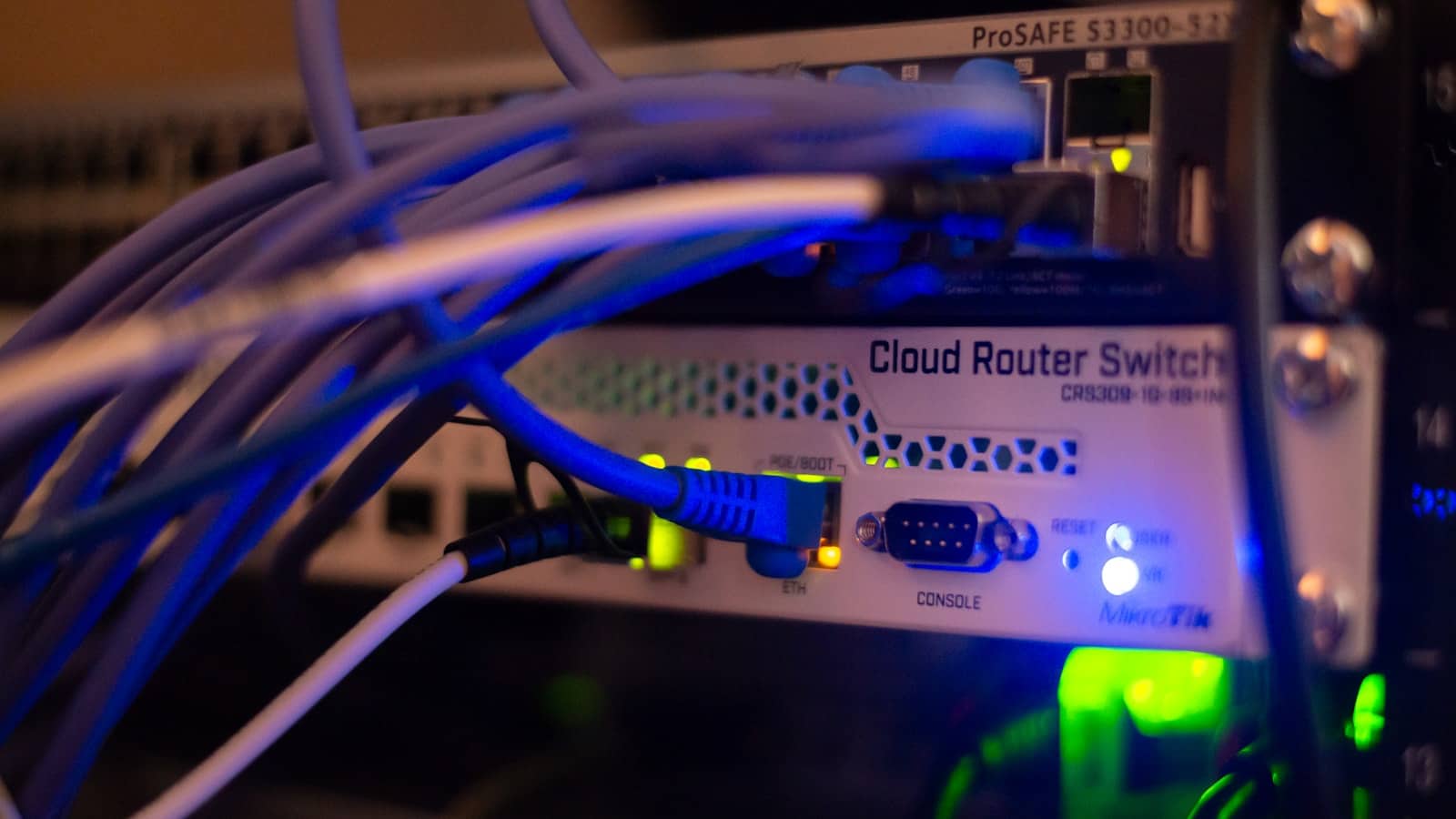
An OpenAI-compatible local endpoint turns your model into infrastructure — free, private, no rate limits. · Unsplash
Which should you use?
Pick by scale. For personal use — wiring a local model into your editor, running scripts, powering a personal app — Ollama is the easiest: it already runs an OpenAI-compatible API at localhost:11434, so you often don't set anything up at all, just point your tool at it. If you want a friendly GUI and a server you toggle on with a button, LM Studio is great and beginner-friendly. If you're serving multiple users or need high throughput — say a small team sharing one local model, or a heavy automation workload — vLLM is the production-grade choice, with far better concurrency than Ollama, at the cost of more setup (see our vLLM vs Ollama vs llama.cpp comparison). For most individuals, the answer is Ollama, and the whole thing is genuinely a swap-the-URL affair. Match the model to your GPU's VRAM and you've got a private, free OpenAI-API replacement running on hardware you own.
If you're doing this for a company because data has to stay in the EU, compare it with the EU-hosted APIs first: an open model on a French cloud costs less than a GPU of your own at most volumes. The numbers are in private LLM cost for EU companies.
Quick answers
How do I run a local AI model as an API?
Use a tool that exposes an OpenAI-compatible endpoint. Ollama runs an API at localhost:11434 automatically once installed. LM Studio has a one-click local server. vLLM serves a high-throughput OpenAI-compatible endpoint for heavier use. Then point your app or tool at that local URL instead of api.openai.com, using any dummy API key. Because the API matches OpenAI's format, existing code and tools work with just a base-URL change. It's free, private, and runs entirely on your machine.
Can I use a local model with tools built for the OpenAI API?
Yes — that's the main benefit of an OpenAI-compatible local endpoint. Tools built for the OpenAI API (coding assistants, IDE extensions, chat frontends, automation scripts, agent frameworks) can point at your local model by changing just the base URL and providing a dummy API key. The request/response format is the same, so most tools work without any other changes. This lets you run a private, free replacement for the OpenAI API on your own hardware, with no per-token cost, no rate limits, and full privacy.
Should I use Ollama or vLLM to serve a local model?
For personal use, Ollama is the simpler choice — it runs an OpenAI-compatible API automatically and is easy to point tools at. Use vLLM when you need higher throughput or are serving multiple users at once (a small team, or a heavy automation workload): vLLM handles concurrency far better than Ollama and is the production-grade option, though it requires more setup. LM Studio sits in between with a friendly GUI and one-click server. Most individuals should start with Ollama.
Serving a local model as an OpenAI-compatible API turns it into private, free infrastructure — Ollama for most, vLLM for scale. Wire it into a local coding assistant, compare the serving engines, and size the model to your GPU. Source: Ollama and vLLM.