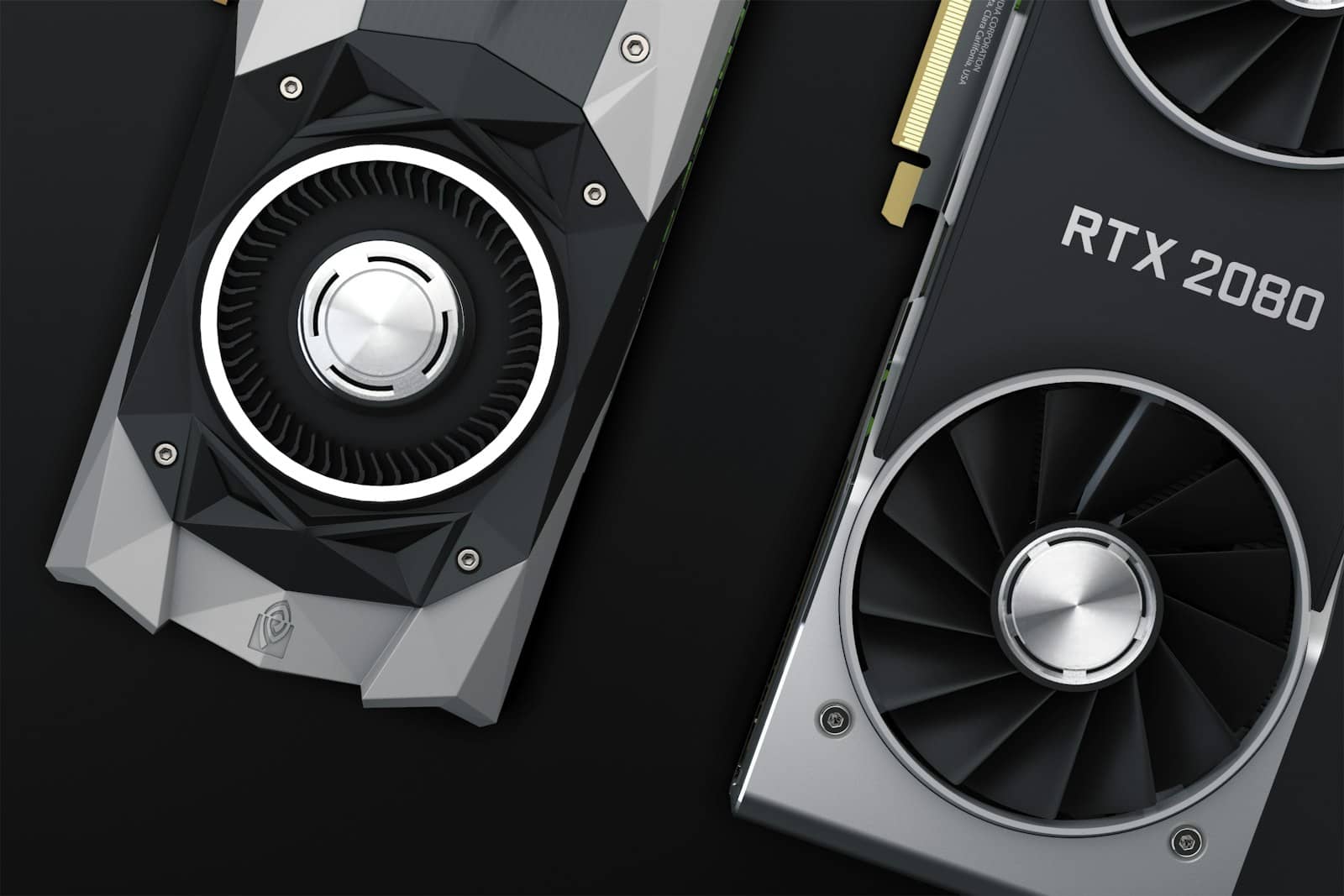
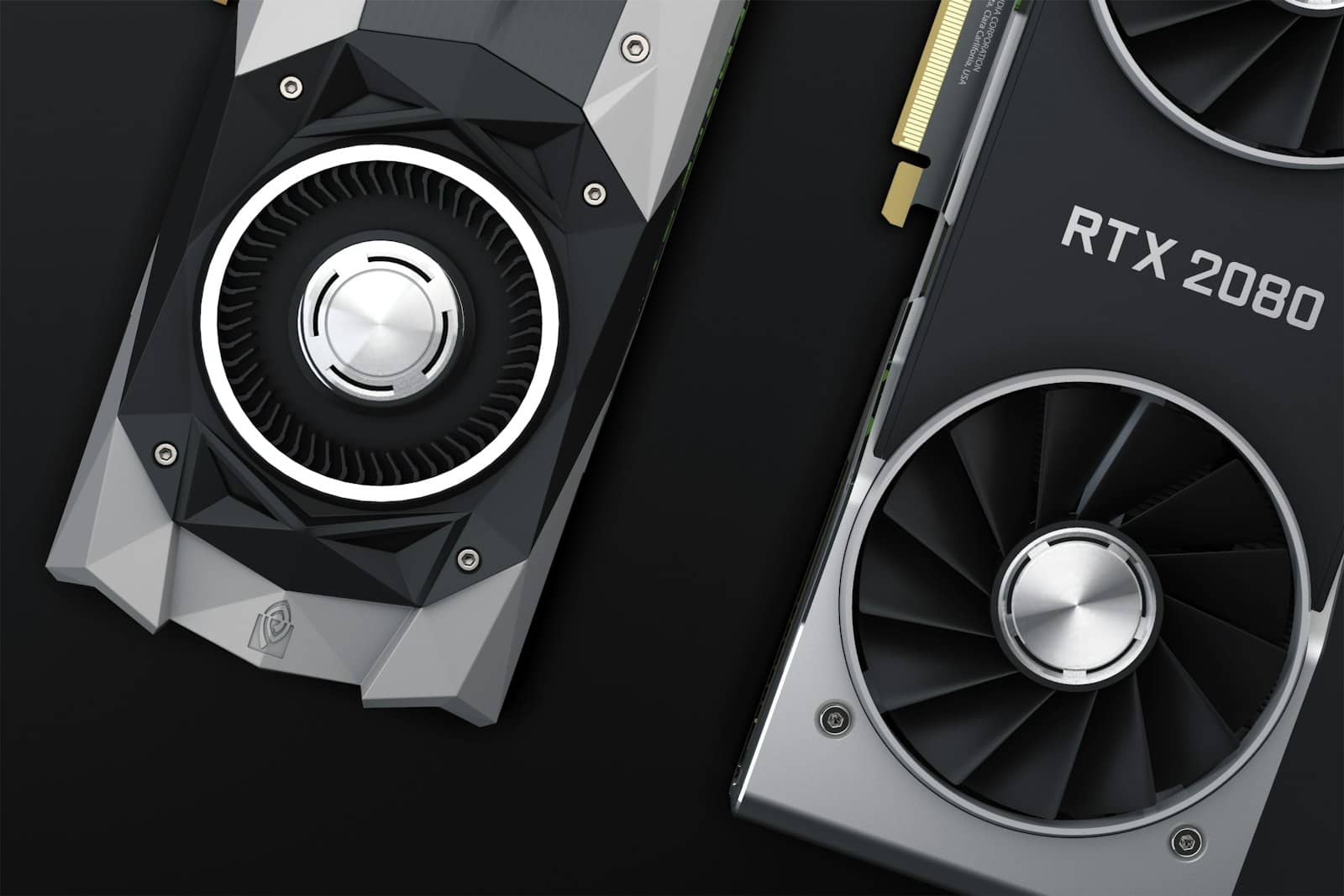
Meta's Muse Glimmer 30B has been out for barely a day, and the hardware numbers are already in from both AMD and Nvidia. AMD says its $1,299 Radeon AI PRO R9700 hits 53 tokens per second on the model with its dFlash acceleration enabled, and that a Ryzen AI Max+ 395 laptop chip — no discrete GPU required — manages 24 tokens per second on its own. Nvidia's RTX 5090, a card that's been trading over $4,600 at retail this month, does 74.9 tokens per second stock and jumps to 233.4 with its own DFlash acceleration layer turned on. Same model, wildly different price-to-performance stories.
~30B params
Model size
Apache 2.0
License
24GB
Min VRAM (quantized)
1.0% accuracy loss vs. full precision
53 tok/s
Radeon AI PRO R9700
$1,299, with dFlash
74.9–233.4 tok/s
RTX 5090
stock vs. DFlash-accelerated
What Muse Glimmer actually needs
At full precision, Muse Glimmer wants 64GB of VRAM — out of reach for almost anyone outside a workstation. Quantized down with AMD and Meta's K-Quant-Dynamic format, that drops to roughly 32GB with only a 0.2% accuracy loss. Push it further to the K-Quant-17GB variant and it fits in 24GB, at a still-modest 1.0% accuracy loss. It's a 30-billion-parameter model with a 131,000-plus-token context window, Apache 2.0 licensed for commercial use, and it takes both text and images as input — background we covered when Meta open-sourced the model as a direct swing at OpenAI and Anthropic's closed offerings.
The AMD numbers
The Radeon AI PRO R9700 is a 32GB GDDR6 workstation card built on the same Navi 48 RDNA4 die as the gaming RX 9070 XT, just with double the memory and a 300W power target. At $1,299 MSRP, it's the cheapest card AMD sells with enough VRAM to comfortably run Muse Glimmer's 32GB quant with headroom to spare. On the laptop side, the Ryzen AI Max+ 395 — an APU, not a discrete GPU — pulls it off using unified system memory instead, through LM Studio or plain llama.cpp. AMD's own guidance is straightforward: 32GB or more of VRAM, or Variable Graphics Memory on the APU side, and you're in.
Tokens per second on Muse Glimmer 30B
Ryzen AI Max+ 395 (APU)24 tok/s
Radeon AI PRO R9700 ($1,299)53 tok/s
RTX 5090, stock74.9 tok/s
RTX 5090, with DFlash233.4 tok/s
Where the $1,299 card actually wins
Do the rough math and the R9700 is the better deal right up until you turn Nvidia's acceleration on. At stock speeds, you're paying roughly $17 per token/second on the AMD card versus around $61 per token/second on an RTX 5090 bought at this month's inflated retail price. Flip DFlash on for the 5090, though, and that gap collapses — Nvidia pulls ahead in raw throughput while costing under $20 per token/second at the new, higher rate. This is my read, not an official benchmark: if you're doing anything latency-sensitive — coding assistance, multi-turn agents — the 5090's ceiling matters more than its price. If you're running batch jobs overnight or don't need instant responses, the R9700 is doing 70% of the accelerated Nvidia card's unaccelerated speed for well under a third of the cost.
The Radeon AI PRO R9700 packs 32GB of GDDR6 on the same silicon as AMD's RX 9070 XT gaming card. · Unsplash
Nvidia's answer: DFlash
The single biggest number in either company's numbers is that 3.1x jump on Nvidia's side — 74.9 tokens per second stock to 233.4 with DFlash enabled. AMD's dFlash gets credit for the R9700's 53 tokens per second figure too, though AMD hasn't published an unaccelerated baseline to compare against directly. For context on the low end, Apple's M5 Max manages 26.6 to 50.2 tokens per second depending on configuration, and the M4 Max runs 23.7 to 37.8 — putting even a top-end MacBook in roughly the same range as AMD's laptop APU, not its discrete workstation card.
FAQ
Can I run Muse Glimmer 30B on an 8GB or 12GB GPU?
No. Even the most aggressive quant needs 24GB of VRAM. Anything smaller isn't officially supported by either AMD or Nvidia's guidance.
Do I need LM Studio specifically?
No — LM Studio is just the easiest on-ramp on AMD hardware. The model runs through plain llama.cpp on any supported card.
Is Muse Glimmer better than other local coding models?
It's a general-purpose model, not a coding specialist. If code generation is your actual use case, see how it stacks up against Qwen3-Coder against GitHub Copilot — that's still the sharper tool for that specific job.
Is dFlash the same thing as DLSS?
No. AMD's dFlash and Nvidia's DFlash are both inference-acceleration layers for LLMs specifically — unrelated to DLSS, which is Nvidia's game-rendering upscaler.
Verdict
My take
If you already own a 24GB-plus GPU from either camp, Muse Glimmer is worth downloading today — it's free, it's genuinely capable, and it doesn't need a subscription. If you're buying hardware specifically for this, the R9700 is the more honest value story right now: Nvidia's flagship is faster, but only after you pay nearly four times as much and lean on acceleration software that isn't universal across every workload yet.
Best for: Buyers deciding between a $1,299 workstation GPU and a Nvidia flagship for local AI
Expect these numbers to keep moving. Both companies are actively tuning their acceleration stacks, and it wouldn't be surprising to see AMD publish an unaccelerated dFlash-off baseline soon to make the comparison cleaner. For now, the takeaway holds: a $1,299 card gets you into this model comfortably, and you don't need Nvidia's most expensive GPU to make good use of what Meta just shipped.