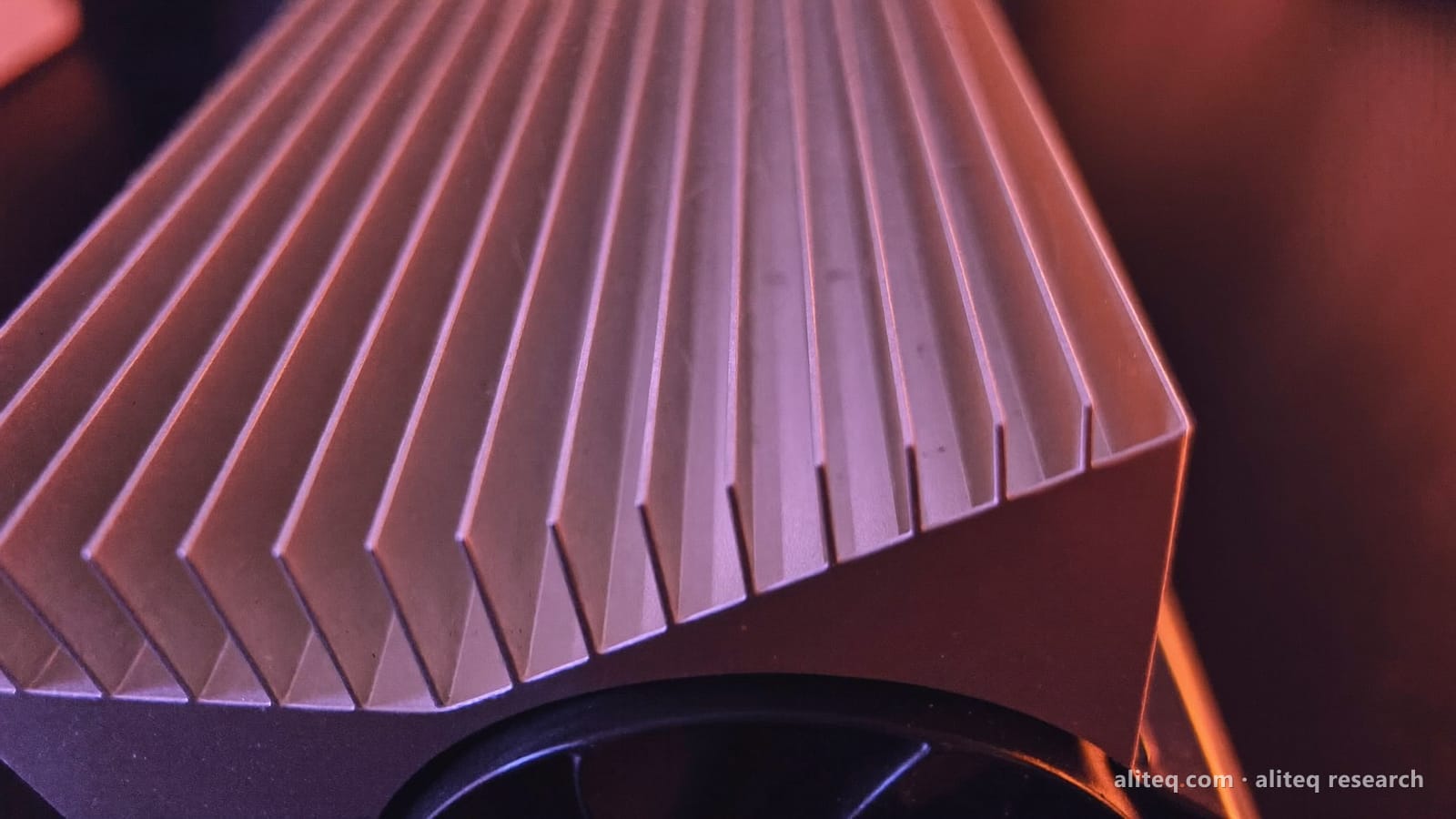
a 360mm server cooler on a five-year-old RTX 3080 dropped VRAM temps by 54°C. The frame-rate gain was under 9%, and that gap is the most useful cooling lesson I've seen all year.
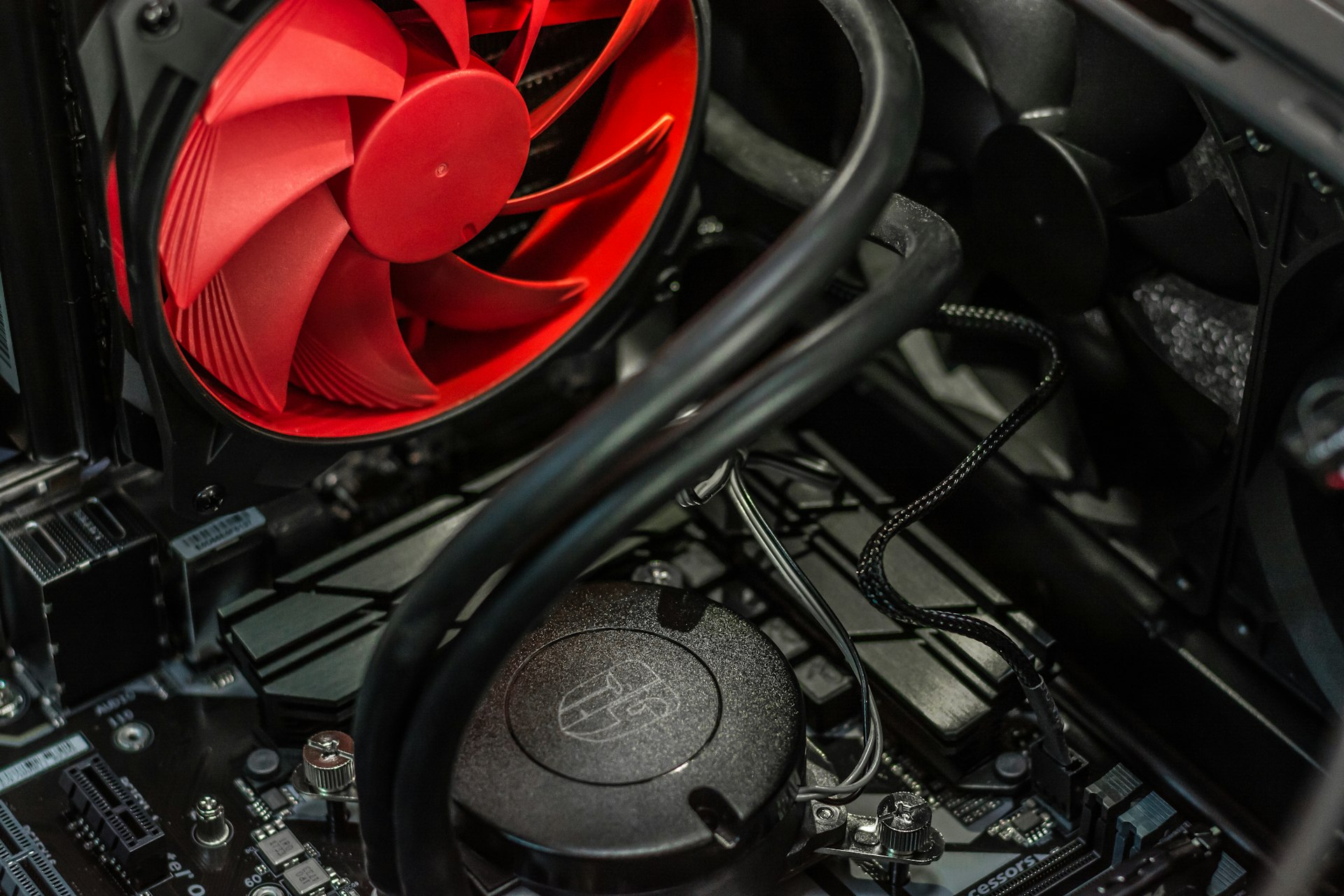
Modder TrashBench bolted a 360mm workstation-grade server AIO onto a five-year-old RTX 3080 and cut its VRAM temperature from 100°C to 50°C. A 54-degree drop is a genuinely dramatic result. The frame-rate gain that bought was between 4.7% and 8.2% depending on the game — and the size of the gap between those two numbers is the whole story.
Why halving the temperature didn't transform performance
GPUs — and GDDR6X-era VRAM in particular — throttle clocks defensively as they approach a thermal ceiling, typically somewhere around 100-110°C on this generation. At stock cooling the 3080 was clearly running hot, but it was evidently managing that ceiling well enough to avoid heavy sustained throttling most of the time. So the extreme cooling mostly bought headroom rather than unlocking hidden clock speed. Tom's Hardware's write-up has the per-game breakdown.
Frame-rate gain after the mod, by game
Tomb Raider+8.2%
Cyberpunk 2077+4.7%
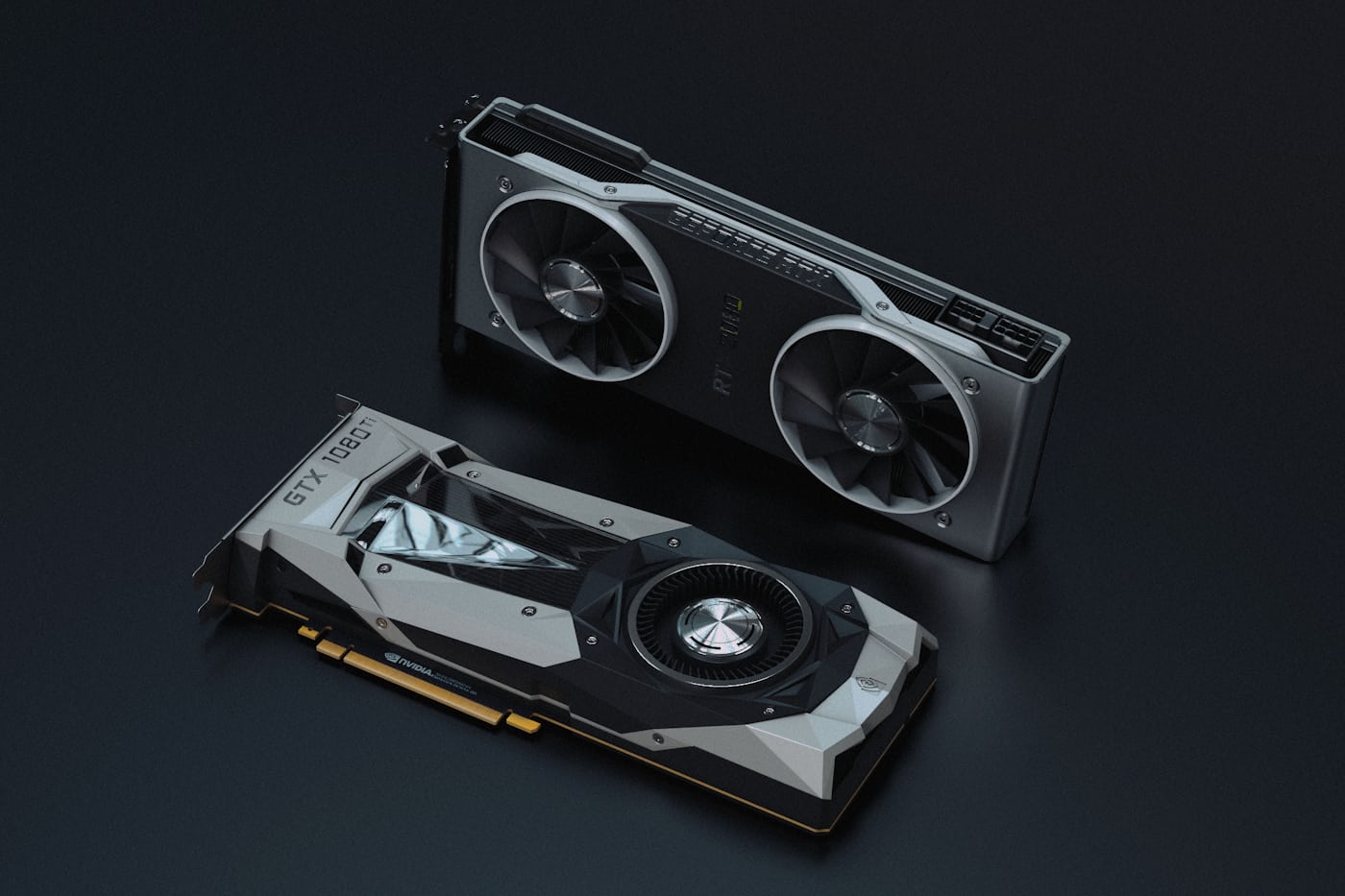
Stock coolers on modern cards are already tuned close to the point of diminishing returns. · Unsplash
What a mod like this is actually good for
The FPS chart is the least interesting output here. Two things matter more. VRAM degrades faster under sustained high heat, so a card you intend to run for another three or four years genuinely benefits from not sitting at 100°C. And eliminating throttling removes a source of frame-time inconsistency — stutter — that an average FPS number doesn't capture at all. A steadier 107fps feels better than a spiky 112.
Why keeping old cards alive matters more right now
None of that makes strapping a server radiator to a 3080 a sensible thing for most people to do. It's a fun engineering exercise with a modest practical payoff. But the underlying finding — that thermal headroom and performance are much less tightly coupled than people assume — is worth internalising before your next upgrade.
Common questions
Will better GPU cooling increase my frame rate?
Usually only slightly. This mod cut temperatures by 54°C and gained under 9%. Modern cards are tuned so that stock cooling avoids heavy sustained throttling already.
Then why bother cooling a GPU better?
Longevity and consistency. Sustained high VRAM temperatures shorten component life, and removing throttling smooths frame times — which feels better than a higher average frame rate that spikes.
Are high VRAM temperatures dangerous?
GDDR6X running near 100°C is within spec but at the upper end. It's not an emergency, but it's not ideal for a card you plan to keep for years.
Is this mod worth doing on my own card?
For most people, no — the cost and effort far exceed a sub-9% gain. It makes more sense if you're specifically trying to extend the life of a card you can't easily or affordably replace.
What's the cheapest way to improve GPU temps?
Case airflow and dust removal first, then fan curves. Both cost nothing and get you most of the achievable benefit before you consider hardware changes.