this is the question I get more than any other, and my answer disappoints people. the hardware is genuinely capable now. the maths usually still doesn't work — unless one specific thing is true for you.
I get asked this more than anything else, usually some version of: I want to run AI locally, what should I buy? And I've noticed my answer disappoints people, because they want a shopping list and I keep giving them a question back. So let me just put the honest version in writing. For most people asking me this in 2026, I don't think you should build a local-AI machine yet. The hardware finally got genuinely good. The economics mostly still don't work. But there's one specific circumstance where I think it's obviously correct — and if that's you, you'll know within about thirty seconds of reading this.
used 24GB GPU
Entry that works
runs the best open models at Q4
$1,999
Big-memory option
Strix Halo mini-PC, ~96GB usable
$4,699
Nvidia's box
DGX Spark, 128GB + CUDA
frontier models
What none of them run
Kimi K3's weights alone are ~1.5 TB
The three ways people actually do this
There are really only three sensible shapes for a home setup right now, and they're not variations of the same thing — they're different trade-offs with different failure modes.
The three realistic local-AI setups
Used 24GB GPU
Setup
Used market
Roughly
24 GB VRAM
Memory
Fast generation on the best open models
Best at
Can't hold very large models
Strix Halo mini-PC
Setup
$1,999
Roughly
~96 GB usable
Memory
Holding big MoE models cheaply
Best at
Dense models crawl; slow prompt processing
Nvidia DGX Spark
Setup
$4,699
Roughly
128 GB
Memory
CUDA compatibility, fast prefill
Best at
Costs 2.4× for barely more bandwidth
Setup
Roughly
Memory
Best at
Weak at
Used 24GB GPU
Used market
24 GB VRAM
Fast generation on the best open models
Can't hold very large models
Strix Halo mini-PC
$1,999
~96 GB usable
Holding big MoE models cheaply
Dense models crawl; slow prompt processing
Nvidia DGX Spark
$4,699
128 GB
CUDA compatibility, fast prefill
Costs 2.4× for barely more bandwidth
I've written about the Strix Halo option and how it stacks against the DGX Spark in detail, and the short version is that the expensive box mostly buys you CUDA and prompt-processing speed, not meaningfully more memory bandwidth. But notice what's in that table's top row, and that it's the one I highlighted.
Why I usually say don't
Here's the maths people don't want to hear. The best open model you can comfortably run on a 24GB card — Qwen3.6-27B — scores 77.2 on SWE-bench Verified, within about four points of a frontier model. Genuinely impressive, and I don't want to undersell it. But 'within four points' is doing heavy lifting. In day-to-day use the gap shows up in the hard cases, and API access to the better model costs a few dollars a month for typical personal use. Against that, you're weighing a machine that costs hundreds or thousands up front, draws power continuously, and needs you to maintain it.
And then there's the part specific to right now, which is that you're buying memory during the worst memory market in years. VRAM and unified memory are the entire point of these machines, which makes a local-AI build the single most exposed purchase in consumer tech at the moment. RTX 5090s at street prices well above their MSRP, Apple pulling its largest Mac Studio configurations — you are shopping in exactly the wrong aisle at exactly the wrong time.
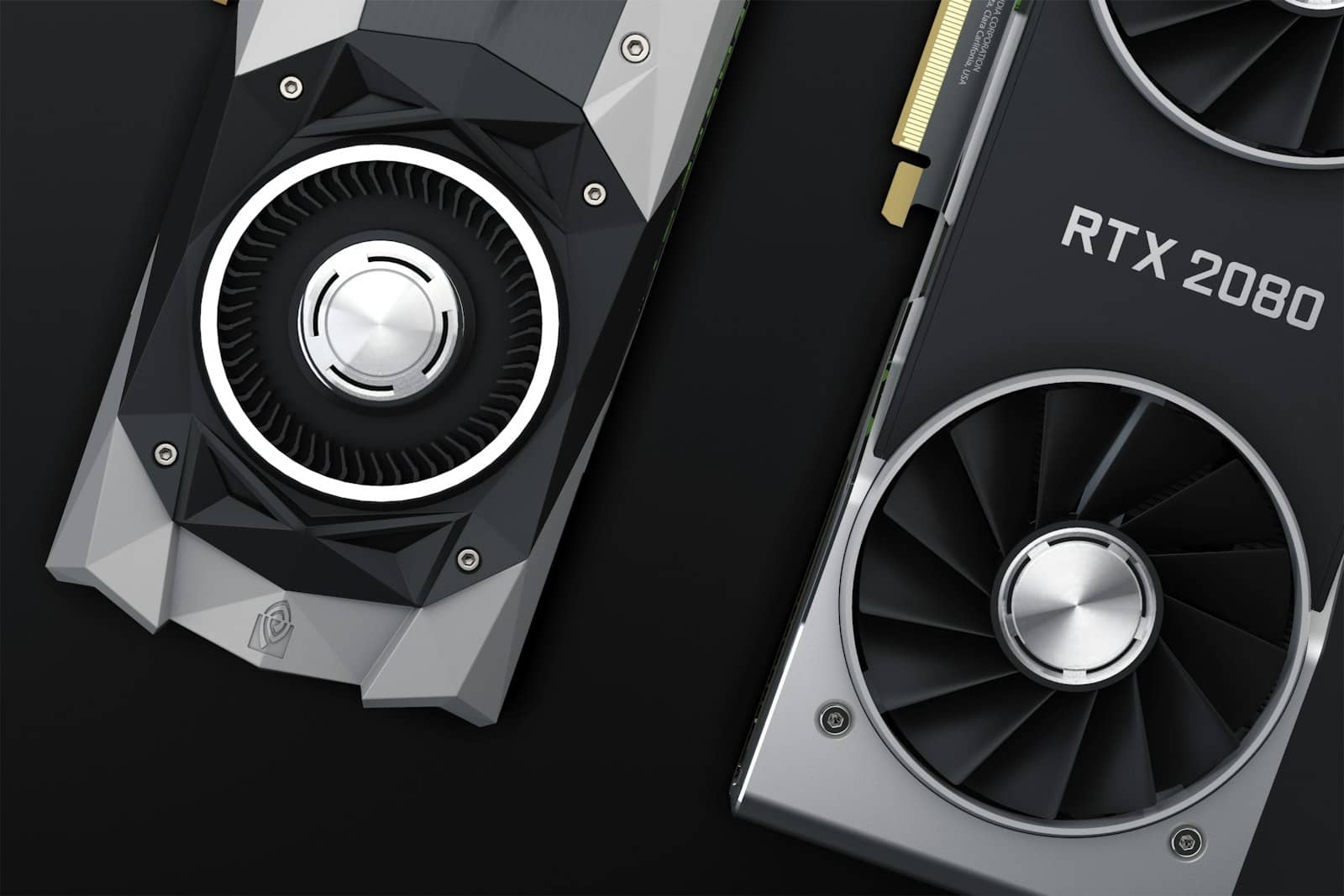
The unglamorous answer: a used 24GB card in a machine you already own beats every exotic box for most people. · Unsplash
The exception — and it's a big one
Everything above assumes your goal is 'the best answers for the least money.' If that's genuinely your goal, use an API and spend the hardware budget on something else. But there are three situations where that framing is simply wrong, and in all three I'd tell you to build without hesitating.
Privacy that isn't negotiable. Medical notes, legal documents, client data, journalism, anything under NDA — if the data cannot leave your machine, then no API price makes sense at any number. This is the strongest reason and it isn't close.
You need it to work offline. Field work, unreliable connectivity, air-gapped environments, or you simply don't want a dependency on someone else's uptime and pricing decisions.
Genuinely high volume. If you're processing thousands of documents or running continuous batch jobs, per-token costs stop being trivial and hardware amortises fast. Do the arithmetic on your actual usage — most people who think they're in this category aren't, and the ones who are already know.
You want to learn how this works. A completely legitimate reason that I'd never talk anyone out of. Just be honest that it's the reason, and buy accordingly — you don't need a $4,699 box to learn.
'Open weights' means you're allowed to download it. It doesn't mean you can load it.
What I'd actually buy
If one of those exceptions applies — or you've read the maths, disagreed with me, and want to build anyway — here's my genuine recommendation rather than the exciting one. Start with a used 24GB GPU. A previous-generation card with 24GB runs the same models as a current one, because what fits is decided by memory capacity, not by how new the silicon is. The newer card wins on tokens per second; the used one wins enormously on dollars per gigabyte of VRAM. For most people that's the entire decision, and it costs a fraction of the alternatives.
Go bigger than that only if you have a concrete reason. The Strix Halo boxes — Framework's Desktop is the clean $1,999 anchor — are legitimately interesting if you specifically want large mixture-of-experts models, because they hold things no single consumer card can. But independent testing-GPU-Performance) puts a dense 70B at roughly 4-6 tokens per second on that hardware, and I've watched people buy one expecting a fast 70B chatbot and get exactly that. Buy the machine for what it's good at, not for the memory number on the box. I'd only reach for the DGX Spark if you need CUDA for development work — otherwise you're paying 2.4x for a bandwidth difference of about 7%.
The thing I actually find exciting
I'll admit my own bias here: I find this space more interesting than my own advice makes it sound. The genuinely remarkable trend isn't the giant models — it's that a 27-billion-parameter model you can run on a card from several years ago now does things that required a frontier API two years ago. That gap has closed far faster than the hardware has gotten cheaper, and it's why I think the honest answer changes within about eighteen months. Not because the machines get better, but because the models that fit on the machine you already own keep getting better.
So my real position is less 'don't' and more 'not yet, and probably not the way you were planning to.' Wait for memory prices, buy used when you do, and in the meantime run something small on the GPU already in your desk. You'll learn more from that than from a spec sheet — and you'll find out quickly whether you're one of the people for whom local is genuinely the right answer.
Questions I get constantly
Can I run ChatGPT-level models at home?
No, and I'd be sceptical of anyone claiming otherwise. Frontier models run in data centres on many accelerators — Kimi K3's weights alone are around 1.5 TB. What you can run is very good smaller open models, which for many everyday tasks are genuinely close enough.
Is a Mac a good option for local AI?
Apple Silicon's unified memory is genuinely well suited to this, and it was one of the better answers. But Apple pulled its largest Mac Studio memory configurations during the shortage, which removed much of the appeal at the high end. Check what's actually orderable before planning around it.
How much VRAM do I actually need?
24GB is the sweet spot and comfortably runs the best open models at Q4 quantization with usable context. 16GB works for smaller models. Below 12GB you're quite limited. And remember context length eats VRAM too — a model that fits at short context can spill at long context.
Should I wait for prices to come down?
On memory-heavy hardware specifically, analysts don't expect normalization before late 2027. If you have a real need now, buy used. If it's a want, waiting is reasonable — just don't expect relief soon.
Is running models locally actually private?
Yes, if you run genuinely local inference — the text never leaves your machine. Just check what you're actually running: some 'local' apps route to a cloud API for certain features, and some tools phone home with telemetry. If privacy is the reason you're building, verify rather than assume.