Same $549 launch price, genuinely different cards — and 2026's price surge pulled them apart. The RX 9070 wins raster and VRAM; the RTX 5070 wins ray tracing and DLSS 4. Here's how I'd choose for gaming and local AI.
I've been watching these two cards since launch, and in early 2025 this was the easiest call I gave anyone: the RTX 5070 and the Radeon RX 9070 both landed at $549, so I'd just say buy whichever runs your games faster and move on. That's not the world we're in now. Through 2026 NVIDIA's RTX 50 line has caught the full force of the AI-demand price surge — the 5070 is up roughly a third from launch — while AMD's climb has been gentler. And here's the thing I keep repeating to people: these two were never really equals to begin with. One wins raster, the other wins ray tracing, and they don't carry the same amount of memory. So let me tell you how I'd actually choose.
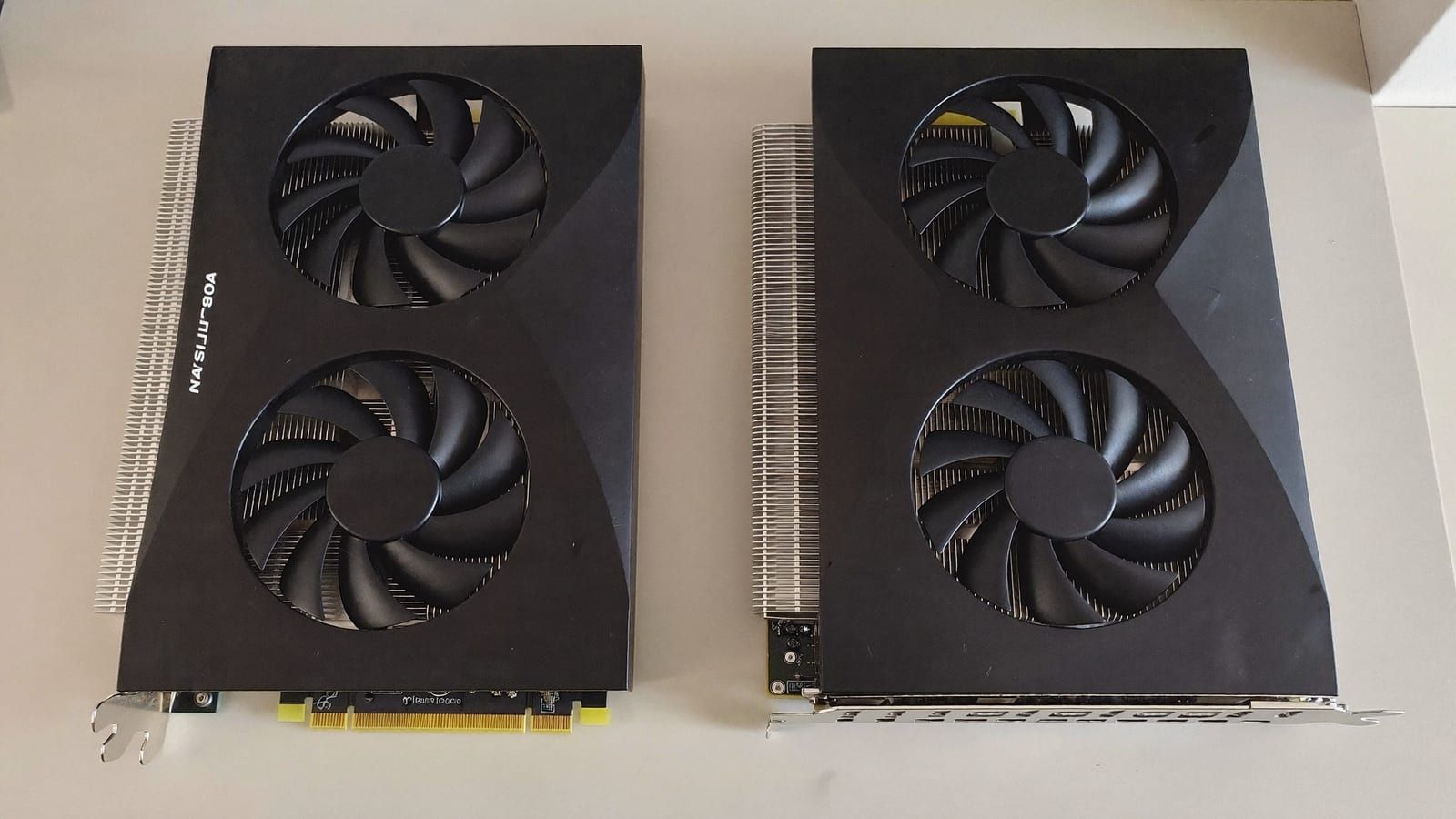
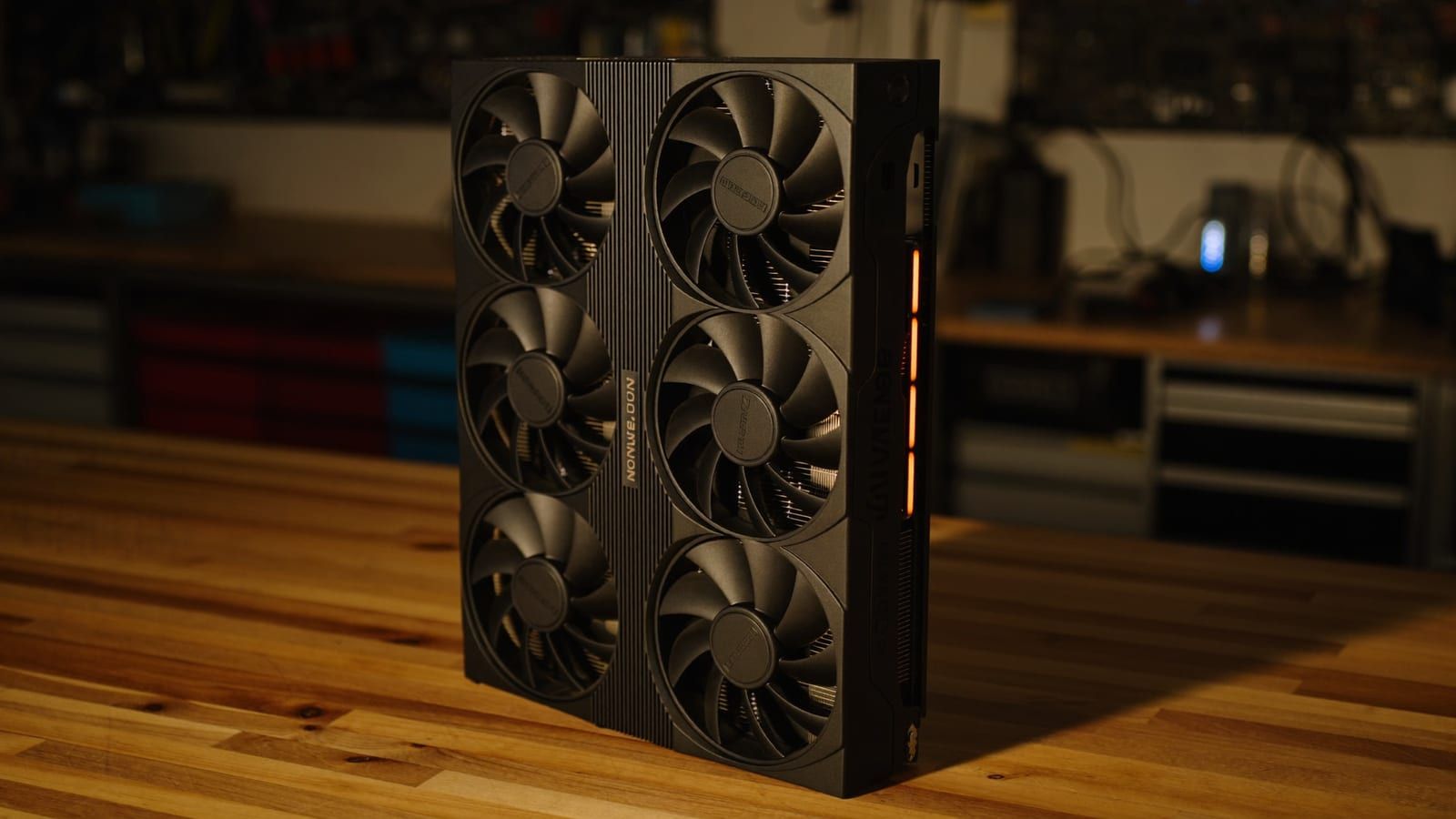
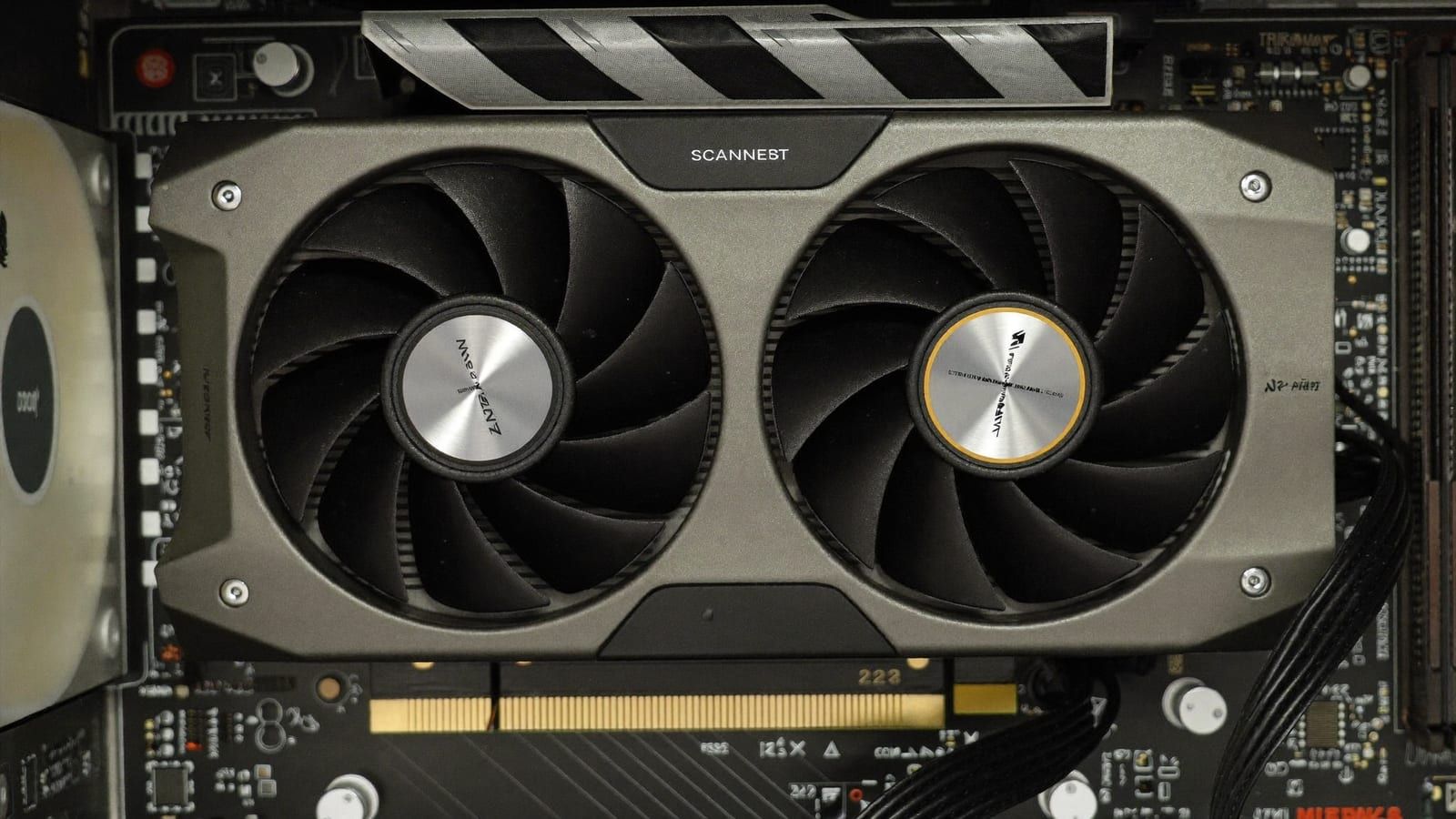
Same $549 launch price, genuinely different cards. Illustration generated with Higgsfield. · Generated with HiggsfieldRTX 5070 vs RX 9070 — where each one wins
RTX 5070
NVIDIA
vs
RX 9070
AMD
12GB GDDR7
VRAM
16GB GDDR6
Baseline
1440p raster
~8–15% faster
~40% faster (CP2077 PT)
Ray tracing / path tracing
Behind
DLSS 4 + Multi-Frame Gen, wide support
Upscaling
FSR 4 (ML), smaller game list
CUDA ecosystem
Local-AI fit
More VRAM, but ROCm friction
~$550 launch, up ~36%
Street price (Sep 2026)
~$650
5070 wins 2wins 2 9070
The specs that decide it for me
Memory
RTX 5070
12GB GDDR7
RX 9070
16GB GDDR6 (256-bit)
Launch MSRP
RTX 5070
$549
RX 9070
$549
Best at
RTX 5070
Ray tracing, DLSS 4
RX 9070
Raster FPS, VRAM headroom
Upscaler
RTX 5070
DLSS 4 + MFG
RX 9070
FSR 4
Local-AI software
RTX 5070
CUDA (mature)
RX 9070
ROCm (improving, rougher)
RTX 5070
RX 9070
Memory
12GB GDDR7
16GB GDDR6 (256-bit)
Launch MSRP
$549
$549
Best at
Ray tracing, DLSS 4
Raster FPS, VRAM headroom
Upscaler
DLSS 4 + MFG
FSR 4
Local-AI software
CUDA (mature)
ROCm (improving, rougher)
Gaming: it comes down to whether you turn ray tracing on
At native 1440p in traditional rasterized games, the RX 9070 is simply the faster card — the independent suites I trust put it around 8–15% ahead of the RTX 5070, and since it delivers more frames, the frames-per-dollar math is AMD's for pure raster. Then you flip ray tracing on and I have to flip my answer with it: NVIDIA's RT hardware pulls ahead, and in a heavy path-traced title like Cyberpunk 2077 the 5070 runs about 40% faster at 1440p. The other half of NVIDIA's pitch is DLSS 4 with Multi-Frame Generation, which can insert several generated frames per rendered frame in supported games; I rate FSR 4 as a genuine machine-learning upscaler now and a real jump over FSR 3, but on game support it's still playing catch-up. Whatever I quote you here, I'd cross-check the specific card against a live price tracker before buying — I've watched 2026 pricing move month to month.
Local AI: more VRAM vs a smoother software stack
This is the part I care about most, because it's where the 16GB-vs-12GB gap actually bites. For running local LLMs, VRAM is the hard ceiling on what you can load — 16GB comfortably fits a quantized ~13–14B model or a longer context that a 12GB card has to spill or shrink to fit. On memory alone, I'd call the RX 9070 the better local-AI card, full stop. The catch is software, and I won't pretend it away: NVIDIA's CUDA stack is what nearly every local-AI tool (llama.cpp, PyTorch, ComfyUI, most inference runners) targets first, so it 'just works,' while AMD's ROCm has come a long way but still means more setup friction and the occasional dead end. So my honest read: want the most VRAM for the money and you don't mind tinkering? The RX 9070. Want the model to load on the first try? The CUDA card. Work out what your target models actually need in our cost-to-run tool, and see the fuller field in the best local-LLM GPUs for 16GB of VRAM.
VRAM — the number that caps your local models
RTX 507012GB
GDDR7, faster bandwidth
RX 907016GB
GDDR6, more headroom
Pros
+ RX 9070: more VRAM (16GB), faster raster at 1440p, better FPS per dollar
+ RTX 5070: clearly better ray tracing, DLSS 4 Multi-Frame Gen, CUDA for AI
Cons
− RX 9070: ROCm friction for local AI; weaker ray tracing; FSR 4 support still catching up
− RTX 5070: only 12GB VRAM (limits local models + future high-res textures); hit hardest by the 2026 price surge
Verdict
Who I'd tell to buy which
If you asked me across the desk: for raster-first 1440p gaming, local-AI tinkering, or simply wanting more VRAM to last, I'd buy the RX 9070 — more memory, more frames per dollar. For ray-traced and path-traced games, DLSS 4 Multi-Frame Generation, or a friction-free CUDA setup for AI, the RTX 5070 earns its premium and I'd pay it. I won't hand you one universal 'winner,' because there isn't one — there's the card that fits how you actually play and build, and now you know which is which.
Best for: 1440p gamers and local-AI hobbyists choosing between the two $549-class cards
Common questions
Is the RX 9070 or RTX 5070 better for 1440p gaming?
For rasterized games at native 1440p, the RX 9070 is faster — reviewers put it roughly 8–15% ahead — and cheaper per frame. The RTX 5070 pulls ahead once ray tracing is on, and adds DLSS 4 Multi-Frame Generation. My tie-breaker is whether you actually play with ray tracing on.
Which is better for running local AI models?
On memory, the RX 9070's 16GB beats the RTX 5070's 12GB and lets you load larger quantized models — so on paper it's the better local-AI card. But NVIDIA's CUDA support is much smoother than AMD's ROCm for local-AI tools, so I treat it as a real trade-off between VRAM and setup friction.
Do they still cost $549?
Both launched at $549 in 2025. As of September 2026 the AI-demand price surge has pushed the RTX 5070 up roughly 36% and the RX 9070 to around $650 street — I'd check a live price tracker the day you buy.
Is 12GB of VRAM enough in 2026?
For most 1440p gaming today, yes. For local AI and for high-resolution textures over the next few years, 12GB is the first wall I'd expect you to hit — which is exactly why I read the RX 9070's 16GB as a longevity argument.
If your box spends more time running models than games, do the VRAM question properly — I'd check what your target models need in the cost-to-run tool, compare the wider field in best local-LLM GPUs for 16GB and for 8GB, and read the rest of my hardware coverage before you commit.