For years, 'wired for competitive' was gospel. In 2026 it's outdated: 2.4GHz wireless is as fast as wired, and the pros use it. Here's when wired still makes sense.
Go wireless — the old 'wired is faster for competitive' rule is outdated. Modern 2.4GHz wireless gaming mice have sub-1ms latency, effectively identical to wired, which is exactly why the best competitive mice like the Razer Viper V3 Pro and Logitech Superlight 2 are wireless, and why pros use them. Wired still wins on two things: it's cheaper, and you never charge it. But for performance, the gap is gone. Here's the honest verdict and the one connection type you should still avoid.
Why 'wired for competitive' is outdated
This advice made sense five years ago, when wireless mice added noticeable lag. It's simply no longer true. Today's 2.4GHz wireless — using a small USB dongle, not Bluetooth — achieves sub-1ms latency, which is below the threshold any human can perceive and functionally identical to a wired connection. The proof is in the pro scene: professional FPS players, who obsess over every millisecond, overwhelmingly use wireless mice now, because they've measured that there's no penalty and they gain the freedom of no cable drag. Cable drag is the underrated part — a wire tugging against your movement introduces inconsistency that a good wireless mouse eliminates, so wireless can actually feel more consistent for fast flicks. The one hard caveat: this only applies to 2.4GHz dongle wireless, not Bluetooth. Bluetooth's 20-40ms latency is genuinely unusable for gaming, so 'wireless mouse' for gaming always means 2.4GHz.
Wired vs 2.4GHz wireless gaming mouse
Wired
cable
vs
2.4GHz Wireless
dongle
~0ms
Latency
Sub-1ms
Cheaper
Price
Costs more
Never
Charging
Every 90+ hrs
Cable drag
Freedom / cable drag
None
Rare now
Pro adoption
Dominant
Wired wins 2wins 2 Wireless
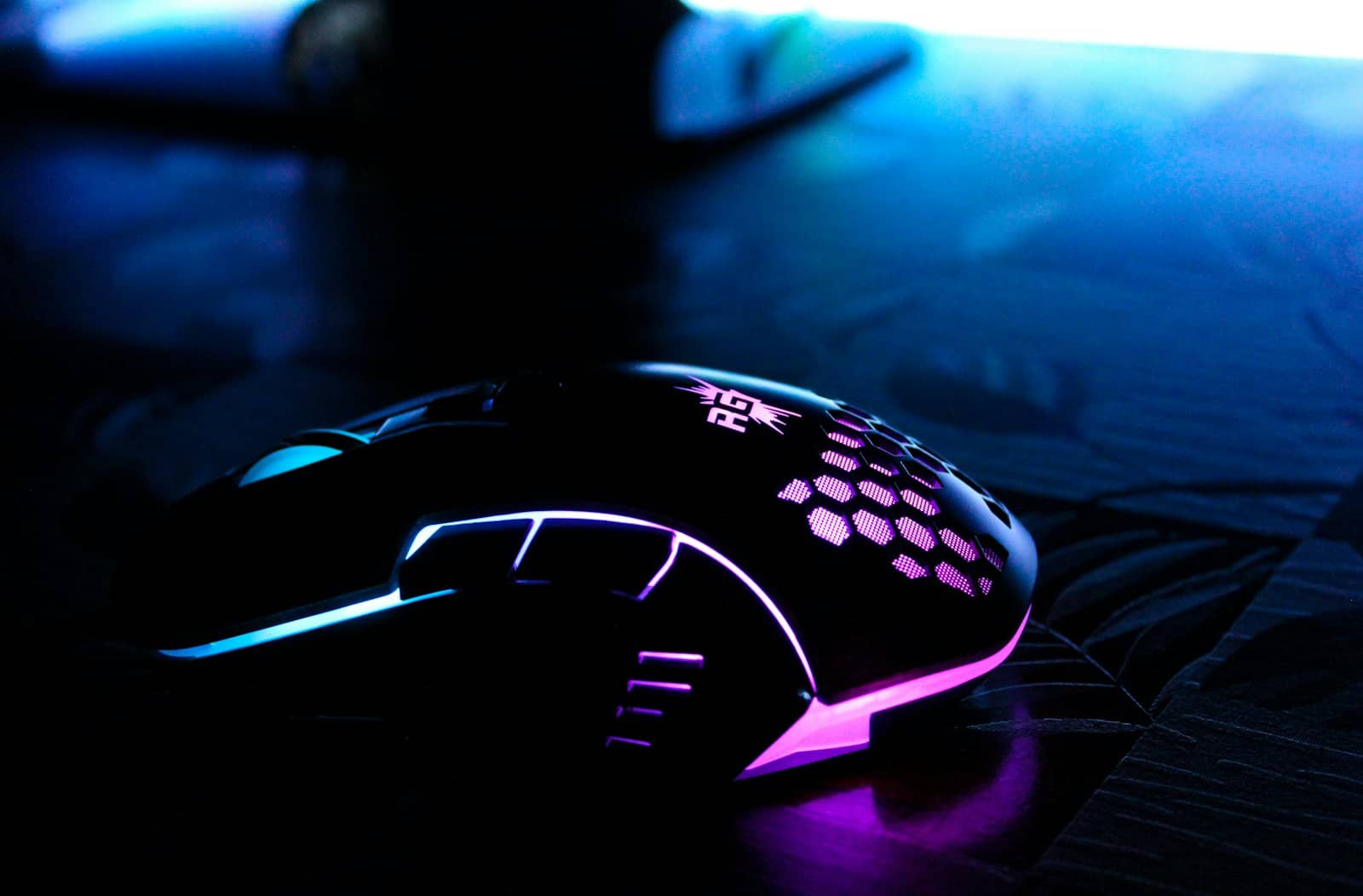
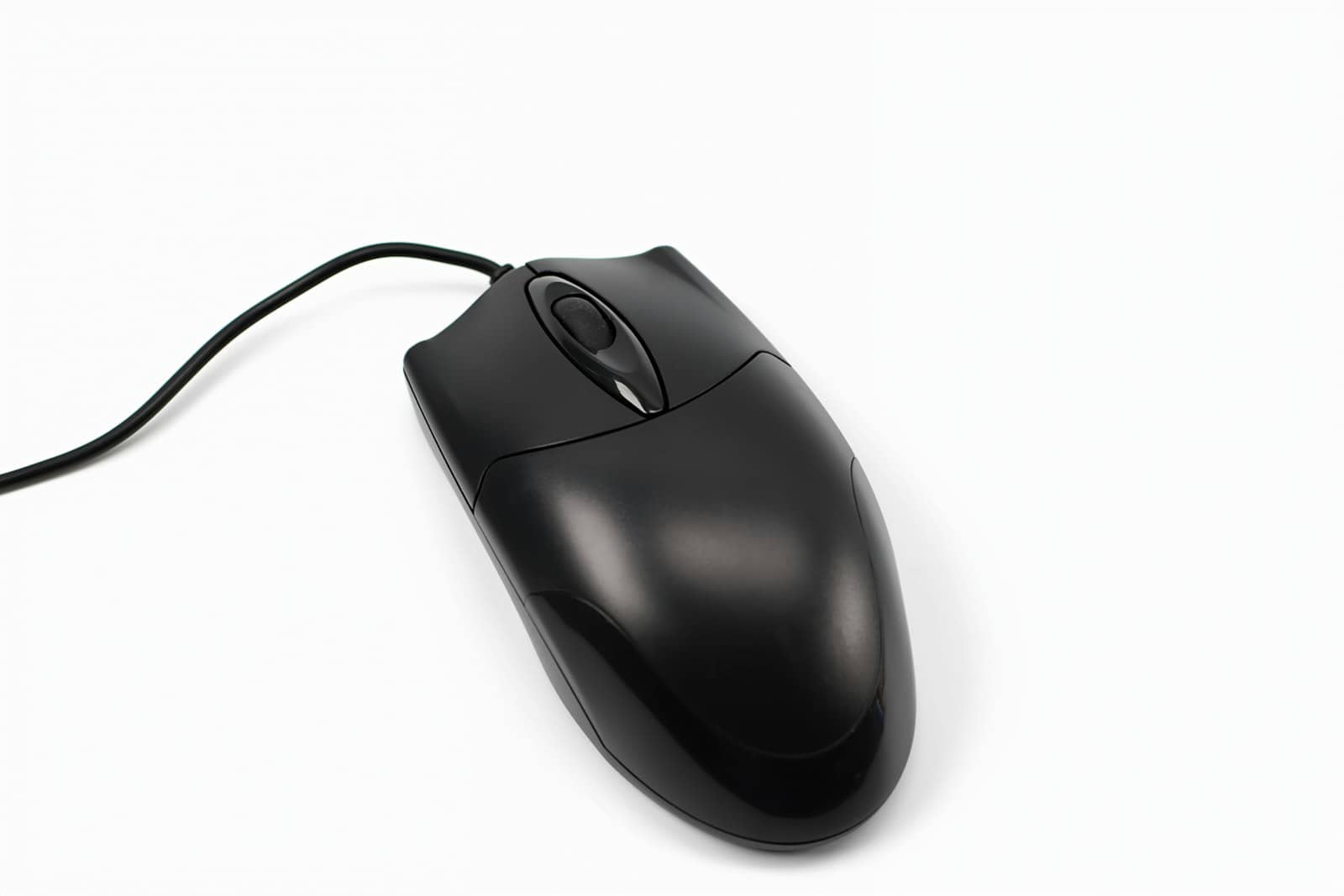
2.4GHz wireless now matches wired latency — which is why the pros switched. Bluetooth, though, is out. · Unsplash
So which should you buy?
Here's the honest call. For most people, buy 2.4GHz wireless — you get identical gaming performance to wired, plus freedom from cable drag and a tidier desk, and battery life on modern mice (90+ hours on the Logitech Superlight 2) means charging is a non-issue. The only strong reason to choose wired is budget: wired mice are cheaper, so if you want the best sensor-and-shape for the least money, a wired mouse gets you there, and there's zero performance downside. What you should not do is buy a Bluetooth-only mouse for gaming — its latency ruins fast play; if a mouse is 'wireless,' confirm it uses a 2.4GHz dongle. Bottom line: wireless for freedom, wired to save money, and never Bluetooth for gaming. Either way, prioritize weight and grip fit over the connection debate.
Quick answers
Is a wired or wireless gaming mouse better in 2026?
For performance, they're tied — modern 2.4GHz wireless gaming mice have sub-1ms latency, functionally identical to wired, which is why the top competitive mice are wireless and pros use them. Wireless wins on freedom of movement and eliminating cable drag, while wired wins on being cheaper and never needing a charge. For most people, 2.4GHz wireless is the better choice for the freedom with no performance penalty; choose wired mainly to save money. Just avoid Bluetooth-only mice for gaming.
Do wireless gaming mice have input lag?
Not meaningfully, if they use 2.4GHz wireless. Modern 2.4GHz gaming mice (connected via a small USB dongle) achieve sub-1ms latency, below what any human can perceive and effectively identical to a wired connection. Professional FPS players, who are extremely sensitive to latency, use them widely. The exception is Bluetooth, which has 20-40ms of lag and is unsuitable for gaming. So a 2.4GHz wireless gaming mouse has no practical input lag, but a Bluetooth-only mouse definitely does — always use the 2.4GHz dongle for gaming.
Why do pro gamers use wireless mice now?
Because 2.4GHz wireless no longer has a latency penalty, and it removes cable drag. Modern wireless achieves sub-1ms latency, so pros lose nothing on responsiveness, and they gain freedom from a cable tugging against fast movements — which can actually make aiming feel more consistent. Combined with ultralight designs (54-60g) and long battery life, wireless became the competitive standard. Five years ago wired was faster; today the measured difference is gone, so the pro scene switched to wireless almost entirely.
The wired-vs-wireless verdict for 2026: wireless for freedom with no performance loss, wired to save money, never Bluetooth for gaming. It matters less than weight and grip, so pick the mouse that fits your hand first. Round out the setup with a keyboard and monitor.