The fastest desktop chip ran ferociously hot — and sat at the sharp end of Raptor Lake's instability-and-degradation crisis. What actually went wrong, why owners offloaded it, and the lesson on halo chips.
The Intel Core i9-14900KS was the fastest desktop chip you could buy — a factory-overclocked, 6.2GHz halo part — and it also ran ferociously hot and hungry. So when people started selling theirs off cheaply, it wasn't just buyer's remorse over electricity bills. It was the visible edge of a genuinely serious saga: the Raptor Lake instability crisis, where Intel's top 13th- and 14th-Gen chips could degrade themselves into unreliability. I track this stuff, so here's the honest explainer — what was actually wrong, why the KS sat at the sharp end of it, and what the whole episode teaches about buying bleeding-edge silicon.
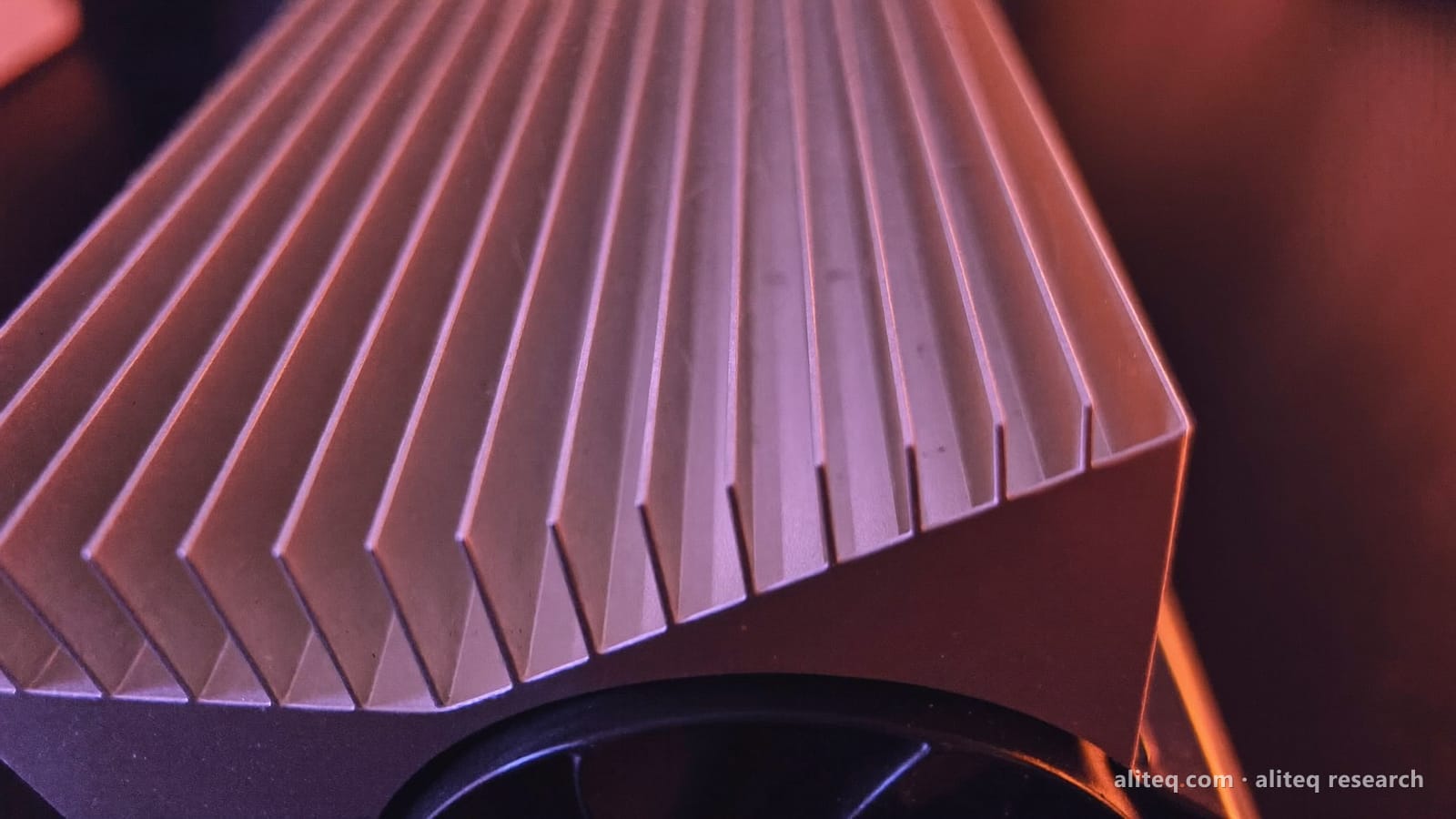
The 14900KS was the fastest chip you could buy — and the most exposed to Raptor Lake's heat-and-degradation saga. Illustration by Aliteq. · Illustration by Aliteq / generated with Higgsfield
What actually went wrong
Start with the heat, because it's the visible symptom. The KS chased a record clock speed by pushing voltage and power hard, which meant serious temperatures and a beefy cooler just to keep it in check — expensive to run and to tame. But the deeper issue, which engulfed the whole high-end Raptor Lake line, was stability. From 2023 into 2024, top Core i9s (the 13900K, 14900K and the KS) started crashing — famously in certain games — and Intel eventually traced it to a fault where sustained elevated voltage and heat degraded a circuit inside the core over time. Translation: it wasn't just running hot, it was potentially damaging itself, and once degraded, a chip couldn't be restored.
Intel responded with a run of microcode fixes over 2024 and into 2025 that dialled back the aggressive voltage behaviour and, going forward, prevented the damage. That stabilised new systems — but it also confirmed the problem was real, and it couldn't undo harm already done. For an owner of the most extreme chip in the affected family, 'my part might be quietly degrading' is exactly the kind of doubt that makes selling it cheap and moving on feel rational.
And the running cost
Even setting reliability aside, a chip like this is expensive to live with: high power draw means a bigger power bill and a serious cooling setup, and for AI or heavy compute that runs for hours, watts add up fast. If you're weighing a hot, hungry flagship, do the running-cost math first — our cost-to-run calculator helps — and remember that for local-AI workloads the GPU matters far more than the CPU anyway.
Quick answers
Why does the Intel i9-14900KS run so hot?
It's a special-edition chip factory-tuned for a record 6.2GHz, achieved by pushing voltage and power to the limit. That extra clock speed comes out as heat and high power draw, so it needs strong cooling and costs more to run than lower-tier chips that are only marginally slower in practice.
Is the 14900KS affected by the Intel degradation issue?
It's part of the high-end 13th/14th-Gen Core i9 family at the centre of the Raptor Lake instability saga, where sustained excessive voltage and heat could cause crashes and permanent degradation. Intel released microcode fixes that prevent further damage, but harm already done was irreversible — which is why some owners sold.
Did Intel fix the problem?
Yes, going forward — a series of microcode updates through 2024 and into 2025 reduced the aggressive voltages that caused the degradation, stabilising systems that apply them. But the fixes are preventative; a chip already degraded before patching couldn't be restored.
Should I buy the top-tier chip?
Usually not for value. The halo part runs hottest, costs most, is most exposed to teething issues, and is barely faster in real use than the tier below. Unless you need the absolute record, a step or two down the stack is the smarter, cooler, cheaper buy.