For local AI the decider is VRAM — and that's exactly where laptops are capped. Why a desktop (or a unified-memory mini-PC) usually wins, when a gaming laptop is still right, and how to choose.
"Should I get a gaming laptop or a desktop for running AI locally?" is one of the most common questions I get, and the honest answer annoys people who want a laptop: for local AI specifically, a desktop wins on the thing that matters most, and it's not close. That thing is VRAM — the memory your GPU has to hold a model — and it's the single spec that decides which models you can run at all. Laptops have real advantages, but they're capped exactly where local AI needs headroom. Let me lay out the honest trade so you buy the right machine for what you actually want to do.
For local AI the decider is VRAM — and that's where the laptop-vs-desktop gap is widest. · Illustration by Aliteq / generated with Higgsfield
Why VRAM decides it
A local model has to fit in your GPU's VRAM (or unified memory) to run well — that's the whole ballgame, as I cover in the VRAM-first best-GPU guide. More VRAM means bigger, smarter models. And this is exactly where laptops are structurally limited: a laptop GPU runs at lower power in a tighter thermal envelope, and its VRAM ceiling is lower and soldered — you get what you buy, forever. A desktop GPU has more VRAM, runs at full power, and can be replaced or joined by a second card. For gaming, a laptop's shortfall is a few frames; for local AI, it's the difference between running a model and not.
Laptop vs desktop vs mini-PC for local AI
VRAM / memory ceiling
Gaming laptop
~16–24GB, soldered
Desktop
32GB+ single, multi-GPU possible
Unified-memory mini-PC
Up to 128GB+ unified
Upgradeable GPU
Gaming laptop
No
Desktop
Yes
Unified-memory mini-PC
No (but huge capacity)
Sustained performance
Gaming laptop
Thermal-limited
Desktop
Full power
Unified-memory mini-PC
Efficient, capacity-first
Value (per GB VRAM)
Gaming laptop
Worst
Desktop
Best
Unified-memory mini-PC
Great for big models
Portability
Gaming laptop
Best
Desktop
None
Unified-memory mini-PC
Small + light, needs power
Best for
Gaming laptop
Running smaller models on the move
Desktop
Biggest/fastest local AI
Unified-memory mini-PC
Fitting huge models cheaply
Gaming laptop
Desktop
Unified-memory mini-PC
VRAM / memory ceiling
~16–24GB, soldered
32GB+ single, multi-GPU possible
Up to 128GB+ unified
Upgradeable GPU
No
Yes
No (but huge capacity)
Sustained performance
Thermal-limited
Full power
Efficient, capacity-first
Value (per GB VRAM)
Worst
Best
Great for big models
Portability
Best
None
Small + light, needs power
Best for
Running smaller models on the move
Biggest/fastest local AI
Fitting huge models cheaply
When a laptop is still the right call
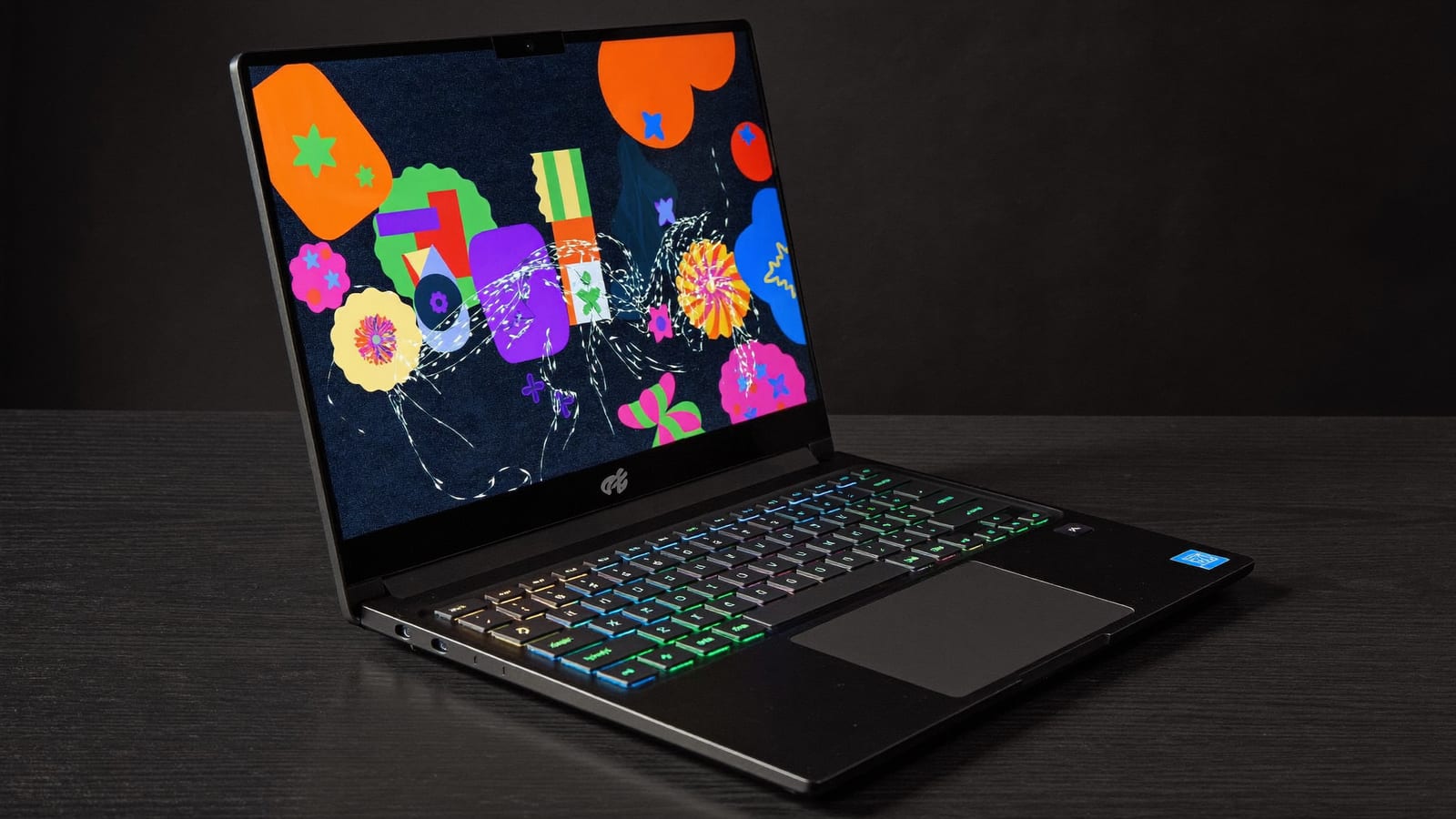
I'm not anti-laptop — I just want you to buy one for the right reason. If you genuinely need to run models away from a desk (a student, someone who travels, a single machine that does everything), a strong gaming laptop like the ASUS ROG Strix G15 is a fine local-AI machine for models that fit its VRAM — think smaller and mid-size models at sensible quantization. What you shouldn't do is buy a laptop expecting to run the big stuff; the VRAM ceiling will wall you off, and unlike a desktop you can't fix it later.
Quick answers
Is a gaming laptop good enough for local AI?
For smaller and mid-size models at sensible quantization, yes — a strong gaming laptop runs them fine. The limit is VRAM: laptop GPUs cap around 16–24GB and can't be upgraded, so bigger models are off the table. If portability matters and your models fit, it's a reasonable choice.
Why is a desktop better for local AI?
More VRAM (up to 32GB on a single RTX 5090, more with multiple GPUs), full-power sustained performance, better value per GB, and the ability to upgrade the GPU later. Local AI is a VRAM game, and desktops simply have more room to grow.
What about a mini-PC?
A unified-memory mini-PC (Strix Halo, Mac Studio) is a strong third option — it holds far bigger models than any laptop, in a tiny box, trading peak speed for capacity. If you want a small footprint but big-model capability, it often beats a gaming laptop for AI.
Can I upgrade a laptop's GPU for AI later?
No — laptop GPUs and their VRAM are soldered to the board. What you buy is what you keep. That's a key reason desktops (upgradeable) are the safer long-term local-AI investment if you can stay at a desk.