Open, free AI models have gotten shockingly good. Here are the best ones to run locally — for every size of computer, from a laptop to a 24GB graphics card.
Free, open AI models have gotten shockingly good — good enough that running one at home is a genuine alternative to paying for cloud AI. But 'best' depends entirely on your hardware, because the biggest, smartest models need the most memory. So instead of one winner, here are the best free local AI models in 2026 ranked by the machine you have — from a laptop or 8GB card up to a 24GB GPU. All of these are free to download, private, and run through simple apps like Ollama or LM Studio.
The best free models, by what you can run
Match the model to your memory. On a laptop or an 8GB card, Gemma 3 4B and Llama 8B are excellent — light, fast, and capable for everyday tasks. On a 16GB card, step up to Qwen3-14B or Gemma 3 12B, the sweet-spot tier where quality jumps noticeably. On a 24GB card, Qwen3-32B and Gemma 3 27B are the most capable models that fit a single consumer GPU, rivaling cloud models of a year ago. For coding specifically, Qwen3-Coder-30B-A3B is the standout. And DeepSeek's distilled models bring strong reasoning at various sizes. All are free and open.
Best free local AI models by hardware
Laptop / 8GB VRAM
Your hardware
Gemma 3 4B, Llama 8B
16GB VRAM
Your hardware
Qwen3-14B, Gemma 3 12B
24GB VRAM
Your hardware
Qwen3-32B, Gemma 3 27B
Coding (24GB)
Your hardware
Qwen3-Coder-30B-A3B
Reasoning
Your hardware
DeepSeek-R1 distills
Your hardware
Best free model
Laptop / 8GB VRAM
Gemma 3 4B, Llama 8B
16GB VRAM
Qwen3-14B, Gemma 3 12B
24GB VRAM
Qwen3-32B, Gemma 3 27B
Coding (24GB)
Qwen3-Coder-30B-A3B
Reasoning
DeepSeek-R1 distills
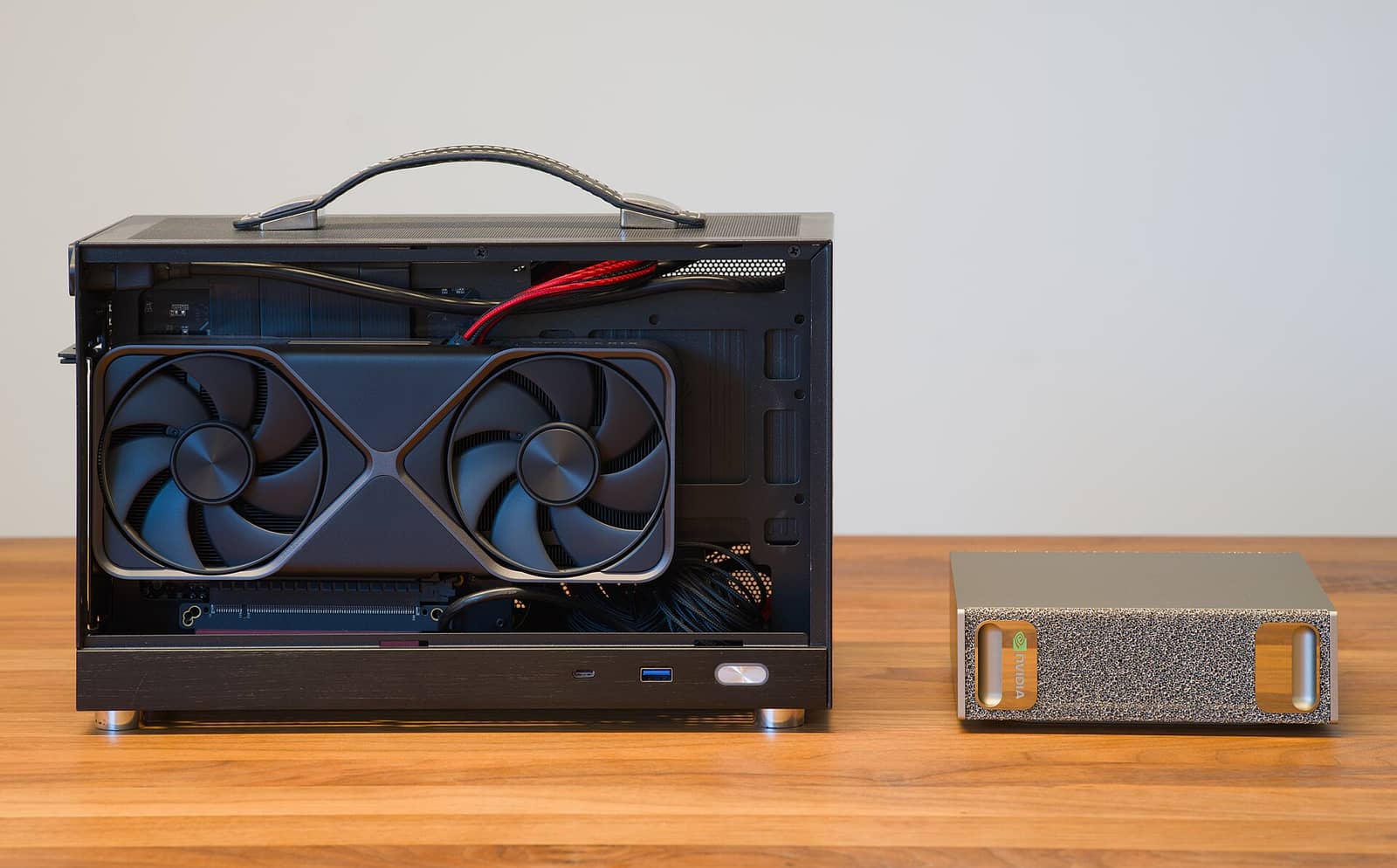
Free, open, and genuinely capable — there's a model for every machine, from a laptop to a 24GB card. · Unsplash
Which to actually download first
If you're not sure where to start, download Qwen3 at the largest size your hardware runs — it's an excellent all-rounder across sizes and consistently near the top for local use. Gemma 3 is a great alternative and is multimodal (it handles images too). For most people, one of those at the right size for their card is the answer, and you can always try others since they're free. Don't agonize over the 'best' — they're all good, they're all free, and switching takes seconds. Pick one sized to your machine in the VRAM calculator, run it through Ollama or LM Studio, and go.
Quick answers
What's the best free AI model to run at home?
It depends on your hardware, but Qwen3 is an excellent all-rounder at every size — run the largest version your card handles (8B on a small card, 14B on 16GB, 32B on 24GB). Gemma 3 is a strong, multimodal alternative. For coding, Qwen3-Coder-30B-A3B stands out. All are free, open, and private. If you want one recommendation, download Qwen3 at the biggest size your hardware runs and you won't go wrong.
Are free local AI models actually good?
Yes, genuinely — modern open models are good enough for most everyday tasks, and a 32B model on a 24GB card rivals cloud models from a year ago. The largest cloud models still lead on the hardest problems, but for writing, coding help, questions, and summaries, free local models handle it well. And they're private and unlimited, which cloud AI isn't. The quality has reached the point where local AI is a real alternative, not a compromise, for most uses.
Do free AI models cost anything to run?
No — the models are free to download and the software (Ollama, LM Studio) is free too. Your only costs are the hardware you already own and a little electricity. That's the whole appeal: unlike cloud AI with its subscriptions and per-message fees, a local model costs nothing per use once you have a capable machine. Download a free model, run it, and use it as much as you want, privately and offline.
The best free local AI model is the biggest one your hardware runs well — Qwen3 or Gemma 3 at the right size for most people. Size one in the VRAM calculator, set it up with the beginner's guide, and you've got capable, private, free AI at home.
Want the canonical details? The official Ollama model library is the authoritative reference — Ollama.