A local vision model reads images, describes photos, and pulls text out of screenshots — all offline. Some open ones now beat GPT-4o at OCR. Here's how to run one, in one command.
With Ollama, in one command — pull a vision-language model (VLM), send it an image, and get a description or answer. A VLM is an AI that can look at images, not just read text: describe a photo, read text out of a screenshot (OCR), analyze a chart, or generate alt-text — all 100% offline, no API key or cloud account. And the open ones are genuinely great now: Qwen3-VL and MiniCPM-V rival or beat GPT-4o at reading text from images, running on just 6-16GB of VRAM. Here's how to run one and which to choose.
Which vision model to run
Pick by what you want to do. For reading text out of images (OCR) — screenshots, documents, invoices, receipts — Qwen3-VL is the standout: its 8B version scores 96.1 on DocVQA (document reading), and it comes in a 4B for tighter VRAM. MiniCPM-V is the other OCR champion, actually surpassing GPT-4o, GPT-4V, and Gemini 1.5 Pro on the OCRBench benchmark — remarkable for a model you run at home. For general photo and scene understanding — 'what's in this image', describing pictures — Llama 3.2 Vision 11B is excellent (needs 8-16GB), and LLaVA 7B is the well-tested, widely-supported default that handles general scenes well on modest hardware. If you want the smoothest first experience, Gemma 3 4B is multimodal and easy to start. For most people on a 6-8GB card, Qwen3-VL-8B (or 4B) via Ollama covers OCR and image Q&A beautifully.
# install Ollama, then pull a vision model and send it an image:
ollama run qwen3-vl:8b     # great OCR + image Q&A (~8GB)
# or: ollama run llava       # reliable general image understanding

# in the chat, reference an image file to have the model 'see' it,
# or use LM Studio / Open WebUI to drag-and-drop an image.
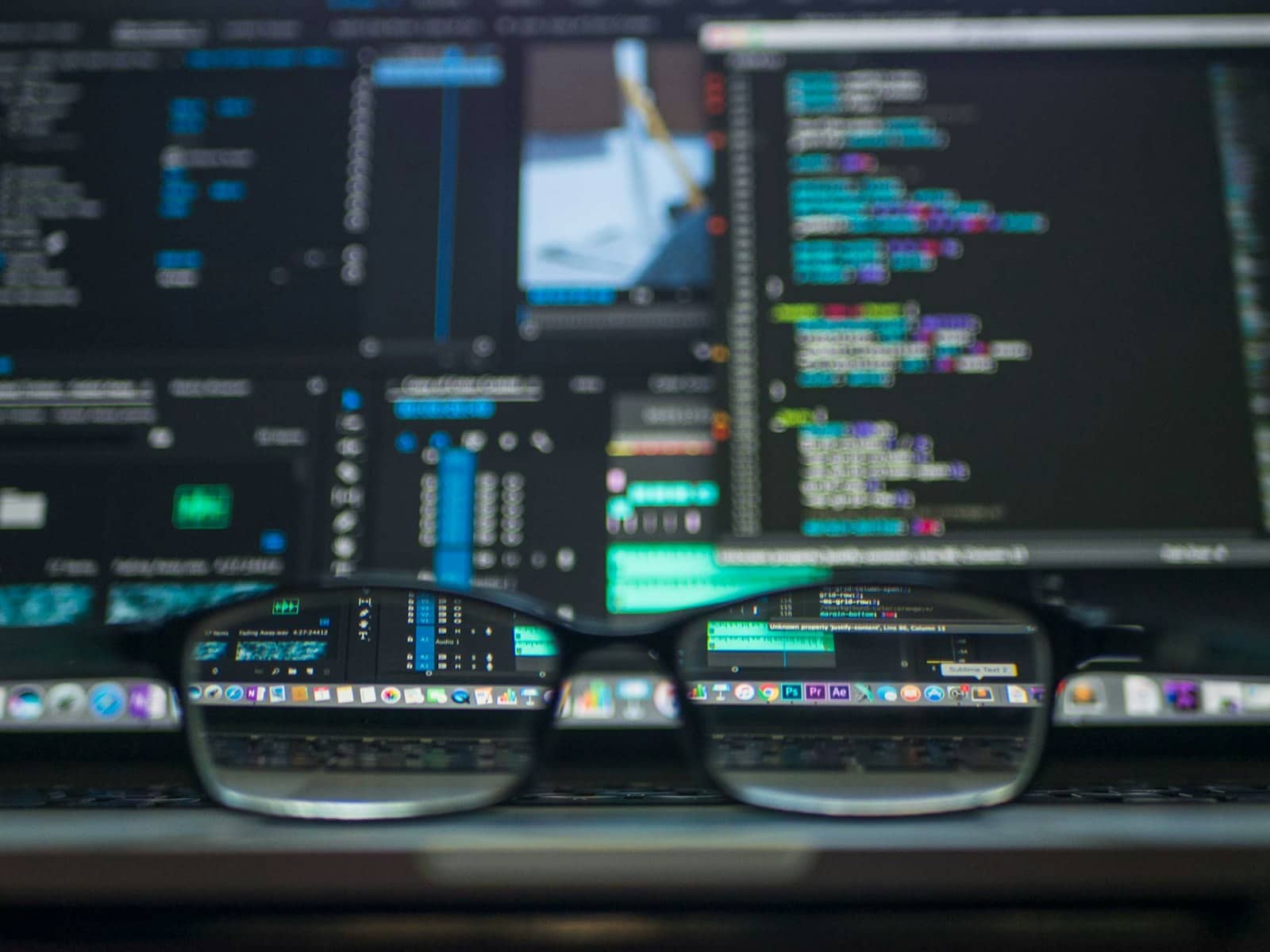
Local vision models read images and OCR text offline — some open ones now beat GPT-4o at reading documents. · Unsplash
What you can actually do with it
A local VLM is more useful than it sounds. OCR and document reading is the killer app: point it at a screenshot, scanned PDF, receipt, or invoice and it extracts the text and structure — privately, without sending sensitive documents to a cloud service. Image description and Q&A: ask 'what's happening in this photo' or 'is there a cat in this image', useful for organizing photos, accessibility (auto alt-text), or analysis. Screenshot understanding: feed it a UI screenshot and ask questions, handy for coding and support workflows. Because it all runs offline on your hardware, you can process private or sensitive images — medical, legal, personal — that you'd never upload to a cloud AI. Pair a VLM with a local RAG setup and you can even build a private system that reads and answers questions about your scanned documents. It's one of the most practical, underrated things you can do with local AI.
Quick answers
How do I run a vision AI model locally?
The easiest way is with Ollama: install it, pull a vision-language model like Qwen3-VL or LLaVA, then send it an image to get a description or answer. Everything runs 100% offline once downloaded — no API key or cloud account. For a graphical experience, LM Studio or Open WebUI let you drag and drop images. Match the model to your VRAM: Qwen3-VL-4B/8B or LLaVA 7B run on 6-8GB, while Llama 3.2 Vision 11B needs 8-16GB. These models can describe photos, read text (OCR), and analyze screenshots privately.
What is the best local vision model for OCR?
Qwen3-VL is the top pick for reading text out of images — its 8B version scores 96.1 on the DocVQA document-reading benchmark, and it has a 4B version for tighter VRAM. MiniCPM-V is the other OCR champion, actually surpassing GPT-4o, GPT-4V, and Gemini 1.5 Pro on the OCRBench benchmark, which is remarkable for a locally-run model. Both handle screenshots, documents, invoices, and receipts well, and run offline via Ollama on 6-8GB of VRAM. For general photo understanding rather than OCR, Llama 3.2 Vision or LLaVA are better.
Can I run image analysis AI offline?
Yes. Local vision-language models like Qwen3-VL, MiniCPM-V, Llama 3.2 Vision, and LLaVA run entirely offline on your own machine once downloaded — no internet or cloud account needed. This is ideal for processing private or sensitive images (medical scans, legal documents, personal photos) that you'd never upload to a cloud service. They handle OCR, image description, screenshot analysis, and more, all privately. A GPU with 6-8GB of VRAM runs the smaller models well; larger ones want more, but even modest hardware can do local image analysis.
Local vision models read images and OCR text offline — Qwen3-VL for reading text, Llama Vision/LLaVA for general scenes. Run one via Ollama, pair it with local RAG for private document AI, and size it in the VRAM calculator. Source: Roboflow.