AMD Ryzen power, NVIDIA RTX graphics and a fast 300Hz screen at a saner price than the halo laptops. What the ROG Strix G15 is, how its configs differ, who it's for, and how to pick the right one.
The ASUS ROG Strix G15 is one of those laptops that quietly became a default recommendation, and it earned it the boring way: by being the sensible-performance pick rather than the flashiest one. It's the 15-inch, AMD-powered member of the ROG Strix family — the line ASUS aims at gamers who want strong frame rates and a great screen without paying the ultra-premium tax of a Zephyrus or a Scar. I've steered a lot of people toward this class of machine, so here's the honest overview: what the Strix G15 is, how its configurations differ, who it's genuinely for, and where it falls short.
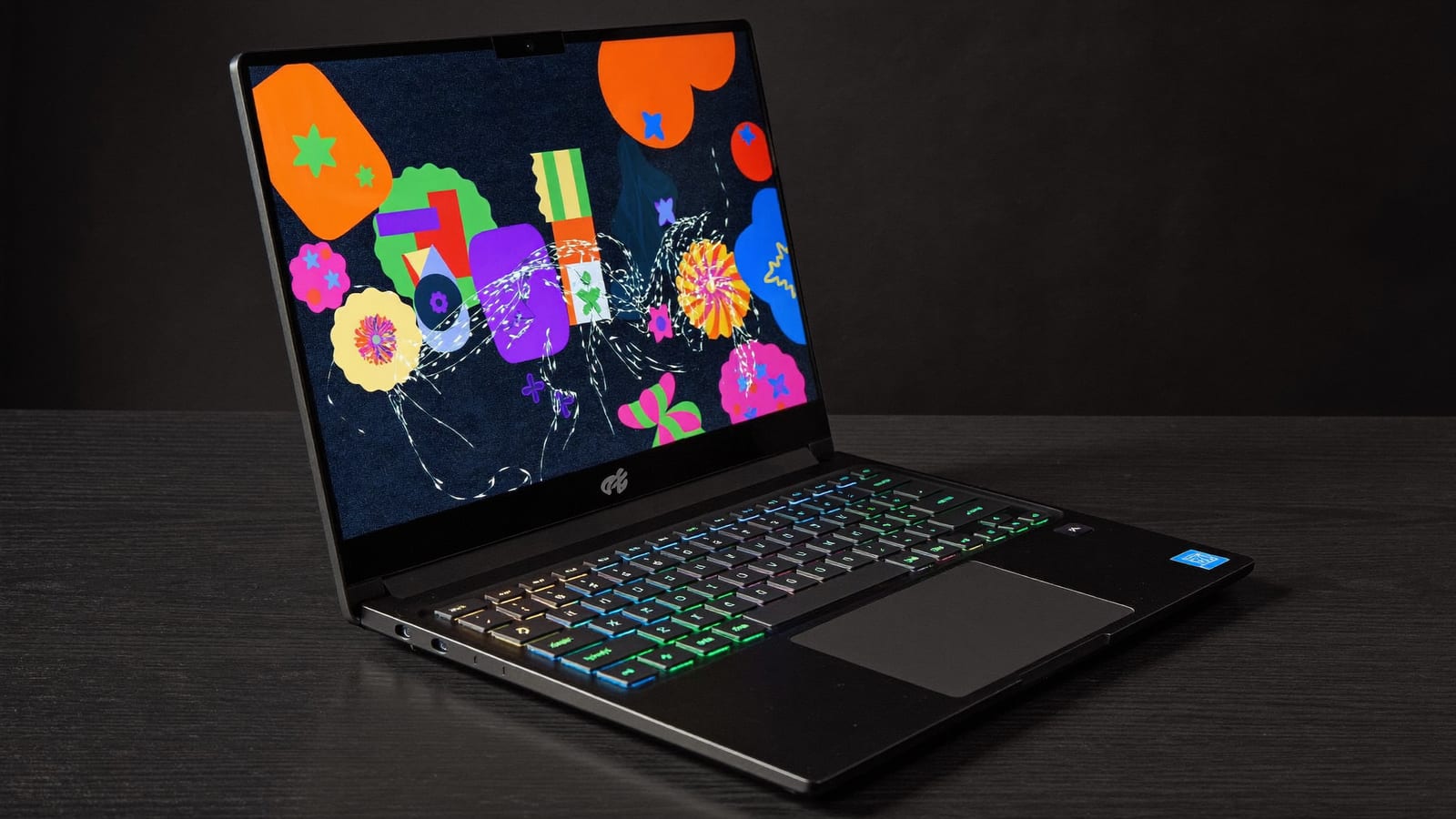
The ROG Strix G15 is ASUS's value-performance gaming 15-incher — AMD CPU, RTX graphics, fast screen. · Illustration by Aliteq / generated with Higgsfield
What you're actually buying
The Strix G15 formula has stayed consistent across refreshes: a capable AMD Ryzen processor (Ryzen 7 and Ryzen 9 H-series chips), an NVIDIA RTX laptop GPU, fast dual-channel memory, and — the part that defines the experience — a high-refresh 1080p display. Earlier models paired an RTX 3070 with a 300Hz panel; the AMD Advantage Edition even ran AMD's own Radeon RX 6800M graphics. Later refreshes moved to newer Ryzen and RTX generations, but the pitch never changed: smooth high-frame-rate 1080p gaming for less than the flagship lines cost.
That 300Hz screen deserves a callout because it's the spec people underrate. For competitive shooters and fast-paced games, a high refresh rate is more noticeable moment-to-moment than a small bump in raw GPU power — and pairing it with a GPU that can actually push those frames at 1080p is exactly what the Strix G15 is tuned to do. Reviewers repeatedly highlighted the strong performance-per-dollar, solid thermals for the class, and a genuinely good keyboard.
How the tiers typically break down
CPU
Component
AMD Ryzen 7 (e.g. 6800H) up to Ryzen 9 (e.g. 6900HX / newer)
GPU
Component
NVIDIA RTX 3060 → 3070 Ti / 3080 Ti class; RTX 40-series in later refreshes
Display
Component
15.6" 1920×1080, high refresh up to 300Hz
Memory / storage
Component
16GB+ DDR dual-channel, NVMe SSD (upgradeable on most)
The catch
Component
No/limited webcam on some models; average battery, as with most gaming laptops
Component
What to expect
CPU
AMD Ryzen 7 (e.g. 6800H) up to Ryzen 9 (e.g. 6900HX / newer)
GPU
NVIDIA RTX 3060 → 3070 Ti / 3080 Ti class; RTX 40-series in later refreshes
Display
15.6" 1920×1080, high refresh up to 300Hz
Memory / storage
16GB+ DDR dual-channel, NVMe SSD (upgradeable on most)
The catch
No/limited webcam on some models; average battery, as with most gaming laptops
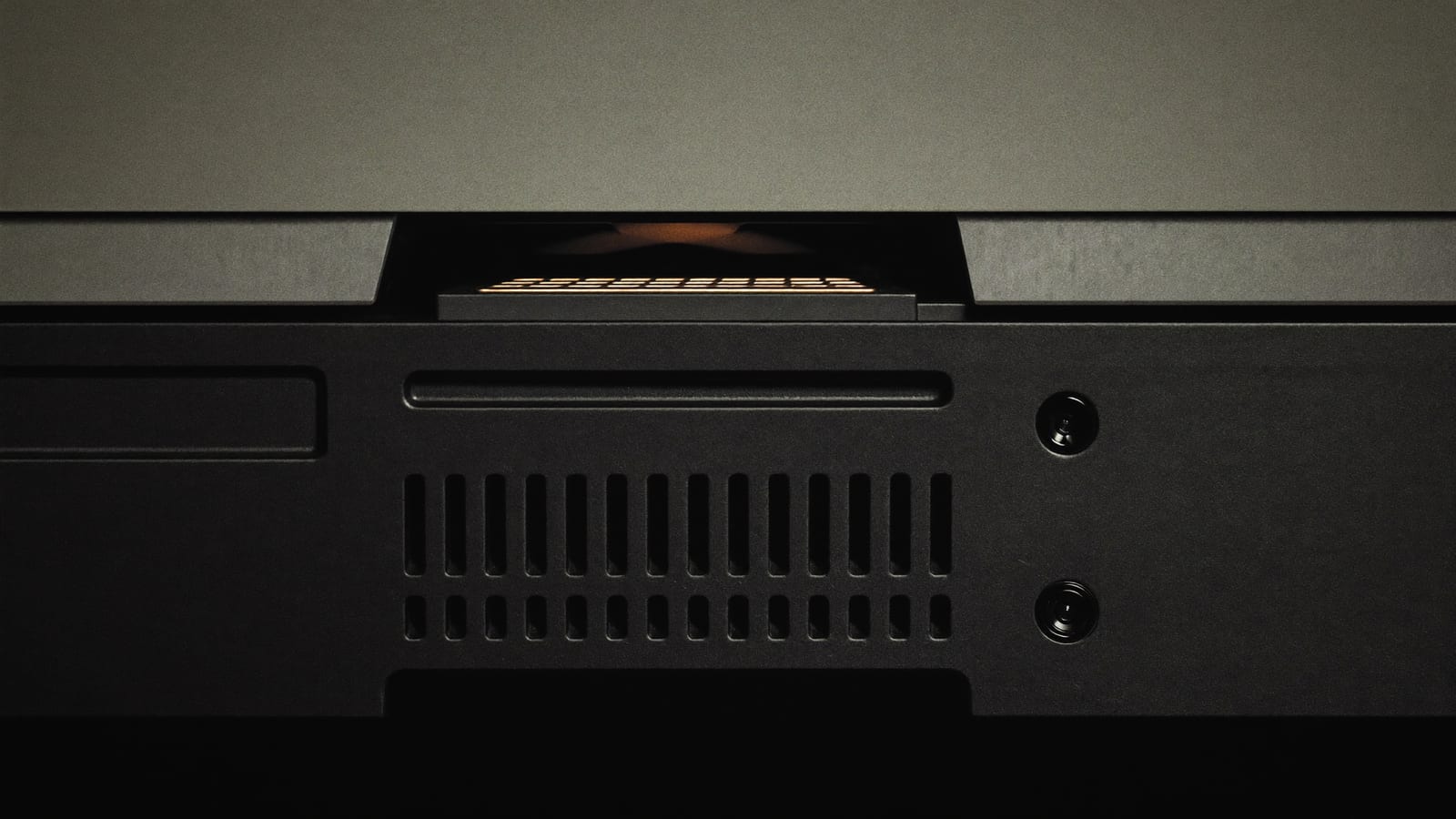
Rear-vented cooling is part of why the Strix G15 holds performance under load better than thinner rivals. · Illustration by Aliteq / generated with Higgsfield
How to choose the right one
Match the GPU tier to your goal. For high-refresh 1080p esports, a mid-tier RTX is plenty; for maxed AAA settings, step up to the higher RTX tiers. The GPU, not the CPU, decides your frame rates.
Don't overpay for the top CPU. A Ryzen 7 already feeds most of these GPUs fine; the Ryzen 9 helps creators and heavy multitaskers more than it helps gaming.
Prioritise the panel you'll actually use. The high-refresh 1080p screen is the point — you don't need 4K on a 15-inch gaming laptop, and it would tank your frame rates anyway.
Check RAM and storage upgradeability. Part of the Strix G15's value is that you can add memory or a bigger SSD later rather than paying ASUS's markup up front.
Quick answers
Is the ASUS ROG Strix G15 good for gaming?
Yes — it's built for it. The AMD Ryzen + NVIDIA RTX combo and the high-refresh 1080p screen deliver strong, smooth frame rates, and reviewers consistently rate its performance-per-dollar and thermals well for the class.
Can it do more than gaming?
Absolutely. The Ryzen CPUs and RTX GPUs handle video editing, 3D and other creative workloads well, and the higher-CPU configs are aimed partly at creators. It's a capable all-round performance laptop, not just a game machine.
What's the downside?
The usual gaming-laptop trade-offs: battery life is average because the hardware is power-hungry, and some models skimp on the webcam. Neither is a dealbreaker if you mostly game plugged in.
Which config should I buy?
Pick by GPU tier and screen. A mid-tier RTX with the high-refresh 1080p panel is the sweet spot for most gamers; only step up to the top GPU and CPU if you play maxed-out AAA titles or do heavy creative work.
Wondering whether a given config will run a specific title at the settings you want? That's exactly what our can-i-run game checker is for. And if you're weighing a desktop build instead, my colleague's VRAM-first GPU guide covers where the performance really comes from — plus, if you're deep in a PC build, the Biostar Z590 Valkyrie retrospective is a good companion read.
Thinking beyond the laptop to a desktop, or wondering what a machine costs to keep running? Our cost-to-run calculator breaks down the real running cost of a gaming or local-AI rig.