You don't need a graphics card to run a local AI. A modern CPU with enough RAM runs small models fine — just slowly. Here's what's realistic, which models to pick, and when you really do need a GPU.
Yes — you don't need a graphics card to run a local LLM. A modern CPU with enough system RAM runs small models perfectly well; it's just slower than a GPU. Realistically, CPU-only inference is great for 3-8B models: Phi-4 Mini (3.8B) runs around 12 tokens per second, Llama 3.2 3B around 10 tok/s, and small Gemma models ~15 tok/s — all usable for chat, if not snappy. The catch is that CPU inference is roughly 10-30× slower than a GPU, and it leans on your system RAM (not VRAM). So before you buy a graphics card, know this: for light local-AI use, the computer you already own probably works. Here's what to expect.
What CPU-only speed actually feels like
Let's be concrete, because 'slow' is vague. On a modern desktop or laptop CPU, a quantized7B model generates roughly 10-15 tokens per second, and a 13B model drops to about 5-8 tok/s — on a 2024 MacBook Air (M2), those are the measured numbers. For reference, people read at ~5-8 words/second, so 10+ tok/s feels like a fast typist answering you: perfectly usable for chat, drafting, and Q&A. Below ~5 tok/s it starts to feel like waiting. The practical rule researchers use: above ~30 tps is 'interactive', 8-30 tps is usable-but-batchy, and under ~8 gets tedious. That's why the CPU sweet spot is 3-8B models — they land in the usable band. Pick a small, efficient model — Phi-4 Mini, Llama 3.2 3B, or a small Gemma — and CPU-only is genuinely fine for everyday local AI. Push to 13B and up and you'll feel every token.
CPU-only local AI: realistic speed
1-3B (Phi-4 Mini, Llama 3.2 3B)
Model size
~10-15 tok/s
Speed (CPU-only)
Great — snappy
7-8B (Llama 3.1 8B Q4)
Model size
~10-15 tok/s
Speed (CPU-only)
Good — usable
13-14B
Model size
~5-8 tok/s
Speed (CPU-only)
Slow but workable
30B+
Model size
<3 tok/s
Speed (CPU-only)
Impractical on CPU
Model size
Speed (CPU-only)
Verdict
1-3B (Phi-4 Mini, Llama 3.2 3B)
~10-15 tok/s
Great — snappy
7-8B (Llama 3.1 8B Q4)
~10-15 tok/s
Good — usable
13-14B
~5-8 tok/s
Slow but workable
30B+
<3 tok/s
Impractical on CPU
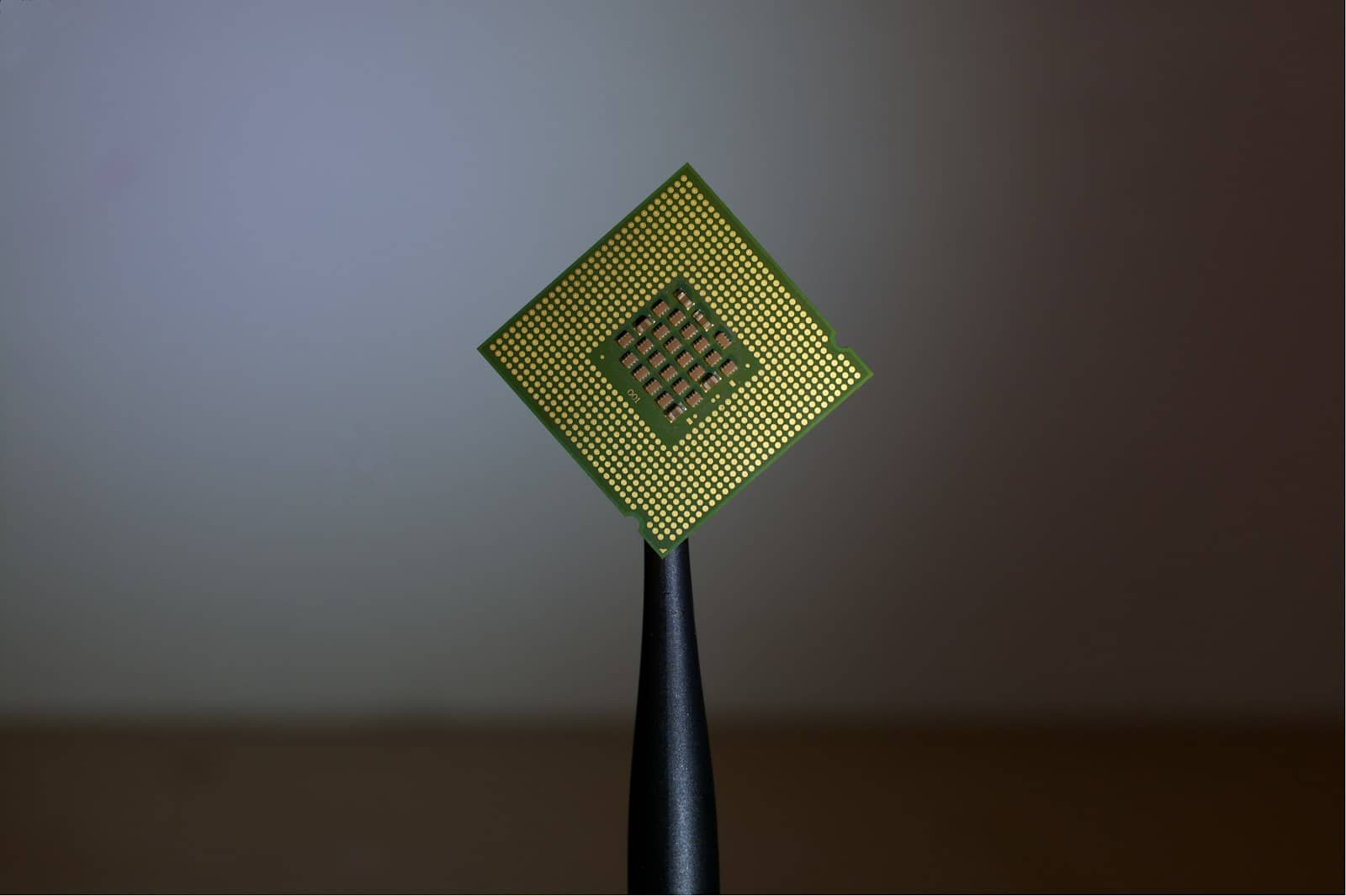
CPU-only inference leans on your processor and system RAM — no graphics card required for small models. · Unsplash
When you actually need a GPU
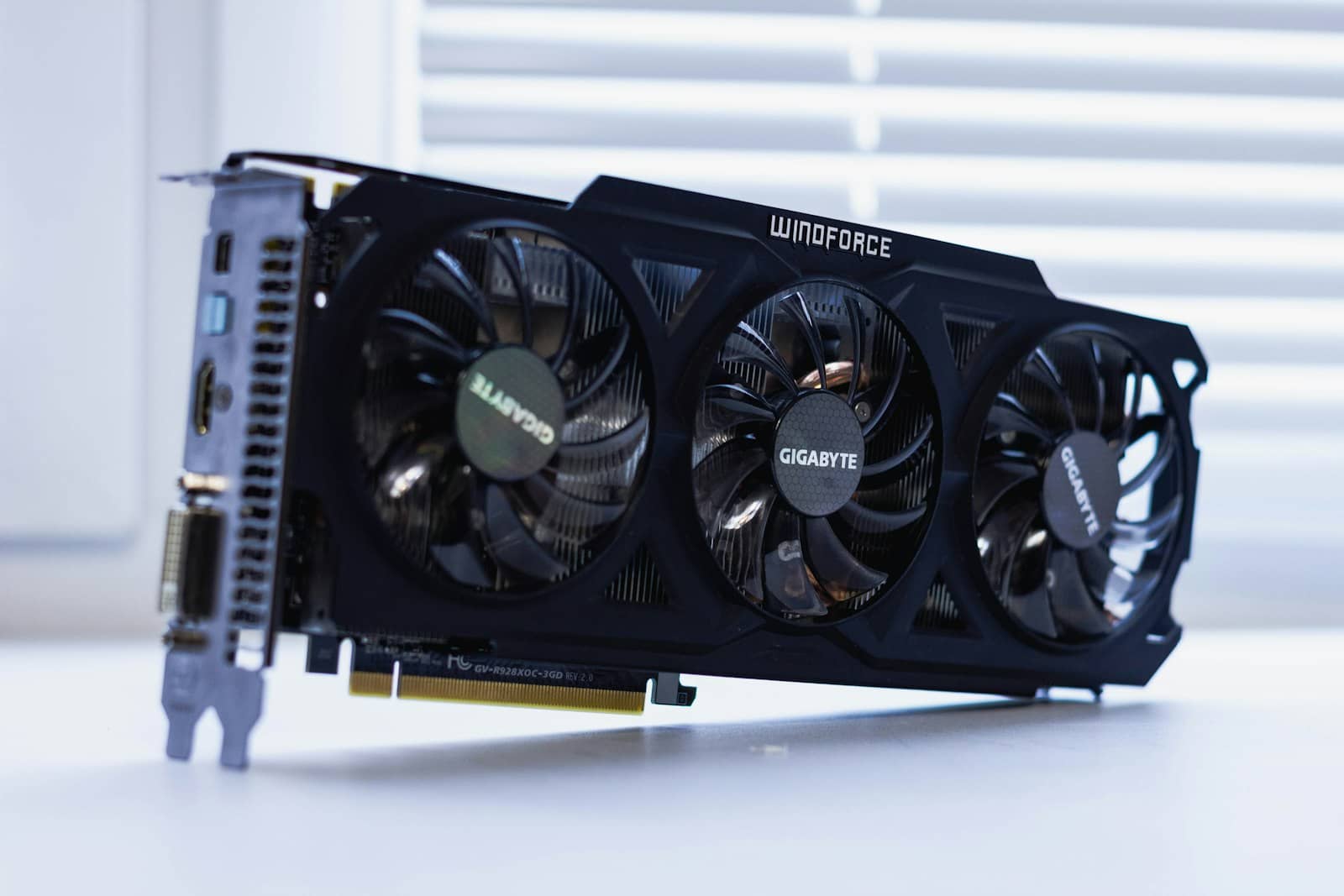
Here's the honest dividing line. Stay CPU-only if: you run small models (3-8B), you use AI in short bursts (a question here, a draft there), and a few seconds of wait doesn't bother you. For that, buying a graphics card is money you don't need to spend — start with what you have. Get a GPU if: you want fast, responsive replies, you need bigger or smarter models (14B+, reasoning models, coding assistants), you work with long context (big documents, RAG), or you'll use local AI heavily throughout the day. A GPU is 10-30× faster, and that gap turns 'usable' into 'effortless.' A good starting card is the RTX 3060 12GB for budget builds or something with more VRAM if you want headroom. One more path worth knowing: Macs and mini PCs with unified memory (like the Ryzen AI mini PCs) sit between CPU and GPU — no discrete card, but far faster than a plain CPU. So the answer to 'do I need a GPU?' is genuinely 'not to start' — try CPU-only first, and upgrade only when its limits actually get in your way.
Quick answers
Can you run a local LLM without a GPU?
Yes. A modern CPU with enough system RAM runs small language models (roughly 3-8 billion parameters) through Ollama or llama.cpp without any graphics card. Expect around 10-15 tokens per second for a 3B model and a quantized 7-8B model, which is usable for chat and drafting — think of it as a fast typist answering you. It's roughly 10-30 times slower than a GPU, and it uses your system RAM rather than VRAM. For light, casual local AI, the computer you already own is often enough; you only need a GPU when speed or bigger models matter.
How fast is CPU-only AI inference?
On a modern CPU, a quantized 7B model runs at roughly 10-15 tokens per second, a 13B model at about 5-8 tok/s, and small 3B models (like Phi-4 Mini or Llama 3.2 3B) at 10-15 tok/s or more. As a rule of thumb, above ~30 tokens/second feels fully interactive, 8-30 is usable, and below ~8 gets tedious. That's why 3-8B models are the CPU sweet spot — they land in the usable range. Larger models (30B+) fall below ~3 tok/s on CPU and become impractical, which is where a GPU or a unified-memory machine becomes worth it.
Do I need a graphics card to run AI at home?
No, not to get started. For small models used casually, a CPU with 16GB or more of RAM works fine. You should buy a GPU when you want fast, responsive replies, need larger or smarter models (14B and up, reasoning or coding models), work with long context and documents, or use local AI heavily all day — a GPU is 10-30x faster, which turns 'usable' into 'effortless.' A middle path is a Mac or mini PC with unified memory, which beats a plain CPU without a discrete card. Try CPU-only first and upgrade only when its limits actually bother you.
You can absolutely run local AI without a GPU — small models on a modern CPU are genuinely usable. Start there, size a model in the VRAM/RAM calculator, and only buy a GPU when speed or scale demands it. New to this? See the beginner's guide. Sources: PromptQuorum, Presenc AI.