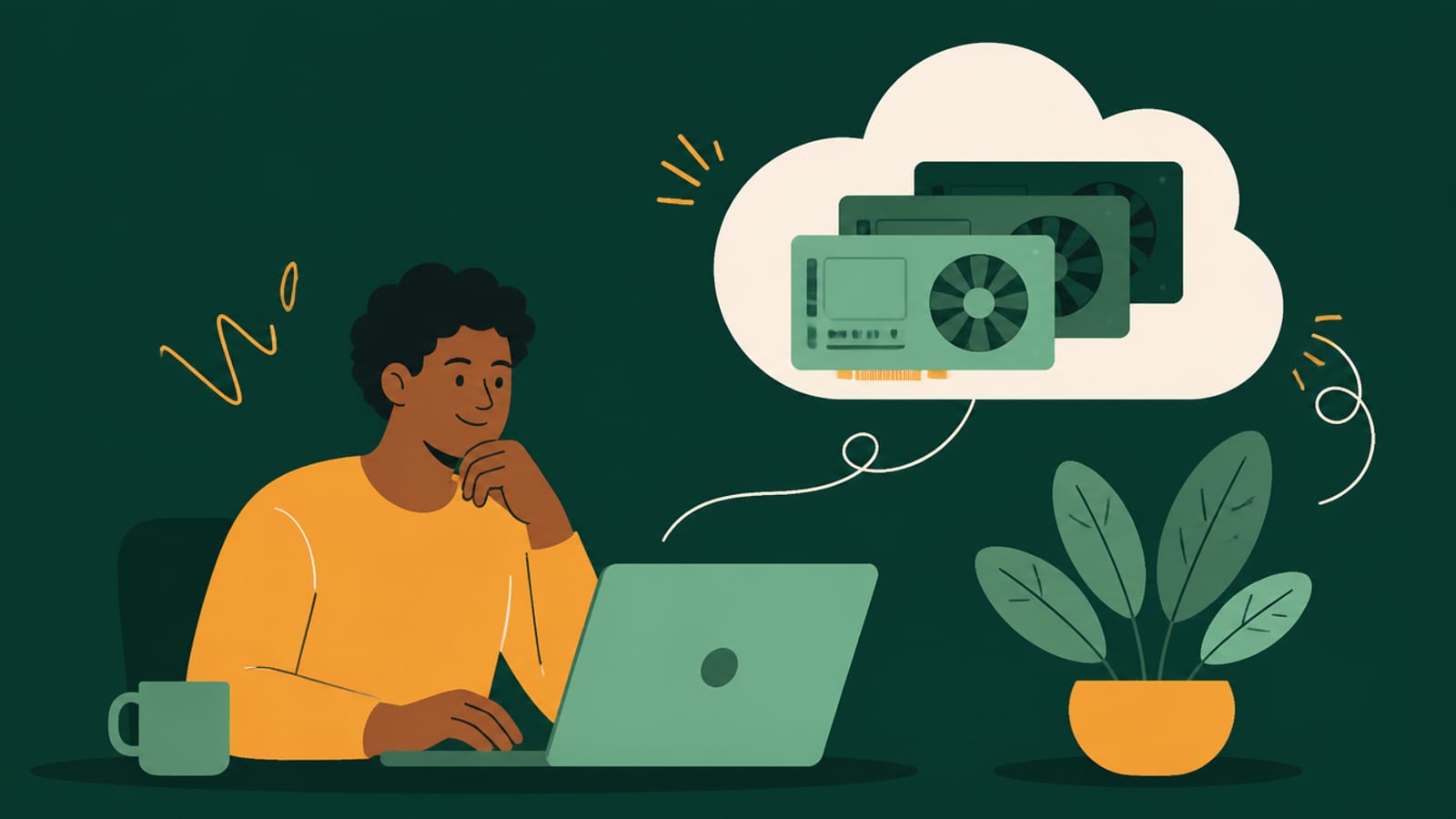
Upload your PDFs, notes, and research to a local AI and ask it anything — with none of it leaving your machine. This is local RAG, and you can set it up in about 30 minutes.
How do you chat with your own documents privately?
You set up local RAG — Retrieval-Augmented Generation — which lets an AI answer questions about your documents instead of just its training data, with everything running on your machine and nothing sent to the cloud. The easiest way in 2026 is AnythingLLM or Open WebUI paired with Ollama: install them, point the app at a local model, drop your PDFs into a workspace, and ask away. On a 16GB laptop the whole thing takes about 30 minutes. Your documents — contracts, research papers, notes, entire books — never leave your computer. Here's exactly how.
How local RAG works (in plain English)
RAG sounds technical but the idea is simple. When you ask a question, the system embeds your query (turns it into numbers), searches a local index of your documents for the most relevant chunks, and feeds those chunks to the local AI along with your question so it answers using your content. That's the whole trick — it's how the AI 'knows' about your specific files without being trained on them. The key point for privacy: every step runs locally. The embedding model, the vector search, and the language model all sit on your machine, so unlike uploading a PDF to a cloud chatbot, your documents are never transmitted anywhere. That makes local RAG the right tool for anything sensitive — legal documents, medical records, proprietary code, personal notes — where you'd never want to hand the file to a third party.
Local RAG searches your own documents and answers from them — with nothing ever leaving your machine. · Unsplash
The 30-minute setup
Here's the fastest path, using AnythingLLM (a desktop app built specifically for this, with a bundled vector database so there's nothing to configure). First, install Ollama and pull a model — an 8B model like Llama or Qwen3 is plenty for document Q&A. Second, install AnythingLLM and point it at your Ollama instance. Third, set the embedding model to something like nomic-embed-text (AnythingLLM can pull it for you). Fourth, create a workspace and drag your PDFs in — it processes them into the local index automatically. Then just ask questions. That's it: on a 16GB RAM machine, the full path takes about 30 minutes, most of which is downloading. Open WebUI is a great alternative if you prefer a browser interface — its RAG is built in and needs no extra configuration once you have Ollama running. Either way, you end up with a private ChatGPT for your own files.
Quick answers
How can I chat with my documents using local AI?
Set up local RAG (Retrieval-Augmented Generation) with a tool like AnythingLLM or Open WebUI paired with Ollama. Install Ollama and pull a model (an 8B model is plenty), install AnythingLLM and point it at Ollama, set an embedding model like nomic-embed-text, then drag your PDFs into a workspace and ask questions. The AI answers using your documents' content, and everything runs on your machine — nothing is sent to the cloud. On a 16GB laptop, setup takes about 30 minutes.
Is local RAG actually private?
Yes — that's its main advantage over cloud document chatbots. In local RAG, every component runs on your machine: the embedding model that indexes your documents, the vector search that finds relevant passages, and the language model that answers. Your documents are never transmitted anywhere. This makes it the right choice for sensitive material — legal files, medical records, proprietary code, personal notes — where uploading to a cloud service would be a privacy or compliance risk. Nothing leaves your computer at any step.
What documents can a local RAG system read?
Common local RAG tools like AnythingLLM support PDF, DOCX, TXT, Markdown, and CSV files as of 2026, and you can load research papers, contracts, code, notes, or even entire books. You drop the files into a workspace, the tool processes them into a searchable local index, and then you can ask your local AI questions about their content. It works well for summarizing documents, finding specific information across many files, and answering questions grounded in your own material rather than the model's general training.