We've already covered whether a used Tesla P40 or a 32GB Instinct MI50 is worth buying for local AI. What we haven't covered is what happens after the card shows up in a box from an eBay server-decommission sale and you try to actually put it in a PC. These cards were built to sit in a rack with forced airflow and a server's power distribution board behind them — not to plug into a gaming motherboard. Get the power wiring wrong and you can genuinely damage the card or the board. Get the cooling wrong and the card thermal-throttles into uselessness within minutes. Here's what the install actually involves.
Power: the connector that looks right and isn't
The Tesla P40 uses an EPS-12V 8-pin connector, which is physically similar enough to a standard PCIe 8-pin that people plug it straight in — and that's exactly the mistake that fries hardware. If your P40 came pulled from a Dell R720 or R730, the common fix is a two-cable setup: a Dell riser-to-GPU cable (part number 09H6FV or N08NH) that gives you two PCIe outputs, feeding into a separate EPS-12V-to-2×PCIe adapter that actually converts to the Tesla's real pinout requirement.
Cooling: these cards ship with zero fans
Both cards use a passive heatsink designed to have air forced through it by a server chassis's own fan wall — there's no blower, no axial fan, nothing. A normal desktop case fan simply doesn't have the static pressure to push air through those tightly-packed fins. The fix people actually use is a 40mm or 80mm high-static-pressure server fan mounted directly to the card's rear or a 3D-printed shroud that ducts air straight into the heatsink, and it is genuinely loud — closer to a small vacuum cleaner than a gaming PC. This isn't optional cosmetic tuning; without it the card throttles hard within minutes of a real inference load.
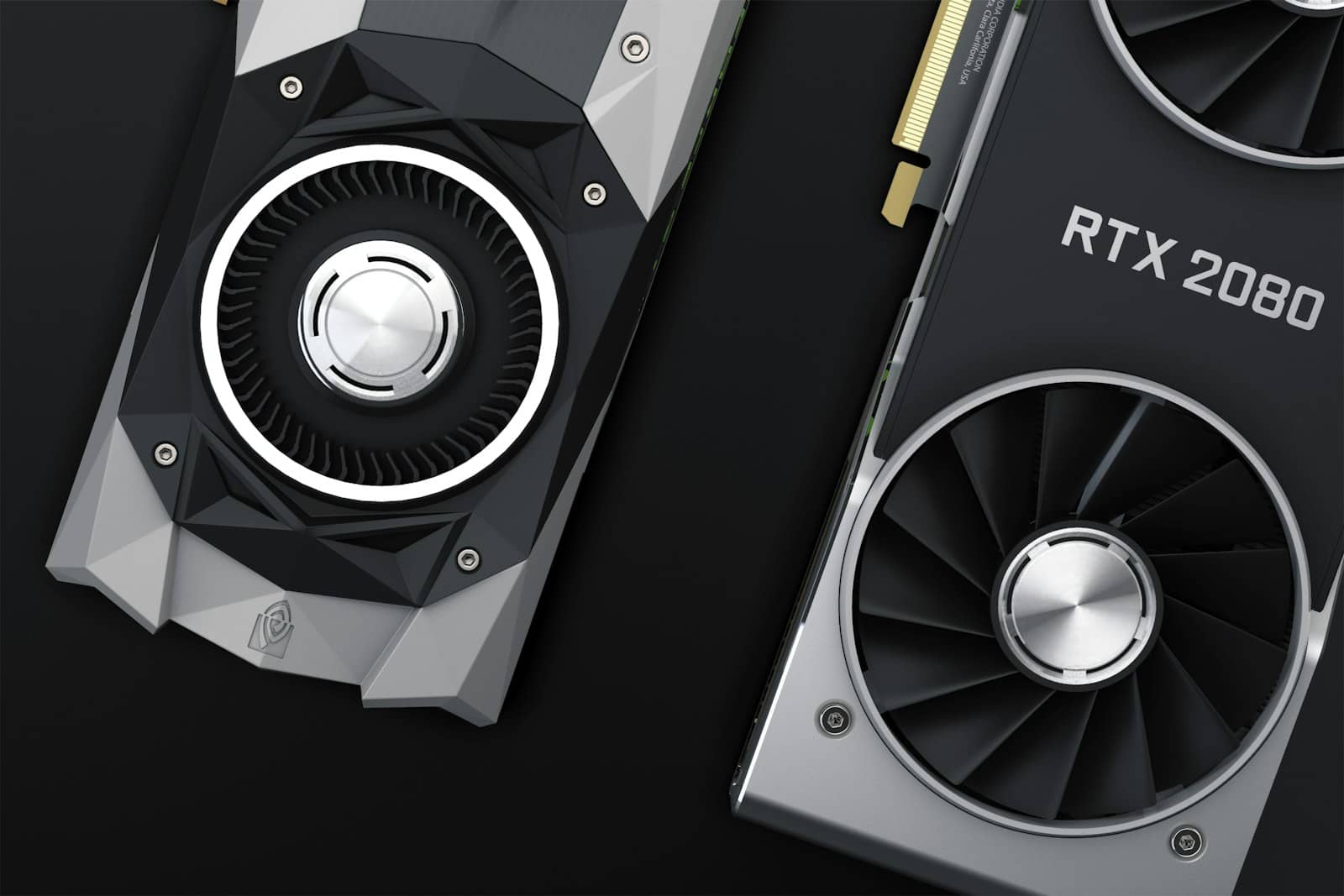
A dedicated high-static-pressure fan mounted to the shroud — not case airflow — is what actually keeps these cards cool. · Unsplash
P40 vs. MI50: which is the easier desktop build
Tesla P40
24GB GDDR5
vs
Instinct MI50
32GB HBM2
EPS-12V via breakout adapter
Power connector
8-pin PCIe on most cards — confirm your specific variant
Passive, needs a dedicated 40–80mm blower fan
Cooling
Passive, needs forced airflow or a VBIOS flash for fan control
None — compute only, by design
Display output
None on stock VBIOS; a community VBIOS flash can add it, at real bricking risk
Known compatibility issues on older X99 boards
Reported BIOS quirks
Reported issues on X99 and Z690 boards
P40 wins 2wins 1 MI50
The BIOS and motherboard gotchas nobody mentions
Consumer boards weren't built to initialize a display-less compute card as anything other than an afterthought. Enable Resizable BAR (or Above 4G Decoding on older boards) before you ever install either card — without it, some systems won't even POST with a headless GPU installed, or the OS won't see the full VRAM. And because neither card outputs video on a stock configuration, you need a second GPU, an integrated CPU graphics chip, or a motherboard with a display output of its own to actually see anything while the P40 or MI50 does the compute work.
1
Confirm your PSU has a free EPS-12V or spare 8-pin CPU connector — these cards don't run off standard PCIe power alone
2
Buy the correct breakout or riser adapter for your specific card's power pinout — don't improvise the wiring
3
Mount an aftermarket high-static-pressure blower fan or 3D-printed duct, not a standard case fan
4
Keep a second GPU or iGPU on hand for display output — both cards are compute-only
5
Enable Resizable BAR / Above 4G Decoding in BIOS before the first boot with the card installed
Do I need a special motherboard for a Tesla P40 or MI50?
Not special, but you need a free PCIe slot with room for a full-length card, BIOS settings like Resizable BAR enabled, and another GPU or iGPU for display output.
Can I just use a regular case fan for cooling?
No. These heatsinks are designed for rackmount airflow and need dedicated high-static-pressure blower fans mounted directly to the shroud, not ambient case airflow.
Is VBIOS flashing required?
Not for the P40. Some MI50 buyers flash a modified VBIOS to unlock display output and better fan control, but it carries a real bricking risk and isn't confirmed stable on every board revision.
Is this actually worth the hassle?
Depends on your budget and comfort with hardware — see our breakdowns on the MI50 and P40 for whether the VRAM-per-dollar math holds up once you've priced in the extra parts.
Verdict
Is the install hassle worth it?
Yes, if you're already comfortable with hardware and buying VRAM cheap is the actual goal. No, if this would be your first PC build — the failure modes here (fried boards, bricked VBIOS, throttled silent cards) are unforgiving for a beginner.
Best for: Hobbyists who already know their way around a PSU and a multimeter
None of this is a reason to avoid these cards — it's a reason to budget for the extra $30–60 in adapters and fan mounts before you commit, and to plan an install afternoon instead of expecting a five-minute GPU swap. If your build ends up needing a second card for real headroom, our do you need two GPUs for local AI piece is the next thing to read before you buy card number two.
For a primary-source reference, see NVIDIA's GeForce lineup: NVIDIA GeForce.