A second GPU doubles your VRAM, which unlocks 70B models — but it's not free performance, and most people don't need it. Here's when a dual-GPU local-AI rig is actually worth it.
For most people, no — a single 24GB card like a used RTX 3090 runs everything up to a 32B model, which covers the vast majority of local-AI use. You only need two GPUs to run 70B models, where the trick is pooling VRAM: two 24GB cards give you a combined 48GB, enough to load a 70B model at 4-bit that no single consumer GPU can fit. So the honest answer is: dual-GPU is a specific tool for a specific job — running the biggest open models — not a general upgrade. Here's when it's worth it and when it isn't.
What a second GPU actually gets you
The key thing to understand is what dual-GPU does and doesn't do for local AI. What it does: pool VRAM. For inference (running a model), llama.cpp and similar tools split a large model across both cards, so two 24GB GPUs act like a single 48GB pool — and that's the only way to fit a 70B model on consumer hardware. What it doesn't do: double your speed. Splitting a model across two cards adds communication overhead, so a 70B model on 2x 3090 runs at usable-but-not-blazing speeds, not twice a single card's rate. So you add a second GPU to run bigger models, not to run the same model faster. This is why the RTX 5090 vs 2x RTX 3090 question is interesting: the single 32GB 5090 is faster and simpler for models that fit in 32GB, while 2x 3090's 48GB is what you need for 70B. Match the hardware to the model size you actually want.
Do you need two GPUs? By model size
Up to 14B
Model size
12-16GB
VRAM needed
One mid GPU — no
32B
Model size
~24GB
VRAM needed
One 24GB card — no
70B
Model size
~48GB
VRAM needed
Two 24GB cards — yes
Bigger / speed
Model size
48GB+
VRAM needed
2x 24GB or a 32GB card
Model size
VRAM needed
Setup
Up to 14B
12-16GB
One mid GPU — no
32B
~24GB
One 24GB card — no
70B
~48GB
Two 24GB cards — yes
Bigger / speed
48GB+
2x 24GB or a 32GB card
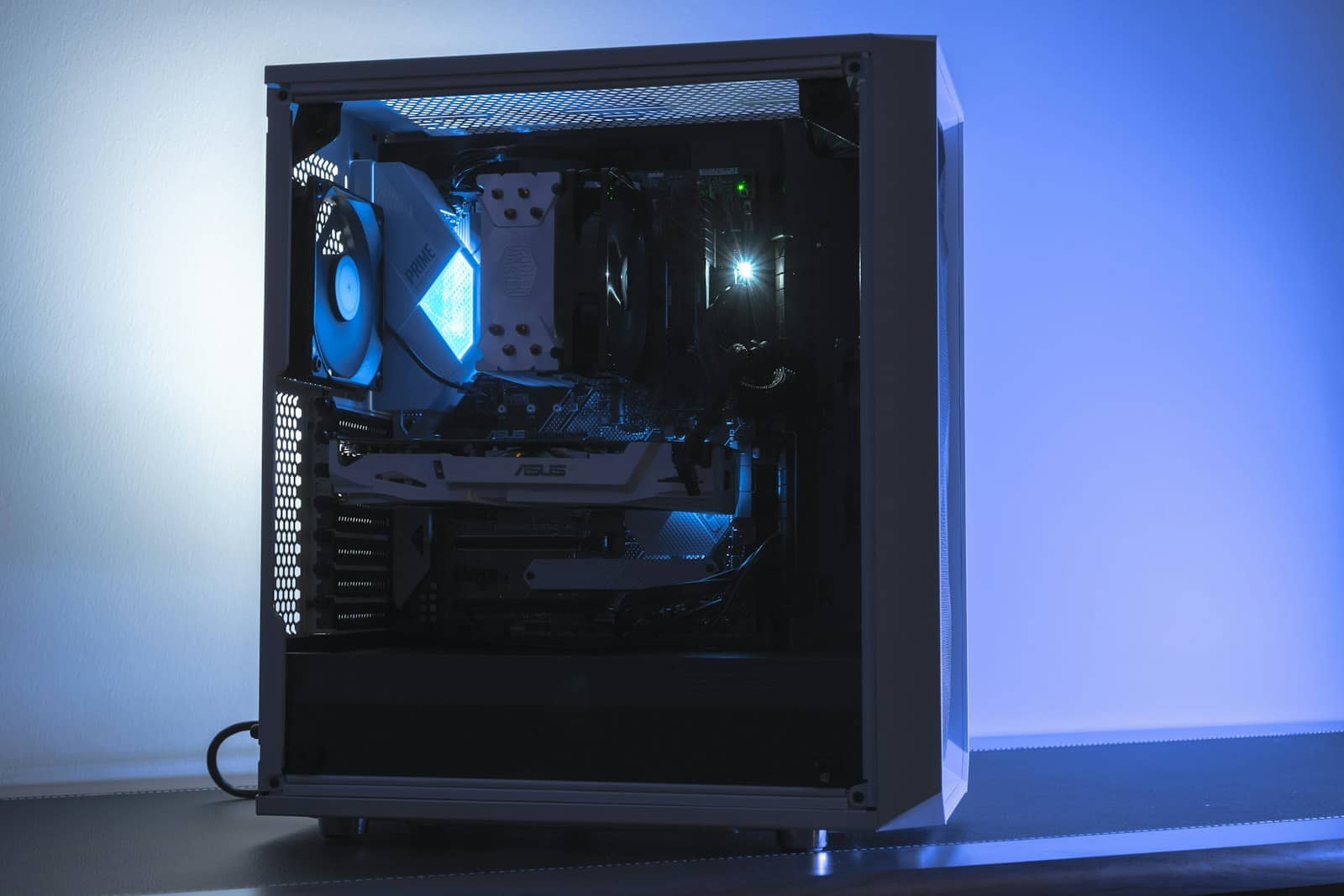
A second GPU pools VRAM to unlock 70B models — but it doesn't double speed, and most people don't need it. · Unsplash
Should you build a dual-GPU rig?
Be honest about your need first. If the biggest model you genuinely want to run is 32B or smaller, don't build dual-GPU — a single 24GB card is cheaper, simpler, cooler, and faster for those models. Only go dual-GPU if you specifically need 70B models and have decided the smaller distills or a 32GB card won't cut it. If you do, know what else it takes: a power supply big enough for two GPUs (850W+), a motherboard with two suitable PCIe slots (and enough lanes), a case with room and airflow, and tolerance for more heat and noise. The classic value build is 2x used RTX 3090 — 48GB for roughly $1,700-2,400, cheaper than a single top-end card with less VRAM, and it's the go-to for a 70B home workstation. But for most people, the smart move is one good 24GB card now, and only adding a second if and when you hit its limit. Check what fits in the VRAM calculator before spending.
8/ 10
Verdict
Do you need two GPUs for local AI?
For most people, no — one 24GB card runs up to 32B models, which covers nearly all local-AI use. Build dual-GPU only if you specifically need 70B models, where two 24GB cards (2x RTX 3090, ~48GB) are the consumer path. Remember: a second GPU pools VRAM to fit bigger models, it doesn't double speed.
Best for: Anyone deciding whether to add a second GPU for local AI, especially to run 70B models.
Quick answers
Do you need two GPUs to run local AI?
For most people, no. A single 24GB GPU like a used RTX 3090 runs models up to 32B parameters, which covers the vast majority of local-AI use. You only need two GPUs to run 70B models, where two 24GB cards pool their VRAM into a combined 48GB — enough to fit a 70B model at 4-bit that no single consumer GPU can hold. Dual-GPU is a specific tool for running the largest open models, not a general upgrade, so check whether you actually need 70B before building one.
Does adding a second GPU make local AI faster?
Not really — it makes it possible to run bigger models, not to run the same model faster. For inference, tools split a large model across both GPUs so their VRAM pools together (two 24GB cards act like 48GB), but the communication overhead between cards means you don't get double the speed. A 70B model on two RTX 3090s runs at usable but not blazing speeds. So you add a second GPU to fit models too large for one card, not to speed up models that already fit on a single GPU.
What do I need to build a dual-GPU AI PC?
Beyond two GPUs (a popular value choice is 2x used RTX 3090 for 48GB), you need: a power supply large enough for both cards (typically 850W or more), a motherboard with two suitable PCIe slots and enough lanes, a case with room and good airflow to fit and cool two large GPUs, and tolerance for extra heat and noise. It's a bigger, hotter, more expensive build than a single-GPU rig, which is why you should only do it if you specifically need to run 70B models.