At one user typing into a chat window, Ollama, LM Studio and vLLM all land in roughly the same 130–180 tokens-per-second band on identical hardware. Add a second user, and the picture falls apart. On a single A100 running Llama 3.1-8B-Instruct, a widely cited Red Hat serving benchmark measured vLLM holding roughly 793 tokens per second at 128 concurrent requests while Ollama flattened out at about 41 — a 19x gap on the exact same GPU and model. If you've been picking a local-AI tool based on which one felt easiest to install, that's the wrong axis. The right question is how many requests are ever going to hit it at once.
three tools, three actual jobs
Ollama wraps llama.cpp in a single binary with model pulls and an OpenAI-compatible server built in. It's genuinely the easiest way to get a model running on a laptop in under five minutes. But per Ollama's own documentation, OLLAMA_NUM_PARALLEL — the setting controlling how many requests it processes at once — defaults to 1. It queues everything else, which is invisible if you're the only one using it and very visible the moment you're not.
LM Studio is the GUI-first option: a model browser, built-in chat, and a local API server, with Apple's MLX engine running MLX-format models natively on M-series Macs (commonly 10–40% faster than the equivalent GGUF file). It's had a genuinely notable update this year — version 0.4.0 added parallel requests with continuous batching, which is the same core mechanism vLLM uses to avoid queuing. LM Studio also moves fast on new model support: it added gpt-oss on OpenAI's launch day, Qwen3-Coder-480B-A35B with tool support, and — as of August 10 — Meta's newly released Muse Glimmer 30B, the same open-weight model we benchmarked on AMD vs. Nvidia hardware last week.
vLLM is a production serving engine, not a desktop app. Its core trick, PagedAttention, treats GPU memory for the KV cache the way an operating system treats virtual memory — addressing it through a block table instead of one contiguous allocation. Combined with continuous batching, vLLM's own documentation claims two-to-four times the throughput of naive serving even before you get into the higher concurrency numbers. It's the right tool for serving many people the same model at once. It is overkill for one person on one laptop.
the concurrency gap, measured
Ollama
Tool
~130–180
1 user (tok/s)
~41
128 concurrent requests (tok/s)
Solo use, fastest to set up
LM Studio
Tool
~130–180
1 user (tok/s)
Improved since 0.4.0 batching; not independently re-benchmarked at 128 users
128 concurrent requests (tok/s)
Solo/small-team use, GUI, Apple Silicon
vLLM
Tool
~130–180
1 user (tok/s)
~793
128 concurrent requests (tok/s)
Multi-user serving, production
Tool
1 user (tok/s)
128 concurrent requests (tok/s)
Best for
Ollama
~130–180
~41
Solo use, fastest to set up
LM Studio
~130–180
Improved since 0.4.0 batching; not independently re-benchmarked at 128 users
Solo/small-team use, GUI, Apple Silicon
vLLM
~130–180
~793
Multi-user serving, production
the decision that actually matters
Just you, one chat window, one GPU: Ollama or LM Studio. The concurrency gap is irrelevant if there's no concurrency.
Serving a small team, or building an app more than one person hits at once: vLLM, no real contest.
On Apple Silicon: LM Studio's MLX engine over a GGUF-based tool.
Want a model browser and a GUI, not a terminal: LM Studio.
Already comfortable with Docker and want an OpenAI-compatible production endpoint: vLLM.
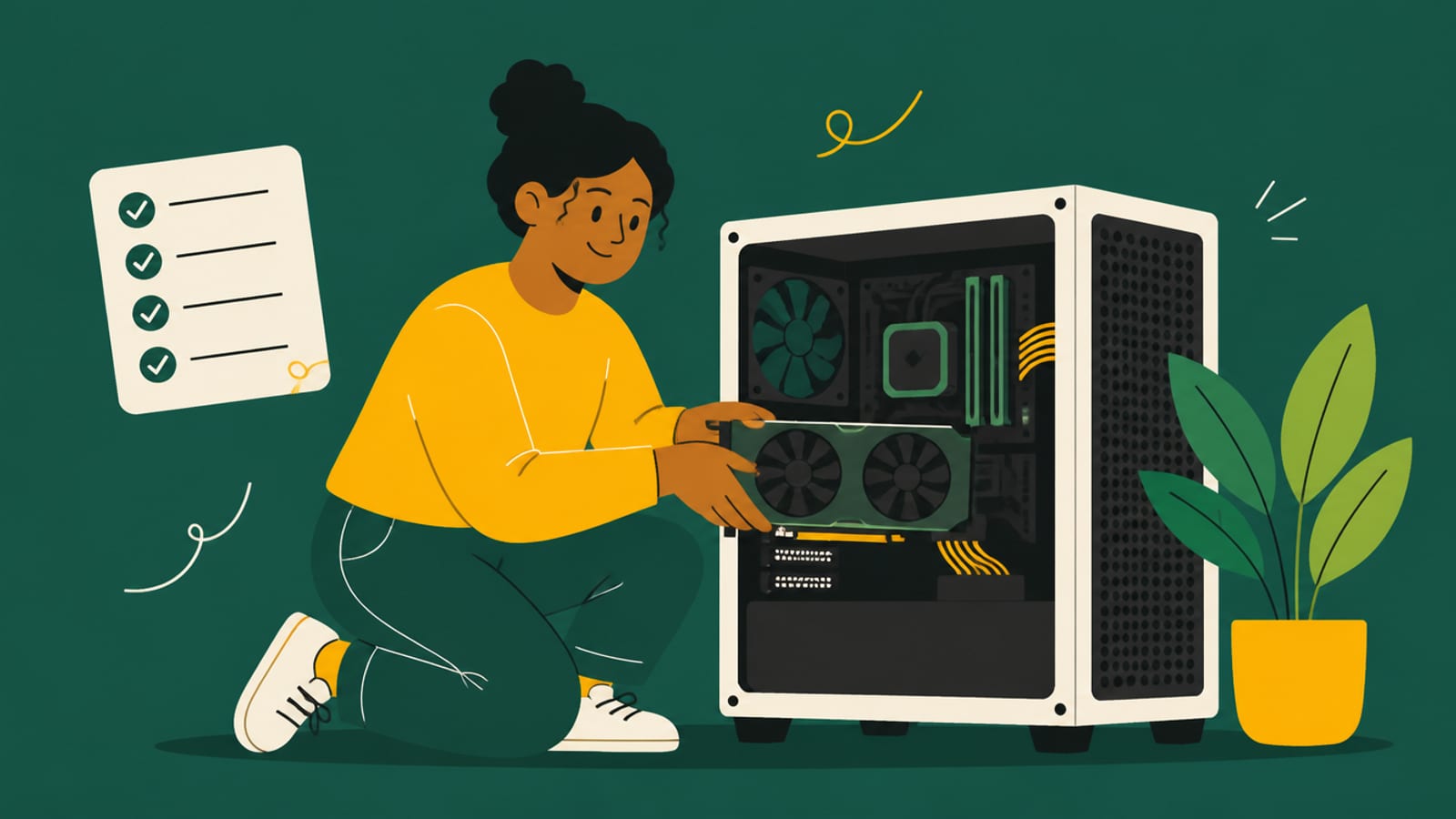
Whichever server you pick, the model still has to fit inside the GPU's VRAM. · Unsplash
the tool won't fix a VRAM shortage
None of this software solves the actual bottleneck for most local-AI setups, which is memory, not throughput. Ollama, LM Studio and vLLM all fail the same way when a model doesn't fit — they either refuse to load it, quantize it down until quality suffers, or spill into system RAM and crawl. If you're still deciding what to run this on before deciding what to run it with, our best GPU for local AI in 2026 breakdown and our look at whether an RTX Pro 6000 is worth $16,000 for serious local workloads are the more useful starting points than any inference-engine benchmark.
Frequently asked
Is vLLM faster than Ollama for a single user?
Not meaningfully. Both land in roughly the same 130–180 tokens-per-second range at batch size one on identical hardware. The gap only opens up under concurrent load.
Can Ollama handle multiple users at once?
It can, by raising OLLAMA_NUM_PARALLEL above its default of 1, but throughput degrades sharply well before it reaches what vLLM sustains at the same concurrency.
Does LM Studio support Apple Silicon natively?
Yes — LM Studio runs Apple's MLX engine for MLX-format models on M-series Macs, which commonly runs 10–40% faster than the equivalent GGUF file on the same hardware.
Do I need vLLM if I'm just chatting with a model at home?
No. vLLM's advantages are almost entirely about serving many simultaneous requests. A single home user won't see the difference.
The gap between these tools is closing, not widening — LM Studio's continuous-batching update is the clearest sign of that this year, and it's worth watching whether Ollama answers it. For now, match the tool to how many people actually hit your model, not to which one has the nicest install experience. If you're still assembling the hardware side of this decision, our DIY vs. prebuilt local-AI PC comparison is the natural next read.