A palm-sized box that sips power and runs mid-size local models is a genuinely great story — until you ask it to process a long prompt. What the M4 Pro Mac mini is brilliant at, and the one thing it's quietly bad at.
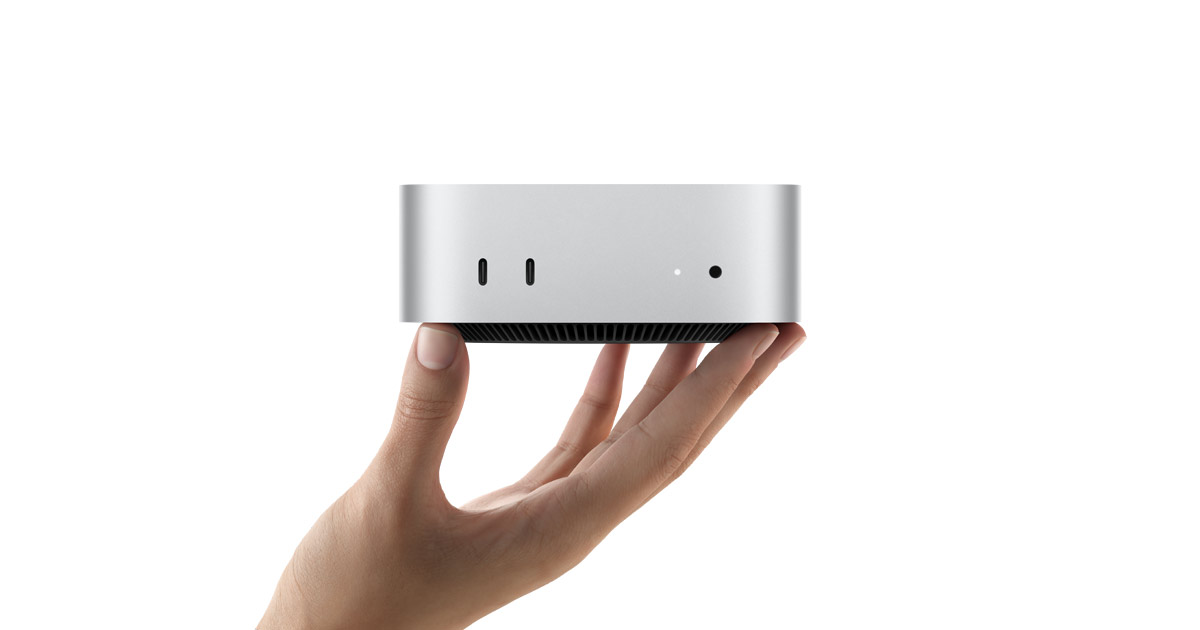
Picture the machine running a 30-billion-parameter AI model in the corner of your desk. If you're imagining a tower with a 450W graphics card and fans like a hairdryer, update the picture: it can be a Mac mini the size of a sandwich, silent, drawing about the power of a couple of light bulbs. The M4 Pro Mac mini with 48GB of unified memory runs Qwen3-30B-class models at roughly 40 tokens per second in real chat use, and the whole box pulls something like 40 watts doing it. That's a genuinely remarkable thing, and I don't want to undersell it. But there's a catch the glossy takes skip, and if it matches your workload it's a dealbreaker — so let me give you both halves honestly.
What it's genuinely great at
The M4 Pro's superpower is unified memory: the CPU and GPU share one pool, so a 48GB mini can hold a model that would need a 24GB-plus discrete GPU to fit. At 273 GB/s of bandwidth it reads that model fast enough for comfortable conversation — the community benchmarks put Qwen3-30B-class models around 75–80 tok/s on an empty context and about 40 tok/s in real chat, which is genuinely usable. And it does this silently, on roughly a tenth of the power a GPU rig burns. For someone who wants a mid-size local model available all day without a space heater under the desk, that combination is close to ideal.
The economics are quietly compelling too. A GPU tower that pulls 350–450W more under load costs real money over a year — noticeably so at European electricity prices, which I pay in Denmark. Over the machine's life, the mini's efficiency claws back a chunk of a discrete GPU's lower upfront price. It's not just cheaper to buy at $1,999; it's cheaper to keep on.
48GB
Unified memory (recommended)
soldered — choose at purchase
273 GB/s
Memory bandwidth
M4 Pro
~40 tok/s
30B in real chat*
community benchmarks
~40W
Power under load
vs 350–450W GPU rig
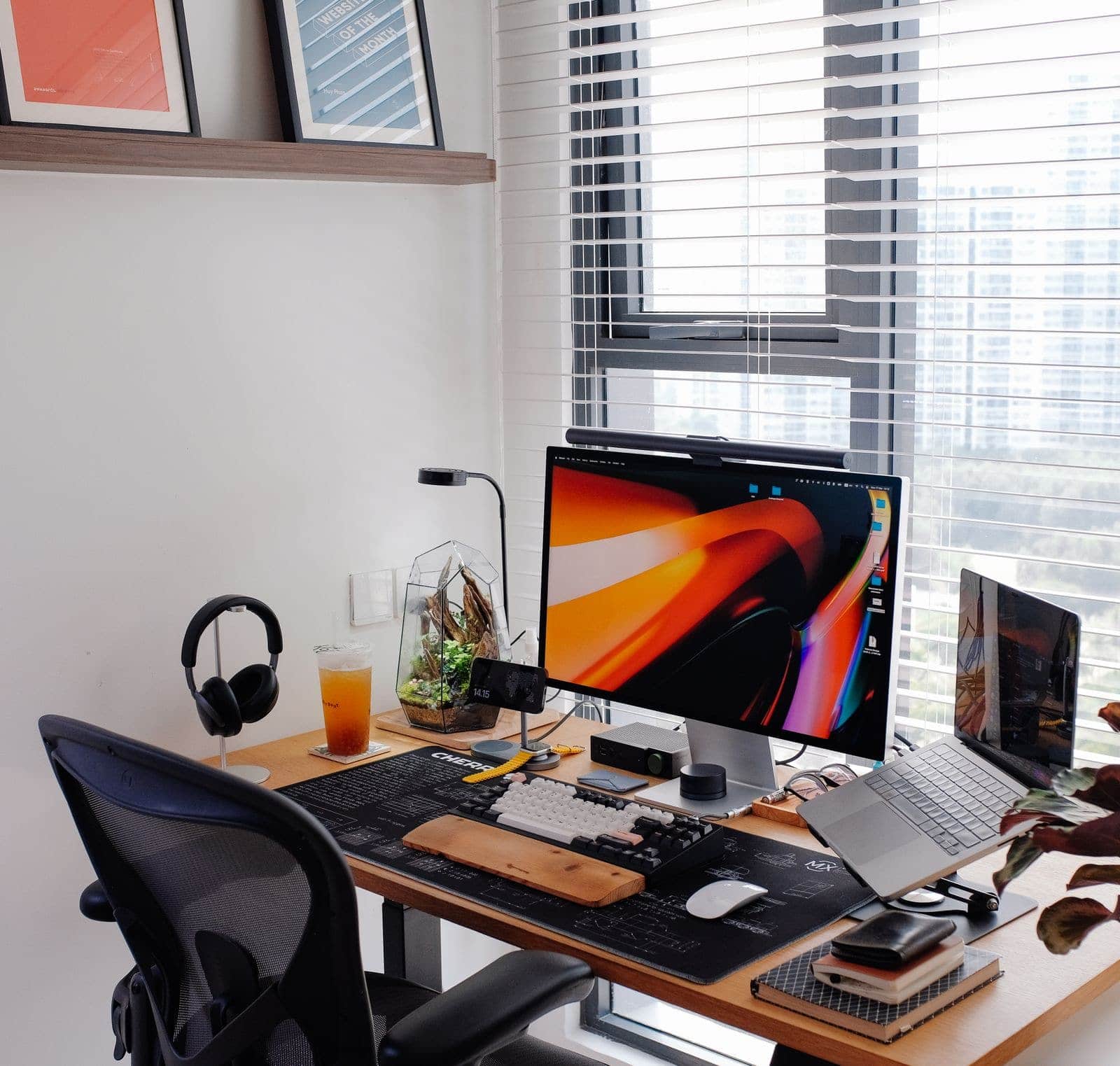
The pitch in one image: a mid-size local model running silently on the corner of a desk, no tower required. · Pexels
The catch: prompt processing
Here's the thing the headlines leave out. Generating a reply and reading your prompt are two different jobs, and Apple silicon is much better at the first than the second. Token generation — writing the answer — is bandwidth-bound, and the mini does it well. Prompt processing — digesting a long input before it answers — leans on raw compute, where Apple trails a discrete NVIDIA GPU badly. For a quick question the difference is invisible. But paste a 20-page document or a big code file and ask about it, and the mini makes you wait through the read in a way a GPU or a bigger Mac Studio wouldn't. If your use is RAG, long-context analysis, or 'summarise this huge thing,' that weakness is your daily experience, not a footnote.
Which config, and who should skip it
For local AI specifically, the 48GB M4 Pro is the sensible starting point — the 24GB base is fine for 8–22B models but hits a ceiling fast if you're serious. Go bigger than 48GB and you're arguably better served by a Mac Studio, which offers more bandwidth and the 64–512GB tiers. And if your work is fine-tuning models rather than running them, or throughput on long inputs matters more than silence, this isn't your machine — that's NVIDIA's territory, where the CUDA ecosystem and raw prompt-processing speed live.
8/ 10
Verdict
The best quiet, efficient mid-size local-AI box — within its lane
At 48GB the M4 Pro Mac mini does something no similarly-priced, similarly-silent machine does: run 30B-class models all day on 40 watts without a sound. For a developer prototyping locally, a privacy-minded user, or anyone who wants local AI without a tower, it's a genuinely excellent buy. Just go in knowing the two catches — permanently soldered memory, and prompt processing that lags a GPU on long inputs. Match those against your workload and it's an easy recommendation; ignore them and you'll feel the limits.
Best for: Yes: quiet efficient inference of 8–30B models, always-on local AI, privacy, low power bills. No: heavy fine-tuning, long-context/RAG throughput, anyone who'll want to expand memory later.
The questions people actually ask
Is 24GB enough, or do I need the 48GB Mac mini?
24GB runs 8–22B models fine, which is plenty for many people. But memory is soldered and can't be upgraded, so if there's any chance you'll want to run 30B-class models — and in 2026 those are the sweet spot — the 48GB tier is worth the extra now. I'd only take the 24GB config if budget is tight and you're certain you'll stay with smaller models.
How does it compare to a used RTX 3090 for local AI?
Different trade-offs. A used 3090 gives you 24GB and much faster prompt processing for less money, but it's a hot, loud, power-hungry card with used-market risk. The mini gives you more usable memory at 48GB, silence, and tiny power draw, but slower long-input handling. For quiet all-day inference the mini; for raw speed and the CUDA ecosystem, the 3090. We compare the GPU side in detail separately.
Can I fine-tune models on a Mac mini?
Lightly, yes — Apple's MLX framework supports LoRA-style fine-tuning of small models and it works. But the broader fine-tuning ecosystem is CUDA-first, and the mini's prompt-processing weakness plus fixed memory make it a poor fit for serious training. If fine-tuning is a core part of your plan rather than an occasional experiment, buy NVIDIA. The mini is an inference machine that can dabble in tuning, not a tuning machine.
Why is prompt processing slower than token generation on the mini?
They stress different parts of the chip. Generating tokens is memory-bandwidth-bound, which Apple silicon handles well. Processing a long prompt is compute-bound — a big parallel matrix operation — and that's where Apple trails NVIDIA's dedicated tensor cores. So the mini can feel fast when chatting but slow when you first hand it a large document, because those are two different workloads with two different bottlenecks.
The full specs are on Apple's Mac mini page, and the throughput figures here come from community benchmark reports rather than any test of our own. If you're weighing Apple against a GPU build more broadly, our Mac Studio vs NVIDIA breakdown covers the wider decision, and the VRAM calculator will tell you which models fit in 24 versus 48GB before you commit to a memory tier you can't change.