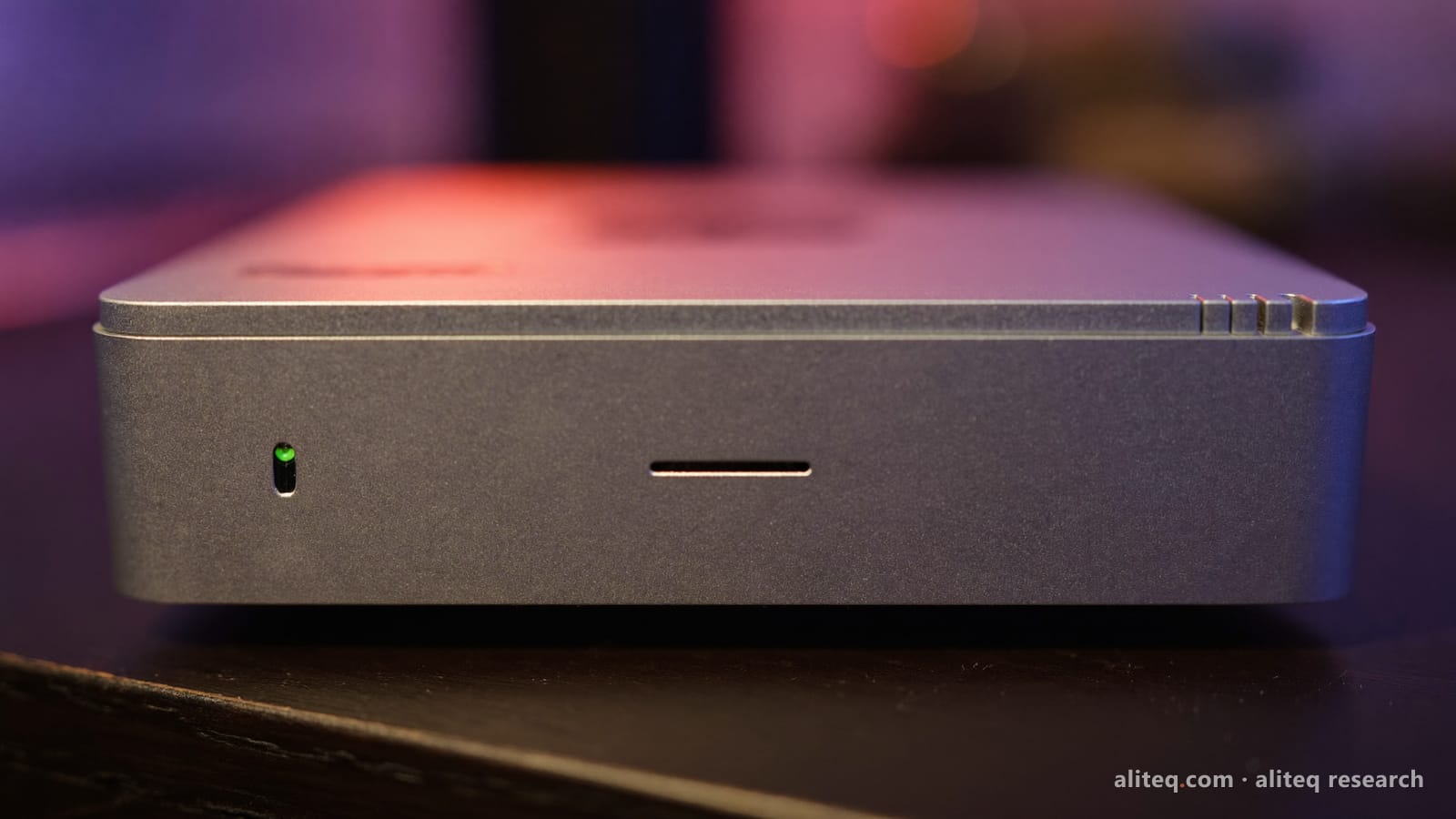
Older Macs held huge models but crawled through long prompts. On llama.cpp's own scoreboard, the M5 Max and M5 Ultra now match or beat a used RTX 3090 on small models. Here is where each machine still wins, with the numbers and their caveats.
For two years the Mac vs NVIDIA question had a tidy answer. NVIDIA was faster on anything that fit in its VRAM, and the Mac held bigger models but chewed through long prompts slowly. The M5 generation broke that. On the llama.cpp maintainers' own Apple Silicon scoreboard, an M5 Ultra Mac Studio processes a 7B model's prompt at 4,945 tokens/sec and generates at 179 tokens/sec. Those numbers beat a used RTX 3090 on a similar test.
So the decision moved. It is no longer "speed vs capacity." It is now price of entry, software and upgrades on one side, and memory per box on the other. We read the benchmark sources and vendor specs on 4 October 2026. We did not run our own benchmarks.
Is a Mac or NVIDIA better for AI?
It depends on model size and software. If your models fit in 24GB and you want CUDA tooling, NVIDIA is better and cheaper to start. If you want 70B-class or larger models in one quiet box, a Mac Studio is better. The M5 chips removed the Mac's old prompt-speed penalty on small models.
The two designs still make opposite bets. Generating each token means reading the model's weights from memory, so bandwidth sets the speed. Reading your prompt is mostly compute. NVIDIA pairs fast compute with a small, fast pool of VRAM. Apple pairs a huge pool of unified memory with high bandwidth. Apple's spec page lists 614 GB/s for the 40-core M5 Max and 1.2 TB/s for the M5 Ultra. An RTX 3090 has 24GB at 936 GB/s.
Mac Studio vs RTX 3090: the numbers that decide it
Model memory
Used RTX 3090 PC
24GB
Mac Studio M5 Max
36–128GB
Mac Studio M5 Ultra
96–512GB
M3 Ultra (previous gen)
up to 512GB
Memory bandwidth
Used RTX 3090 PC
936 GB/s
Mac Studio M5 Max
614 GB/s (40-core)
Mac Studio M5 Ultra
1.2 TB/s
M3 Ultra (previous gen)
~800 GB/s
7-8B Q4 generation*
Used RTX 3090 PC
115.3 t/s
Mac Studio M5 Max
119.9 t/s
Mac Studio M5 Ultra
179.1 t/s
M3 Ultra (previous gen)
92.1 t/s
7-8B Q4 prompt processing*
Used RTX 3090 PC
4,050 t/s
Mac Studio M5 Max
3,220 t/s
Mac Studio M5 Ultra
4,945 t/s
M3 Ultra (previous gen)
1,471 t/s
New price (US)
Used RTX 3090 PC
Sold used only
Mac Studio M5 Max
from $2,499
Mac Studio M5 Ultra
from $5,499
M3 Ultra (previous gen)
No longer sold new
Power (vendor spec)
Used RTX 3090 PC
350W card, 750W PSU advised
Mac Studio M5 Max
480W max, whole box
Mac Studio M5 Ultra
480W max, whole box
M3 Ultra (previous gen)
n/a
Fine-tuning ecosystem
Used RTX 3090 PC
CUDA, broadest
Mac Studio M5 Max
MLX, smaller
Mac Studio M5 Ultra
MLX, smaller
M3 Ultra (previous gen)
MLX, smaller
Used RTX 3090 PC
Mac Studio M5 Max
Mac Studio M5 Ultra
M3 Ultra (previous gen)
Model memory
24GB
36–128GB
96–512GB
up to 512GB
Memory bandwidth
936 GB/s
614 GB/s (40-core)
1.2 TB/s
~800 GB/s
7-8B Q4 generation*
115.3 t/s
119.9 t/s
179.1 t/s
92.1 t/s
7-8B Q4 prompt processing*
4,050 t/s
3,220 t/s
4,945 t/s
1,471 t/s
New price (US)
Sold used only
from $2,499
from $5,499
No longer sold new
Power (vendor spec)
350W card, 750W PSU advised
480W max, whole box
480W max, whole box
n/a
Fine-tuning ecosystem
CUDA, broadest
MLX, smaller
MLX, smaller
MLX, smaller
*Mac figures come from the llama.cpp Apple Silicon scoreboard: LLaMA 7B, Q4_0, short prompt (pp512, tg128), top GPU-core config of each chip. RTX 3090 figures come from hardware-corner.net: Qwen3 8B, Q4_K, CUDA with flash attention, at 4k context. Same llama.cpp family and quant class, but different models and settings. Read small gaps as a tie. The RTX 3090 power figures are NVIDIA's card power and recommended system power. Apple's is the Mac Studio's maximum continuous power, not typical draw.
What a Mac Studio does that no single GPU can
Hold a very large model in one box. The M5 Ultra is configurable to 256GB, and Apple lists a 512GB option as "coming late October." No consumer NVIDIA card comes close to that in one slot, and stacking enough 24GB cards gets loud, hot and complicated.
The catch has always been long prompts on giant models. On the previous M3 Ultra with 512GB, hardware-corner measured DeepSeek V3 671B at Q4_K_M taking 14.8 minutes to process an 8,001-token prompt (9.01 t/s), then generating at 6.21 t/s. Apple says the M5 Max delivers up to 10.7x faster time to first token in LM Studio than an M1 Max. We have not seen an equivalent 671B test on M5 yet, so treat the M3 figure as the worst case.
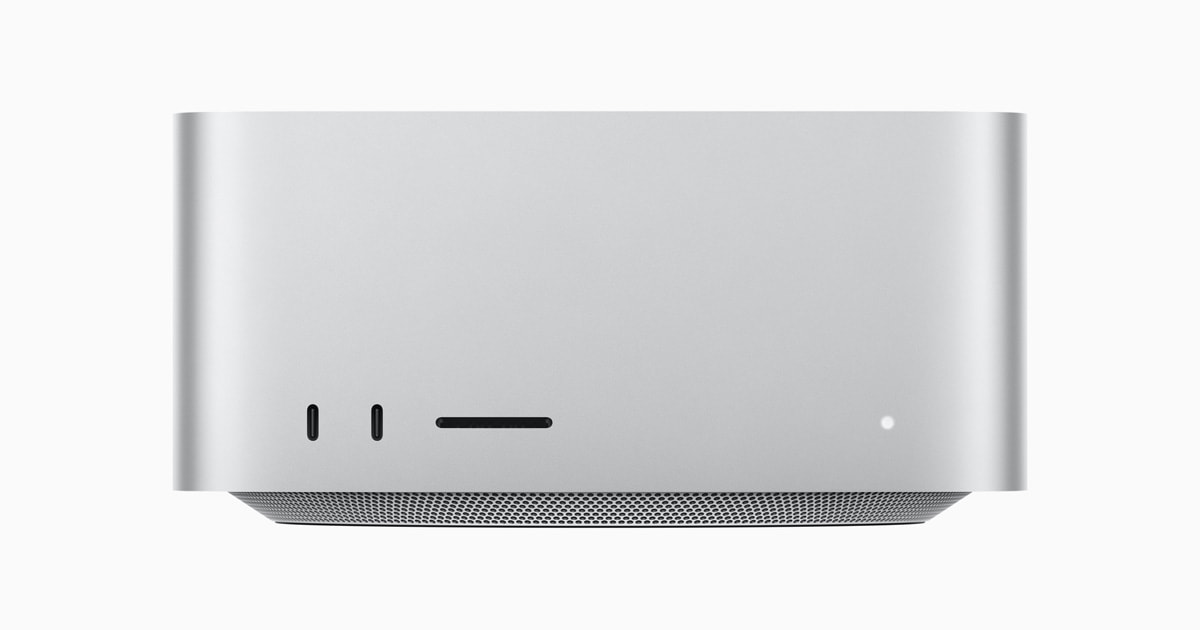
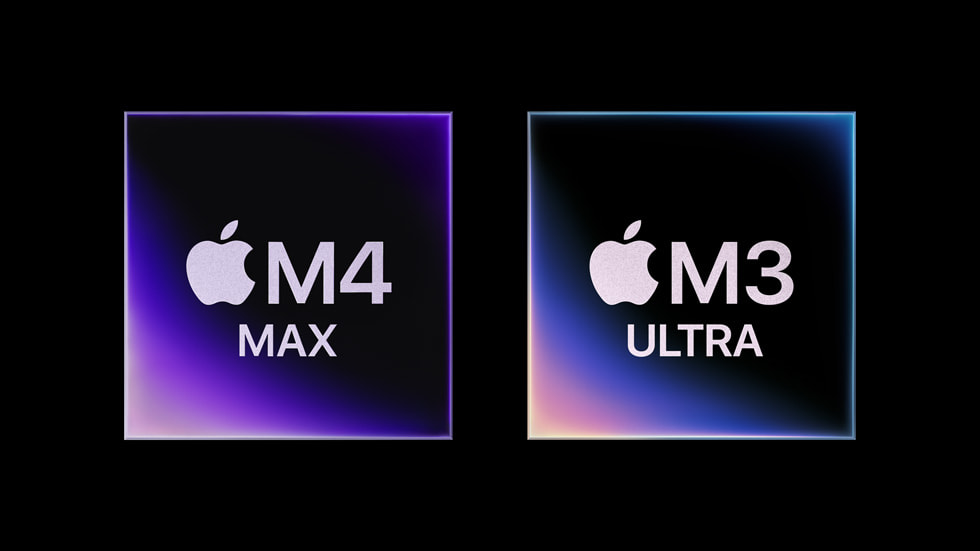
The previous Mac Studio generation (M4 Max and M3 Ultra). Apple now sells the M5 Max and M5 Ultra in the same chassis. · Apple
What an NVIDIA PC does that no Mac can
Start cheap. A used 24GB card in a PC you may already own is the lowest-cost entry to serious local AI. Check what fits in 24GB and our used RTX 3090 buying guide for current prices.
Use CUDA tools. LoRA and QLoRA fine-tuning recipes, vLLM serving, and most image and video generation tools target CUDA first. Apple's MLX runs LoRA fine-tuning, but the wider tooling is smaller.
Both give you 96GB of memory, but they spend it differently. The base M5 Ultra Mac Studio has 96GB in one pool at 1.2 TB/s, for $5,499. Four Intel Arc Pro B60 cards also total 96GB, but as four separate 24GB pools at 456 GB/s each, per Intel's spec sheet.
That split matters. With the common way of spreading a model across cards, each card holds a slice of the layers and they take turns. Each token then moves at roughly one card's bandwidth, not the sum. Tensor-parallel serving can use the cards together, but it needs software that supports it on Intel GPUs.
Power and noise differ too. Intel rates each B60 at 200W board power, so four cards alone are rated 800W before the CPU. Apple rates the whole Mac Studio at 480W maximum continuous power. We could not find a published like-for-like benchmark of the two setups, so we are not printing a speed comparison.
Which should you buy at each budget?
At the low end, a used RTX 3090 PC wins on cost and tools, and the M5 Max at $2,499 wins on silence and simplicity. At $5,499, the 96GB M5 Ultra competes with a dual-GPU 48GB build. Above that, only the Mac offers 256GB or more in one box; the alternative is renting.
At around $2,500, the base M5 Max Studio (32-core GPU, 36GB, 460 GB/s) is the cheapest new Mac Studio. A used-3090 PC is faster per dollar on anything that fits in 24GB. At around $5,500, the base M5 Ultra (96GB) faces a dual-3090 build with 48GB. The deciding question is whether your models sit above or below 48GB. Above that, the realistic NVIDIA alternative is renting by the hour.
Verdict
Different questions, different winners
If your models fit in 24GB and you want CUDA tools, an NVIDIA PC is the cheaper, more flexible start. If you want 70B-class or bigger models in one silent box, buy the Mac Studio, and with M5 you no longer give up small-model speed to do it. Buying a Mac only to run 8B models, or a GPU rig hoping to run 400B-class ones, is how this decision goes wrong.
Best for: NVIDIA: low entry cost, CUDA fine-tuning, image generation, upgrades. Mac Studio: 70B+ models in one box, quiet operation, simple setup.
The questions people actually ask
Is a Mac or NVIDIA better for AI?
For models that fit in 24GB and for CUDA tools, NVIDIA is better and cheaper to start. For 70B-class and larger models in one box, a Mac Studio is better. With M5 chips, the Mac also matches or beats a used RTX 3090 on small-model speed in llama.cpp's published tests.
Is the M5 Mac Studio faster than an RTX 3090 for LLMs?
On the llama.cpp scoreboard, the M5 Ultra generates 179 t/s and the M5 Max 120 t/s on LLaMA 7B Q4_0. hardware-corner measured an RTX 3090 at 115 t/s on Qwen3 8B Q4_K at 4k context. The tests differ, so call the M5 Max a tie and the M5 Ultra faster.
Can a Mac Studio replace a CUDA box for fine-tuning?
For small LoRA jobs, MLX can do it. For the broader tooling, such as QLoRA recipes, vLLM serving and most image and video generation, CUDA still comes first. If fine-tuning is central to your plan, choose NVIDIA.
Is a 96GB Mac Studio better than four Intel Arc Pro B60s?
Both have 96GB. The Mac has one pool at 1.2 TB/s and a 480W maximum. The four B60s have four 24GB pools at 456 GB/s each and are rated 200W per card. With common layer splitting, the cards take turns, so the Mac's single pool is the simpler setup. We found no like-for-like benchmark.
Is the M5 Max enough, or do I need the M5 Ultra?
The M5 Max tops out at 128GB, enough for 70B-class models at Q4. The M5 Ultra adds double the bandwidth and 256GB or 512GB options. If you cannot name a model that needs more than 128GB, the M5 Max is enough.
What about a Strix Halo mini PC instead?
AMD Ryzen AI Max+ mini PCs are the budget version of the "capacity over speed" bet. See our DGX Spark vs Strix Halo comparison for the numbers.