Apple Silicon's unified memory makes Macs quietly great for local AI: the RAM number is how big a model you can run. Here's which Mac to buy for AI, from the Mini to the Studio.
It comes down to one number: how much unified memory it has — because on Apple Silicon, the RAM figure directly sets how large an AI model you can run. For most people, a Mac Mini with 32-64GB is the sweet spot — great value, silent, low power, and enough memory for capable models. If you want to run the biggest open models, a Mac Studio (M4 Max/Ultra) scales to enormous memory (up to 512GB on the top configs) that would cost a fortune to match with GPUs. Macs are quietly one of the best local-AI platforms, and here's which to buy by budget and model size.
Why unified memory makes Macs great for AI
Here's the thing that makes Apple Silicon special for local AI: unified memory. On a Mac, the CPU and GPU share one pool of fast memory, so a Mac with 64GB can devote almost all of it to a model — whereas a PC GPU is limited to its dedicated VRAM (a 24GB card has 24GB, full stop). That means the Mac's RAM number is effectively its 'VRAM' for AI, and you can buy a lot of it relatively affordably. A 64GB Mac can run models that would need multiple 24GB GPUs on a PC, and a 128GB+ Mac Studio can run 70B-class models comfortably — all in a small, silent box that sips power. The catch is speed: Apple's memory bandwidth and compute are excellent but generally deliver fewer tokens per second than a fast NVIDIA GPU on models that fit both — so a Mac is about capacity and efficiency, not peak speed. For running large models at home without a noisy, power-hungry multi-GPU rig, that trade is often worth it, as our Mac Studio vs NVIDIA comparison lays out.
Which Mac for local AI, by memory
Mac Mini (entry)
Mac
16-24GB
Unified memory
7-14B models
Mac Mini (sweet spot)
Mac
32-64GB
Unified memory
up to ~32-70B (quantized)
Mac Studio (M4 Max/Ultra)
Mac
64-512GB
Unified memory
70B-plus, biggest open models
Mac
Unified memory
Runs
Mac Mini (entry)
16-24GB
7-14B models
Mac Mini (sweet spot)
32-64GB
up to ~32-70B (quantized)
Mac Studio (M4 Max/Ultra)
64-512GB
70B-plus, biggest open models
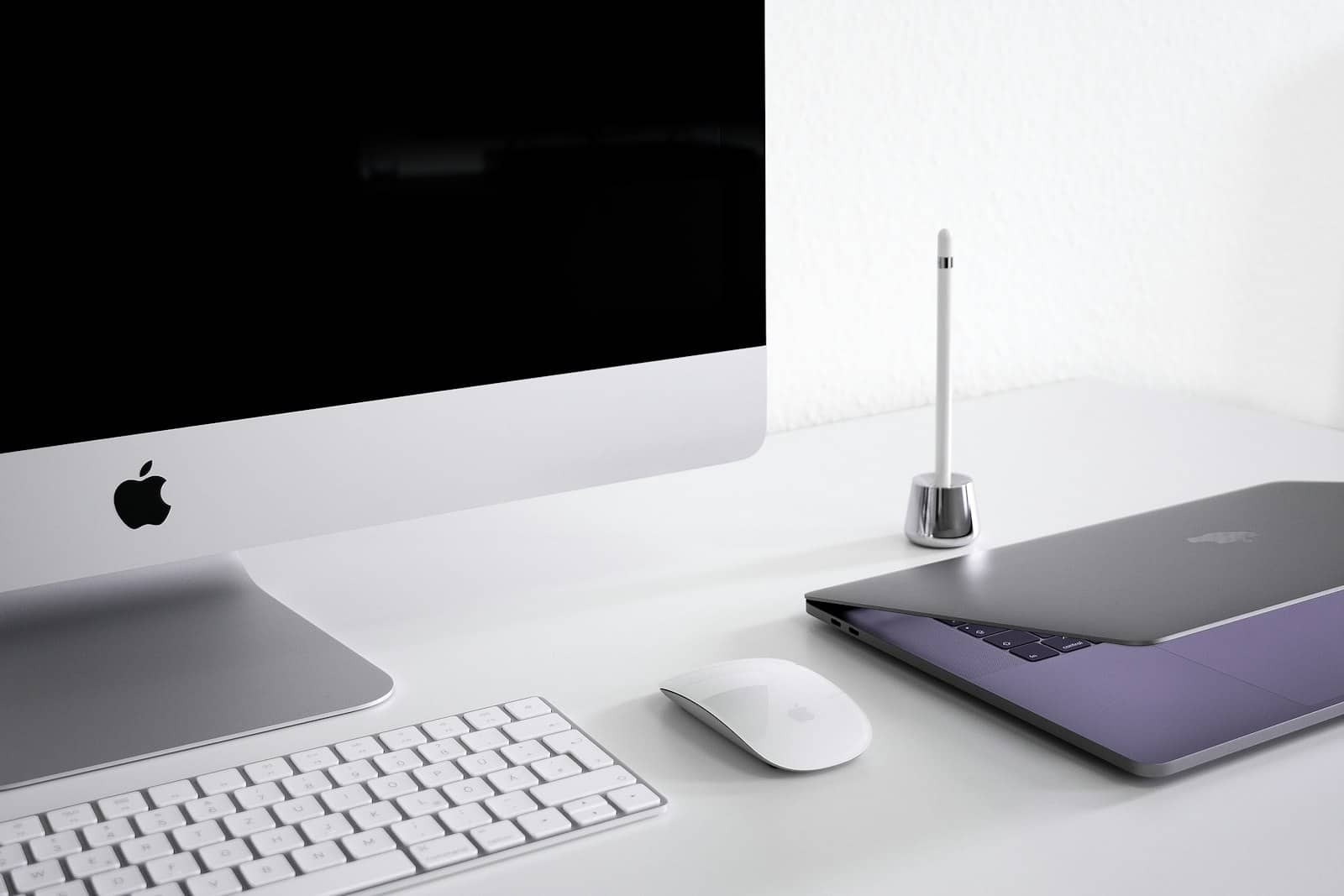
On a Mac, unified memory is your VRAM — the RAM number sets how big a model you can run. · Unsplash
Which Mac should you buy?
Match the memory to the models you want. For an entry setup running small 7-14B models, a 16-24GB Mac (Mini or an Air) is fine and cheap. For most people serious about local AI, a Mac Mini with 32-64GB is the value sweet spot — 64GB in particular opens up large models while staying silent, tiny, and power-sipping, and it's far cheaper than 64GB would be across multiple GPUs. If you want to run the biggest open models (70B and up) or do heavy work, a Mac Studio with an M4 Max or Ultra and 128GB+ is the machine — its memory ceiling (up to 512GB on the top end) is genuinely something no consumer GPU setup can touch. My honest steer: don't overbuy memory you won't use, but on a Mac, memory is the one spec worth stretching for, because it's the hard limit on what you can run. And whichever you pick, Ollama and LM Studio run beautifully on Apple Silicon, so setup is easy. Compare against a PC build before deciding.
8/ 10
Verdict
Best Mac for local AI 2026
A Mac Mini with 32-64GB of unified memory is the best value for most — silent, efficient, and enough memory for capable models. For the biggest open models (70B+), a Mac Studio (M4 Max/Ultra, 128GB+) is unmatched on memory-per-dollar. On a Mac, RAM sets your model-size ceiling, so it's the spec to prioritize.
Best for: Anyone wanting to run large local models efficiently and silently, valuing memory capacity over peak speed.
Quick answers
What is the best Mac for running AI locally?
For most people, a Mac Mini with 32-64GB of unified memory is the best value — it's silent, low-power, affordable, and has enough memory to run capable models. For the biggest open models (70B and up), a Mac Studio with an M4 Max or Ultra and 128GB or more is unmatched, since Apple Silicon scales to huge memory (up to 512GB) that GPUs can't match affordably. The key is unified memory: on a Mac, the RAM figure sets how large a model you can run, so it's the spec to prioritize.
Why are Macs good for local AI?
Because of unified memory — on Apple Silicon, the CPU and GPU share one pool of fast memory, so a Mac can devote almost all its RAM to a model. A 64GB Mac effectively has 64GB of 'VRAM', whereas a PC GPU is capped at its dedicated VRAM (a 24GB card has 24GB). This lets Macs run large models that would need multiple GPUs on a PC, in a small, silent, power-efficient box. The trade-off is speed: Macs generally produce fewer tokens per second than a fast NVIDIA GPU, so they favor capacity over peak performance.
How much memory do I need on a Mac for local AI?
It depends on model size, since unified memory sets your ceiling. 16-24GB runs small 7-14B models; 32-64GB is the sweet spot for most, opening up larger models (up to roughly 32-70B quantized); and 128GB or more (Mac Studio) is needed for the biggest 70B-plus open models. On a Mac, memory is the one spec worth stretching for, because it's the hard limit on what you can run. Don't overbuy what you won't use, but err toward more memory if local AI is a priority.
On a Mac, unified memory is the whole decision — a 32-64GB Mac Mini for most, a Mac Studio for the biggest models. It trades peak speed for cheap, silent memory capacity; weigh it against a PC build and the best GPU for local AI. Both run Ollama and LM Studio well. Source: Apple.