Two used RTX 3090s give you 48GB of VRAM for a third of a 5090's price — so is a dual-GPU build the smart move for local AI? The honest math, whether models really split across cards, and the power-and-complexity costs the sticker price hides.
Every few weeks someone asks me the same tempting question: if VRAM is what matters for local AI, why not skip the eye-watering 32GB card and buy two cheap 24GB ones instead? On the raw numbers it looks unbeatable. Two used RTX 3090s give you 48GB of VRAM for roughly $1,400–2,000 total (the used 3090 is still the value champion of local AI), while a single RTX 5090 gives you 32GB for ~$4,288–4,600 (Tom's Hardware's tracker, Sep 2026). More memory, less than half the money — I understand the appeal completely. But the reports from people who actually run these rigs are consistent, and so is my advice: the second card is the cheap part. Let me walk through when a dual-GPU box is genuinely the smart move, and when it's a headache you'll regret buying.
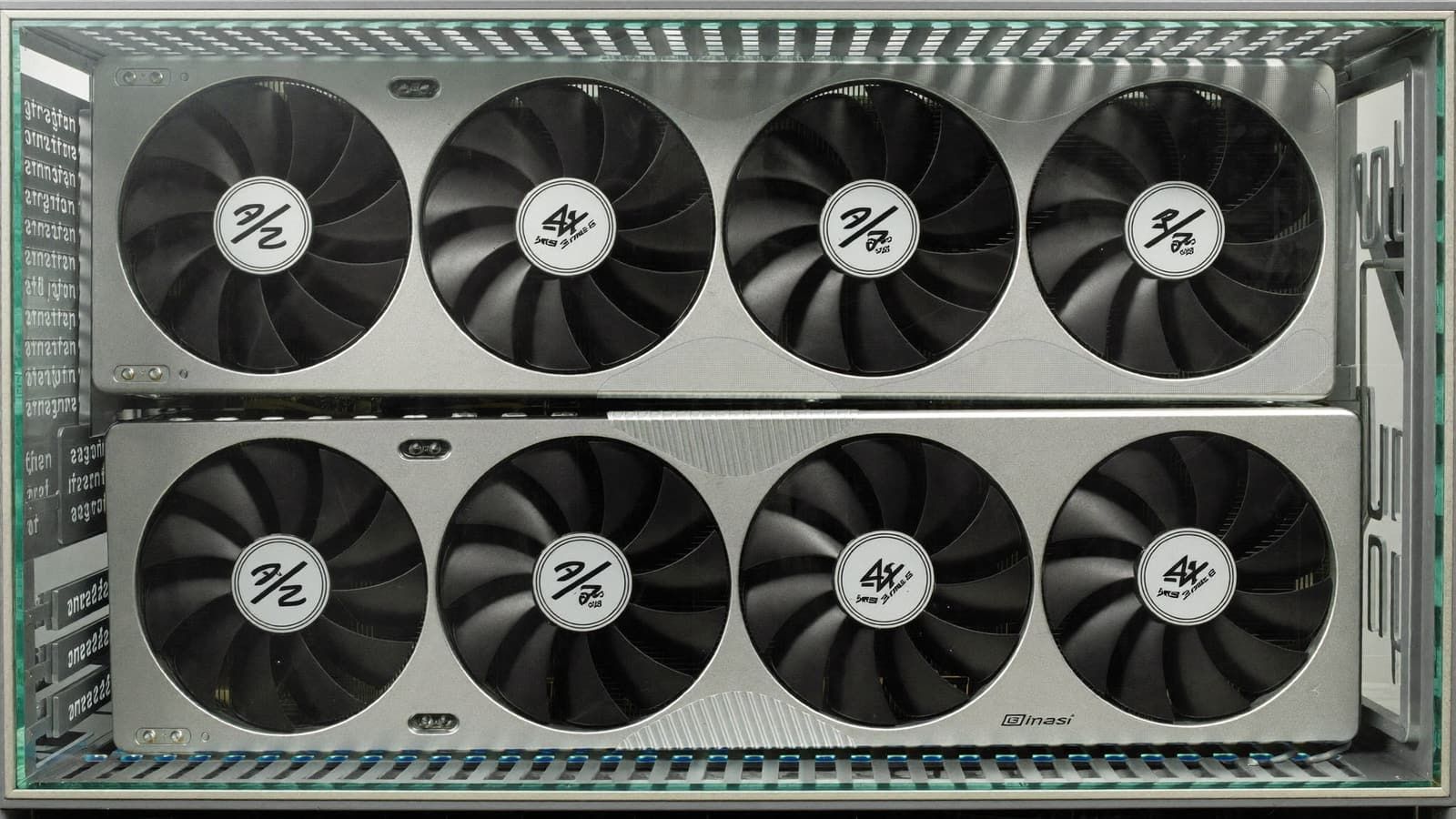
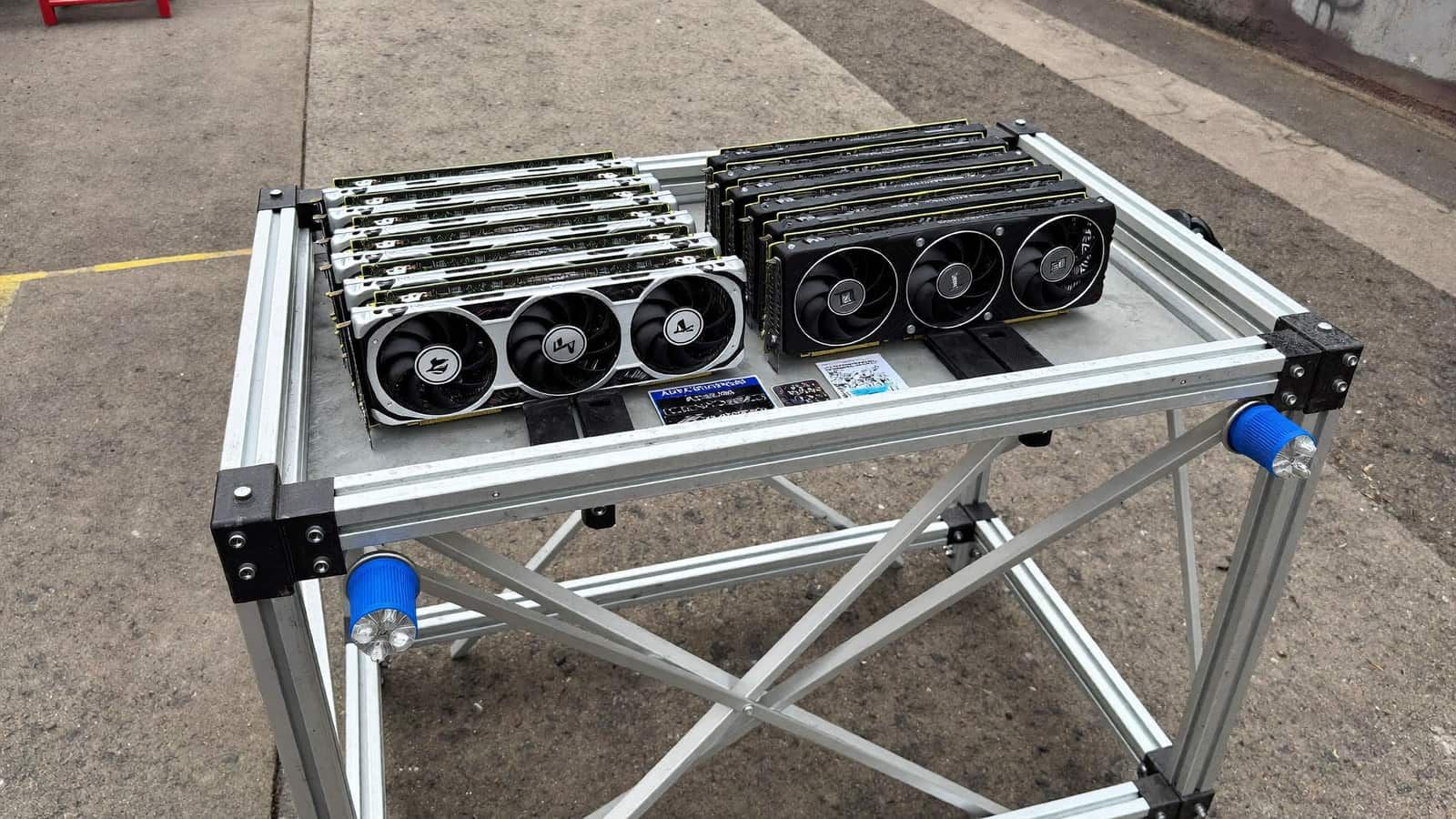
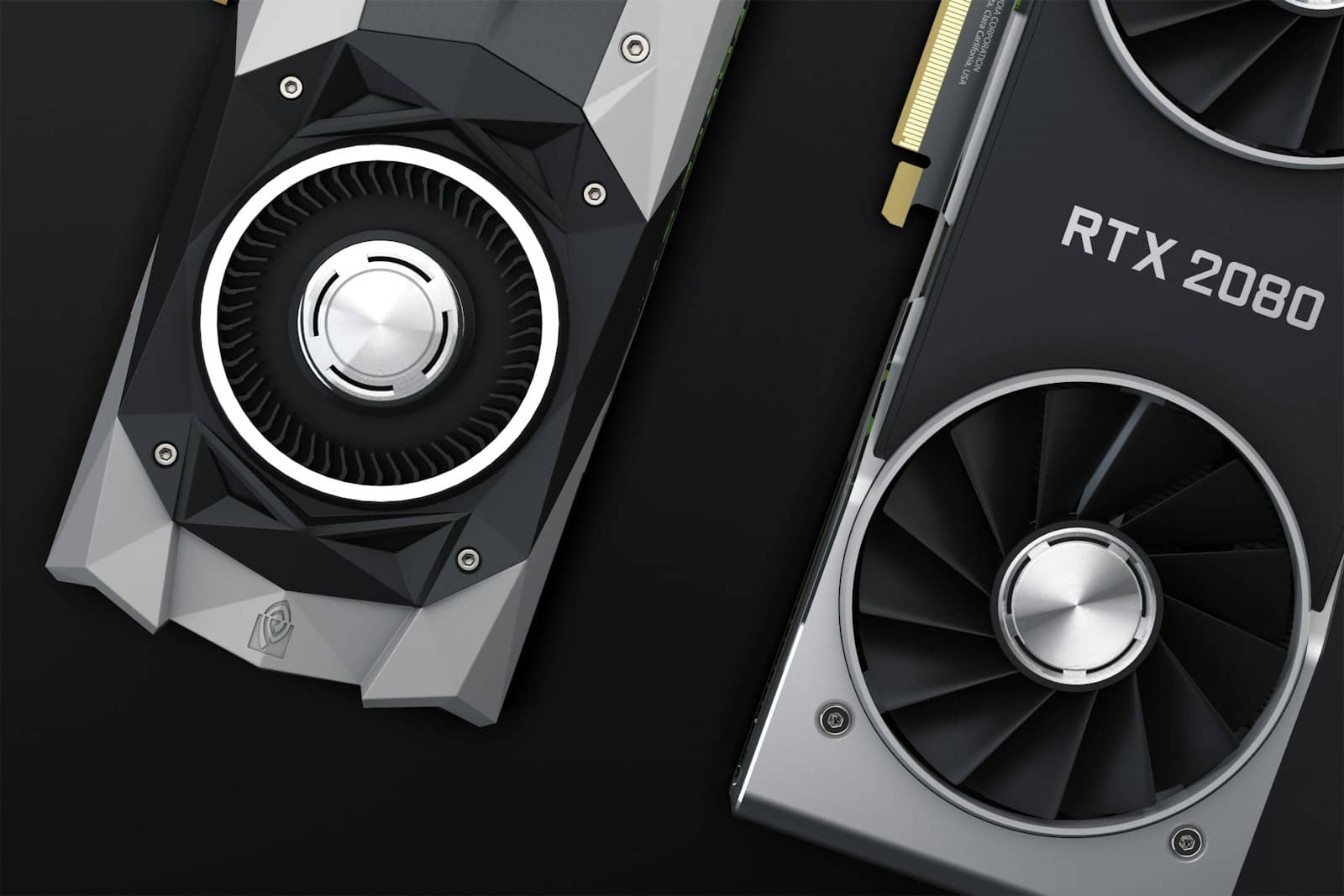
Two 24GB cards give you more VRAM than one 32GB card — for a fraction of the price. The catch is everything around them. Illustration generated with AI. · Generated with Higgsfield
The math that makes people do it
Here's the comparison that starts every one of these conversations. Two used RTX 3090s hand you 48GB of pooled VRAM — enough to run a 70B model at a decent quantization, which no single sanely-priced consumer card can do — for around the price of a mid-range single GPU. The RTX 5090's 32GB, meanwhile, costs three to four times as much and still holds less memory. Purely on VRAM-per-dollar, it isn't close, and that's exactly why the dual-3090 build has become the folk-hero rig of local AI.
VRAM for your money (Sep 2026)
2× used RTX 309048GB · ~$1,600
~$33/GB
1× RTX 509032GB · ~$4,600
~$144/GB
If your whole reason for buying is 'I want to run the biggest model I can for the least money,' the pair of 3090s is the honest answer — and it's why I keep pointing budget-minded builders at the used market first (I go deeper on the value picks in the best used GPUs for local AI). But VRAM-per-dollar is only one axis, so don't stop reading here.
Does a model actually run across two cards?
For inference, yes — this is the part that genuinely works. Runners like llama.cpp and vLLM support splitting a model across GPUs (tensor or pipeline parallelism), so the weights that don't fit on one card spill onto the second instead of into slow system RAM. A 70B model that's impossible on a single 24GB card becomes very runnable across 48GB. The nuance I'd flag: two cards give you more memory, not double the speed — for a single request, layers still run largely in sequence across the pair, and the PCIe link between them adds a little overhead. You buy capability (bigger models), not a 2× throughput jump. Training and fine-tuning across two cards is possible too, but that's where the driver and framework friction gets real, so I treat multi-GPU as an inference story first. Not sure what your target model needs? Size it in the cost-to-run tool before you buy anything.
The costs nobody puts on the spec sheet
This is where I temper the excitement, because the second GPU is the cheapest line item in the build. Two 3090s can pull 700W-plus between them under load, which means a genuinely beefy power supply (I wouldn't trust this to anything under ~1000W of quality), a case with the physical room and the airflow to keep two hot cards from cooking each other, and a motherboard/CPU with enough PCIe lanes to feed both. Then there's the setup: getting a model to split cleanly, keeping drivers happy, and accepting that some tools still assume a single GPU and will fight you. None of it is insurmountable — builders do it every day — but it's real time, real money, and real electricity that the '48GB for $1,600' headline quietly leaves out.
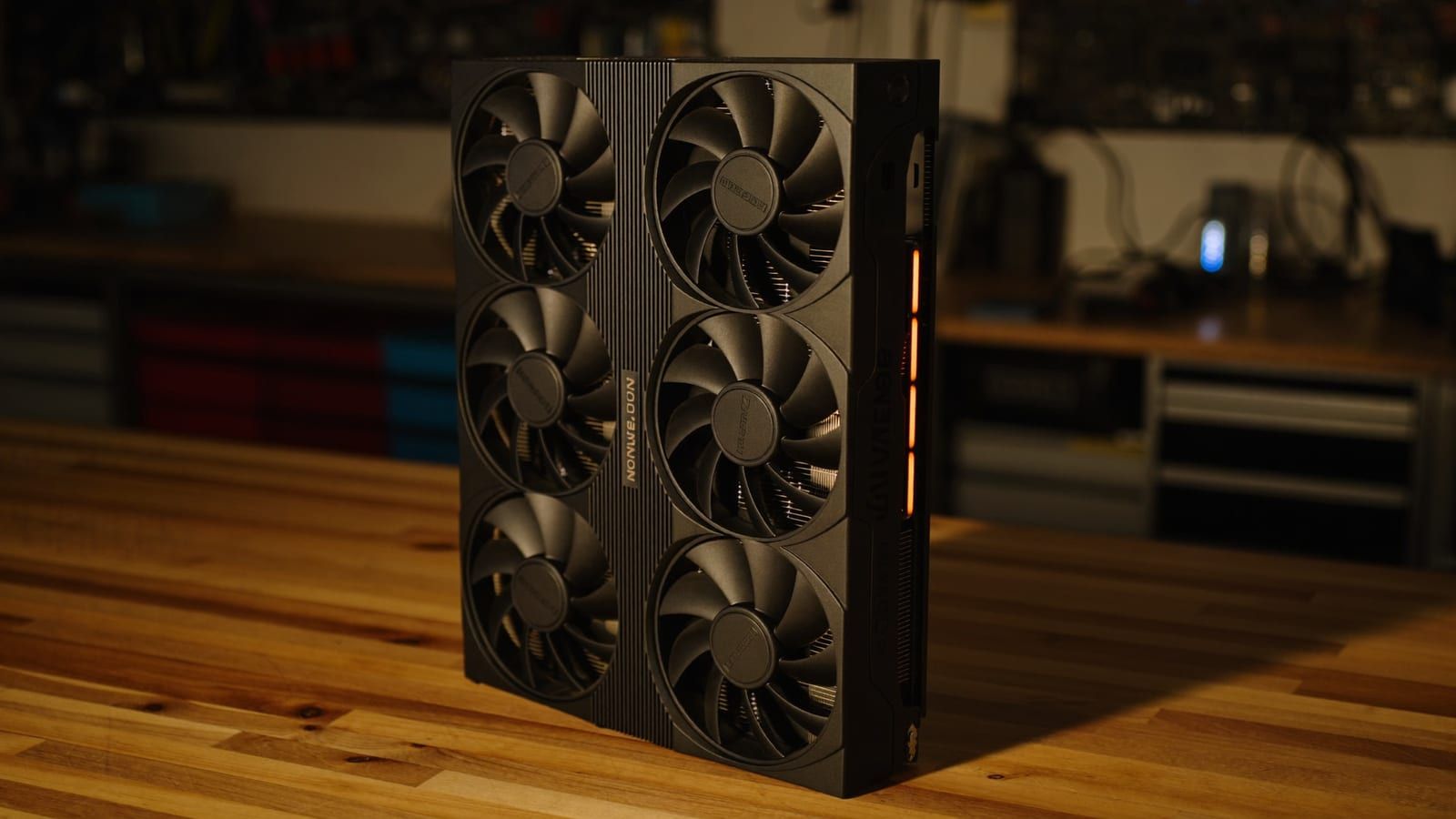
700W+ under load, a big PSU, and room to breathe — the parts of a dual-GPU build the sticker price hides. Illustration generated with AI. · Generated with Higgsfield
Pros
+ Two used RTX 3090s: 48GB VRAM for ~a third of a 5090's price — runs 70B-class models
+ Best VRAM-per-dollar path to big local models
+ Inference splits cleanly across cards on llama.cpp / vLLM
+ You can start with one 3090 and add the second later
Cons
− ~700W+ draw: needs a ~1000W+ PSU, a big case, and real airflow
− Setup + driver friction; some tools still assume a single GPU
− More VRAM, not more single-request speed — and PCIe adds overhead
− A single card is simpler, quieter, lower-power, and lower-latency
Verdict
Two 3090s or one 5090 — how I'd call it
If your goal is the biggest model for the least money and you genuinely enjoy building and tuning a machine, two used RTX 3090s are the smart, honest pick — 48GB for a fraction of the price, and I'd happily run one myself for that reason. If you want a quiet, low-power box that just works, or you never plan to run past 32GB, buy the single card and skip the complexity tax — for most people that's the RTX 5090 only if they truly need 32GB on one card, and something cheaper otherwise. Match the build to your patience as much as your models.
Best for: Anyone weighing a dual-GPU local-AI build against a single high-end card
Common questions
Can a single LLM actually use two GPUs at once?
For inference, yes. Tools like llama.cpp and vLLM split a model across GPUs so a model too large for one card's VRAM runs across the pair. It gives you more memory (bigger models), not double the speed for a single request — layers still largely run in sequence, and the PCIe link adds a little overhead.
Is two used RTX 3090s better than one RTX 5090 for local AI?
On VRAM-per-dollar, easily — 48GB for ~$1,400–2,000 vs 32GB for ~$4,288–4,600. Two 3090s also run larger models. The 5090 wins on simplicity, lower power, quieter running and single-request latency. Pick based on whether you value capacity-per-dollar or a clean single-card setup.
What power supply do I need for two RTX 3090s?
Plan for ~700W-plus from the cards alone under load, so I wouldn't go below a quality ~1000W unit, with headroom for the rest of the system. You'll also want a case with room and airflow for two hot cards.
Do the two cards need to be identical?
For inference they don't strictly have to match, but keeping them the same (two 3090s) avoids being bottlenecked by the smaller/slower card and keeps VRAM balanced — which is why the dual-3090 build is the popular one.