Quantization is the trick that shrinks giant AI models to fit consumer GPUs, with almost no quality loss. Here's what those Q4/Q5/Q8 labels actually mean — in plain English.
Quantization is the trick that makes local AI possible on normal hardware: it stores an AI model's weights at lower precision — for example 4-bit numbers instead of the original 16-bit — which cuts the model's memory use by around 75% with almost no quality loss. A model that would need 48GB of VRAM at full precision fits in ~12GB at 4-bit. Without quantization, running capable AI models at home would require data-center GPUs; with it, a $220 used RTX 3060 runs models that rival cloud services. Those Q4, Q5, Q8 labels you see on model files are just quantization levels. Here's what they actually mean, in plain English.
Why it works (without the math)
An AI model is billions of numbers (weights). By default each is stored at high precision — 16 bits — which is accurate but memory-heavy. Quantization rounds those numbers to fewer bits, like 4, which takes a quarter of the space. The clever part is that modern quantization methods are smart about which numbers to round and by how much, so the model's behavior barely changes — for most tasks, a 4-bit model's answers are indistinguishable from the full-precision version. It's a bit like a high-quality JPEG: much smaller than the raw image, but you can't tell the difference at a glance. That's the whole magic: you trade a tiny, usually-imperceptible amount of quality for a massive reduction in VRAM needed, which is what lets a 32-billion-parameter model run on a 24GB gaming GPU instead of needing a $30,000 data-center card.
What the quantization levels mean
Q8
Label
8-bit
Precision
Highest quality, ~half size, more VRAM
Q5
Label
5-bit
Precision
Great quality, a bit bigger than Q4
Q4_K_M
Label
4-bit
Precision
The sweet spot — near-lossless, ~quarter size
Q3 and below
Label
3-bit or less
Precision
Noticeable quality loss — tiny VRAM only
Label
Precision
Trade-off
Q8
8-bit
Highest quality, ~half size, more VRAM
Q5
5-bit
Great quality, a bit bigger than Q4
Q4_K_M
4-bit
The sweet spot — near-lossless, ~quarter size
Q3 and below
3-bit or less
Noticeable quality loss — tiny VRAM only
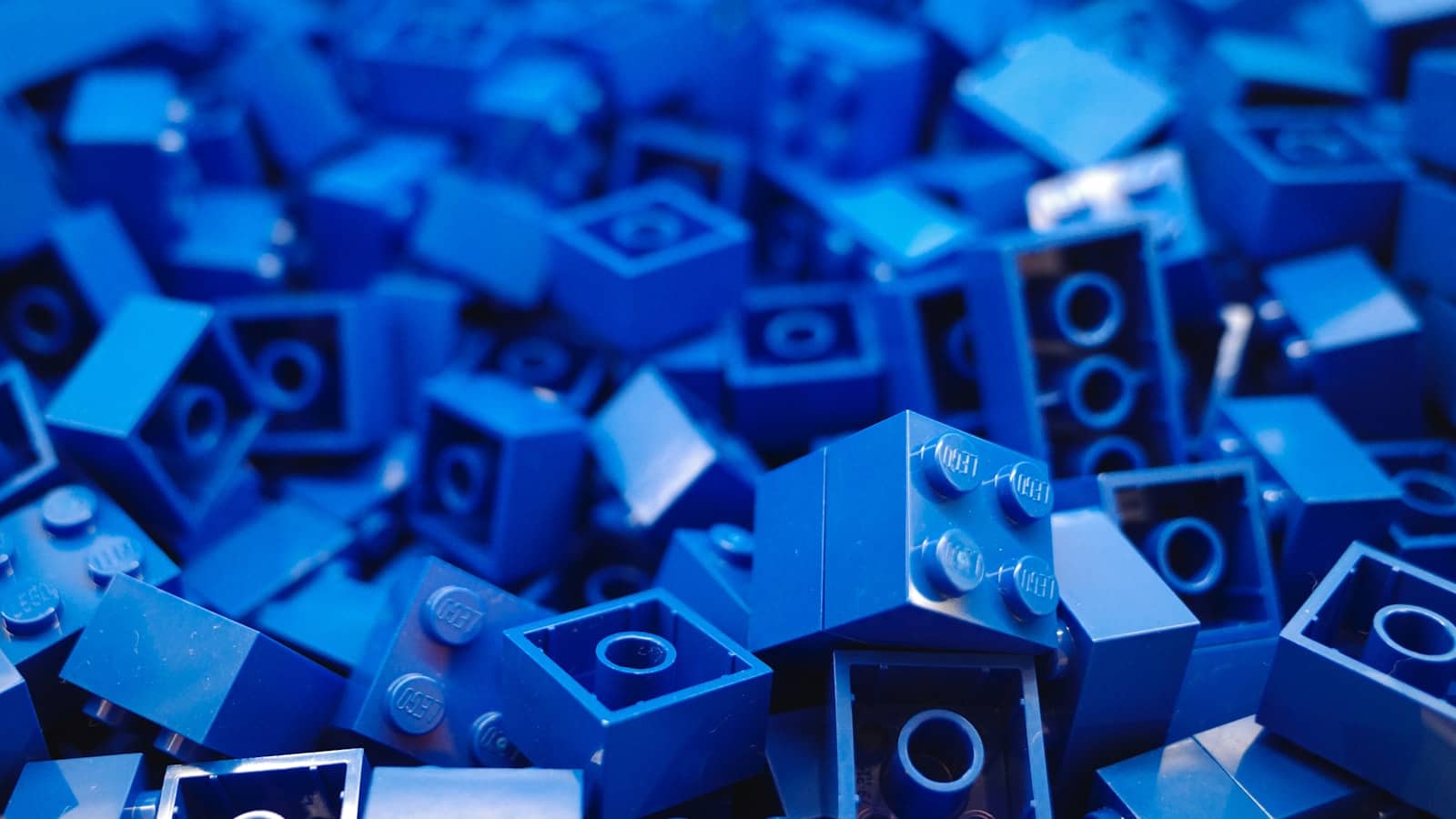
Quantization is like a smart JPEG for AI models — a quarter the size, near-identical output. · Unsplash
Which level should you use?
For almost everyone, the answer is Q4_K_M — 4-bit, and specifically the 'K_M' variant, which is the standard sweet spot. It gives you near-full quality at roughly a quarter of the memory, which is why it's what Ollama and LM Studio hand you by default and what the whole local-AI world runs on. Step up to Q5 or Q6 only if you have spare VRAM and want a touch more fidelity — the quality gain over Q4_K_M is small. Go to Q8 if you have plenty of VRAM and want maximum quality without running full 16-bit. And avoid Q3 and below unless you're desperate to squeeze a model into very limited VRAM — below Q4, the quality drop becomes noticeable, and you're usually better off running a smaller model at Q4 than a bigger one at Q3. The practical rule: default to Q4_K_M, and only deviate if you have a specific reason. It's the setting that makes running AI locally work on the hardware you actually own.
Quick answers
What is quantization in AI models?
Quantization is a technique that stores an AI model's weights at lower numerical precision — for example 4-bit instead of the original 16-bit — to dramatically reduce how much memory the model uses. At 4-bit, it cuts VRAM requirements by roughly 75% with minimal quality loss, because modern quantization methods are smart about how they round the numbers. This is the key technology that lets large AI models run on consumer GPUs at home; without it, you'd need expensive data-center hardware. The Q4/Q5/Q8 labels on model files indicate the quantization level.
What does Q4, Q5, or Q8 mean for AI models?
They indicate the quantization level — how many bits are used to store each weight. Q4 means 4-bit (smallest and most memory-efficient), Q5 is 5-bit, and Q8 is 8-bit (larger, higher fidelity, using about half the memory of full 16-bit). Lower numbers mean smaller size and slightly lower quality; higher numbers mean more precision and larger files. Q4_K_M — a specific 4-bit method — is the sweet spot for local AI, offering near-lossless quality at roughly a quarter of the full model's memory. It's the recommended default.
Does quantization reduce AI model quality?
Only slightly, and usually imperceptibly at 4-bit and above. Modern quantization methods like Q4_K_M are designed to minimize quality loss, so a 4-bit model's outputs are typically indistinguishable from the full-precision version for most tasks — similar to how a good JPEG looks the same as the original at a glance. Quality does drop noticeably below 4-bit (Q3 and lower), so those are only worth using to fit a model into very limited VRAM. For normal use, Q4_K_M gives you nearly full quality while using a quarter of the memory.
Quantization is the reason a normal PC can run capable AI — it shrinks models ~75% at 4-bit with near-zero quality loss, and Q4_K_M is the default to use. It's why cheap GPUs run big models. For the file formats that package it, see GGUF vs EXL2; to see the memory math for any model, use the VRAM calculator. Source: Hugging Face.