12GB is the most common VRAM for local AI, and it runs more than you'd think. Here's the best model to run on a 12GB card — for chat, coding, and everything between.
For a 12GB card — the RTX 3060 12GB, RTX 4070, and similar — the best all-rounder is Qwen3-14B at 4-bit. It fits comfortably in 12GB with room for a decent context window, and it's a genuinely capable model for chat, reasoning, and general use. 12GB is the most common VRAM tier for local AI, and it runs more than people expect: the whole 7-14B class fits, which covers what the vast majority of local-AI users actually run day to day. Here's the map of the best models for 12GB, by what you want to do.
The 12GB sweet spot
Here's why 12GB is such a good place to be: at 4-bit quantization, a 14B model needs roughly 8-9GB for weights, leaving 3-4GB for context and overhead — a comfortable fit on a 12GB card. That means you get the 14B quality tier, which is a real step up from 8B, without needing an expensive 16GB+ GPU. Qwen3-14B is my top pick here — it's an excellent all-rounder that rivals much larger models for everyday tasks. Gemma 3 12B is a strong alternative and adds multimodality (it can look at images). If you'd rather have speed and a long context window than maximum smarts, drop to an 8B model (Qwen3-8B or Llama 8B) and you'll fly with room to spare. And for coding, a Qwen3 coder model in this range gives you genuinely useful local code assistance. The one rule: run these at 4-bit (Q4) — it's near-lossless and it's what makes the 14B tier fit in 12GB.
Best local LLMs for a 12GB GPU
All-rounder
Goal
Qwen3-14B (Q4)
Model
Best quality that fits 12GB
Multimodal
Goal
Gemma 3 12B
Model
Handles images too
Speed / long context
Goal
Qwen3-8B / Llama 8B
Model
Faster, more headroom
Coding
Goal
Qwen3-Coder (14B class)
Model
Strong local code help
Goal
Model
Notes
All-rounder
Qwen3-14B (Q4)
Best quality that fits 12GB
Multimodal
Gemma 3 12B
Handles images too
Speed / long context
Qwen3-8B / Llama 8B
Faster, more headroom
Coding
Qwen3-Coder (14B class)
Strong local code help
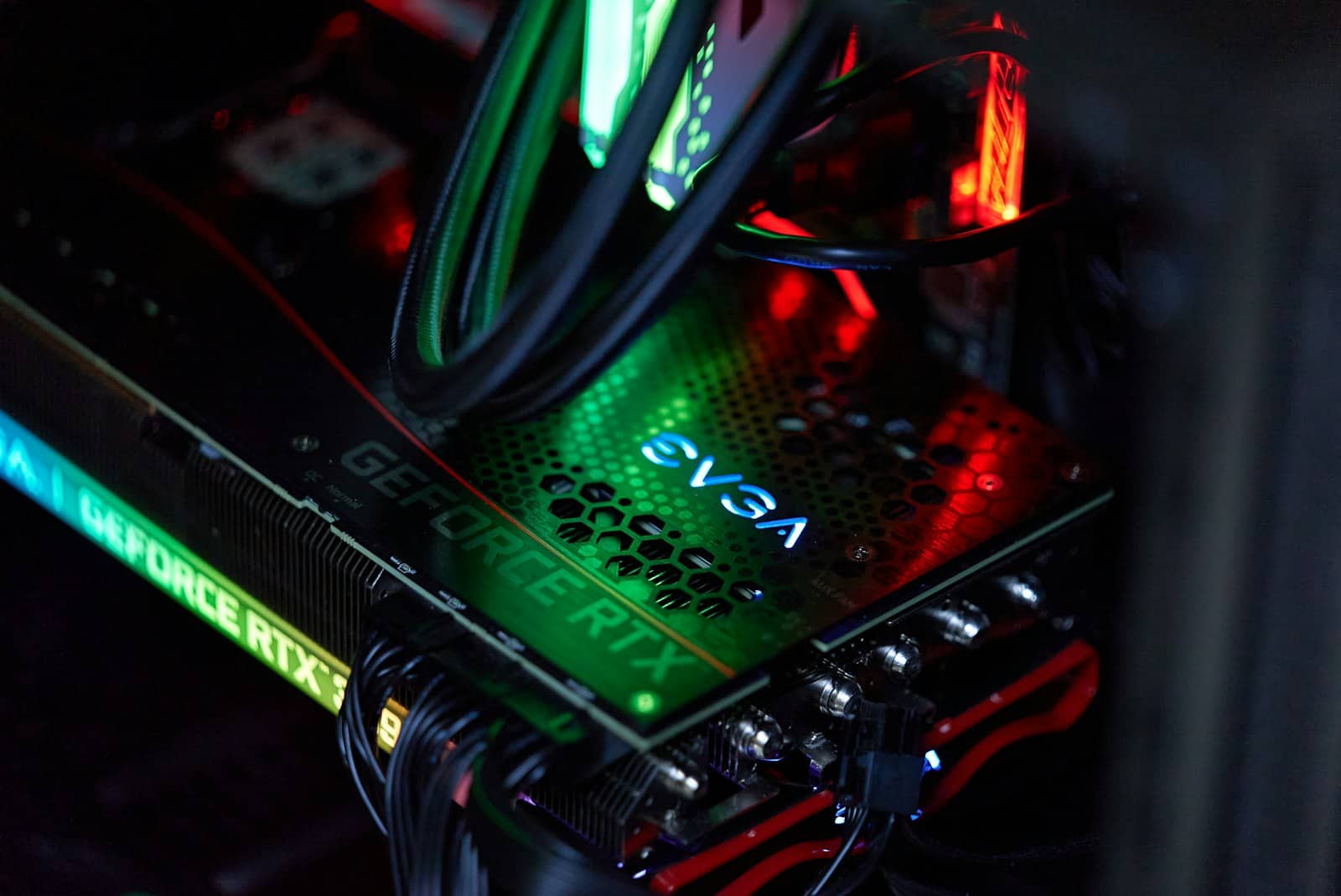
12GB fits the 14B quality tier at 4-bit with context room — the sweet spot most local-AI users land on. · Unsplash
Getting the most from 12GB
A few practical tips to stretch a 12GB card. Stick to 4-bit (Q4_K_M) quantization — it's the standard for a reason, giving near-full quality at a quarter of the memory. Watch your context length: a long conversation or big document eats VRAM on top of the weights, so if a 14B model runs out of memory mid-chat, either shorten the context or drop to an 8B model with more headroom. If you want to run something bigger than 14B occasionally, tools like llama.cpp can offload part of the model to system RAM — slower, but it works in a pinch. For the models most people run, though, 12GB is genuinely comfortable, which is exactly why the RTX 3060 12GB is the budget king for local AI. Size any specific model precisely in the VRAM calculator before committing.
Quick answers
What is the best local LLM for a 12GB GPU?
Qwen3-14B at 4-bit is the best all-rounder for a 12GB GPU like the RTX 3060 12GB or RTX 4070 — it fits comfortably with room for context and delivers the 14B quality tier, a real step up from 8B models. Gemma 3 12B is a strong multimodal alternative that can also handle images. For speed and long context, drop to an 8B model like Qwen3-8B or Llama 8B. 12GB comfortably runs the whole 7-14B class, which covers what most people use.
Can a 12GB GPU run 14B AI models?
Yes, comfortably. At 4-bit quantization, a 14B model needs roughly 8-9GB of VRAM for its weights, leaving 3-4GB on a 12GB card for context and overhead. That's a comfortable fit, and it means a 12GB card like the RTX 3060 12GB gives you the 14B quality tier without needing a more expensive 16GB+ GPU. Just keep the quantization at 4-bit and watch your context length, since very long conversations use additional VRAM on top of the model weights.
Is a 12GB GPU enough for local AI?
For most people, yes. 12GB comfortably runs the 7-14B model class at 4-bit, which covers the vast majority of what local-AI users actually run — capable all-rounders like Qwen3-14B, multimodal models like Gemma 3 12B, and fast 8B models for long-context work. You'll only feel limited if you want to run 32B or larger models, which need 24GB. For chat, coding help, and general use, a 12GB card like the RTX 3060 12GB is a genuinely good and affordable local-AI GPU.