You don't need to buy a $2,000 graphics card to run big AI models. Renting one by the hour starts around $0.12/hr (RTX 3090, Vast spot, 22 Sep 2026). Here's what GPUs actually cost to rent right now.
This post contains affiliate links. If you buy through them, Aliteq may earn a commission — at no extra cost to you. Prices verified at publish time.
Share
Here's the thing nobody tells beginners: you don't have to buy a graphics card to run serious AI. You can rent one by the hour, and the prices are far lower than people assume. As of our latest capture on 22 September 2026, a used RTX 3090 (24GB) rents from around $0.12/hour on the spot market, an RTX 4090 from about $0.14/hour, and even a data-center A100 runs about $1.19/hour on-demand. That means you can run a big model for an evening for the price of a snack, or fine-tune one for under a dollar. Here's the real cost of renting a GPU for AI, and how to pick the cheapest option that fits your job — part of our cloud-GPU pricing pillar.
What GPUs actually cost to rent
Prices move constantly (which is why our compare page updates through the day), but the shape is stable. The cheapest capable option is a used RTX 3090 at around $0.12/hour on the Vast.ai spot market — enough to run 32B-class models. Step up to an RTX 4090 (from ~$0.14/hr) or 5090 (from ~$0.40/hr spot) for more speed. For the big jobs — running a 70B model or fine-tuning — a data-center A100 at ~$1.19/hour on-demand is the workhorse, and an H100 now starts around $1.73/hr on spot. The key variable is spot versus on-demand: spot is dramatically cheaper but can be reclaimed mid-job, while on-demand costs more and stays yours.
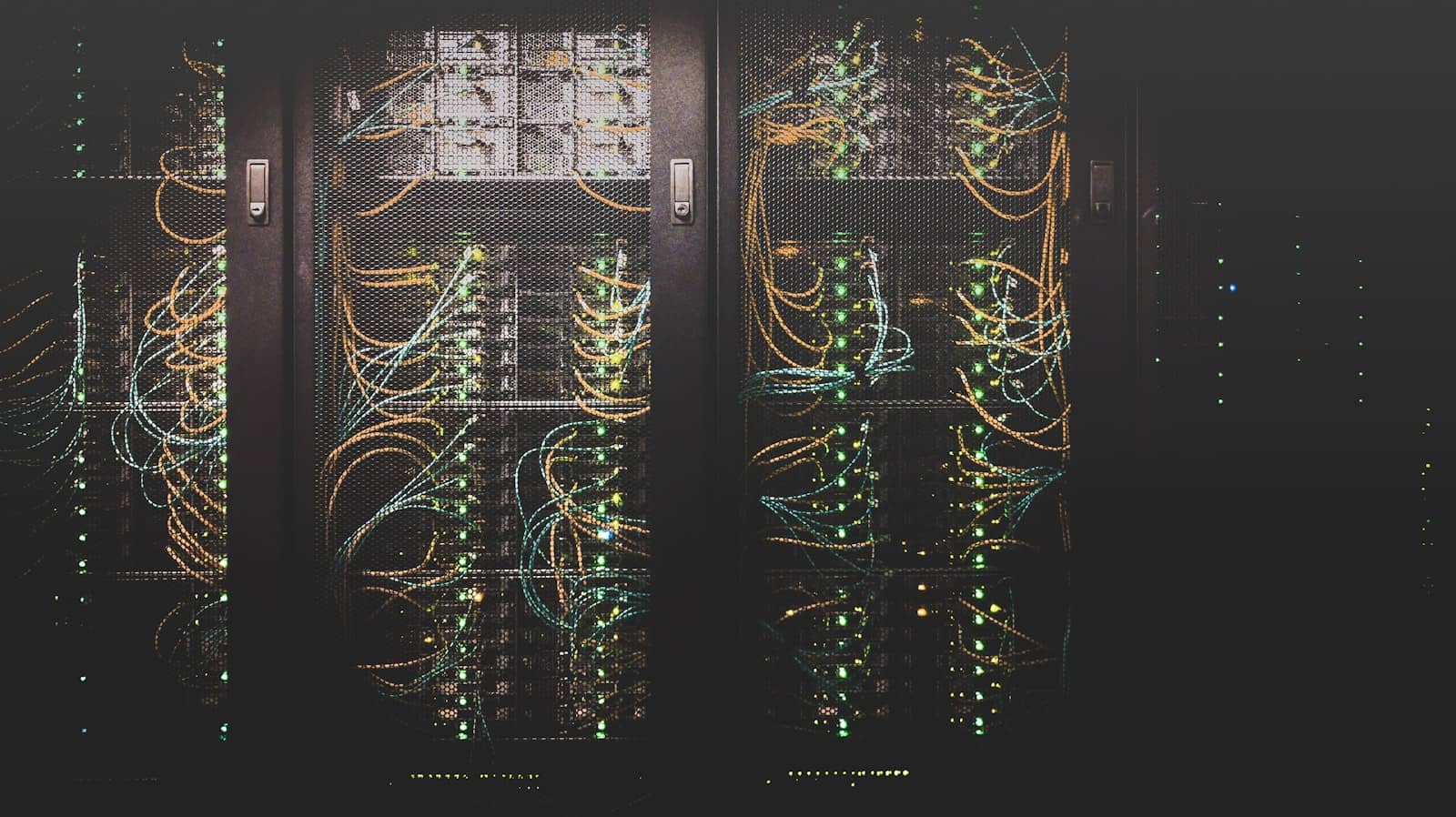
A rack of GPUs you rent by the hour — for occasional big-model work, it's far cheaper than owning one. · Unsplash
Spot vs on-demand: the cost lever
The single biggest factor in your rental bill is whether you use spot (interruptible) or on-demand (dedicated) instances. Spot instances use spare capacity at a steep discount — often half the price or less — but the provider can reclaim them when demand spikes, killing your job. For interruptible work like inference or experimentation, spot is the smart, cheap choice; just checkpoint your work. For a long fine-tuning run you don't want interrupted, on-demand's stability is worth the premium. Match the pricing model to the job: spot for cheap and interruptible, on-demand for important and long-running.
Referral link
Rent the cheapest capable GPU on Vast.ai
The lowest spot prices come from Vast.ai — an RTX 3090 from about $0.12/hr, or an H100 from ~$1.73/hr (22 Sep 2026). Check the live figure before you rent.
Referral link — we may earn a commission at no cost to you. Prices on our compare page are the provider's live figures, cheapest first; this never changes the ranking.
Quick answers
How much does it cost to rent a GPU for AI?
On the spot market (as of 22 September 2026), a used RTX 3090 starts around $0.12/hour, an RTX 4090 around $0.14, and an A100 around $1.19/hour on-demand — so running a big model for an evening costs a dollar or two, and fine-tuning an 8B model runs under a dollar. Prices change constantly with supply and demand, so check a live tracker before committing. For occasional heavy use, renting is dramatically cheaper than buying a card.
Is it cheaper to rent or buy a GPU for AI?
For occasional use, renting wins by a wide margin — you pay cents per hour instead of $1,000+ upfront. For daily, sustained use, buying eventually pays off because you stop paying hourly. The break-even depends on how many hours you'll actually use it: light or exploratory use favours renting, heavy daily use favours owning. We work through the exact math in our rent-vs-buy guide.
What's the cheapest cloud GPU provider?
It varies by card and moment, but marketplace-style providers like Vast.ai (where many hosts compete) tend to have the lowest spot prices, while managed providers like RunPod cost a bit more for reliability and ease. The cheapest option for any given GPU changes hourly, which is why comparing live prices matters. We compare the major providers — RunPod, Vast.ai, Lambda — separately to help you pick.
Referral link
Managed pods + serverless
Want it to just work, no interruptions? Runpod on-demand — RTX 4090 about $0.34/hr, A100 $1.19/hr (22 Sep 2026).