AMD went from 'buy Nvidia unless you enjoy pain' to 'this just works' in 2026. The two setup paths — ROCm for speed, Vulkan for ease — which to pick, and how to get a model on your Radeon's GPU tonight.
For about two years my honest answer on running local AI on an AMD card was blunt: buy Nvidia unless you enjoy pain. In 2026 I finally stopped saying that. AMD didn't magically catch Nvidia on software, but it crossed the line from 'weekend of driver archaeology' to 'this just works,' and if you bought — or are eyeing — an RX 9070 for its 16GB of VRAM, you can absolutely run local models on it now. The trick is knowing which of the two paths to take, because they trade speed for simplicity in opposite directions. Here's how I'd set it up, and which path I'd pick for your setup.
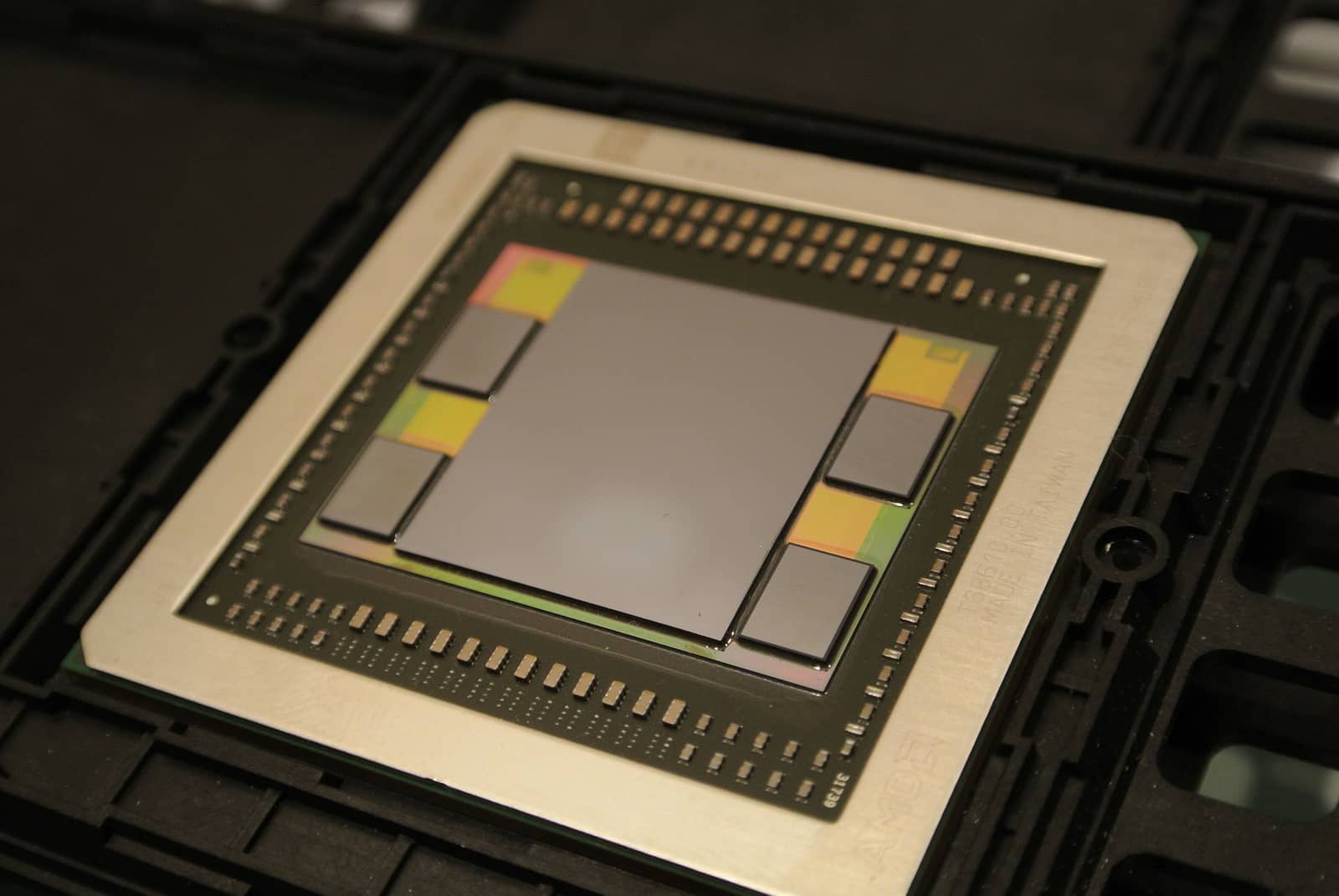
If you bought a Radeon for the VRAM, running models on it is finally the easy part. Illustration generated with Higgsfield. · Generated with Higgsfield
The fastest way to a working setup
Don't overthink the first run. The goal is a model on your Radeon's GPU in ten minutes, and the shortest route is a wrapper (Ollama or LM Studio) rather than raw llama.cpp — both wrap llama.cpp for you and handle the backend. Here's the order I'd actually do it in.
1
Pick your wrapper: LM Studio if you want a GUI and easy Vulkan (great on Windows); Ollama if you like a one-line CLI (great on Linux).
2
Choose your backend: on Linux with a supported Radeon, install ROCm for the fastest path; on Windows (or if ROCm fights you), use Vulkan — it needs no ROCm install.
3
Pull a GGUF model sized to your VRAM: a Q4_K_M or Q5_K_M 8–14B fits 16GB comfortably. (Not sure what fits? Our cost-to-run tool sizes it.)
Verify the GPU is actually doing the work: watch VRAM fill and check tokens/sec — if it's crawling, it silently fell back to CPU, so fix the backend before blaming the card.
ROCm vs Vulkan: which lane to take
This is the one real decision, so let me make it simple. ROCm is AMD's CUDA-equivalent compute stack: it's the fastest option and, on the RX 9000 (RDNA 4) cards, the RDNA4 inference benchmarks show it leading — but it's happiest on Linux and can be fiddly on Windows. Vulkan is a graphics API that llama.cpp also uses as an inference backend: reviewers put it around 80–90% of ROCm's speed, but it installs with essentially no setup and runs the same everywhere. My rule: if you're on Linux and chasing every last token/sec, ROCm; if you're on Windows, new to this, or just want it working tonight, Vulkan. You can always switch later.
Pros
+ ROCm: fastest AMD path; CUDA-comparable in ROCm 7.2; best on Linux
+ Vulkan: near-zero setup, works on Windows + Linux, ~80–90% of ROCm speed
+ Either way you get the RX 9070's 16GB — the real reason to buy AMD for AI
Cons
− ROCm: Linux-first; Windows trails a driver release and can need fiddling
− Vulkan: leaves ~10–20% performance on the table vs ROCm
− RX 9070 XT ROCm throughput still ~10–15% under a similar CUDA card (drivers, not VRAM)
Pick your path
Speed
ROCm
Fastest
Vulkan
~80–90% of ROCm
Setup
ROCm
More involved
Vulkan
Almost none
Best OS
ROCm
Linux
Vulkan
Windows or Linux
Easiest via
ROCm
Ollama / llama.cpp (Linux)
Vulkan
LM Studio
ROCm
Vulkan
Speed
Fastest
~80–90% of ROCm
Setup
More involved
Almost none
Best OS
Linux
Windows or Linux
Easiest via
Ollama / llama.cpp (Linux)
LM Studio
Vulkan first, ROCm when you want the last 10–20%. Illustration generated with Higgsfield. · Generated with Higgsfield
Where AMD still trails — and why I don't mind
I won't pretend the gap is gone. Nvidia's CUDA is still what every new local-AI tool targets first, so day-one support for the newest runtimes and quantization tricks lands on Nvidia before AMD. And on identical-bandwidth silicon, reviewers still measure Radeon a bit behind on tokens/sec. But here's why it rarely matters for a home setup: you're memory-bound, not compute-bound. A 16GB Radeon that loads a model a 12GB Nvidia card can't is more useful than a slightly faster card that spills to system RAM. For running models locally, VRAM you can afford beats speed you can't — which is the whole argument for AMD in my RX 9070 vs RTX 5070 breakdown.
Verdict
How I'd set it up
Start with Vulkan — LM Studio on Windows, Ollama or LM Studio on Linux — pull a Q4_K_M model that fits your VRAM, and you'll be chatting with a local model tonight with almost no setup. If you're on Linux and want the last 10–20% of speed, install ROCm 7.2 and switch the backend. Either way, the 16GB (or 24GB) of memory is doing the heavy lifting; the software finally isn't fighting you. AMD is a real local-AI choice now, and I don't hedge that anymore.
Best for: Anyone with an AMD Radeon (RX 7000/9000) who wants to run local LLMs in 2026
Common questions
Is an AMD Radeon good enough for local AI now?
Yes — as of ROCm 7.2, Ollama, LM Studio, llama.cpp and vLLM all run on Radeon without hand-patching. It's a bit behind Nvidia on raw speed and day-one tool support, but for running local models the extra VRAM per dollar usually matters more than the gap.
ROCm or Vulkan — which should I use?
Vulkan for the easiest setup (and on Windows); it runs about 80–90% of ROCm's speed. ROCm for the fastest results, and it's happiest on Linux. I'd start on Vulkan and only move to ROCm if I wanted the last bit of performance.
Do I need Linux to run AI on AMD?
No, but Linux is smoother. Windows AMD support trails a driver release, so on Windows I'd use the Vulkan backend (easiest via LM Studio) rather than wrestling ROCm. On Linux, ROCm is the fast path.
How fast is an RX 9070 XT for local LLMs?
Reviewers put its ROCm throughput roughly 10–15% below a similar-bandwidth CUDA card — a driver-maturity gap, not a memory one. With 16GB it comfortably runs 8–14B models at Q4/Q5, which is where most local use lives.