Yes, Arc runs local LLMs well now — but skip the old IPEX-LLM guides (Intel archived it in January 2026). Here's the current, working path: Ollama or LM Studio on the Vulkan backend, step by step.
Here's the thing I most want to tell anyone who just bought an Intel Arc card for AI: yes, it runs local LLMs perfectly well in 2026 — and no, you should not follow most of the guides at the top of your search results. Half of them still walk you through installing IPEX-LLM, Intel's old inference library, which Intel archived in January 2026. I watched a lot of people waste an evening on a dead toolchain, so let me save you the detour. The path that actually works now is boring in the best way: llama.cpp with the Vulkan backend — the same thing Ollama and LM Studio reach for on Arc under the hood. It just works, and it's roughly twice as fast as the old SYCL route the archived guides push. Here's how I'd set it up.
12GB
Arc B580 VRAM
fits 7–9B comfortably
Vulkan
The working path
not IPEX-LLM (archived)
Ollama
Easiest launcher
auto-detects the Arc GPU
GGUF Q4
Model format
Q4_K_M / Q5_K_M
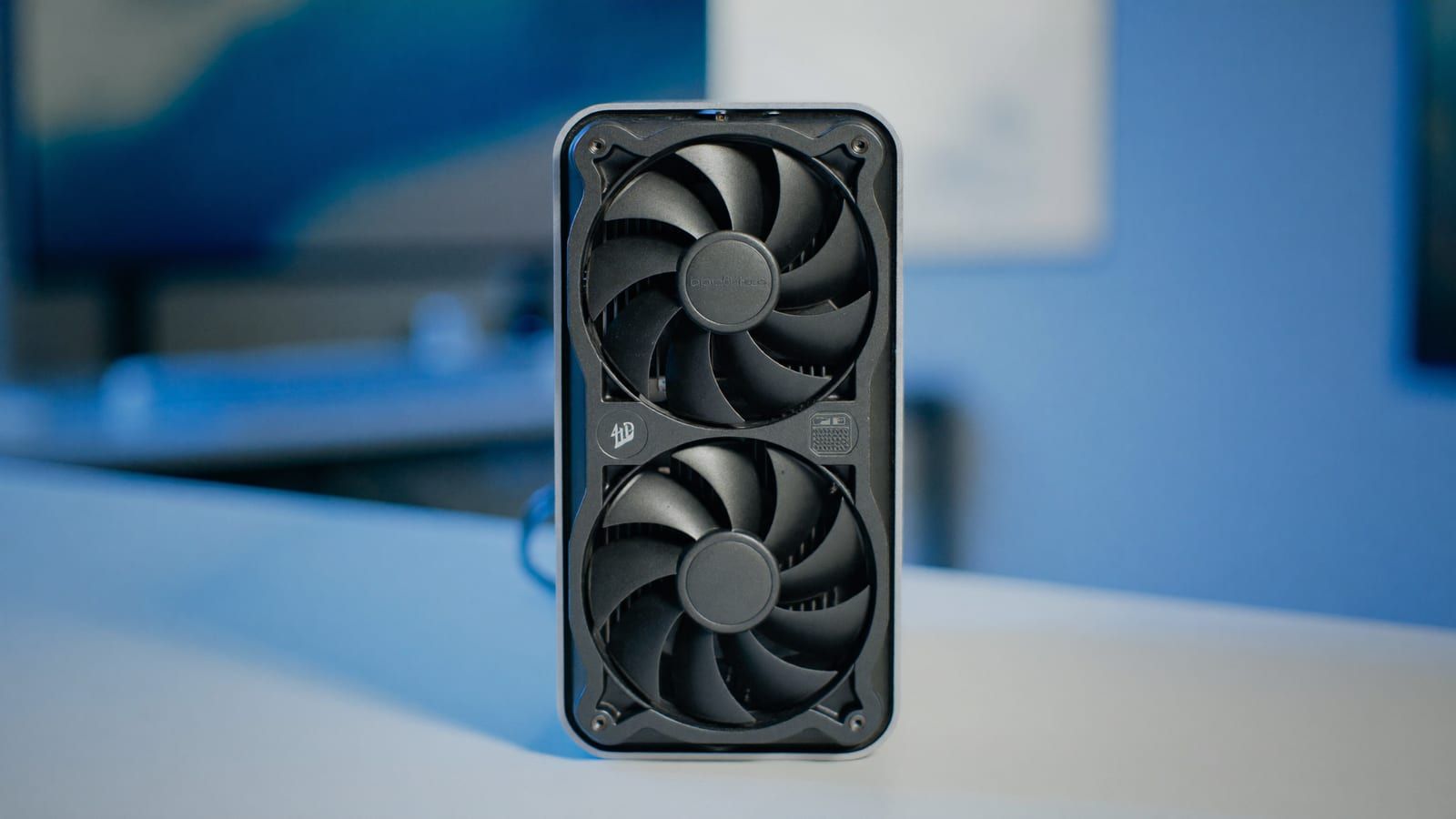
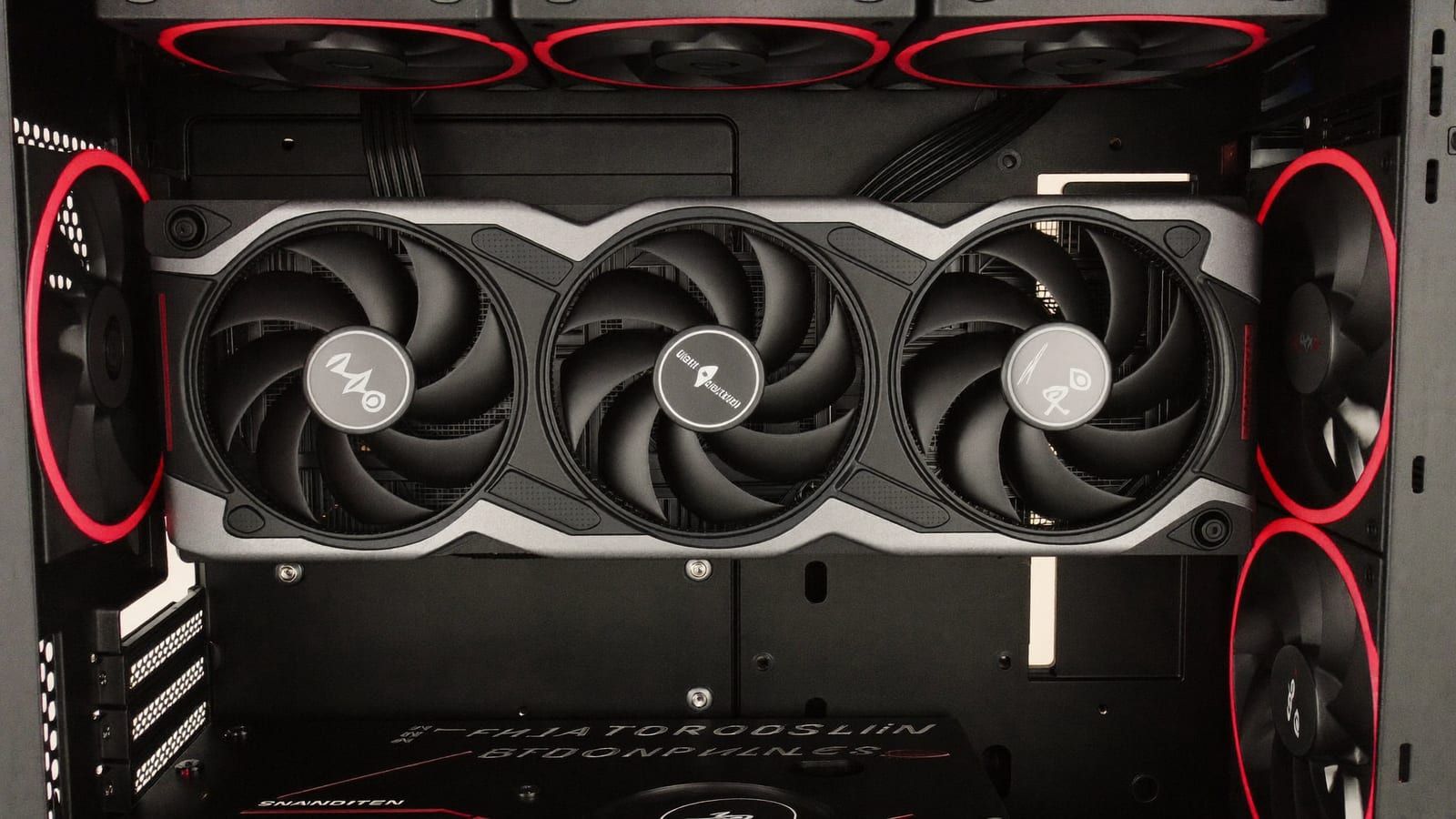
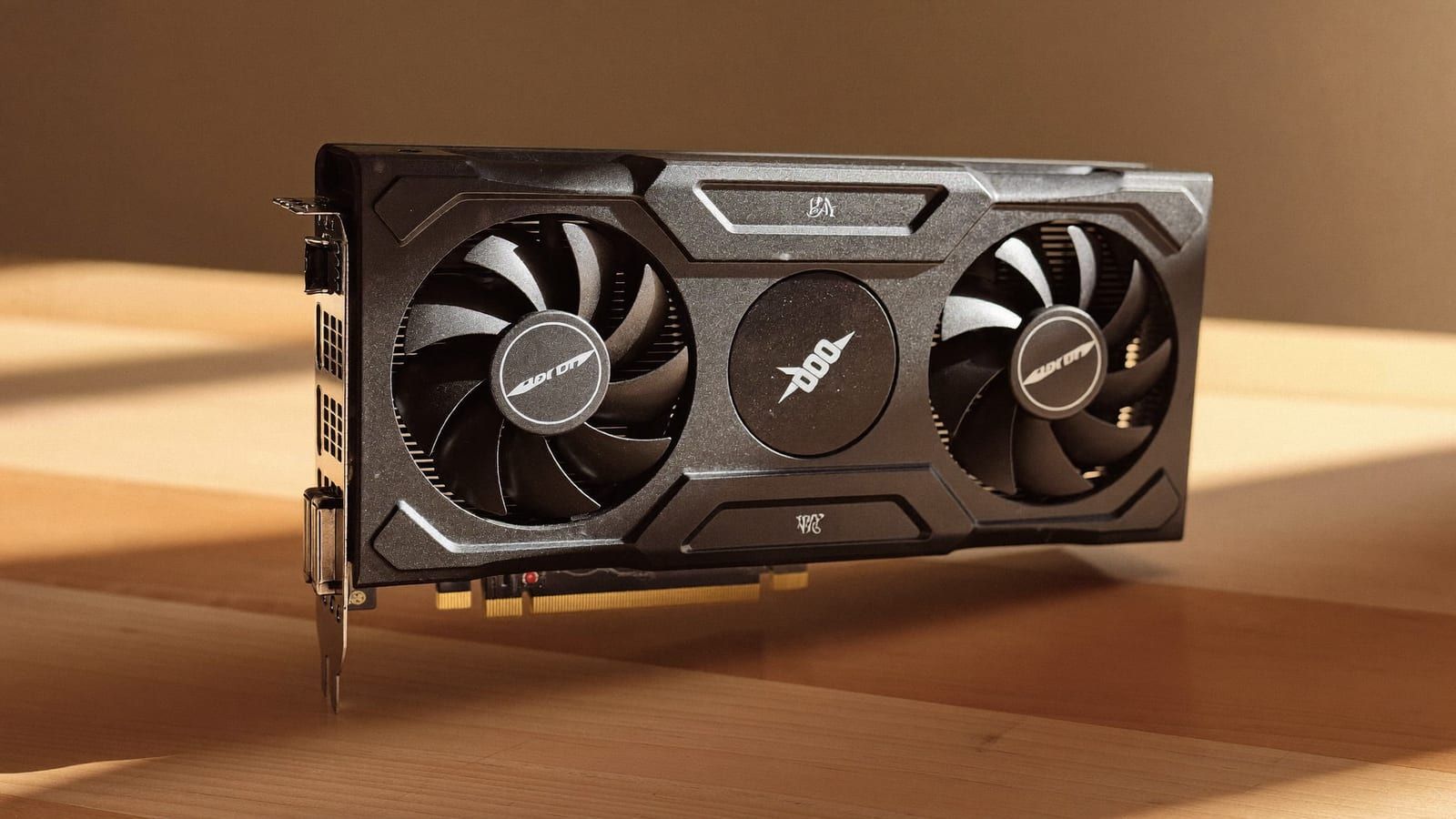
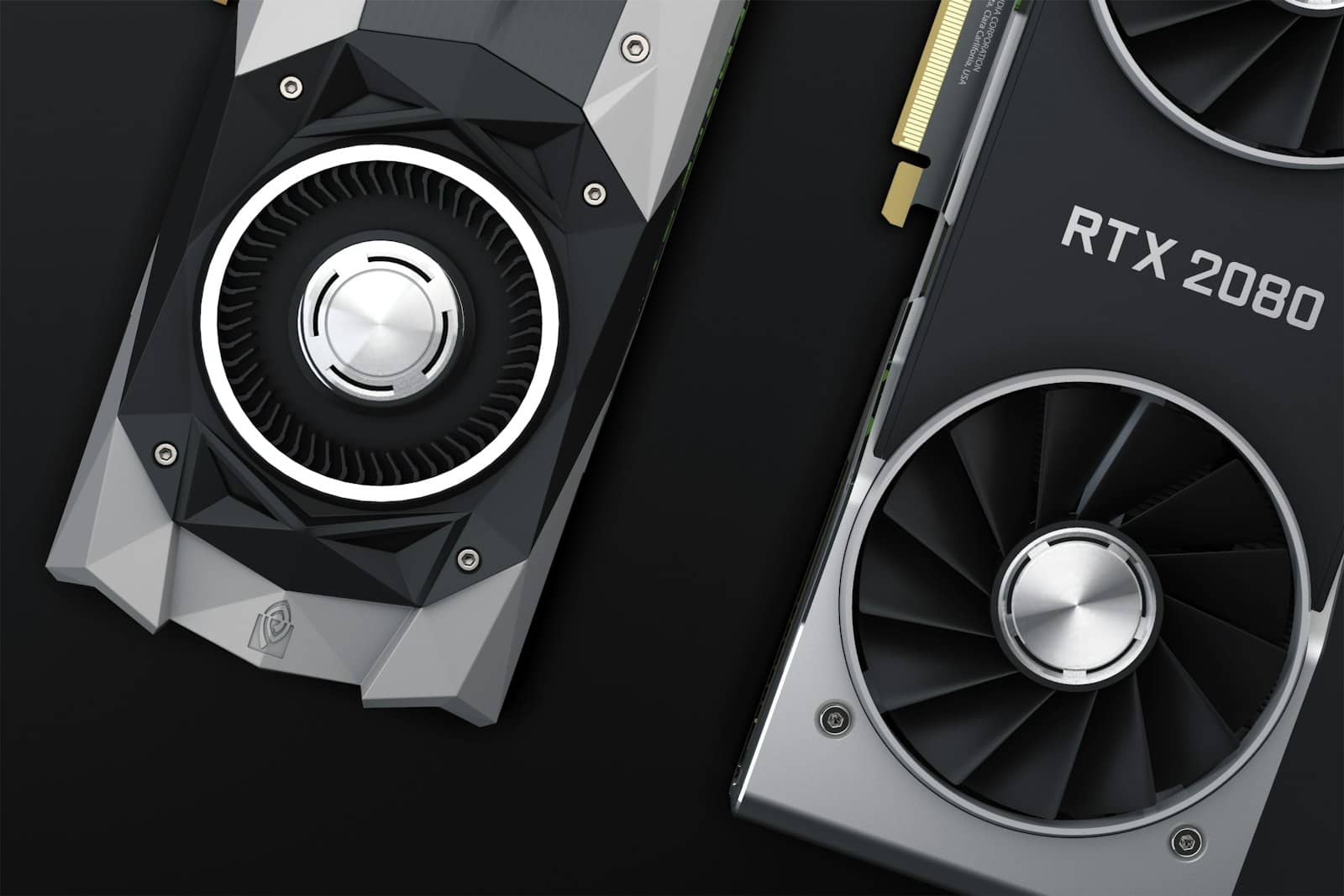
Arc is genuinely good local-AI value now — as long as you skip the dead IPEX-LLM path. Illustration generated with AI. · Generated with Higgsfield
The setup I'd actually follow
You've got two honest options, and I'd pick based on how much you like a terminal. Ollama is the fastest way in — a one-line install, then you pull and run models by name. LM Studio gives you a proper GUI with a model browser if you'd rather click than type. Both wrap llama.cpp and both use the Vulkan backend on Arc automatically, so you're on the good path either way. Here's the flow:
1
**Update your Intel Arc drivers first.** Most Arc AI headaches are just an old driver — grab the latest from Intel before anything else.
**Install Ollama** (one-line installer, Windows or Linux) — or LM Studio if you want a GUI. Skip IPEX-LLM entirely.
3
**Pull a right-sized GGUF model:** `ollama run qwen3:8b` (or an 8B/9B of your choice) at Q4_K_M. On a 12GB B580, start around 7–9B and see how it feels before reaching higher.
**Confirm the Arc GPU is doing the work,** not your CPU: watch GPU usage in Task Manager / your system monitor while it generates. If the GPU stays idle, it fell back to CPU — recheck drivers.
5
**If you want the raw engine,** run llama.cpp's Vulkan build directly for more control — but for most people Ollama or LM Studio is all you need.
That's genuinely it. The reason I keep hammering the Vulkan point is that it's both the easiest AND the fastest route on Arc right now — reviewers and the community consistently report it running well on RX 7000/9000 and Arc cards, and on paper it lands close enough to a tuned setup that the extra fuss isn't worth it for a home rig. Match the model to the 12GB of VRAM you've got and you'll have a snappy local assistant.
What the B580 comfortably runs
Set expectations honestly: a 12GB Arc B580 is an entry-to-mid local-AI card, not a 70B monster. The community's read — and it matches the card's memory and bandwidth — is that it handles 7–9B models (Llama 3.1 8B, Qwen3 8B, a quantized gpt-oss-20B with some offload) smoothly, roughly in the ballpark of an RTX 3060, and stretches to a quantized 14B if you keep the context modest. For chat, coding help, summarizing, and running a private assistant, that's plenty. If you want to know exactly what a given model needs before you pull it, size it in our cost-to-run tool.
Pros
+ Superb value hardware — Arc barely moved in the 2026 price surge
+ The Vulkan path 'just works' via Ollama/LM Studio — no CUDA, no IPEX-LLM
+ 12GB VRAM at a budget price is a lot for small local models
+ Great private-assistant / 7–9B experience for the money
Cons
− Software is a notch less plug-and-play than NVIDIA CUDA — expect a little setup friction
− Not for big (30B+) models — 12GB is the ceiling
− Old IPEX-LLM guides everywhere will try to lead you astray
− Fewer optimized/edge-case tools target Arc than target CUDA
Verdict
My honest call
If you already own an Arc card or you're buying on a budget, don't overthink it: update drivers, install Ollama or LM Studio, pull a Q4 GGUF around 7–9B, and skip IPEX-LLM entirely. You get a genuinely good small-model experience for less money than anything else on the shelf. Just go in knowing you're trading a little software polish for that price — which, for a home setup, I think is a trade well worth making. If you're still choosing a card, I made the buying case in is the Intel Arc B580 a smart local-AI GPU.
Best for: Anyone running local AI on an Intel Arc card (or deciding whether Arc is enough)
Common questions
Does local AI actually work on Intel Arc in 2026?
Yes. Via llama.cpp's Vulkan backend — which Ollama and LM Studio use automatically — Arc cards run local LLMs well. A 12GB B580 handles 7–9B models comfortably and a tight quantized 14B. The main gotcha is software maturity, not capability.
Should I install IPEX-LLM?
No. Intel archived IPEX-LLM in January 2026, so it's no longer maintained and much of the guide content around it is now a dead end. Use Ollama/LM Studio (Vulkan) or llama.cpp's Vulkan build instead.
Ollama, LM Studio, or raw llama.cpp on Arc?
Ollama for the fastest terminal-based start, LM Studio if you want a GUI and a model browser, raw llama.cpp (Vulkan) if you want maximum control. All three land on the same fast Vulkan path on Arc, so pick on preference.
How big a model can a 12GB Arc B580 run?
Comfortably 7–9B at Q4, and a quantized 14B if you keep context modest. Bigger 30B-class models need more VRAM — size any specific model in our cost-to-run tool before you pull it.
Is Arc as fast as an NVIDIA card for local AI?
Not quite — CUDA is still the most optimized path and NVIDIA cards generally edge ahead at the same tier. But for the price, Arc's value is hard to argue with, and the Vulkan path closes much of the everyday gap for single-user local inference.