Generate unlimited AI images on your own computer — no Midjourney subscription, no per-image fees, nothing sent to a server. Here's exactly how to set it up, and what graphics card you need.
Midjourney and DALL·E are great, but they cost money, cap your generations, and send every prompt to a server. Stable Diffusion runs entirely on your own hardware — download the model weights, install a free interface, and generate unlimited AI images privately, offline, for nothing but electricity. Setup takes under 30 minutes once your drivers are in place, and it's more approachable than it used to be. Here's exactly how to do it in 2026, and — the part that actually matters — what graphics card you need.
Step 1: choose your interface
Stable Diffusion needs a front-end. In 2026 there are three main choices. Forge is a fork optimized for speed and lower VRAM, and it's what we'd recommend for most people — familiar form-style interface, runs well on modest cards. ComfyUI is the most powerful and actively maintained option; it uses a visual node graph that exposes every step and makes complex workflows shareable, but it's more to learn. AUTOMATIC1111 (A1111) was the classic beginner pick, but its development has stalled, so we'd steer new users to Forge instead. For a first setup: Forge if you want easy, ComfyUI if you want control.
Unlimited, private, offline image generation — the free alternative to a Midjourney subscription. · Unsplash
Step 2: know the VRAM you need
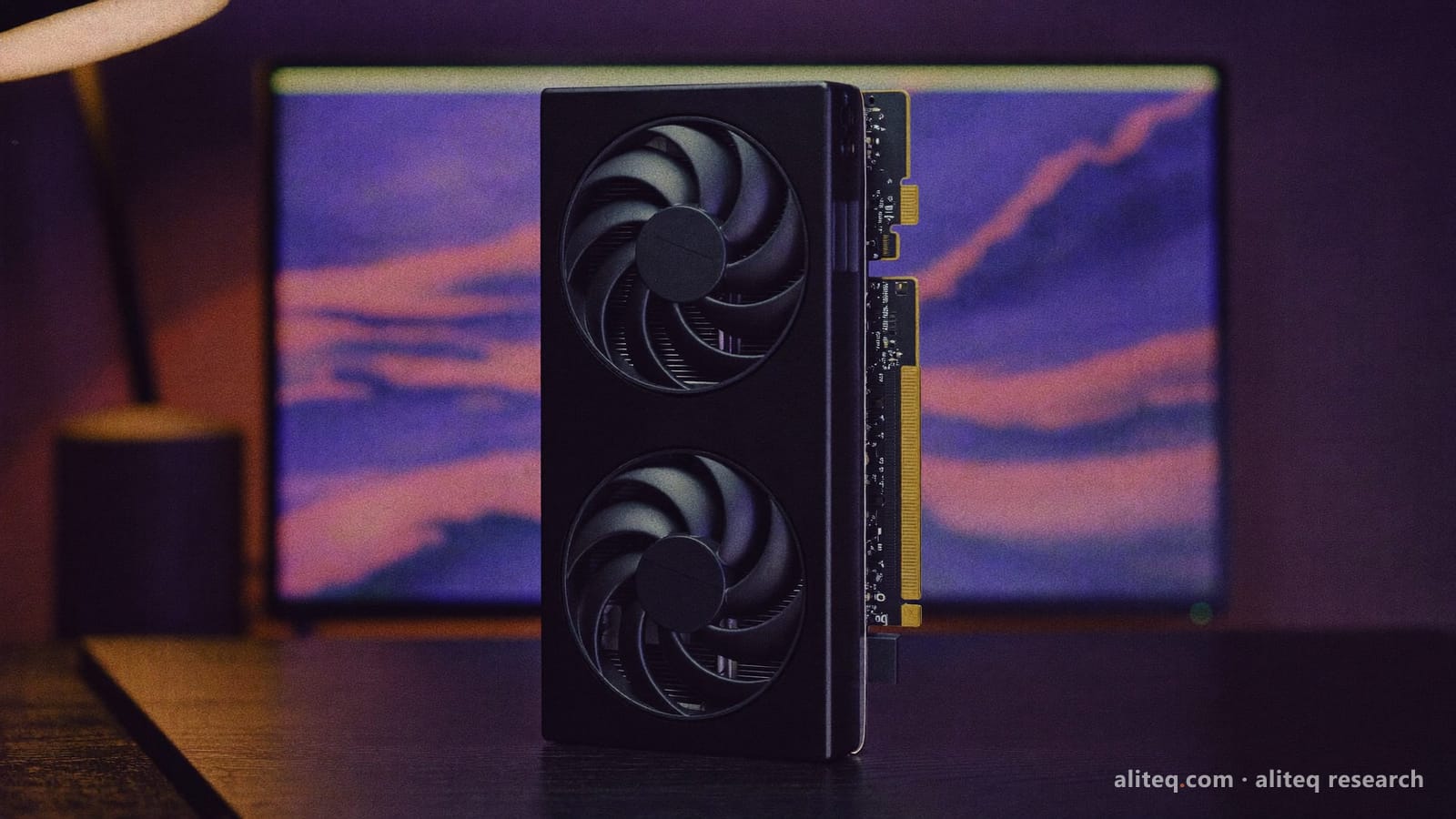
This is the make-or-break factor, because image models are VRAM-hungry. Here's the honest breakdown: SD 1.5 models run on as little as 4GB (with a low-VRAM flag). SDXL — the quality standard for 2026 — needs 8GB minimum, with 10–12GB comfortable. Flux, the newest high-quality family, wants 12GB minimum and 24GB to be happy. If you're buying a card specifically for this, the RTX 3060 12GB is the perennial budget recommendation — 12GB of VRAM at a low price handles SDXL well. Apple Silicon Macs work too, using system RAM as VRAM (16GB+ recommended).
Stable Diffusion VRAM by model type
SD 1.5
Model family
4GB
Minimum VRAM
6–8GB
SDXL (2026 standard)
Model family
8GB
Minimum VRAM
10–12GB
Flux (newest, best quality)
Model family
12GB
Minimum VRAM
24GB
Model family
Minimum VRAM
Comfortable
SD 1.5
4GB
6–8GB
SDXL (2026 standard)
8GB
10–12GB
Flux (newest, best quality)
12GB
24GB
Step 3: install and generate
Once you've picked an interface, the setup is: install Python 3.10 (not 3.11+ — it causes errors), install your GPU drivers (CUDA for NVIDIA), then run the interface's installer, which pulls in dependencies automatically. Download a model checkpoint (Civitai and Hugging Face host thousands, many free), point the interface at it, type a prompt, and generate. If you hit out-of-memory errors, launch with a low-VRAM flag or use an FP8 checkpoint to cut memory use 40–50% with minimal quality loss. From there it's all experimentation — and every image is free.
Can I run Stable Diffusion for free on my own computer?
Yes — Stable Diffusion is free and runs entirely on your own PC. You install a free interface (Forge or ComfyUI), download free model weights, and generate unlimited images privately and offline, with no subscription or per-image fees like Midjourney or DALL·E charge. Your only cost is the hardware you own and electricity. Setup takes under 30 minutes once your GPU drivers and Python are in place.
What graphics card do I need for Stable Diffusion?
It depends on the model. SD 1.5 runs on as little as 4GB of VRAM; SDXL (the 2026 quality standard) needs 8GB minimum and 10–12GB comfortably; Flux wants 12GB minimum, 24GB ideal. The RTX 3060 12GB is the classic budget pick — cheap, with enough VRAM for SDXL. Apple Silicon Macs work too, using system RAM. If you hit memory limits, low-VRAM flags and FP8 checkpoints reduce usage significantly.
Which Stable Diffusion interface is best for beginners?
Forge is the best starting point in 2026 — it's a fork optimized for speed and lower VRAM use, with a familiar form-style interface. AUTOMATIC1111 was the classic beginner choice but its development has stalled, so Forge is the better pick now. ComfyUI is the most powerful option with its node-graph workflow, but it's more to learn. Start with Forge for easy setup; move to ComfyUI later if you want fine control.
That's the whole path to free, unlimited, private AI image generation: pick Forge or ComfyUI, match a model to your VRAM, and create. For the best card for the job, see our GPU-for-Stable-Diffusion guide; for text AI, the local-LLM beginner's guide.
For a primary-source reference, see the official Stability AI model page: Stability AI.
Local vs hosted: running Stable Diffusion yourself is the free, private option, but for business assets — product shots, ad creative, social images — a hosted tool skips the setup entirely. We compared the options in the best AI image generators for product photos.