Qwen3-Coder's best variants want 24GB of VRAM, and its huge context wants headroom. Here are the best GPUs to run it, from the value king to the fastest option.
Simple answer: a 24GB card.Qwen3-Coder's best variants — the 30B-A3B and the 32B — fit comfortably in 24GB of [VRAM](/how-much-vram-do-you-need-to-run-ai-models-2026) at Q4, with room left for a useful chunk of its 256K [context](/what-is-a-context-window-explained-2026). The value king is a [used RTX 3090](/used-rtx-3090-buying-guide-local-ai-2026) — the cheapest way to 24GB, and perfect for this job. The fastest option is an [RTX 4090](/best-gpu-for-local-ai-2026) (same 24GB, more speed, more money). And if you only have 8GB, you're limited to the lighter 8B variant. For a genuinely good local coding assistant, 24GB is the target — here's how to pick.
Why 24GB, and the value pick
Two things make 24GB the sweet spot for Qwen3-Coder. First, its best variants need it: the 30B-A3BMoE and the 32B dense model both fit in 24GB at Q4 and run well, whereas a 16GB card has to squeeze and can't hold much context. Second, Qwen3-Coder's superpower is that 256K context for whole-repository reasoning — and context eats VRAM (the KV cache grows as you fill it), so you want the headroom 24GB gives. The value champion is a [used RTX 3090](/used-rtx-3090-buying-guide-local-ai-2026): it has the same 24GB as an RTX 4090 for far less money, and for inference (which is what a coding assistant does) it's plenty fast — making it the cheapest route to a great local coding setup. If you want maximum speed (for snappier autocomplete and faster agentic runs with Cline), the RTX 4090 is the upgrade, same 24GB with more throughput. Either way, 24GB is what turns Qwen3-Coder from 'cramped' into 'genuinely good.'
Qwen3-Coder GPU picks
Used RTX 3090
GPU
24GB
VRAM
Value king — 30B-A3B / 32B
RTX 4090
GPU
24GB
VRAM
Fastest — snappy agentic work
RTX 5060 Ti 16GB
GPU
16GB
VRAM
Budget; 8B well, 30B tight
8GB card
GPU
8GB
VRAM
8B variant only
GPU
VRAM
Best for
Used RTX 3090
24GB
Value king — 30B-A3B / 32B
RTX 4090
24GB
Fastest — snappy agentic work
RTX 5060 Ti 16GB
16GB
Budget; 8B well, 30B tight
8GB card
8GB
8B variant only
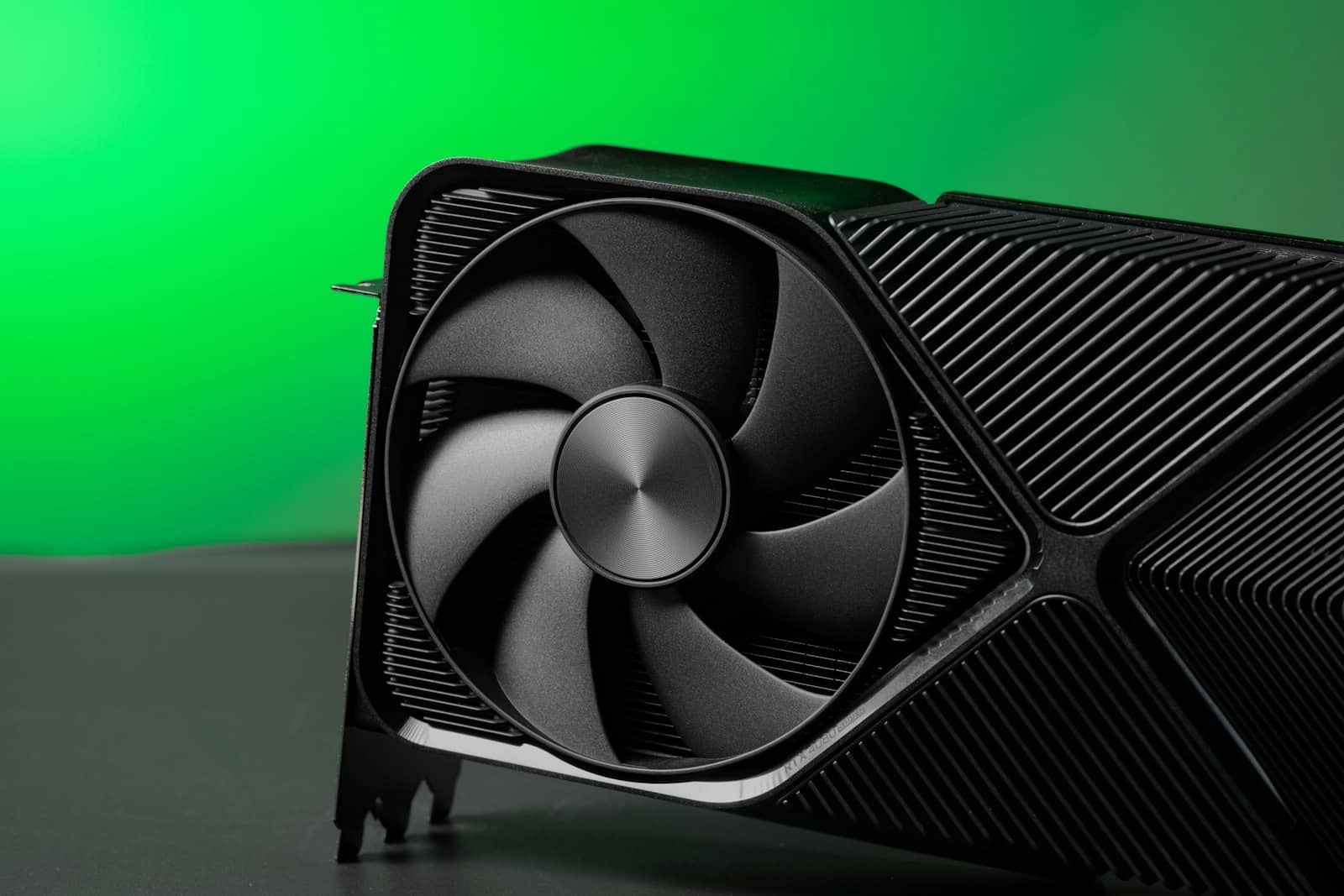
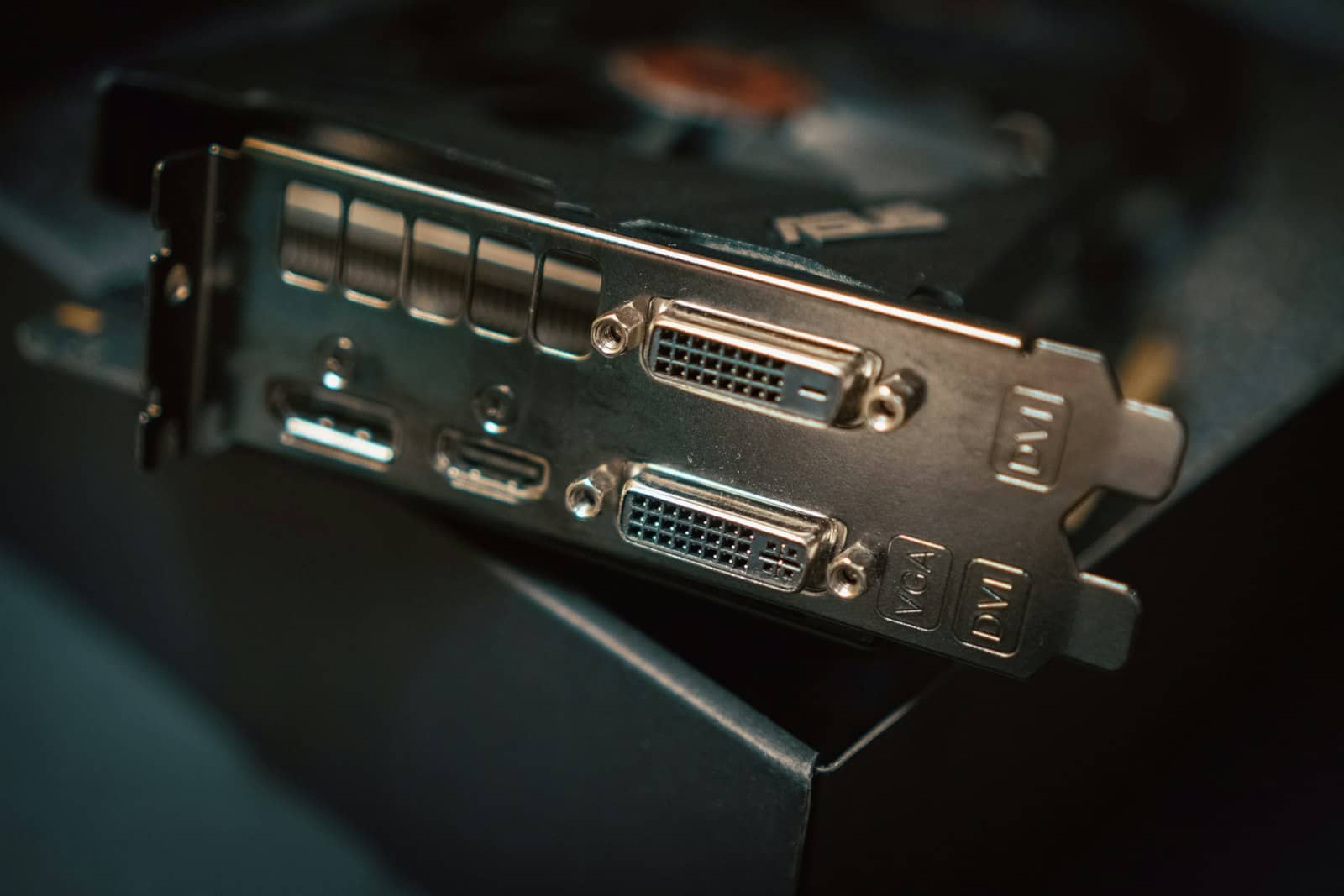
A used RTX 3090's 24GB is the cheapest route to running Qwen3-Coder's 30B-A3B or 32B with context headroom. · Unsplash
So which should you buy?
Decide by budget and speed appetite. If value matters most, buy a [used RTX 3090](/used-rtx-3090-buying-guide-local-ai-2026) — it's the cheapest 24GB, runs the 30B-A3B or 32B beautifully, and gives you a private, capable coding assistant for the least money. It's the pick I'd recommend to most people building a local coding setup. If you want maximum speed, an [RTX 4090](/best-gpu-for-local-ai-2026) is the upgrade — same 24GB, noticeably faster generation, better for heavy agentic multi-file work. If you're on a tight new-hardware budget, the [RTX 5060 Ti](/is-the-rtx-5060-ti-16gb-good-for-local-ai-2026) 16GB runs the 8B well and can manage the bigger variants at short context, but you'll feel the 16GB ceiling once you use Qwen3-Coder's big context — so treat it as an entry point, not the ideal. And if you only have 8GB, run the 8B variant and enjoy solid autocomplete while you save for 24GB. Whatever you pick, [size it in the VRAM calculator](/tools/vram-calculator) at your real variant and context first. The one-line verdict: for Qwen3-Coder, a used RTX 3090 24GB is the best value, and 24GB is the answer.
Quick answers
What GPU do you need for Qwen3-Coder?
A 24GB GPU is the target for Qwen3-Coder's best variants. The 30B-A3B and 32B models fit in 24GB of VRAM at Q4 quantization with room for a useful slice of the 256K context, which is what makes them genuinely good for coding. The cheapest route to 24GB is a used RTX 3090, which is the best value; an RTX 4090 offers the same capacity with more speed. A 16GB card like the RTX 5060 Ti runs the smaller 8B variant well but is tight for the 30B/32B plus context. On an 8GB card, you're limited to the 8B variant, which is fine for autocomplete but not heavy repository work.
Is a used RTX 3090 good for Qwen3-Coder?
Yes — it's the best value option. A used RTX 3090 gives you 24GB of VRAM, the same as an RTX 4090, for considerably less money, and 24GB is exactly what Qwen3-Coder's 30B-A3B and 32B variants need to run well with context headroom. For inference — which is what a coding assistant does — the 3090 is plenty fast, so you're not giving up much versus a 4090 except peak speed. It's the cheapest way to a genuinely good, private local coding setup. If you want faster autocomplete and quicker agentic runs, step up to a 4090, but for most people the 3090 is the smart buy.
Can you run Qwen3-Coder on 16GB?
Partly. A 16GB card like the RTX 5060 Ti runs the 8B variant comfortably and can load the 30B-A3B or 32B at Q4, but you'll have little room for Qwen3-Coder's large context, so long-context, whole-repository work will be cramped or won't fit. For light autocomplete and small tasks, 16GB is workable; for the full experience — the 30B-A3B or 32B with meaningful context — you really want 24GB. If you already own a 16GB card, start with the 8B and see how far it gets you; if you're buying specifically for Qwen3-Coder, a used RTX 3090 (24GB) is the better long-term choice.