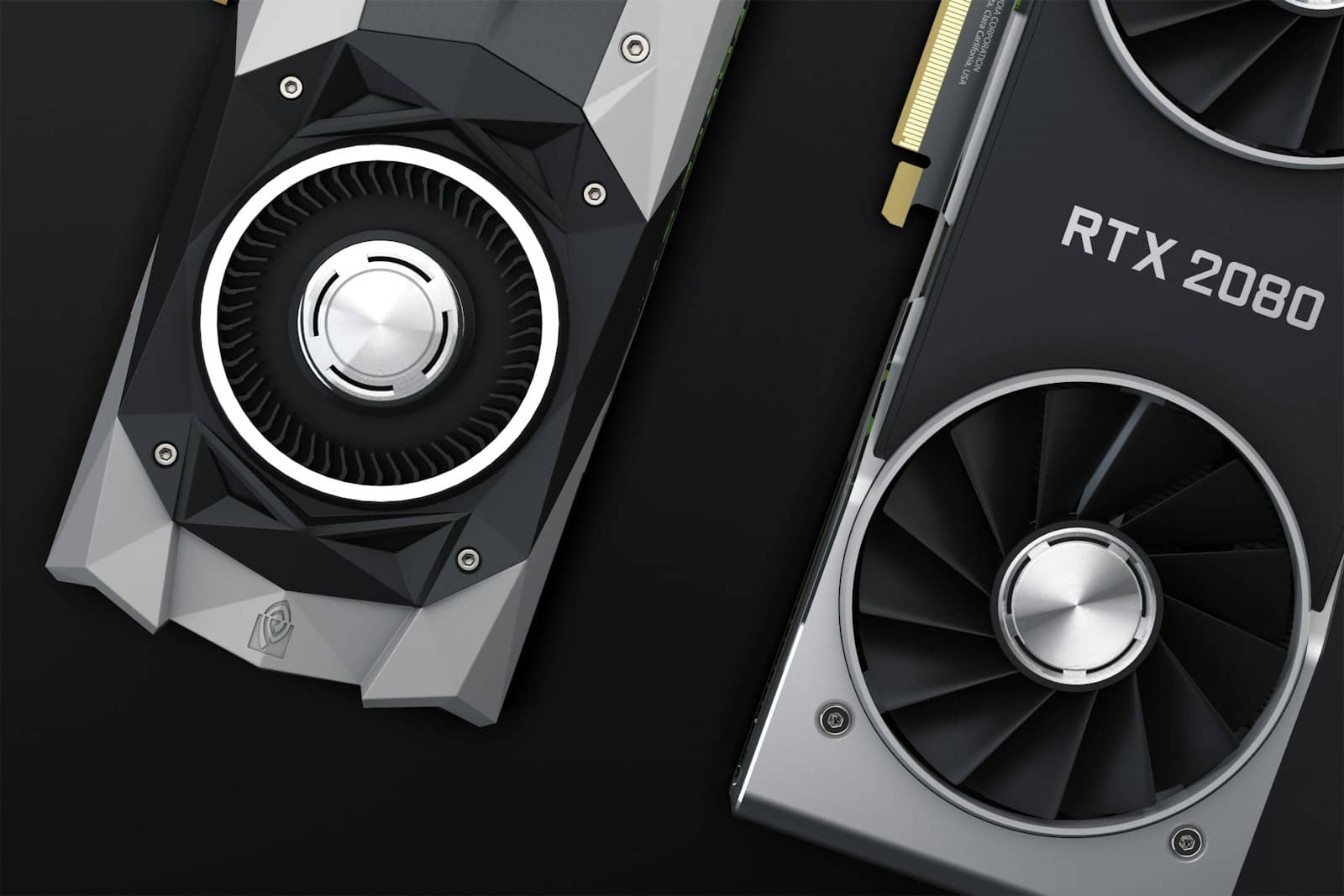
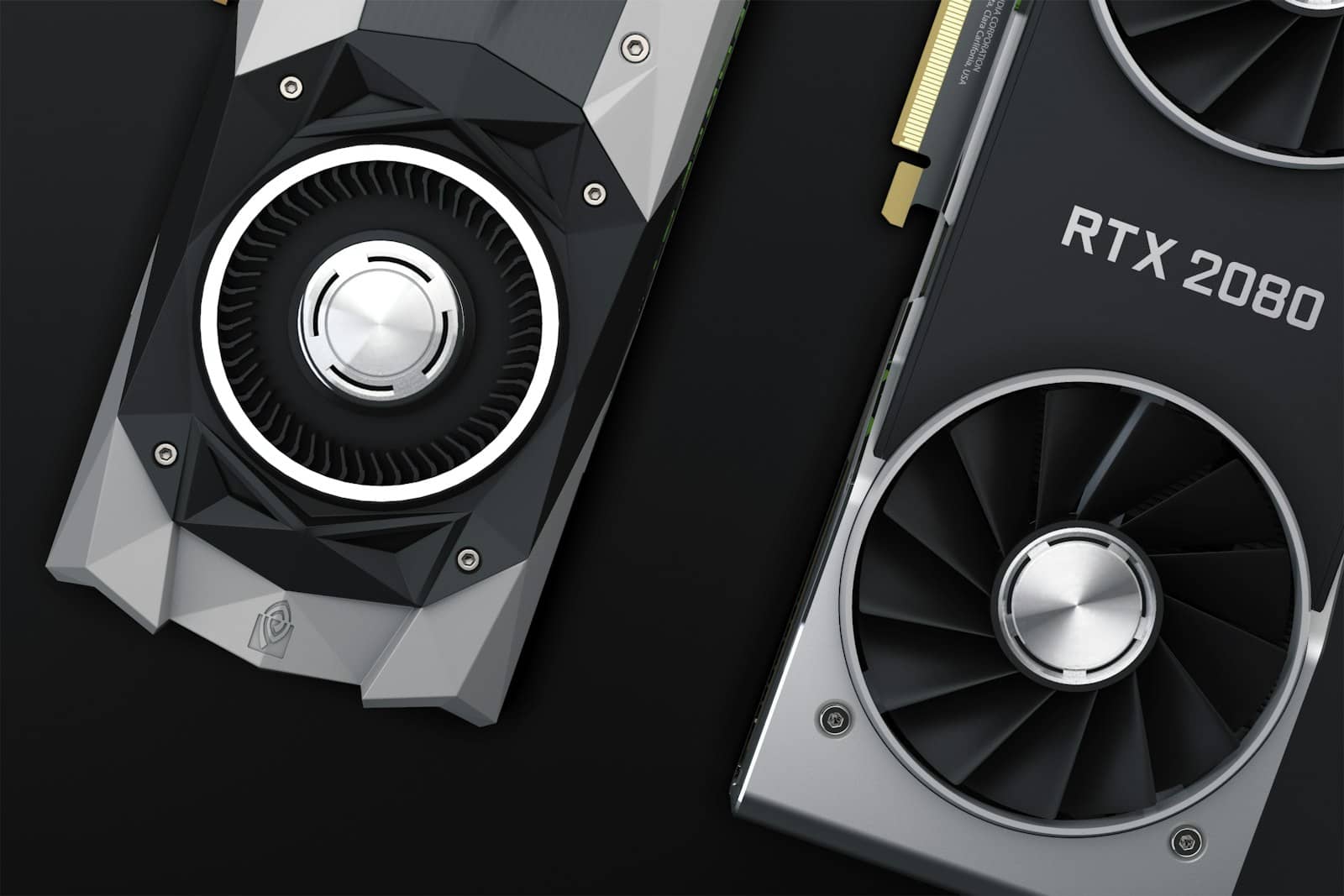
An RTX 5090 is currently running $4,300-4,700 on the street for 32GB of VRAM. A Radeon PRO W7900 — a real, current, buyable workstation card — is going for around $3,700-3,999 new, and it has 48GB. More memory, lower price, and almost nobody shopping for local AI hardware seems to know it exists. That inversion is the most useful thing I found pricing out every rung of the local-AI hardware ladder this week, from a $4,300 gaming flagship to a $16,000 professional card.
The four rungs, priced today
Local AI hardware tiers — August 2026 pricing
1
Tier
32GB GDDR7
VRAM / Memory
RTX 5090
Example hardware
$4,300-4,700
2
Tier
48GB GDDR6
VRAM / Memory
Radeon PRO W7900
Example hardware
$3,700-3,999
3
Tier
96GB GDDR7 ECC
VRAM / Memory
RTX PRO 6000 Blackwell
Example hardware
$13,250-16,000
4a
Tier
128GB unified
VRAM / Memory
NVIDIA DGX Spark
Example hardware
$4,699
4b
Tier
128GB unified
VRAM / Memory
Ryzen AI Max+ 395 mini PC
Example hardware
$3,449-3,649
4c
Tier
256GB unified
VRAM / Memory
Mac Studio M5 Ultra
Example hardware
~$9,499
Tier
VRAM / Memory
Example hardware
Street price
1
32GB GDDR7
RTX 5090
$4,300-4,700
2
48GB GDDR6
Radeon PRO W7900
$3,700-3,999
3
96GB GDDR7 ECC
RTX PRO 6000 Blackwell
$13,250-16,000
4a
128GB unified
NVIDIA DGX Spark
$4,699
4b
128GB unified
Ryzen AI Max+ 395 mini PC
$3,449-3,649
4c
256GB unified
Mac Studio M5 Ultra
~$9,499
Tier 1 is the obvious default because it's also a genuinely great gaming card — if this machine needs to double as your gaming rig, the RTX 5090 earns its premium. As a pure local-AI purchase, though, you're paying roughly $147 per gigabyte of VRAM for the privilege, and CUDA compatibility is the only thing you're buying beyond raw memory.
The tier that breaks the pattern
The Radeon PRO W7900 is where this ladder stops behaving the way you'd expect. It's a current-generation, ECC-capable, 48GB professional card, and as of this week it's selling new for less than an RTX 5090 while offering 16GB more memory. The tradeoff is real: it's not a gaming card in any meaningful sense, and AMD's ROCm software stack still lags CUDA on out-of-the-box compatibility for a lot of local inference tooling — a gap I've measured directly on the AMD-vs-Nvidia side before. But for anyone running Ollama, vLLM, or llama.cpp against open-weight models and not gaming on the same box, that software friction is a one-time setup cost, not a permanent tax.
Skip the $16,000 card unless someone else is paying
The RTX PRO 6000 Blackwell is the clearest example of a tier that's priced itself out of home use. Tom's Hardware confirmed it launched at $8,565 in March 2025; by June 2026, Nvidia's own marketplace had it at $13,250; by this August, it's listed at $16,000. Nvidia points to GDDR7 supply constraints, since the card's 96GB clamshell design uses more of that memory than almost anything else on the market. Whatever the cause, the number now speaks for itself, and I've made the case in detail for why it's a hard sell outside enterprise budgets.
How the RTX PRO 6000 got to $16,000
March 2025
Launches at $8,565 for the 96GB Blackwell card.
June 2026
Nvidia's own marketplace lists it at $13,250.
August 2026
Price reaches $16,000 — an 87% increase from launch, with GDDR7 shortage cited as the driver.
If 96GB of memory is genuinely the requirement, unified-memory systems get you there for a fraction of the cost, just with lower bandwidth. The NVIDIA DGX Spark ships 128GB of LPDDR5X for $4,699, having risen from $3,999 in February citing the same memory supply pressure. Ryzen AI Max+ 395 mini PCs hit the same 128GB figure for less — Framework's desktop starts at $3,449, GMKtec's EVO-X2 at $3,649.99 — on Windows or Linux rather than Nvidia's DGX OS. And on the Apple side, the newly announced Mac Studio M5 Ultra starts at $5,499 for 96GB, with the jump to 256GB adding $4,000 (about $9,499 total), confirmed directly in Apple's own launch coverage. A 512GB configuration is coming in October, pricing still unannounced, with the current top configuration already at $18,299.
Unified-memory boxes like the DGX Spark and Ryzen AI Max mini PCs trade raw bandwidth for far more memory per dollar than a discrete GPU. · Unsplash
Decide if your tooling needs CUDA specifically, or runs fine on ROCm/Metal via Ollama, vLLM, or llama.cpp.
Decide if this machine also needs to game — if yes, that pulls you toward Tier 1 regardless of VRAM-per-dollar.
Match VRAM to the largest model you'll actually run day-to-day, not the biggest one you might someday try.
4
Buy soon if you're buying at all — every tier here has moved up in price within the last six months, not down.
My actual pick
Verdict
Verdict
For most serious home local-AI users without a gaming requirement, the Radeon PRO W7900 is the best value on this entire ladder right now — more memory than an RTX 5090 for less money, with a manageable software tradeoff. If you need CUDA specifically and can live with 32GB, the RTX 5090 is the right call. If you genuinely need more than 48GB, skip the RTX PRO 6000 and go straight to a unified-memory box — DGX Spark or a Ryzen AI Max+ mini PC gets you to 128GB for well under half the price.
Best for: Home users and small labs building a dedicated local-AI machine on a budget under $10,000.
FAQ
Is the Radeon PRO W7900 actually better than an RTX 5090 for local AI?
It has more VRAM for less money, which matters more than raw speed once a model doesn't fit in memory at all. It loses on CUDA compatibility and gaming performance, so the right answer depends on your software stack.
Why did the RTX PRO 6000 get so expensive?
Nvidia has raised its price twice in 2026, from $8,565 at launch to $16,000 now, citing GDDR7 memory supply constraints tied to its 96GB clamshell design.
Is a Mac Studio or a DGX Spark better for local AI?
The DGX Spark and Ryzen AI Max mini PCs are cheaper per gigabyte at 128GB. The Mac Studio costs more but adds Apple's software ecosystem and a path up to 512GB, which none of the others currently offer.
Should I wait for prices to come down?
Nothing on this list has gotten cheaper in 2026 — every tier has moved up due to DRAM and GDDR7 supply pressure. If your budget is set, buying sooner rather than later is the safer bet.
None of these tiers are wrong, exactly — they're just priced for different jobs. If you're still narrowing down a specific machine rather than a whole category, our broader local-AI desktop leaderboard and the prebuilt-vs-DIY breakdown are the next two things worth reading before you spend anything.