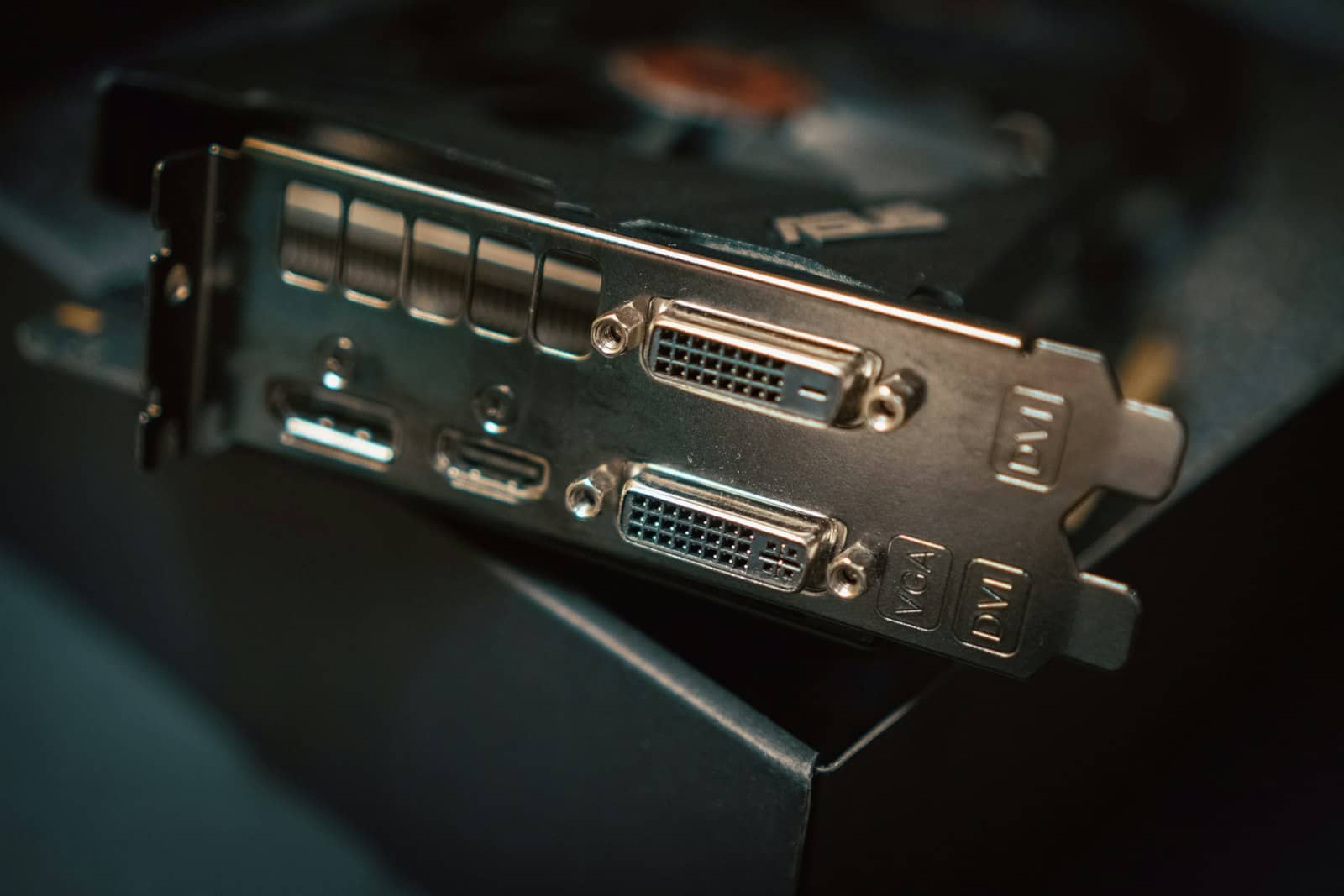
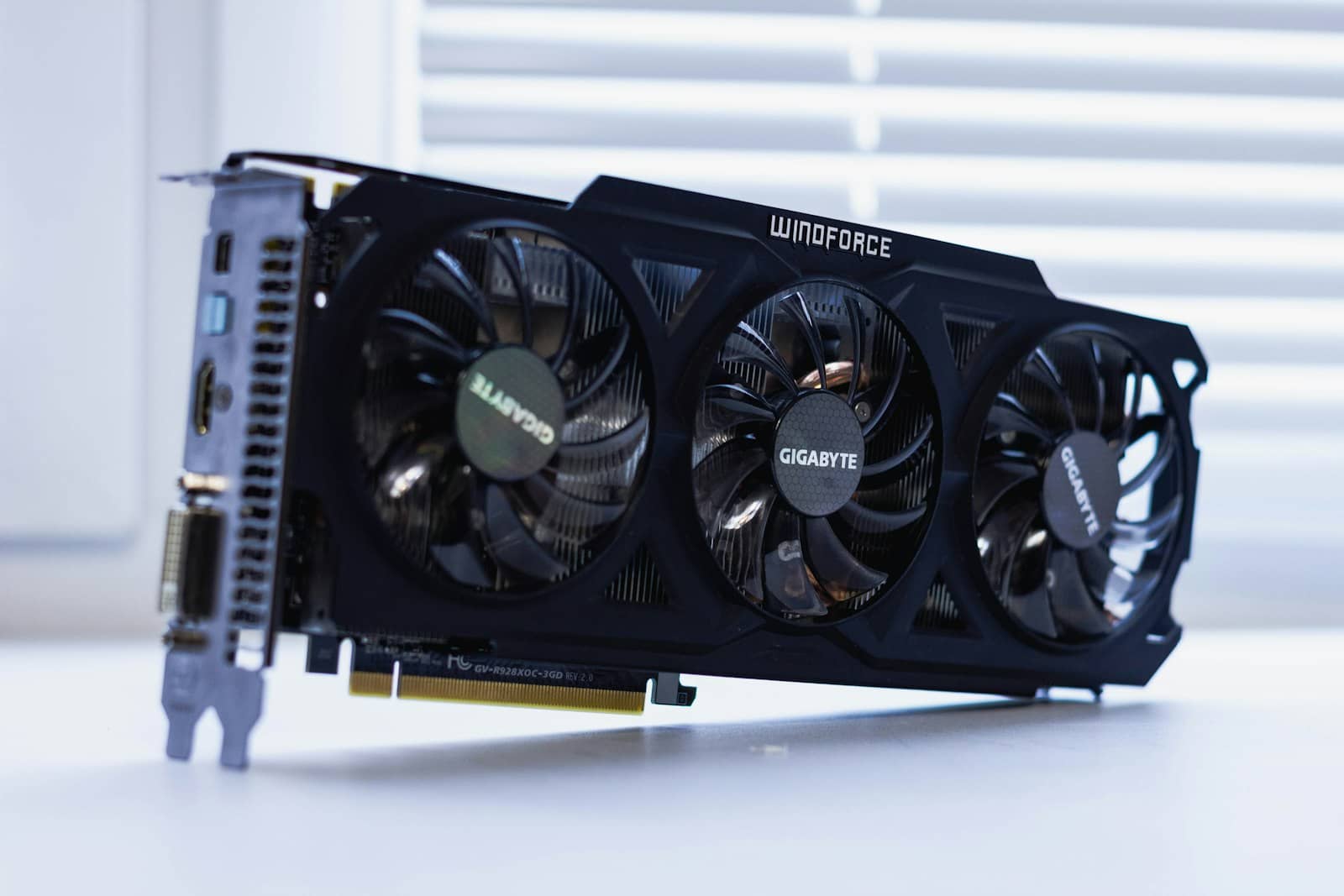
The o1-mini-beating 32B distill wants ~20GB of VRAM, so 24GB is the target. Here are the best GPUs to run DeepSeek R1, from the value king to the fastest.
A 24GB card — because the version you want, the [32B distill](/deepseek-r1-32b-vs-70b-which-to-run-2026), uses about 20GB of [VRAM](/how-much-vram-do-you-need-to-run-ai-models-2026) at [Q4](/which-quantization-should-you-use-q4-q5-q8-2026) and beats OpenAI's o1-mini. The value king is a [used RTX 3090](/used-rtx-3090-buying-guide-local-ai-2026) — the cheapest route to 24GB — running the 32B at ~28-35 [tokens/second](/how-to-speed-up-local-llm-inference-2026). The fastest is an [RTX 4090](/best-gpu-for-local-ai-2026) (~38-45 tok/s, same 24GB, more money). If you're on 16GB, run the excellent [14B distill](/which-deepseek-r1-model-fits-your-gpu-2026) instead, and if you want the 70B, you need dual cards or a big Mac. For the best local reasoning per dollar, 24GB is the answer — here's how to pick.
Why 24GB, and the value pick
The whole recommendation hinges on the [32B distill](/deepseek-r1-32b-vs-70b-which-to-run-2026) — the best local reasoning you can run — and it needs ~20GB of VRAM at [Q4_K_M](/which-quantization-should-you-use-q4-q5-q8-2026), plus a little for the KV cache. That means a 24GB card is the natural home for it, with about 4GB of headroom. The value champion is a [used RTX 3090](/used-rtx-3090-buying-guide-local-ai-2026): same 24GB as an RTX 4090, far cheaper, and it runs the 32B distill at a very usable ~28-35 tok/s — making it the cheapest way to o1-mini-beating local reasoning. If you want more speed (snappier step-by-step 'thinking'), the RTX 4090 pushes the same model to ~38-45 tok/s, same 24GB, for more money. Both are excellent; the 3090 wins on value, the 4090 on speed. This is the same reason a 24GB card is the sweet spot across local AI — enough VRAM for the best consumer-runnable models, DeepSeek R1's 32B included.
DeepSeek R1 GPU picks
Used RTX 3090
GPU
24GB
VRAM
32B distill ~28-35 tok/s (value king)
RTX 4090
GPU
24GB
VRAM
32B distill ~38-45 tok/s (fastest)
RTX 5060 Ti 16GB
GPU
16GB
VRAM
14B distill (strong on math)
Dual 24GB / big Mac
GPU
40GB+
VRAM
70B distill
GPU
VRAM
DeepSeek R1 experience
Used RTX 3090
24GB
32B distill ~28-35 tok/s (value king)
RTX 4090
24GB
32B distill ~38-45 tok/s (fastest)
RTX 5060 Ti 16GB
16GB
14B distill (strong on math)
Dual 24GB / big Mac
40GB+
70B distill
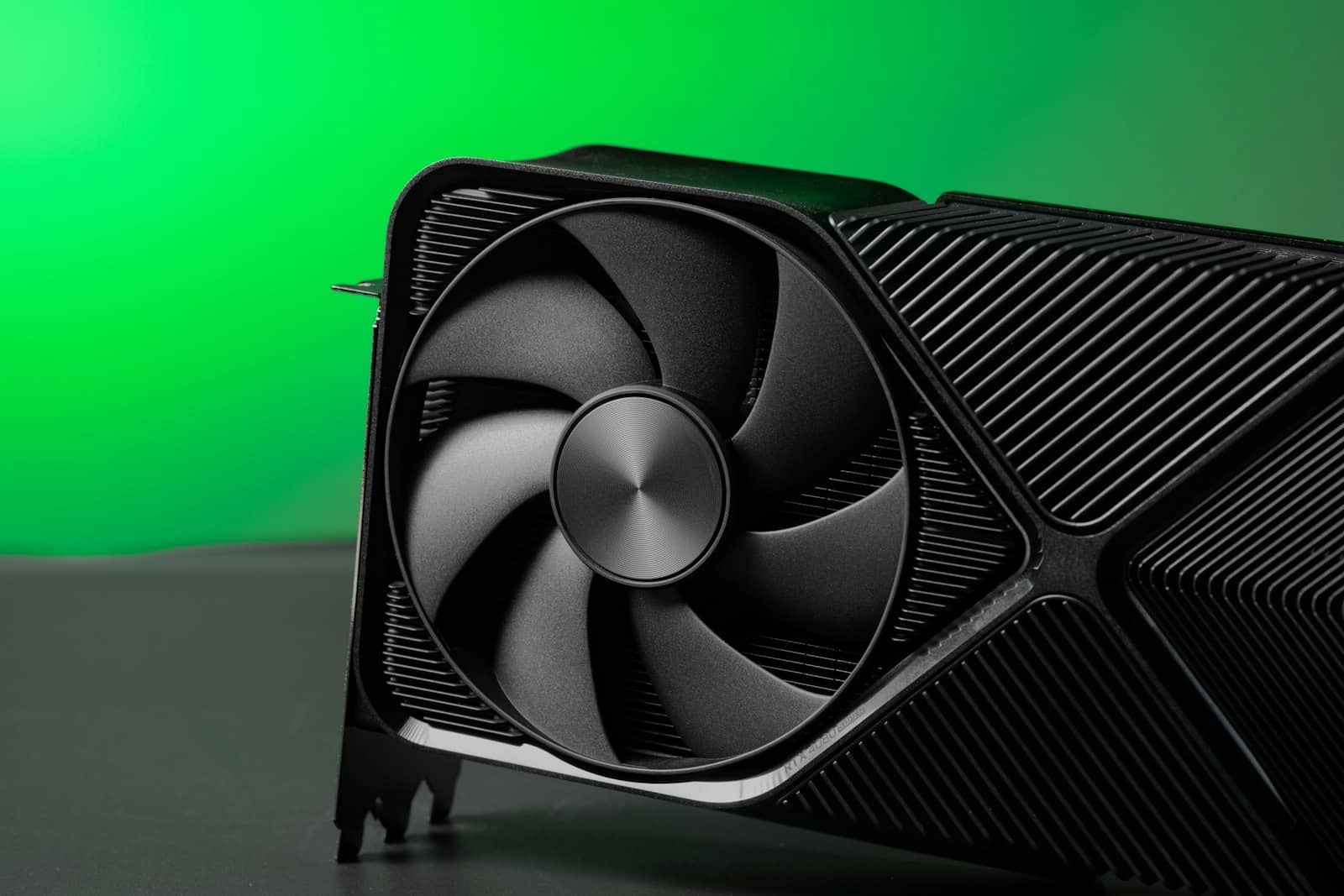
A used RTX 3090's 24GB is the cheapest way to run the o1-mini-beating 32B distill of DeepSeek R1. · Unsplash
So which should you buy?
Decide by budget and speed appetite. If value matters most, buy a [used RTX 3090](/used-rtx-3090-buying-guide-local-ai-2026) — 24GB for the least money, running the 32B distill that beats o1-mini at ~28-35 tok/s. For most people building a local-reasoning setup, this is the pick. If you want maximum speed, an [RTX 4090](/best-gpu-for-local-ai-2026) runs the same 32B distill faster (~38-45 tok/s) — nicer for R1's token-heavy 'thinking,' at a higher price. If you're on a 16GB card (like a 5060 Ti or RTX 3060 12GB for the 8B), run the [14B distill](/which-deepseek-r1-model-fits-your-gpu-2026) — it rivals models four times its size on math and is a superb value reasoner. Don't buy hardware just to fit the 70B — the 32B is nearly as good and far simpler. Whatever you choose, [size it in the VRAM calculator](/tools/vram-calculator) first. The one-line verdict: for DeepSeek R1, a used RTX 3090 24GB is the best value, and 24GB unlocks the o1-mini-beating 32B.
Quick answers
What GPU do you need for DeepSeek R1?
For the best experience, a 24GB card, because DeepSeek R1's 32B distill — the version that beats OpenAI's o1-mini — uses about 20GB of VRAM at Q4_K_M and needs 24GB to fit with headroom for context. The cheapest route to 24GB is a used RTX 3090, which runs the 32B distill at roughly 28-35 tokens per second; an RTX 4090 runs it faster at 38-45 tok/s for more money. If you have a 16GB card, run the 14B distill instead, which is excellent on math. The 70B distill needs 40GB+ (dual cards or a big Mac). For most people, a used RTX 3090 is the best value pick for DeepSeek R1.
Is a used RTX 3090 good for DeepSeek R1?
Yes — it's the best value option. A used RTX 3090 gives you 24GB of VRAM, exactly what DeepSeek R1's 32B distill needs (about 20GB at Q4), and it runs that model at roughly 28-35 tokens per second while beating OpenAI's o1-mini on reasoning. That makes it the cheapest way to get o1-mini-beating local reasoning. An RTX 4090 has the same 24GB and runs the model faster (38-45 tok/s) but costs considerably more. For most people who want strong local reasoning without overspending, the used RTX 3090 is the smart buy; step up to a 4090 only if you specifically want the extra speed.
Can you run DeepSeek R1 on a 16GB GPU?
Yes, but the 14B distill rather than the 32B. A 16GB card like the RTX 5060 Ti runs DeepSeek R1's 14B distill very well — a standout reasoning model that rivals models four times its size on math benchmarks. What a 16GB card can't fit is the 32B distill, which needs about 20GB (a 24GB card). So on 16GB, run the 14B distill for excellent reasoning value; if you later want the o1-mini-beating 32B, upgrade to a 24GB card such as a used RTX 3090. On a 12GB card like the RTX 3060, drop to the 8B distill, which is still a capable reasoner.