DeepSeek R1 comes in six distilled sizes, from 1.5B to 70B. Here's exactly which one fits your VRAM — and why the 32B on a 24GB card is the value sweet spot.
DeepSeek R1's distilled models come in six sizes — 1.5B, 7B, 8B, 14B, 32B, and 70B — and picking the right one is just VRAM math. Quick map: the 8B fits 8-12GB, the 14B suits 12-16GB, the 32B distill (~20GB at Q4) is the [24GB](/best-gpu-for-deepseek-r1-2026) sweet spot — and it beats o1-mini — while the 70B needs 40GB+ (so dual 24GB cards or a big-memory Mac). The 1.5B/7B are tiny options for very limited hardware. So the honest headline: 24GB is the target for the best local reasoning (the 32B distill), but you can get real value at every tier. Here's the full sizing.
The sizing, tier by tier
Here's what fits where. 8-12GB (e.g. [RTX 3060](/what-llms-can-the-rtx-3060-12gb-run-2026)): run the 8B distill — a genuinely capable reasoning model that fits comfortably and runs at good speed. 12-16GB (e.g. [RTX 5060 Ti 16GB](/is-the-rtx-5060-ti-16gb-good-for-local-ai-2026)): step up to the 14B distill, which is a standout — it scores 69.7% on AIME 2024 and 93.9% on MATH-500, rivaling models four times its size on math. 24GB (e.g. [used RTX 3090 or RTX 4090](/best-gpu-for-deepseek-r1-2026)): this is the sweet spot — the 32B distill at Q4_K_M uses about 20GB, leaving ~4GB for the KV cache, and it outperforms OpenAI's o1-mini while running at ~28-45 tokens/second. 40GB+ (dual cards or big Mac): the 70B distill needs this much memory — it doesn't fit any single consumer GPU, requiring two 24GB cards or Apple Silicon with 64GB+ unified memory. For most people, the 32B on 24GB is the target, with the 14B a superb fallback on 16GB.
DeepSeek R1 distill sizing
8B
Distill
8-12GB
VRAM needed
Accessible reasoning
14B
Distill
12-16GB
VRAM needed
Rivals 4× bigger on math
32B
Distill
~20GB (24GB card)
VRAM needed
Sweet spot — beats o1-mini
70B
Distill
40GB+
VRAM needed
Dual 24GB or big Mac
Distill
VRAM needed
Best for
8B
8-12GB
Accessible reasoning
14B
12-16GB
Rivals 4× bigger on math
32B
~20GB (24GB card)
Sweet spot — beats o1-mini
70B
40GB+
Dual 24GB or big Mac
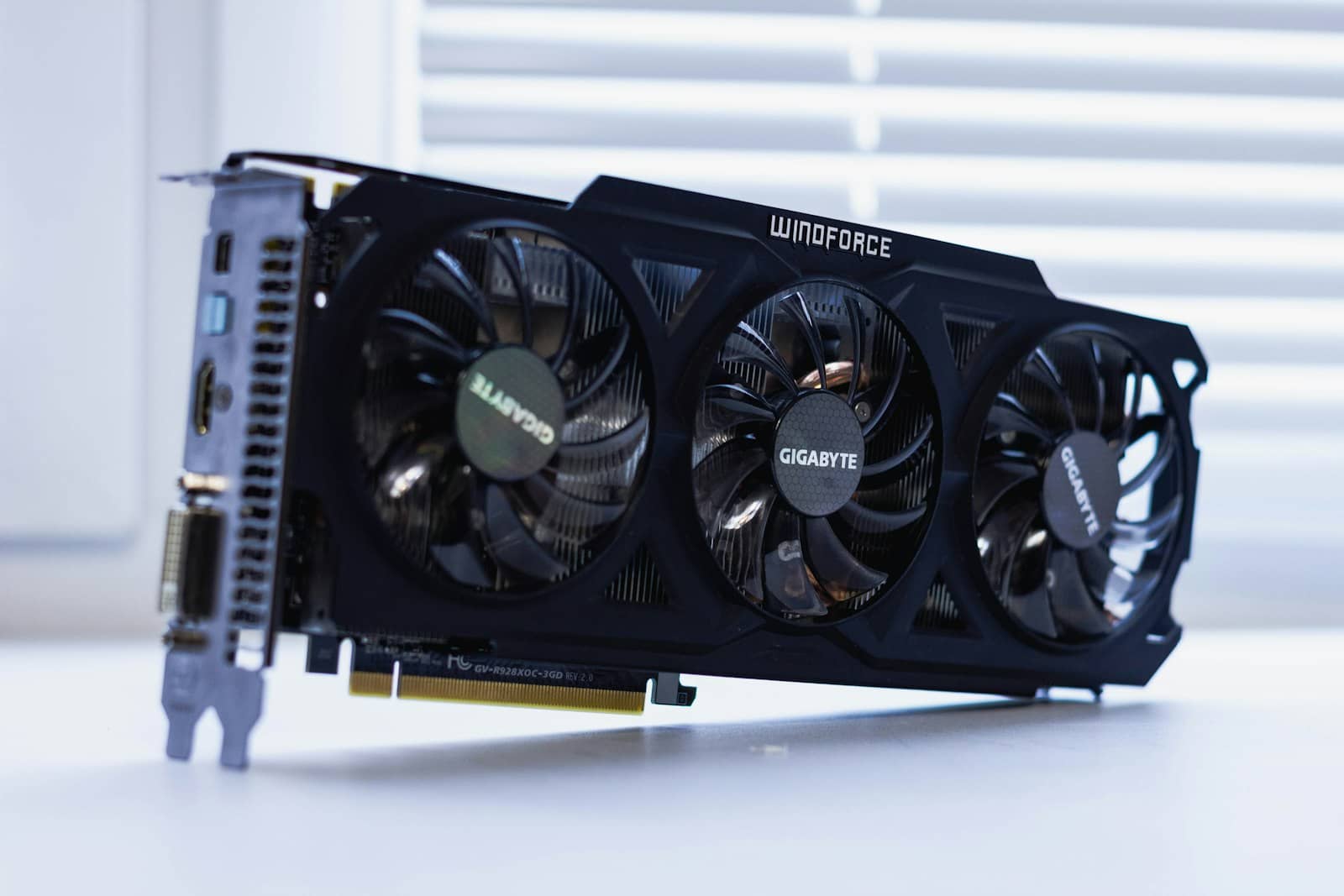
The 32B distill uses ~20GB at Q4 — a perfect fit for a 24GB card, with room for the KV cache. · Unsplash
So which should you run?
Match it to your card and stop overthinking. On a [24GB GPU](/best-gpu-for-deepseek-r1-2026) — the used RTX 3090 is the value pick — run the 32B distill; it's the best local reasoning you can get for the money, beating o1-mini. On 12-16GB, run the 14B distill — it punches far above its weight and is a genuinely strong reasoner. On 8-12GB (like an RTX 3060 12GB), the 8B distill is your capable option. Only chase the 70B if you have dual 24GB cards or a Mac with 64GB+ unified memory — and even then, the 32B is often the smarter choice (similar quality, faster, simpler). Before pulling any of them, [size it in the VRAM calculator](/tools/vram-calculator) at Q4_K_M and your context length. The rule to remember: the 32B distill on 24GB is the reasoning sweet spot, and the 14B on 16GB is the value hero.
Quick answers
How much VRAM does DeepSeek R1 need?
It depends on the distill. The 1.5B and 7B fit in 6-8GB, the 8B in 8-12GB, and the 14B in 12-16GB. The 32B distill at Q4_K_M uses about 20GB, making a 24GB card (a used RTX 3090 or RTX 4090) the sweet spot, with roughly 4GB left for the KV cache. The 70B distill needs 40GB or more, so it requires dual 24GB cards or Apple Silicon with 64GB+ unified memory — it doesn't fit any single consumer GPU. The full 671B DeepSeek R1 needs data-center hardware. For most people, the 32B on a 24GB card is the target, and the 14B on 16GB is an excellent value alternative.
Which DeepSeek R1 distill is best for a 24GB GPU?
The 32B distill. On a 24GB card like a used RTX 3090 or an RTX 4090, DeepSeek R1's 32B distill at Q4_K_M uses about 20GB of VRAM (leaving room for context) and outperforms OpenAI's o1-mini, running at roughly 28-35 tokens/second on a 3090 and 38-45 on a 4090. It's widely considered one of the strongest capability-per-dollar configurations in 2026 for reasoning. If you have 24GB, the 32B is the clear pick over the smaller distills, and generally the better choice than the 70B too, since the 70B needs 40GB+ and the 32B delivers similar quality with faster inference and no multi-GPU complexity.
Can a 16GB GPU run DeepSeek R1?
Yes — a 16GB GPU comfortably runs DeepSeek R1's 14B distill, which is a standout reasoning model that rivals models four times its size on math benchmarks (69.7% on AIME 2024, 93.9% on MATH-500). That makes 16GB a great value tier for local reasoning. What a 16GB card can't run well is the 32B distill, which needs about 20GB — for that you'd want a 24GB card. So on 16GB, run the 14B distill for excellent reasoning; if you later want the o1-mini-beating 32B, step up to 24GB. Size the model in a VRAM calculator at Q4 quantization to confirm the fit at your context length.